
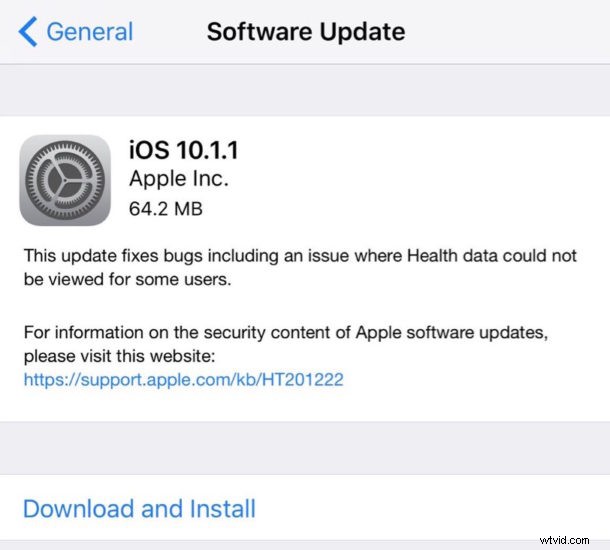
iOS 10.1.1 has been released by Apple for iPhone, iPad, and iPod touch. The small software update includes a bug fix for Health data not showing up for some users, but it’s possible the update includes other small changes as well.
Updating to iOS 10.1.1
The easiest way to download iOS 10.1.1 is through the Software Update mechanism in the Settings app of iOS.
Users can also update iOS software from the iTunes app by connecting their iPhone, iPad, or iPod touch to a computer and choosing to update.
Always backup your data before installing any software update.
iOS 10.1.1 IPSW Firmware Download Links
For users interested in updating via IPSW firmware files, the links below point to the appropriate files on Apple servers:
- iPhone 7
- iPhone 7 Plus
- iPhone 6s
- iPhone 6s Plus
- iPhone 6
- iPhone 6 Plus
- iPhone 5c
- iPhone 5s
- iPhone 5
- iPhone SE
- 12.9 iPad Pro
- 9.7 iPad Pro
- iPad Air 2
- iPad Air
- iPad 4
- iPad mini 2
- iPad mini 3
- iPad mini 4
- iPod touch 6th gen