
Flip video horizontally or vertically
Or, maybe you have an artistic idea of a mirror clip that will go viral on YouTube. Whatever you want, you need free and reliable software to perform it. And we have just what you need.
Clideo is an online service with different tools for video editing. It works in all browsers and for all the device types, be it a Windows PC, a modern Mac, a latest iPhone or an Android smartphone. You just have to establish a stable Internet connection and follow our short instruction:
Upload a video
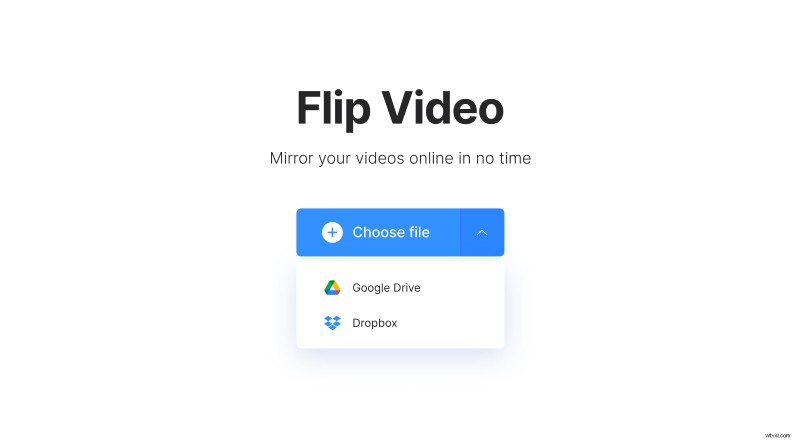
Open Clideo’s free video flipper and upload a recording you want to flip. Choose one of two options:
- Hit the “Choose file” pane and select a recording from your personal device. You may also just drag and drop files.
- Call the drop-down menu on the right side of the pane and pick up a visual from a cloud storage.
Don’t worry, our tool accepts the majority of video formats, even such rare ones as the GoPro HEVC extension.
Flip recorded video
At this step, you can mirror your video either vertically or horizontally – just click the corresponding button to the right of the player.
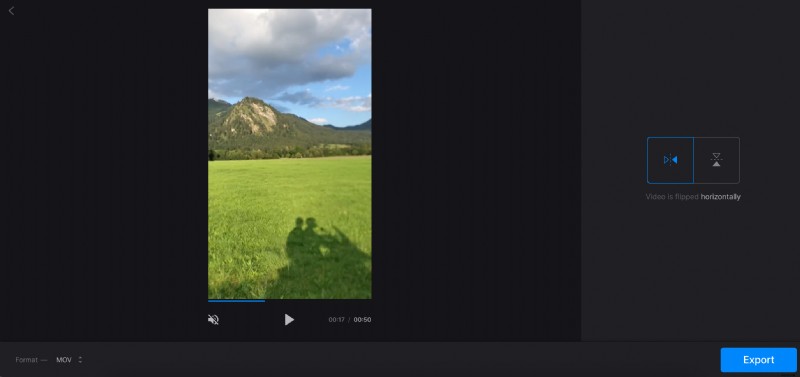
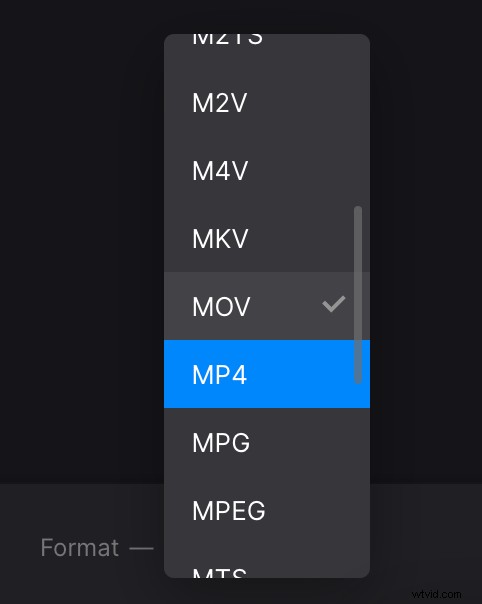
You can also use this video editor as a file convertor: just choose a new extension from the list in the bottom-left corner of the screen. If you’re going to post your projects on social media, stick to MP4 or MOV, but there are much more to choose from.
As soon as you are done, hit “Export” and give the tool a minute to do its job.
Download the result
Give your project the final run to make sure that it’s nice and neat and save it to your personal device. Another option – upload it to Google Drive or Dropbox cloud.
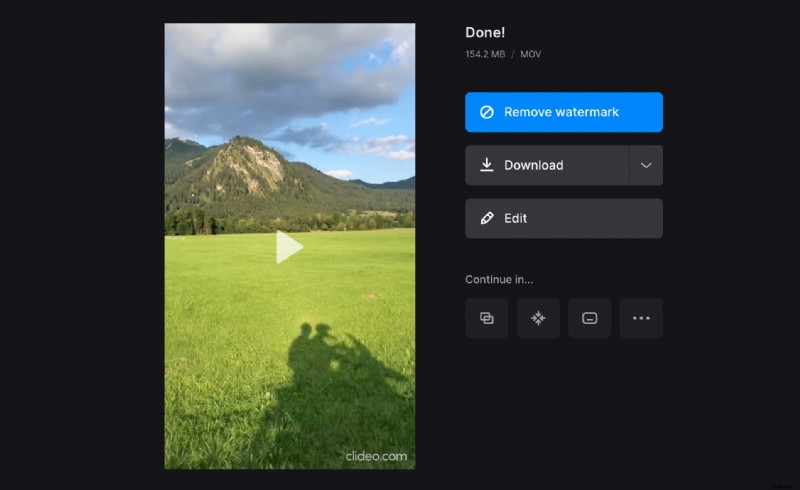
If you want to remove a watermark or continue editing your project in another Clideo tool without downloading and reuploading it, upgrade your account to Clideo Pro.