
How to make your own ringtone on iPhone
Whatever your reason, there is a fast and intuitive tool by Clideo that can help create your custom iPhone ringtone from any audio file.
You need neither special software nor specific editing skills. Our service works online in any browser on your smartphone, tablet, or computer. Moreover, all this is completely free if your file is up to 500 MB.
Let’s see step by step how you turn a song into a ringtone.
Upload your recording
Open Clideo’s Audio Cutter in your favorite browser and tap the “Choose file” button to add a file from your device. The tool accepts a lot of popular formats — not only MP3, but also OGG, WMA, WAV, and many others.
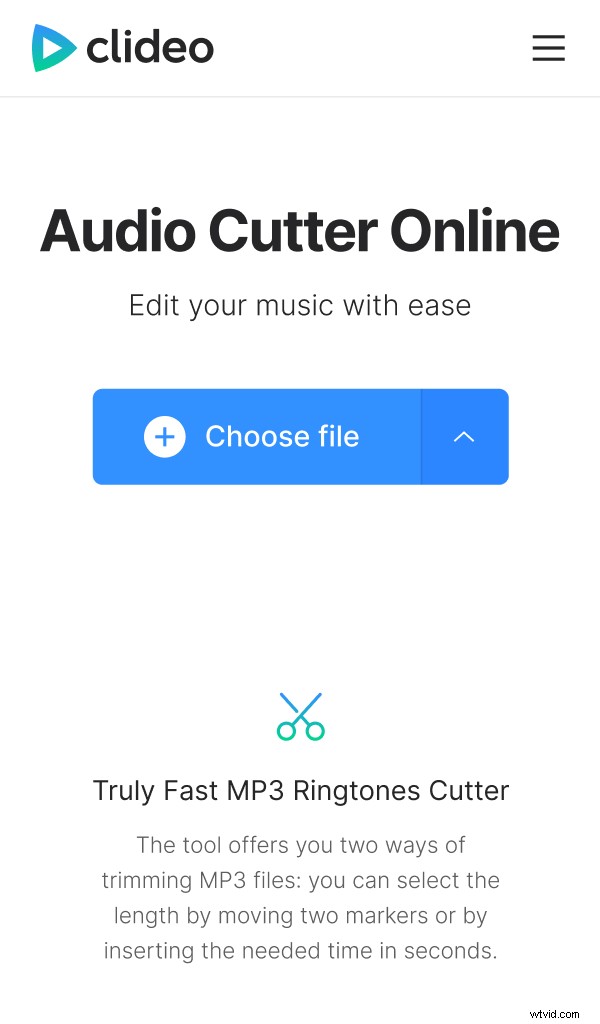
Alternatively, it is possible to use your Dropbox or Google storage account to upload your recording from over there. Just tap the drop-down button and select one of the options.
Do the cut
Once your audio is processed, you will see it as the soundtrack preview with a randomly selected part.
First, decide whether you want to extract or delete the snap. Then, drag the yellow handles to specify the start and end of your future ringtone. It is also possible to enter the exact timing manually in the “Cut from” section below.
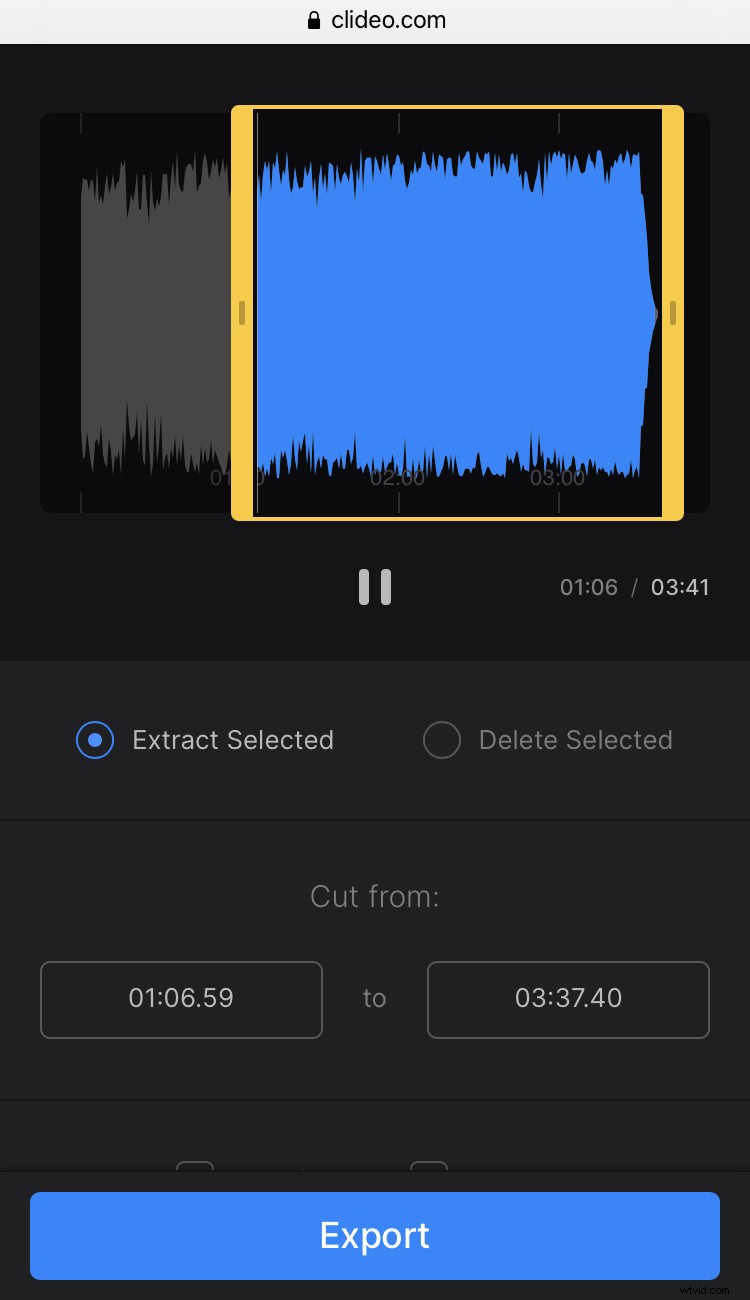
Additionally, when extracting, you can add fade in and fade out to the track, if you want the sound to rise in the beginning and fall in the end gradually. And if you delete the selected piece, then you will have an option to add a crossfade effect to get a smooth transition between the two segments left.
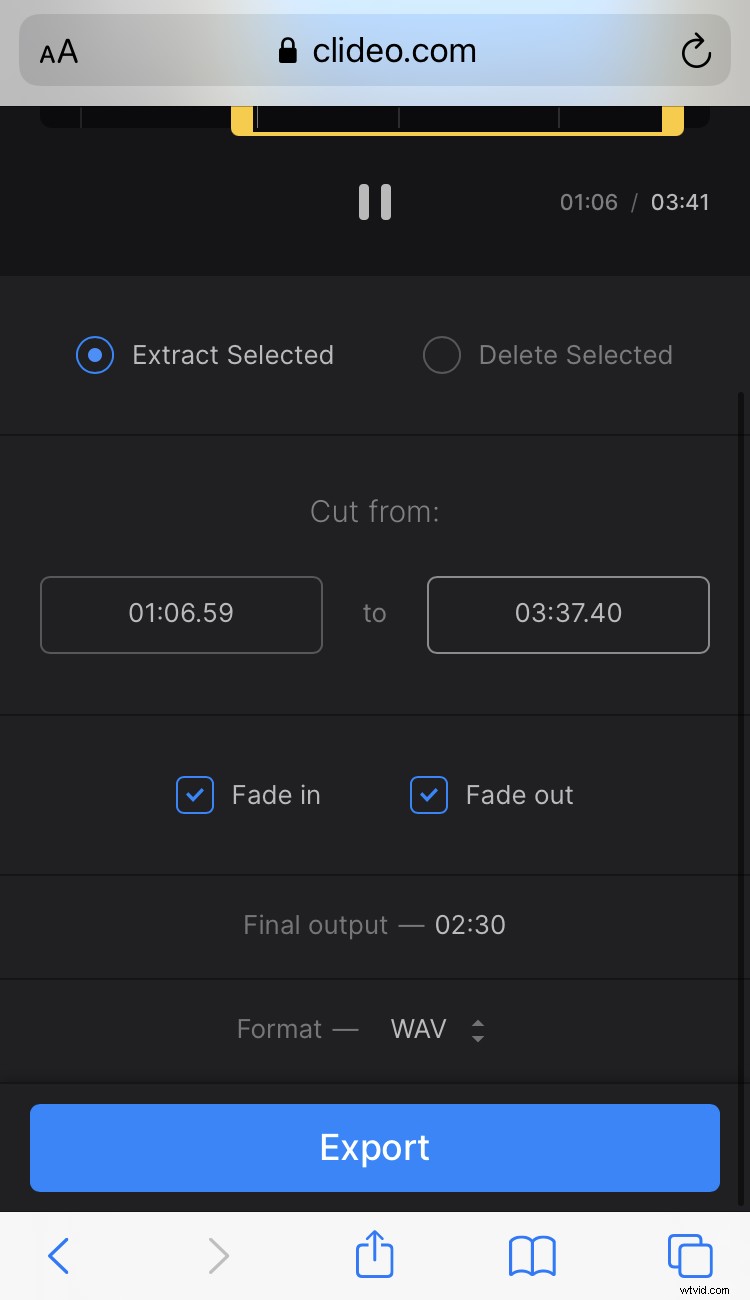
Have a look at some helpful information about the file’s duration in the bottom panel, to make sure the track is long enough. Also, in the dropdown menu over there, you can choose the record type you finally need. We have a lot of options available — AAC, FLAC, OGG, MP3, and other audio formats.
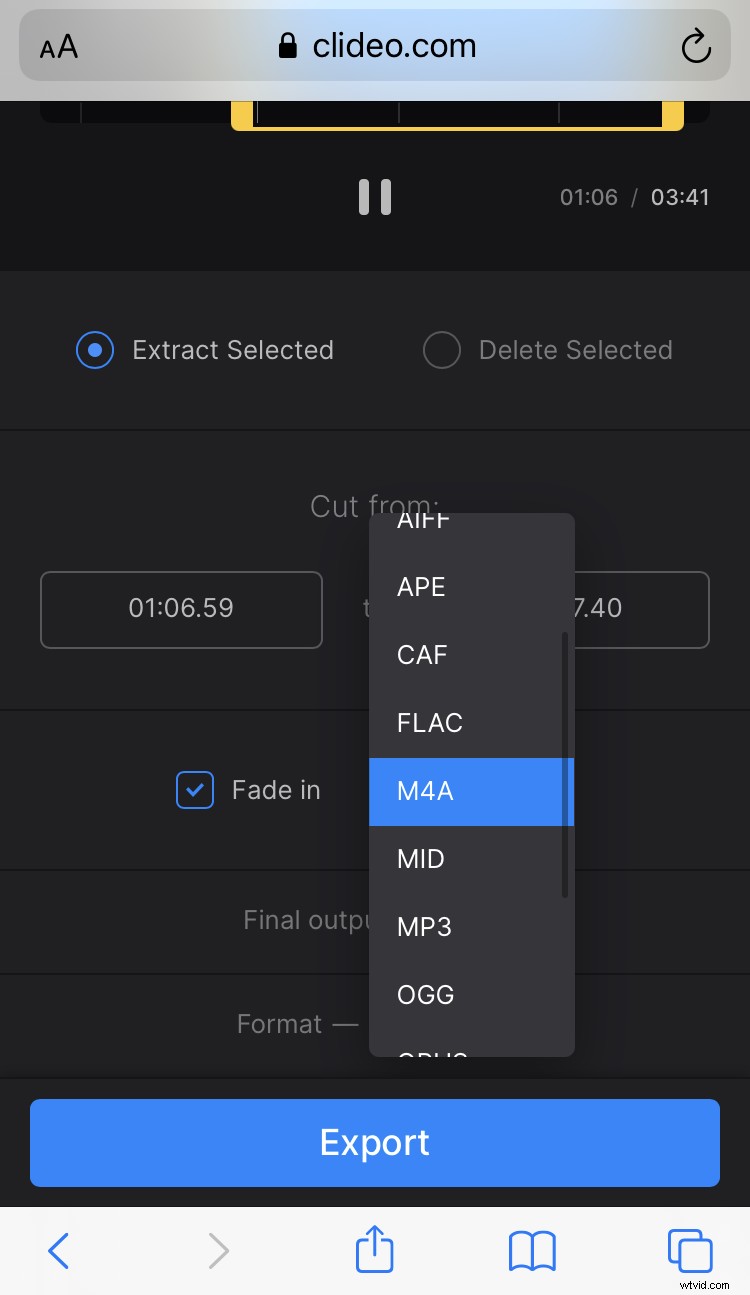
Once done, tap the “Export” button and your soundtrack will be ready in a moment.
Download your custom iPhone ringtone
Finally, listen to that very special track you created again. If you are happy with it, download the recording to the device, or tap the drop-down arrow to save it to your online storage.
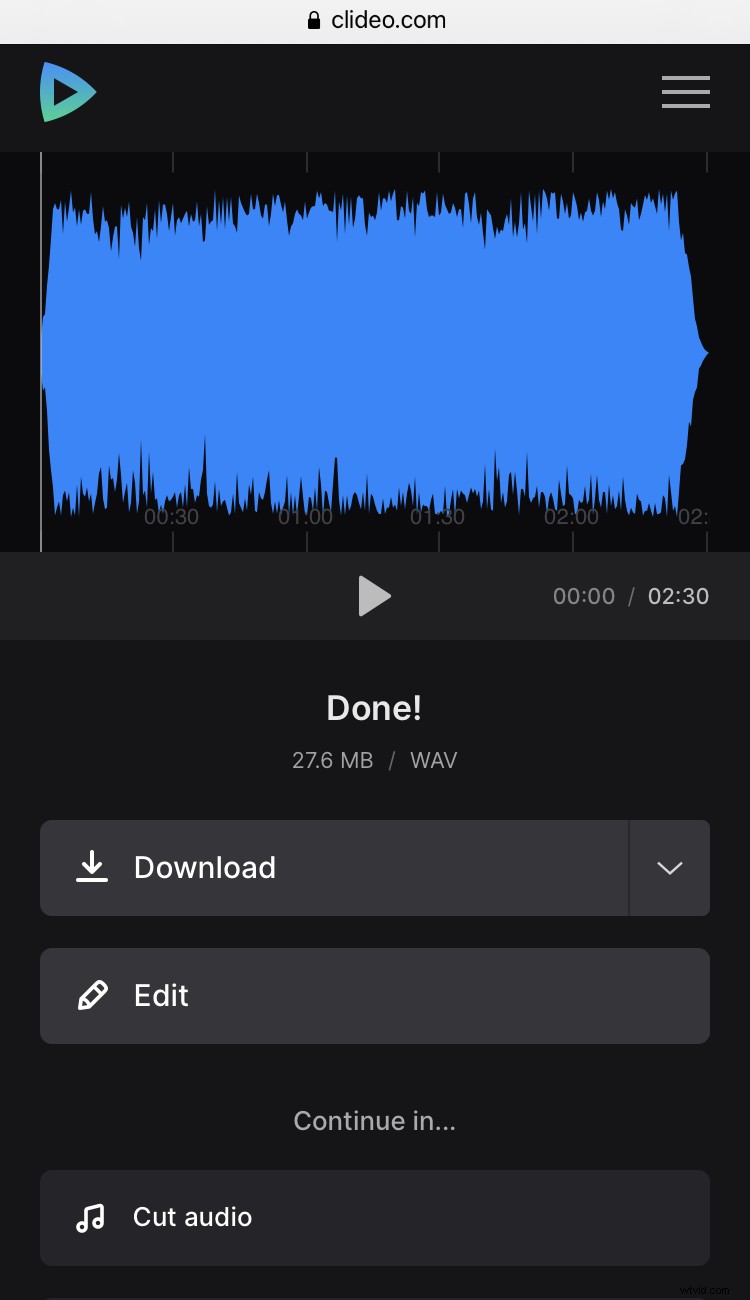
In case you want to modify something, use the “Edit” button to get back to the screen with your track, and then make the updates you need.