
How to split a video into parts and remix them
All you need is a stable Internet connection, an initial file up to 500MB (or more if you don't mind upgrading your account to Clideo Pro), and several minutes of your time.
As our service works online, it's fully compatible with most devices and operating systems. You don't have to download, install or set it up, so you can start working immediately. Just find a video you want to alter, save it to your device, Google Drive or Dropbox, and follow our simple manual. If you want to add a new soundtrack or other visuals, save them to the same folder.
Ready, steady, go!
Upload files to the tool
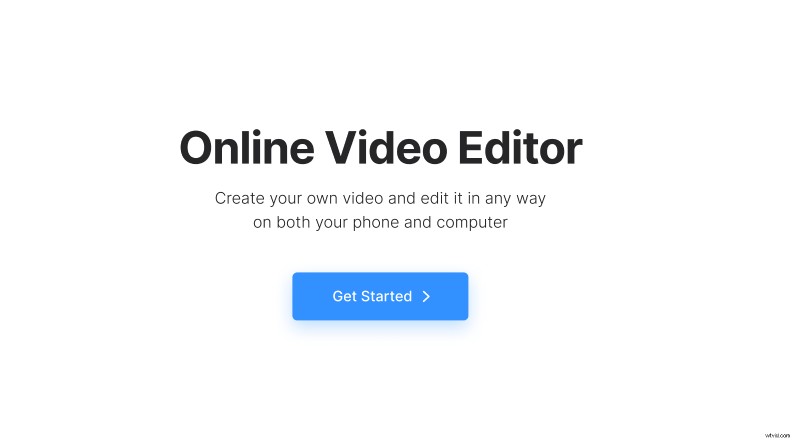
Open Clideo's Online Video Splitter (also known as an all-in-one video editor) in any browser and hit the "Get started" button.
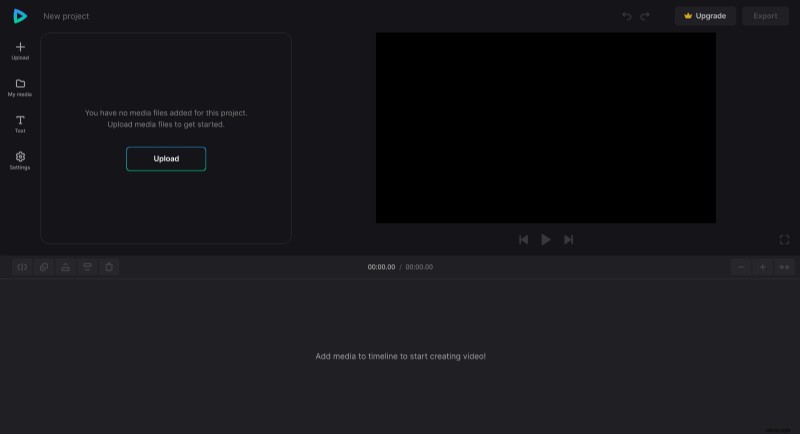
Once transferred to the editing screen, click the "Upload" pane and select the files you've previously saved.
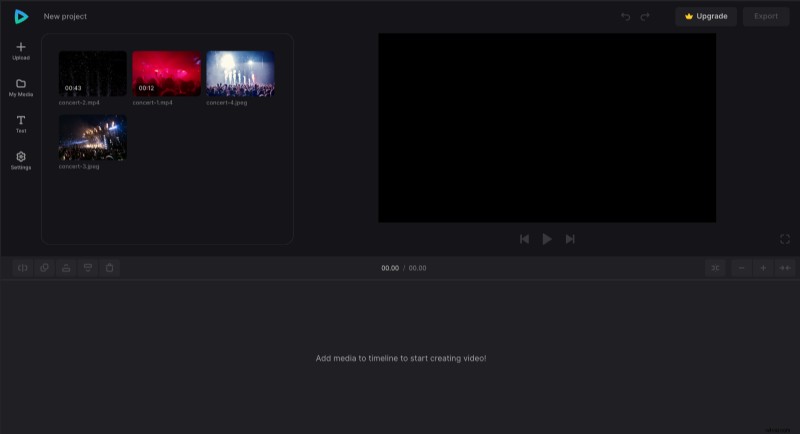
You can find the uploaded recordings in the "My Media" section. Just drag each file to the timeline or the preview pane. Now you're ready to edit them.
Perform online video split
Select a video and cut it into chunks with the help of the white playhead and the "Split" function that you can find at the top left of the timeline. Then you can delete the snippets you don't need and mix the rest.
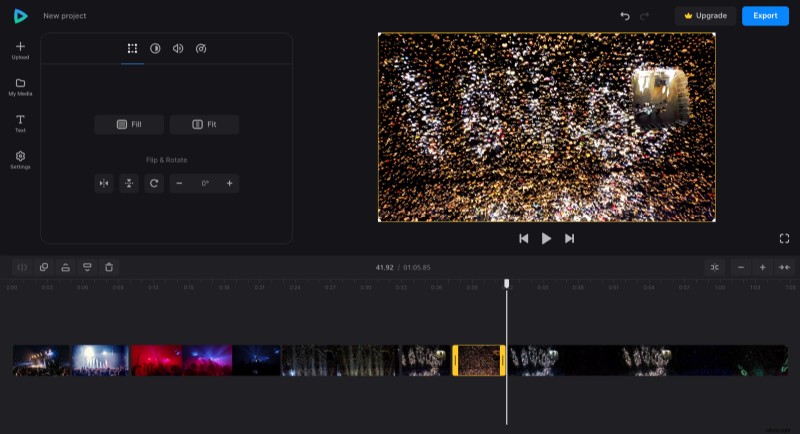
Add a new audio track and adjust its duration to match the video sequence.
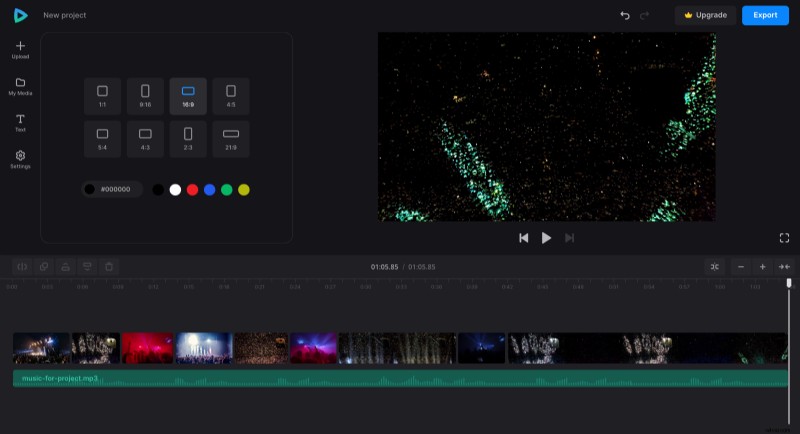
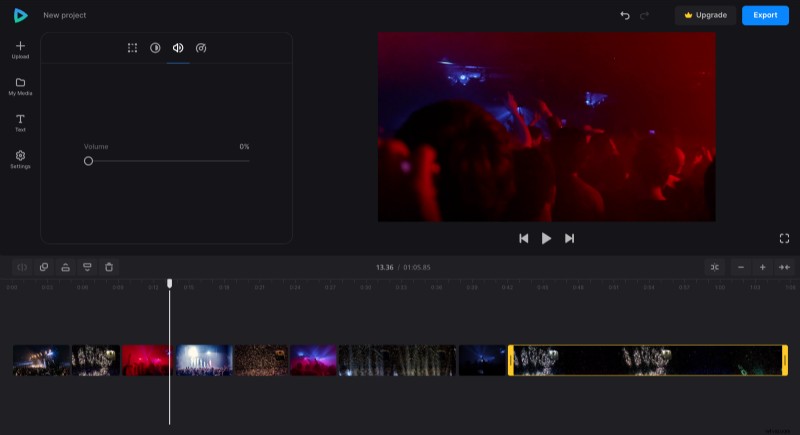
Don't forget that you can also edit each snippet, changing its orientation, speed, brightness, volume, etc.
Save the project
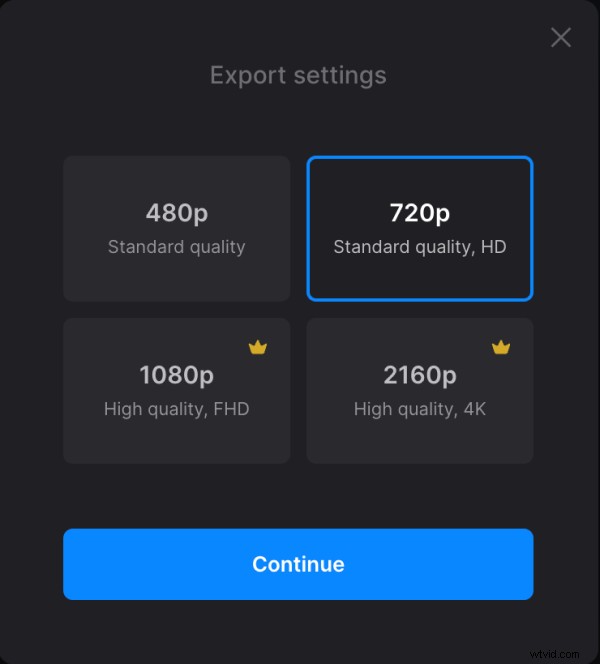
When you're done, hit the "Export" pane and choose the quality of your video. The number of available options depends on your subscription plan.
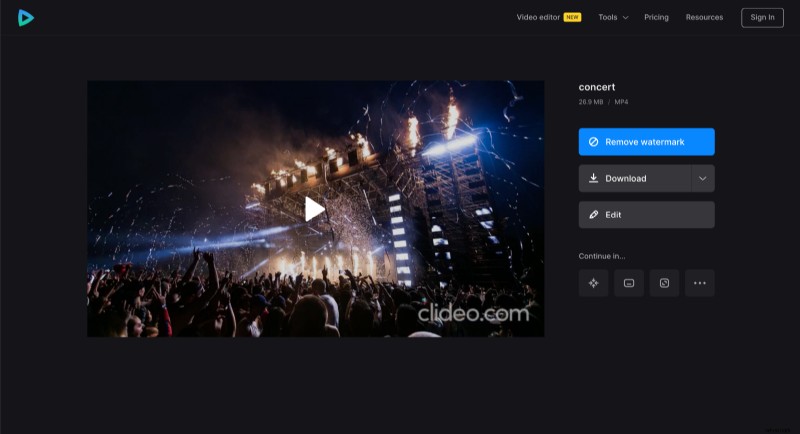
When the project is processed, you may give it a final run and decide if you need to edit it or if it is ok to save it to your device or cloud storage account.
Video Editor Help Center has many articles about this and other tool features.