
Are you running audio alone on set for your next film or video project? Here’s a simple guide to covering all your bases.
So it usually goes like this: you’ve got a crew of four or five people who are trying to record something together, and there’s only room for one person to run audio — or you can only spare one person! It can seem intimidating at first, but once you get the hang of it, it really isn’t as tough as it seems. Here’s a handy guide to follow!
Equipment You’ll Need
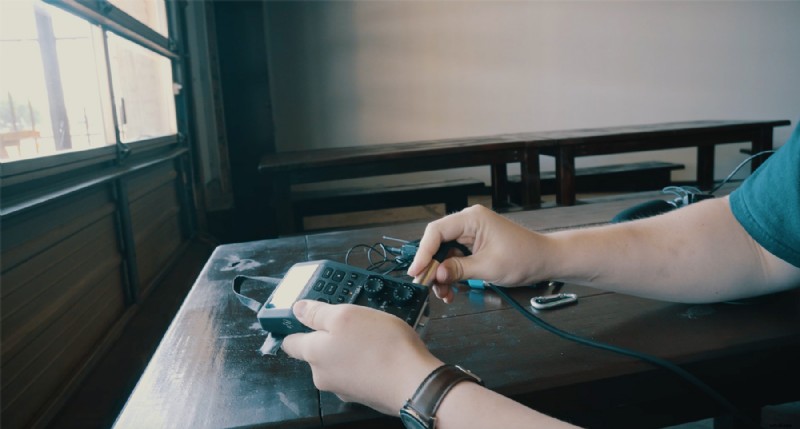
If you’re running audio solo, you’re probably on a production with a small budget and limited gear. But if you can, gather these essentials:
- Audio recorder
- Boom mic
- Lavalier mic
- Headphones
- Carabiner
Hook up your lav mic receiver and boom mic cord to the audio recorder, then connect the carabiner to the recorder so you can secure it to your belt. Boom! Now you are a walking, talking, audio-recording machine. If you have any extra wire hanging around, just wrap it in a loop and hang it around your neck. It’s really not as uncomfortable as you think.
Test Your Levels
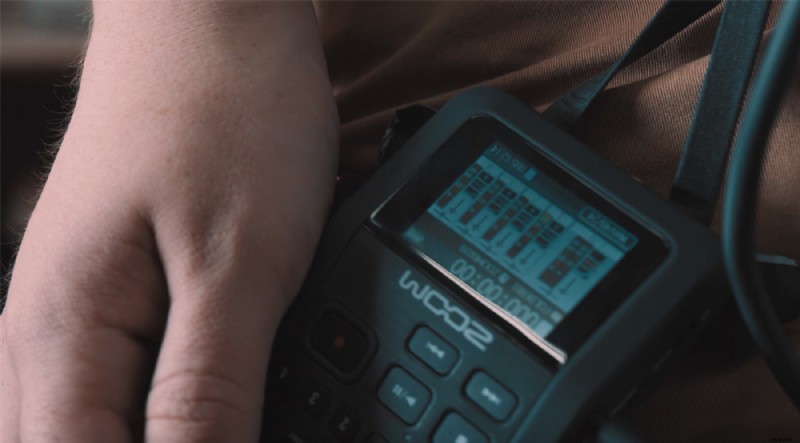
When you have your shot set up, ask your actor if they can run through their lines a few times. While they do so, adjust your audio recorder to accommodate their volume and see what general levels you’ll be working with during the take. You won’t be able to get their true levels since there will probably be background noises, but you will get a general sense of what to expect.
Run the Knobs
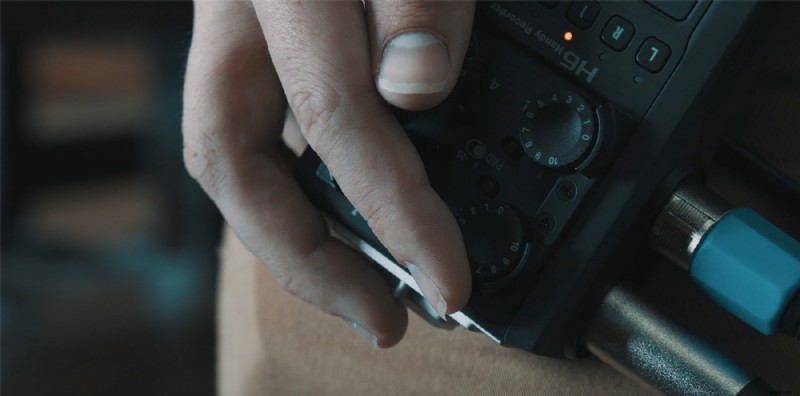
Most takes will involve fluctuating volume — your actors might be whispering at one point and screaming during another. Prepare for these situations by “running the knobs.” This means you adjust your recording levels on the fly using the knobs on your audio recorder to account for fluctuating volume. It will take a bit of practice to get the hang of it, but once you find the rhythm of a scene, it gets easier.
Getting Room Tone
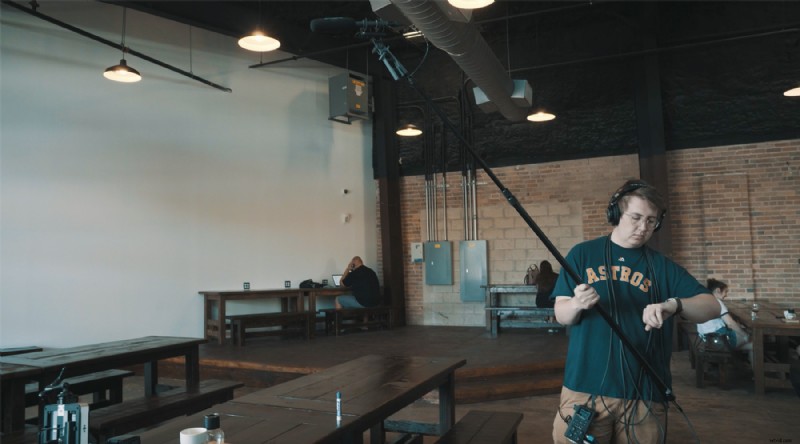
Room tone refers to the ambient sound on a set. Editors use it in post-production to seam together shots that might have differing ambient backgrounds. It’s your responsibility to record the room tone for every location. To capture room tone, call for quiet on set, and record the silence for about 20 seconds.
Understand the “Mode of Operations” on Set
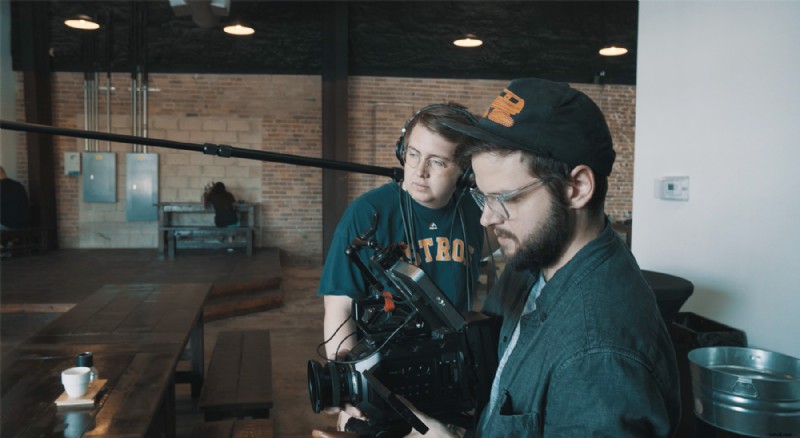
Before every take, there will be a set of commands that you’ll have to follow to record effective audio:
- Finding the frameline. The frameline is the very edge of the camera’s frame, which is where you want to place your boom mic. Get it as close to the actor as possible without being in the shot.
- Listen to your director’s commands, which will start with a “quiet on set,” followed by the DP saying “camera speeding.”
- Call “Audio Speeding.” This alerts the set that you are recording audio.
- Point the boom mic directly at the actor’s mouth. This is how you will get the clearest audio.
- Take notes. Bring a notepad with you to write down which takes you think were good and which were bad. It helps the editors more than you might think.
Looking for more film and video production tutorials? Check these out.
- Production Tips for Lighting Your Next Interview Shoot
- 9 Essential Cuts Every Video Editor Needs to Know
- Video Tutorial: 4 Ways to Hide a Lavalier Mic on Set
- Three Cheap Ways to Diffuse Light on Your Next Shoot
- Video Tutorial: What are C-Stands, and How Do You Use Them?
Cover image by True Touch Lifestyle.