
Nowadays abundance of shareware can help you edit your videos for free, but most of the free trials only allows you to edit videos with limited duration or only offers limited features unless you choose to upgrade to a paid membership account.
However, if you just need some basic features such as video resizing, the following free MP4 video resizers can help you get the job done with no charge at all.
Read on to get more information.
Best Video Editor to Resize Videos
You might want to consider Wondershare Filmora if you need extra editing. It's an easy-to-use yet powerful video editing tool. With just a few clicks, you can easily stitch video clips together; add text and transtition; insert intro/credit; apply transitions; mosaic or PIP effects if desired.
Now download and try it out yourself!
Top 5 Best Free MP4 Video Resizers
- Windows Movie Maker
- iMovie
- Avidemux
- Lightworks
- VSDC Free Video Editor
1. Windows Movie Maker
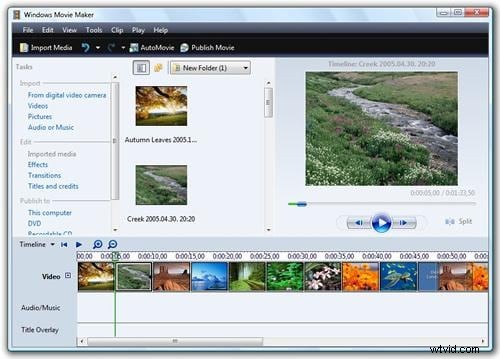
Windows Movie Maker is the first tool that we shall talk about. It is a basic video editing tool, having some excellent features to offer to the users. All sorts of basic video editing requirements, like video resizing, audio change, video clip cutting, etc. can be done with the help of this piece of tool with complete precision.
Not only MP4, but this video editing tool also supports a lot of other video file formats, including MOV, WMV, AVI, etc.
Pros:
- Easy-to-use and produces nice looking results.
Cons:
- Crashes quite often;
- Can't save huge movies you've edited;
- Not available anymore as a part of Windows OS.
2. iMovie
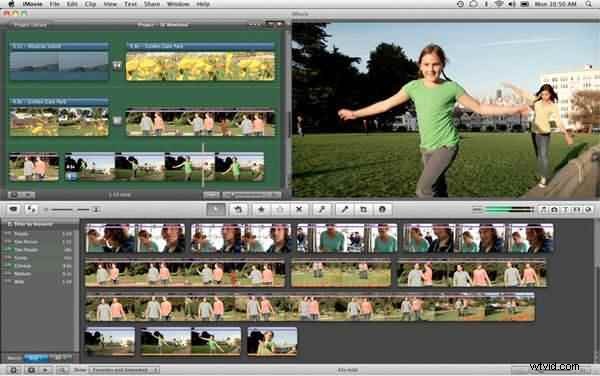
Like Windows users, Mac users are endowed with iMovie video editing tool, which can be used as an excellent MP4 cutter or resizer tool. iMovie comes with a lot of advanced options, yet it is considered as a basic level video editing software.
For Mac OS users, it is completely free and in comparison to its Windows version counterpart, this tool has plenty of newer features to offer.
Pros:
- You're able to choose a theme;
- Audio editing option is more improved.
Cons:
- Don't have any options for native AVCHD editing;
- There're so many features that can be overwhelming.
3. Avidemux
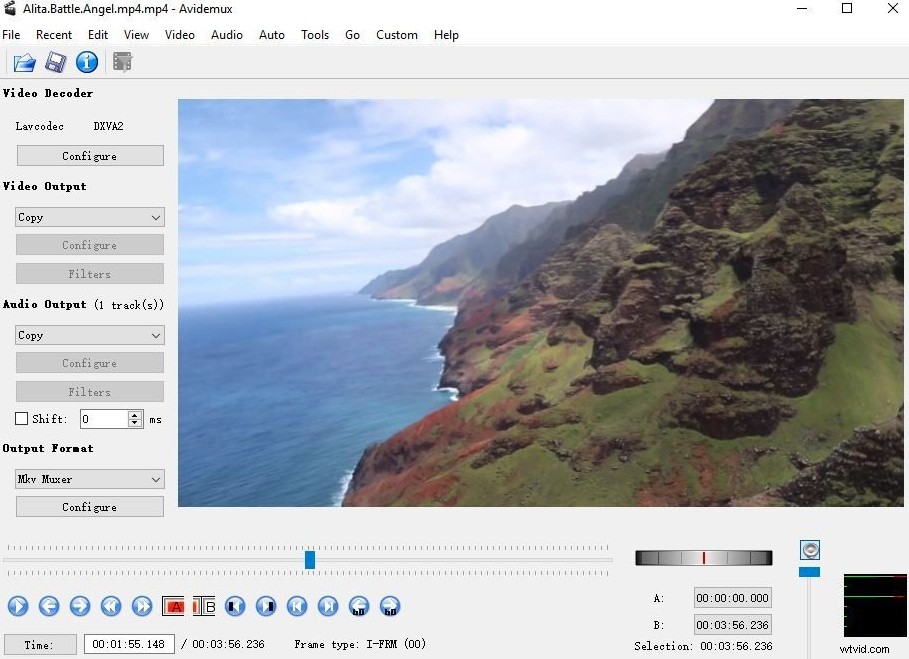
It is basically an open-source free video editing tool, offers a lot of options to the users. This tool is easy to operate or quite user-friendly. Not only MP4 video resize but a lot of other fun activities can be done with the help of this tool.
Pros:
- Lightweight and fairly simple;
- Handles several different formats.
Cons:
- Outdated interface;
- May drop frames in certain formats;
- Can be complicated for beginning users.
4. Lightworks
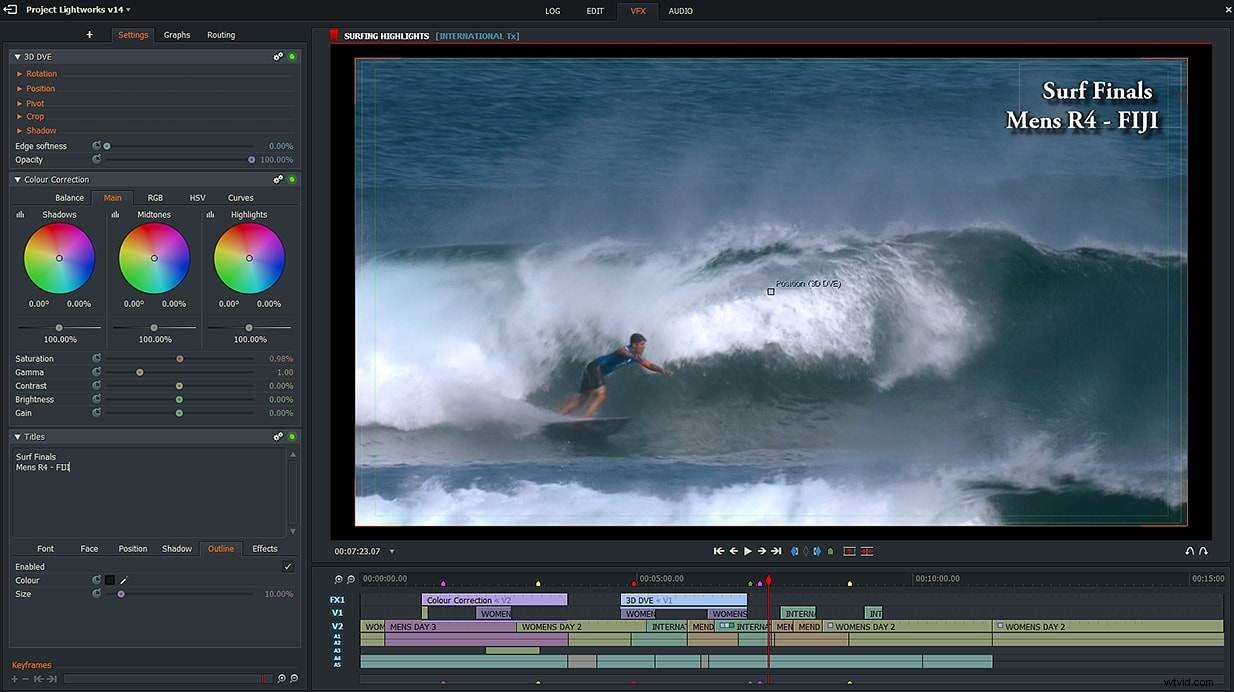
Lightworks is an advanced video editing tool, which can be used for professional video editing purposes also. If you have a HD quality video or 1080p video resolution, then this is the most suitable software to be used.
Pros:
- Customizable screens;
- Amount of video editing options;
- High video quality.
Cons:
- It crashes occasionally;
- Has to pay for more functions;
- Takes long time for beginners to master.
5. VSDC Free Video Editor
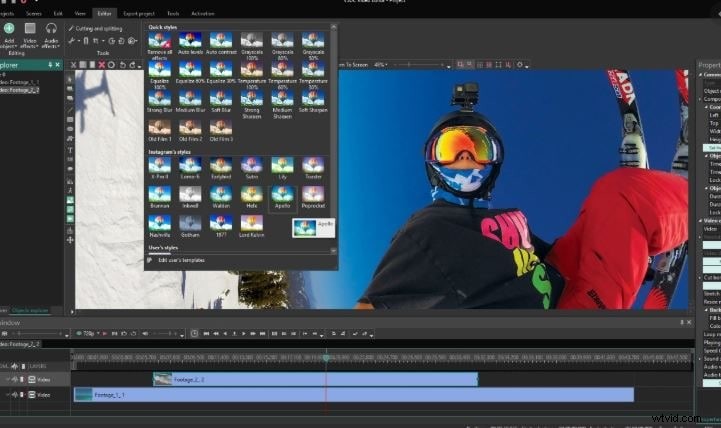
This is yet another free video editing tool from Windows. However, it is considered as an advanced video editor than Windows Movie Maker. High quality or HD quality videos can easily be cropped, resized or edited through the effective use of this tool.
Pros:
- Provides various useful filters;
- Different output options.
Cons:
- Computer resources (CPU and RAM) are required at a high level.