
Video joiner provides ultimate solution of merging two or more video clips in a same file. The considerable attribute of the video joiner is that it merges or joins the video clips of both same file and different file format in no time. Exploring the high quality WMV video joiner is quite a challenging task; but here is the solution of your all questions; some of the reliable and durable free WMV video joiners are given below:
- MediaJoin
- Easy Video Joiner
- Kate’s Video Joiner
- Free Video Joiner
- Format Factory
- Recommended: Wondershare Filmora (originally Wondershare Video Editor)
Top 5 Best Free WMV Video Joiners
MediaJoin
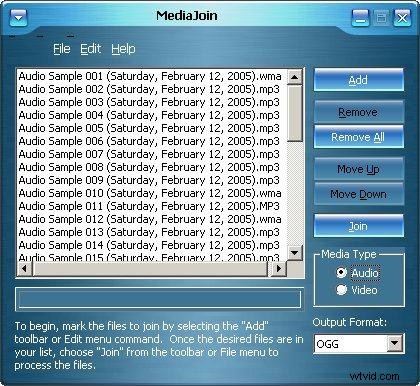
Media join the user friendly and freeware joiner that supports multiple video formats such as WAV, WMV, MPEG, MP3 and OGG. It offers you the simple process to follow in order to join the small segments into single video format; you just need to select the input file and the output file format from the drop down menu, the operation of arranging the video clips into sequence and then merge them into a single video file are performed by Media join.
Pros:
- Offers a range of video and audio settings;
- Enables the user to specify compression codecs for audio and video profiles.
Cons:
- Supported by limited versions of windows.
Easy Video Joiner
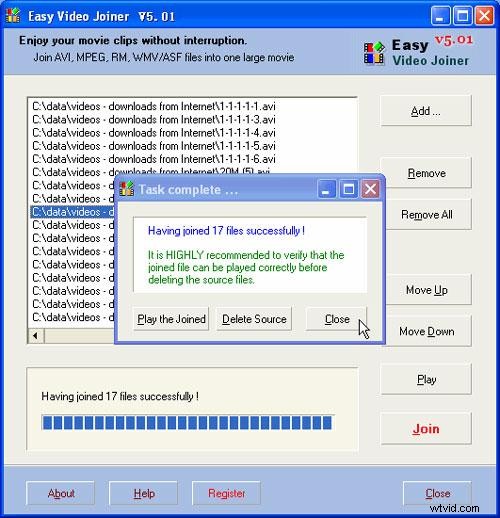
Easy video joiner provides the ways to join various videos of MPEG, AVI, WMV and ASF files into a single movie file. Using this video joining software, the user can easily merger unlimited number of videos as it can quickly rearrange the order of videos if required before joining the selected video clips. The user can develop and enjoy good quality movie without any interruption.
Pros:
- Supports both audio and video files;
- Easy to use and offers fast response;
- Supports real media and windows media files.
Cons:
- Needs to be more optimized and stable.
Kate’s Video Joiner
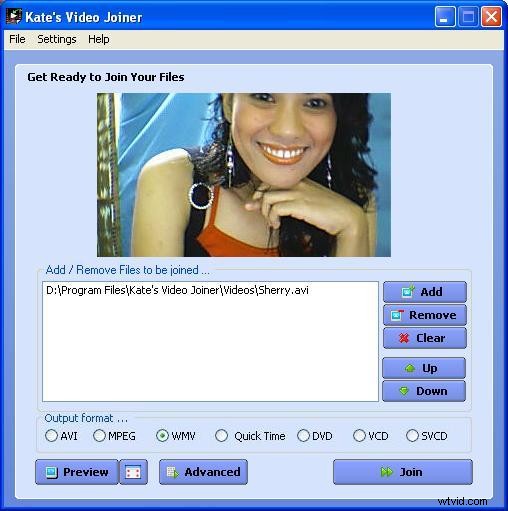
Kate’s Video Joiner is free software that lets the users join multiple video formats in a convenient way. Its user friendly interface has forced the users to get benefit of numbers of features in order to combine different video clips through innovative and creative approaches.
Pros:
- Supports different video formats;
- Easy-to-use.
Cons:
- May need you to do email registration.
- Limited compatibility.
Free Video Joiner
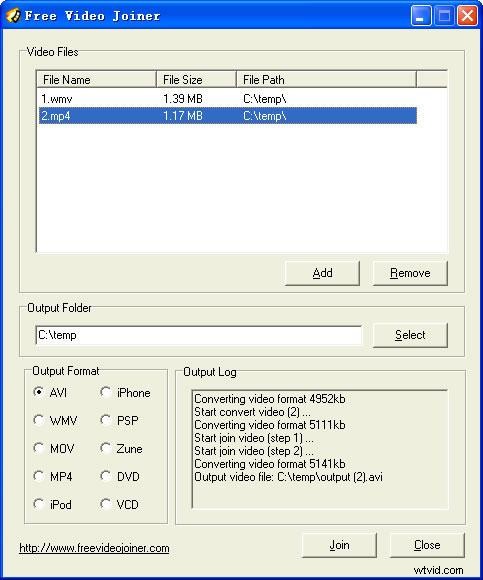
Free video joiner enables the users to select the input video files to be arranged and joined into a large video file. It supports several different formats like MOV, AVI, WMV, MPEG, DVD, VCD and MP4. It has a simple interface that displays an add button, which allows the users to add as many video clips he wants to; furthermore, it ensures no data loss and provides high quality output file.
Pros:
- Numbers of videos can be joined together through a simple defined process;
- Supports multiple video formats;
- Provides high quality results.
Cons:
- No media player support.
Format Factory
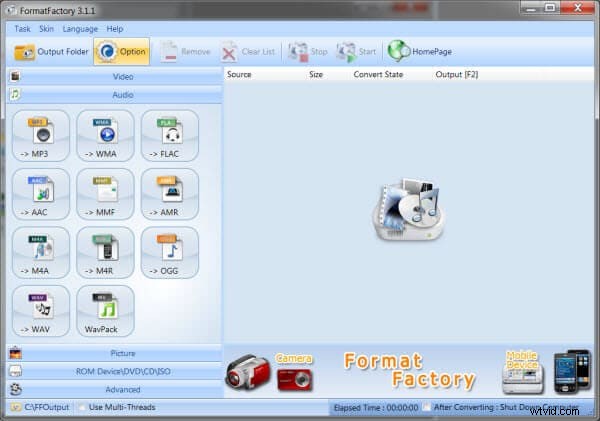
Format factory is one of the valuable video editing software programs that enable the users to mix several different video and audio streams in an efficient manner. Supporting multiple video formats, this software is used to merge the video files and audio files. It comes with a variety of features that allows the users to enjoy their favorite videos by mixing them altogether; the user can also apply numbers of audio and video settings o make the merged video worth-seen.
Pros:
- Performs multiple functions like video extracting, video joining and video cropping;
- Supports video, audio and picture format;
- Allows video editing before the file conversion.
Cons:
- Includes add-ware.
Recommended: Wondershare Filmora (originally Wondershare Video Editor)
Wondershare Filmora (originally Wondershare Video Editor) is a professional yet easy-to-use video editor. It supports a wide range of video formats including WMV, MP4, FLV, MOV, AVI and more. Just place the video clips on the timeline and hit "Create"; you can join different videos together with just a few clicks. To add more personal touch to your videos, you can also apply transitions and other effects.