
With more people using their mobile devices as video cameras, one of the bigger issues is not noticing the proper orientation of the video. So, when the final recording is completed the video itself become completely inverted.
Fortunately, there are a number of simple, free tools that you can easily correct the orientation and bring it back to where you want.
- FilmoraGo for iOS
- iMovie
- Video Rotator
- Free Video Flip and Rotate
- Freemake Video Converter
- Recommended: Wondershare Filmora (originally Wondershare Video Editor)
#1. FilmoraGo for iOS
FilmoraGo for iOS is a free video editing app running on iOS system. It is one of the best free iPhone video editors you can find on the market. Primarily, this is a full featured editing program that allows you to cut/trim videos, merge videos, add video effects/sound effects to your videos, add background music etc easily and quickly. However, it can also rotate video clips 90 degrees either clockwise or counter-clockwise.

#2. iMovie
One of the most successful of the video rotating programs, iMovie lets you pull in different video clips, edit, rotate and create what you want simply and easily for your iPhone and other Apple devices. This is a complete system that will have you taking all types of videos to create full length films and even trailers as well.
Pros:
- Complete editing system;
- Intuitive controls;
- Lots of effects, titles and features.
Cons:
- Somewhat complicated.
#3. Video Rotator
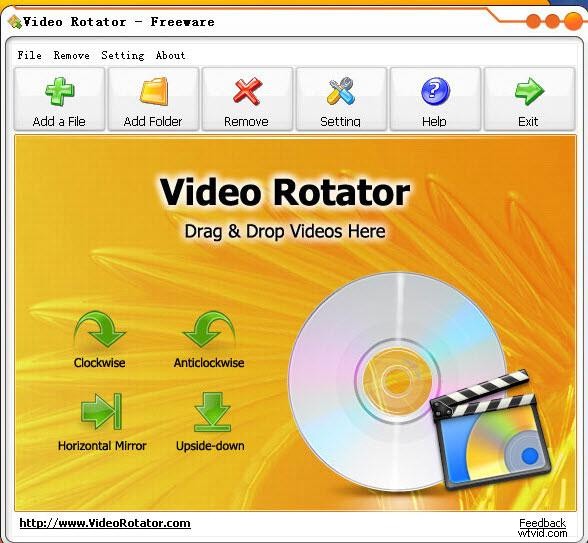
As the name implies, you can rotate video with this free software program. It can handle a number of popular formats and let you turn videos 90 degrees either clockwise or counter-clockwise. In addition, the controls are simple and easy to follow, allowing you to make quick changes when needed. In fact, just a click of the button will let you turn a video instantly.
Pros:
- Supports various video formats;
- Straightforward and easy-to-use;
- Quick, One-touch rotation.
Cons:
- Crashed occasionally;
- Few editing controls.
#4. Free Video Flip and Rotate
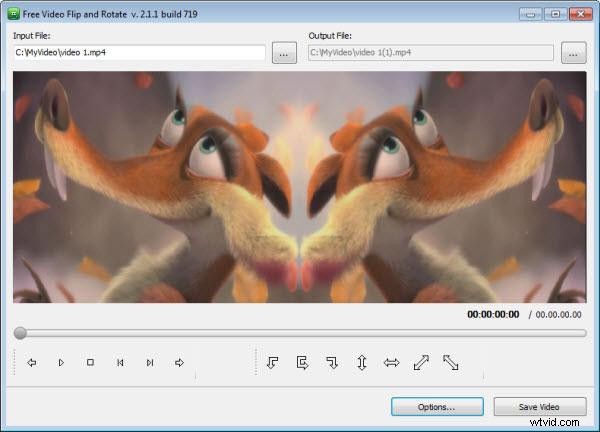
As the name implies, this is a fairly straightforward tool to flip and rotate the video into pre-determined positions. You can choose 90 and 180 in a clockwise or counter-clockwise fashion. Plus, you can flip the video horizontally as well.
Pros:
- Easy to Use;
- A number of presets;
- Intuitive design.
Cons:
- Cannot create presets;
- AVI output only.
#5. Freemake Video Converter
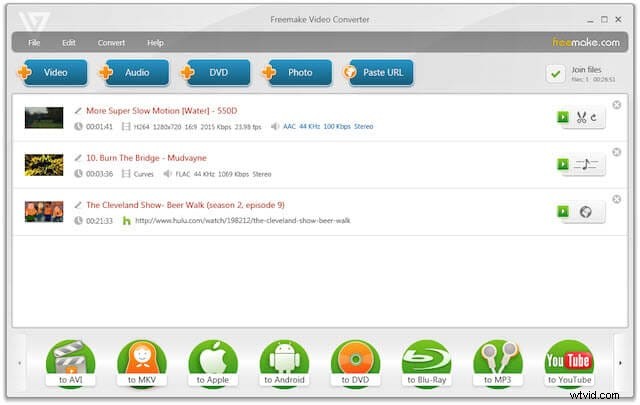
This free and complete version supports over 250 video formats from MP4 to FLV, DVD and more. You also get a basic video editor as well that allows you to easily flip and rotate videos on your iPhone. With the Freemake, you can go 90 to 180 degrees clockwise or 90 degrees counter-clockwise.
Pros:
- Easy & intuitive to Use;
- Simple features;
- Impressive number of video formats.
Cons:
- Limited editing abilities;
- Few Extra Features.
If you want to know more about the best video editor for you iOS device, you can check more in Top 10 Best Video Editors for iPad, iPhone.
Recommended: Wondershare Filmora
If you want a more professional video editor and edit your video clips on the computer, Wondershare Video Editor is a great choice. With just some clicks, you are not only able to rotate your videos 90 degrees clockwise or anticlockwise, but also spin them vertically and horizontally. After rotating, you may need to crop your video clips accordingly. Check How to Crop Videos to Full Screen now. Watch the video below to check how to rotate your video in Filmora.
Learn detailed information about how to rotate/flip a video quickly and easily
With Filmora, you can do more editing other than rotating. You can add filters, effects, and titles etc to make your video more fantastic. What's more, there are 300+ effects and themes available, and more in the Effects Store. It is now available both in Mac and Windows, so let's check what Filmora can do now.