Video cutting is an important element of video edition. The good news is that there are a number of free applications that you can use for this function. Here is a list of top 5 Free video cutters for you.
- Media.io Divx Cutter Online
- Avidemux
- Free Video Cutter
- Video Edit Master
- Cute Video Cutter
- VSDC Video Editor
- Recommended: Wondershare Filmora (originally Wondershare Video Editor)
Media.io Divx Cutter Online
Let’s begin with the most straightforward and most accessible of all free Divx cutters on this list – Media.io. It’s fast, simple, and works smoothly on all platforms, including iPhone and Android. Here, you can add DivX to the editing timeline before trimming, cutting, splitting, and splicing with precision. After trimming, you can choose a video aspect ratio for any social media platform before exporting your DivX video to 1080p MP4. Remember, Media.io doesn’t add watermarks to videos.
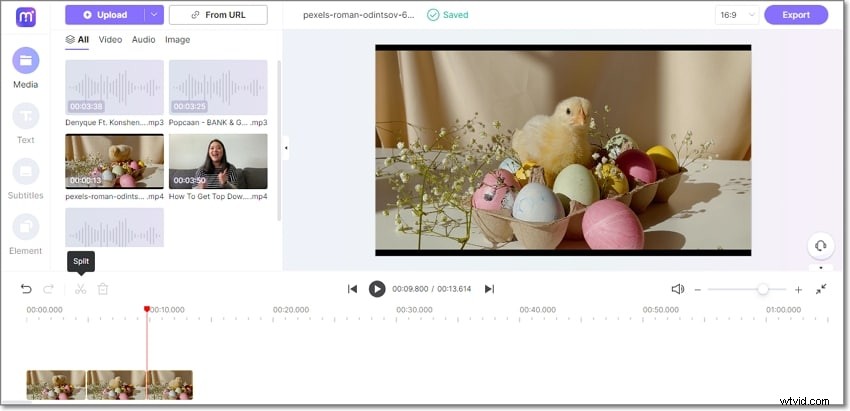

Pros:
- Fast and straightforward to use.
- Trim, split, splice, cut, and crop videos.
- Free 1080p downloads with no watermark.
Cons:
- Only MP4 video outputs.
Avidemux
Avidemux is a free video cutting and joining software. It supports formats such as 3GP, Ogg Vorbis , Xvid, VP3, Huffyuv, WMV2, H263, MSMP4V2, SVQ3, RAW and more. It is simple to use. To cut a video file, just mark the starting and ending points. Then this software can easily cut the files into pieces.
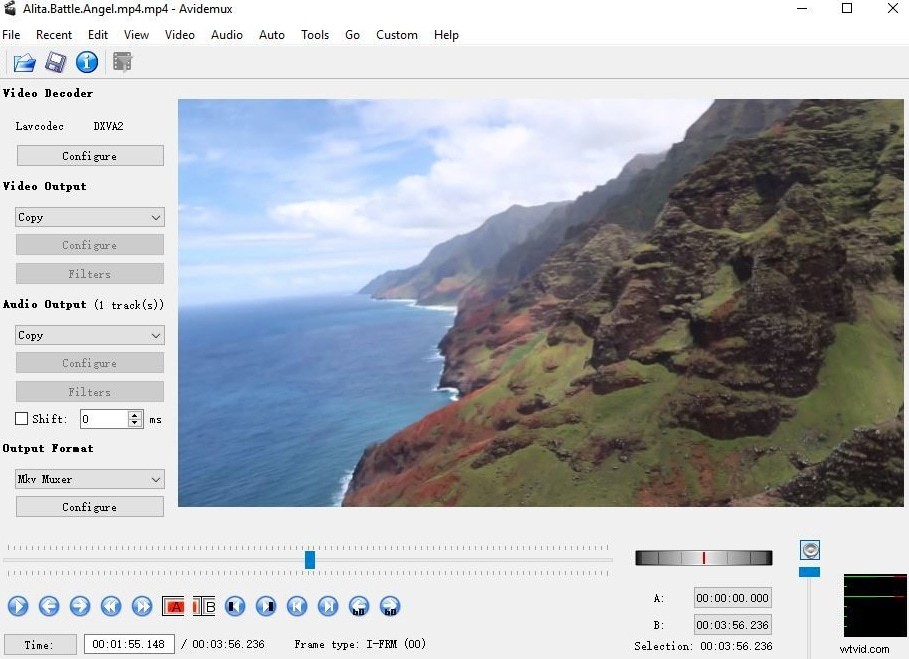
Pros:
- Easily-to-use interface;
- Useful presets for common output tasks.
Cons:
- The performance is not very satisfactory.
Free Video Cutter
This software enables you to cut off part of a video and proceed to save it in the same or a different format. It offers a main window to see the options available for you and the video files. You can use it on various formats like MPEG4, WMV, MOV, MP3, FLV, Xvid, Quicktime MOV, AVI and Flash Video. All you need to do to cut the video is load it and then select the parts you want to cut and proceed to choose your output format.
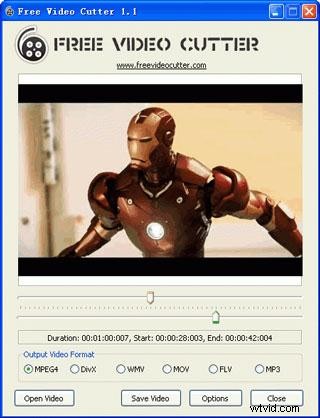
Pros:
- Lightweight and easy to use;
- Supports a wide range of formats.
Cons:
- Cannot adjust video quality with the program.
Video Edit Master
Video Edit Master is a very great free video cutter to cut and join videos easily and fast with the original video quality. The interface is well structured so that you can easily fine tune the files as necessary. However, it only supports AVI (Xvid..etc.) and MPEG video files.
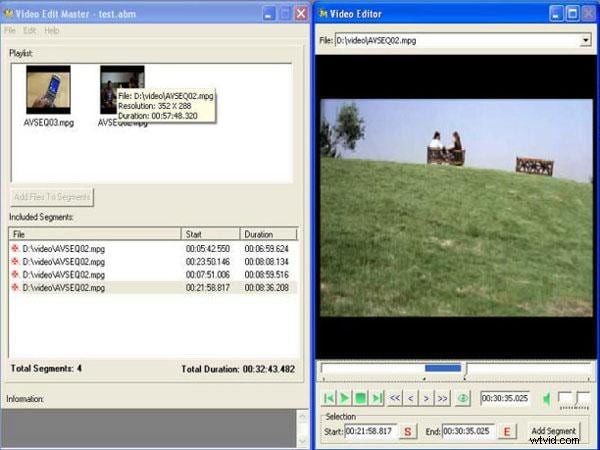
Pros:
- An easy-to-use interface.
Cons:
- It crashes sometimes;
- Only support AVI and MPEG video files.
Cute Video Cutter
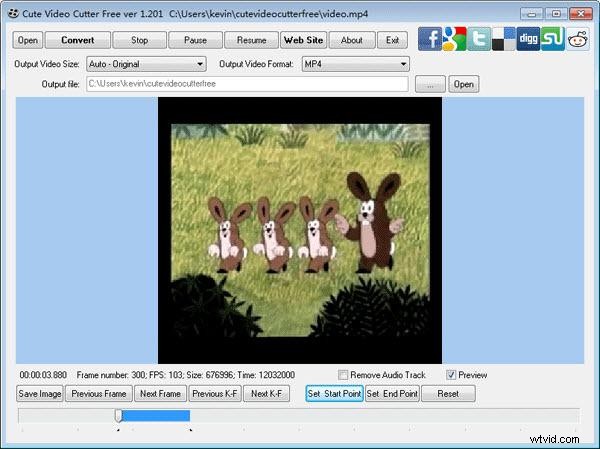
This is a program that can help you remove unwanted parts from a video. With the slider, you can easily select the parts to cut. Supports formats like MPEG-1/2, WMV, AVI, FLV, MP4, DVD/VCD/SVCD, iPhone, AVI, Xvid, Apple TV, MOV and so much more indeed.
Pros:
- No need to search for an install any other codec;
- Easy user interface.
Cons:
- No audio cues.
VSDC Free Video Editor
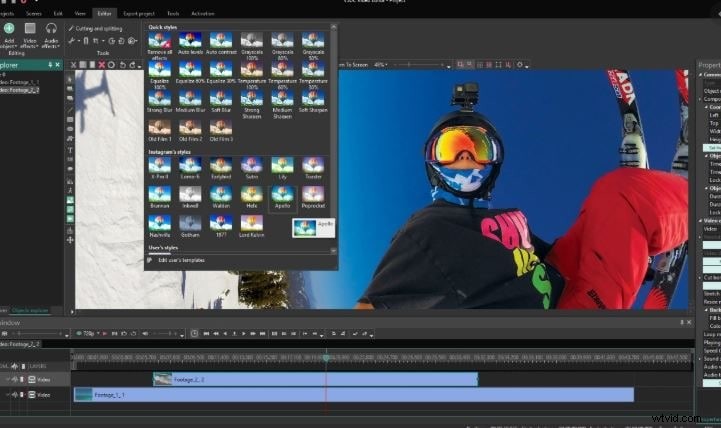
VSDC Free Video Editor supports various types of videos such as MKV, FLV, MPG, MP4, WMV, VOB, DAT, AVI, MOV, etc.. With it, cutting and splitting MKV videos can be easier.
Pros:
- Many useful options provided;
- Can also be used as a video converter.
Cons:
- Computer resources (CPU and RAM) are required at a high level.
Recommended: Wondershare Filmora (originally Wondershare Video Editor)
If you need a more professional video cutter, Wondershare Filmora (originally Wondershare Video Editor) is highly recommended. The powerful video cutting function allows you to easily cut video files into various fragments. You can also use the built-in scene detection function to cut video even more precisely.