
At whatever time you wish to cut or split your favorite frames from a movie, you need a dependable application that doesn't damage the quality of your video. Below is a list of top 5 free WMV splitters.
- Recommended: Wondershare Filmora
- Windows Movie Maker
- Movica
- HJSplit
- Video Toolbox
- Format Factory
Recommended: Wondershare Filmora (originally Wondershare Video Editor)
Wondershare Video Editor is a good video editing software program for both Windows and Mac. This application supports source video files in popular formats, such as WMV, MP4, AVI, MPEG, MOV, as well as some HD formats, such as MKV and avchd. With it, you can not only split, but also trim and cut video files. The differences between those processes are small, but it is good to have them within a single application.


Top 5 Best Free WMV Video Splitters
1. Windows Movie Maker
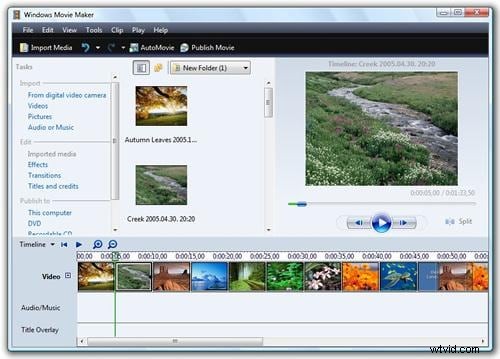
Windows Movie Maker is a free application that offers various useful video editing functions for windows users. With it, you can manually split video and audio clips into smaller clips to make your clips easier to work with. It supports various video formats like WMV, MP4, MTS, M2T .AVI. MOV and more.
Pros:
- Easy-to-use;
- Various video editing options.
Cons:
- Crashes a lot;
- Has different versions for the same product.
2. Movica
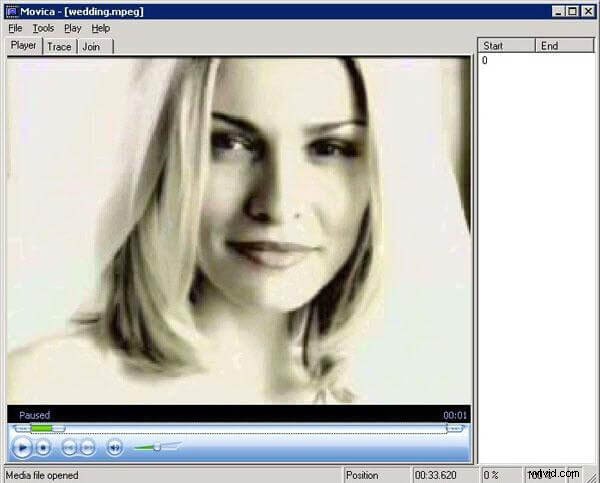
Movica is a free open source video editing tool. It supports various formats such as MPEG-1, MPEG2, WMV, MP3, AVI, OGG, WAV and WMA. Movica allows you to split files according to duration’s set, number of pieces, or by size of individual pieces, which meets different splitting requirements.
Pros:
- Keyboard shortcuts;
- Enables you to save parts of a video split to be edited.
Cons:
- Have to install Windows Media Player on your computer.
3. HJSplit
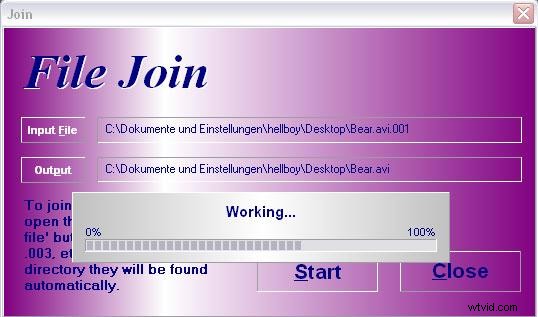
HJSplit is an application that is used to split large movie files into smaller footage in different kinds of formats. The program is available on Windows, Linux and a variety of other platforms. With it, you can easily split your files into parts at any size you want.
Pros:
- Supports several platforms;
- Has a small size of just 306KB;
- You do not have to install it.
Cons:
- The design is not very appealing.
4. Video Toolbox
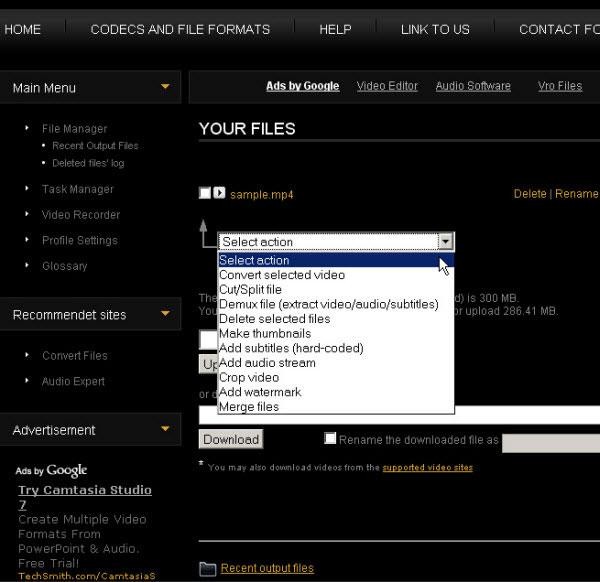
Video Toolbox is an online video editing tool which has a rich set of video tools. To use the video editing tools, you have to register (it’s free). The menu on the left lists all the functions. Cutting videos into smaller parts comes in two modes "Simple" and "Advanced". But like many online apps, Video Toolbox imposes a size restriction of 300MB for your video files.
Pros:
- Different video editing functions.
Cons:
- Restricts your file sizes to just 300MB.
5. Format Factory
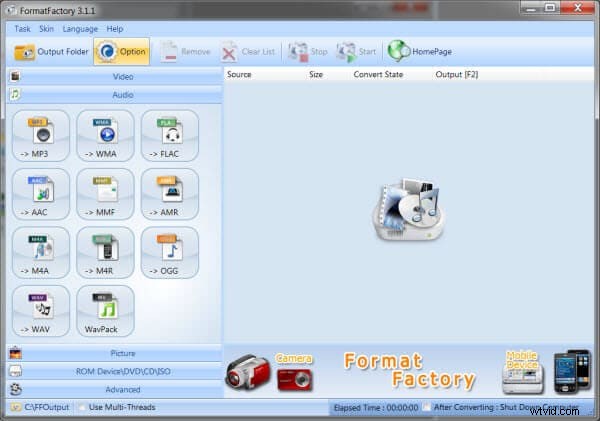
Format Factory is a not only a featured video and audio converter, but also a good video editor with subset of tools that handle file splitting. To split a video, just select your video file, set the clip range with a start time and end time and then you can start the process immediately.
Pros:
- Supports various video format.
Cons:
- Its 37.7 MB download size can be significant for some systems.