With the rise of smartphone-captured videos, you are more likely to come across videos that were filmed sideways. This can make viewing difficult. Luckily, rotating your video is a snap if you choose one of the top 5 free MOV video rotators below.
- Movie Rotator 2.0
- Video Rotator 1.0.7
- Rotate Video
- Freemake Video Converter
- Any Video Converter
- Recommended: Wondershare Filmora (originally Wondershare Video Editor)
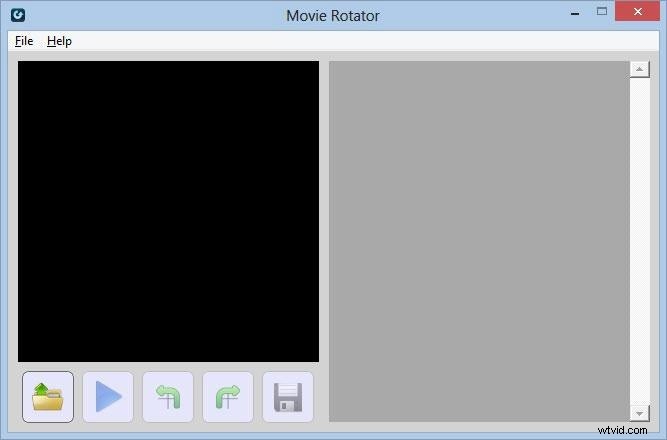
Movie Rotator 2.0
The updated version of Movie Rotator allows users to convert films and movies into portrait mode from landscape, or vice versa. It's perfect for moving MOV file formats onto your hand held devices so you can watch films there in comfort. Movie Rotator 2.0 is specifically for those that have upgraded their operating systems to Windows 7 or 8. If you are still using XP or Vista you should stick to the old version.
Pros:
- Easy-to-use.
Cons:
- Supported video formats are limited;
- Only available for Windows 7 and 8.
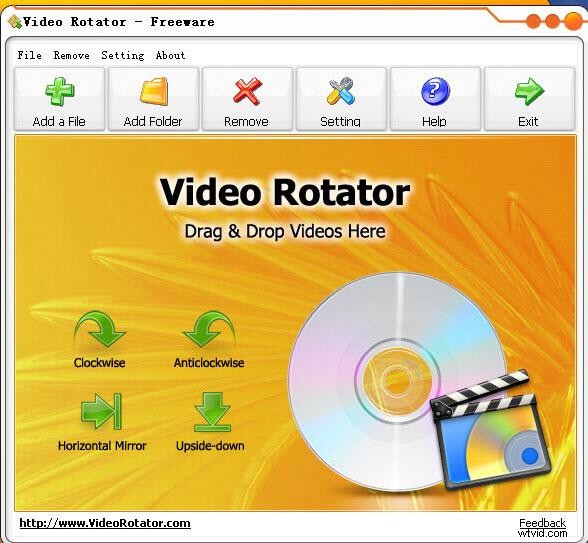
Video Rotator 1.0.7
This rotator can literally move your move upside down, at 90 degrees, or turn it into a film like you are looking at it in a mirror. It supports a whole lot more formats than Movie Rotator and can even support the iPhone, iPod Touch or iPad as well as the usual MOV, MP4 and WMV file formats. Video Rotator 1.0.7 can even supports mass flipping of videos, so if you have around 50 or more to do, it'll rotate them all.
Pros:
- Supports various video formats;
- Straightforward and easy-to-use.
Cons:
- Crashed occasionally.
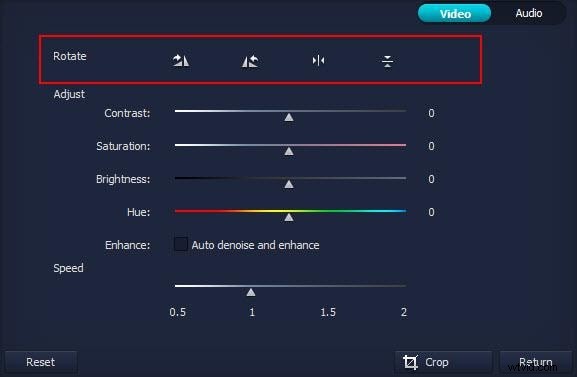
Rotate Video
What we liked about Rotate Video was the ability to rotate at just about any angle, with one simple click of your mouse. It supports all the major file formats including MPG, WMV or MP4 to name a few and it is remarkably simple to use. The only drawback we found was the 5MB limit on file size!
Pros:
- Supported various video formats;
- No need to download.
Cons:
- 5MB limit on file size.
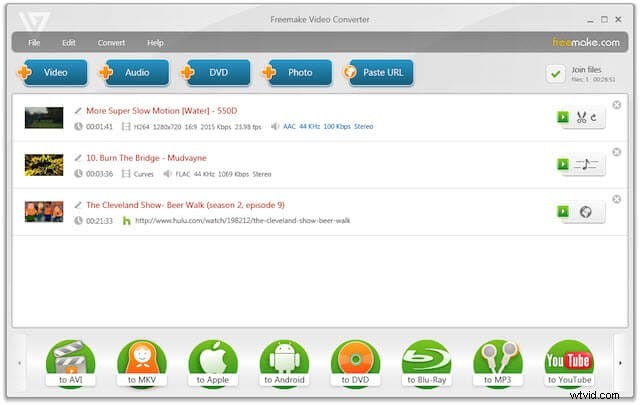
Freemake Video Converter
This is a very easy piece of software to use and enables anyone to easily change the rotation of your movies. It supports various video formats like MOV, AVI, MP4, WMV, MKV, 3GP and more. Once you get going it's easy to use, straightforward and uncomplicated.
Pros:
- Supports various video formats;
- Different video editing options;
- User-friendly interface and easy-to-use.
Cons:
- There is a charge to upgrade it to the Gold Version.
Any Video Converter
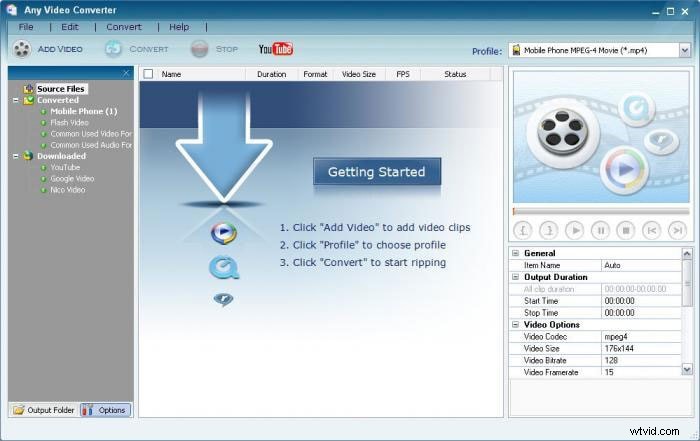
Very easy to use and a simple interface, this software does more than simply rotate your videos. It will also rotate in batches and allow you to do some smart editing like trimming, cropping, clipping as well as rotating. It's a bit of all-singing, all-dancing rotating software as it also supports a huge amount of file formats, including MOV of course.
Pros:
- Supports almost any video formats;
- Different video editing functions.
Cons:
- Can’t convert audio files.
Recommended: Wondershare Filmora (originally Wondershare Video Editor)
If need more video editing functions besides rotation, Filmora Video Editor can help. This video editing tool enables you to easily crop, rotate, split, combine videos as well as add special video effects in minutes. Download and try it out.