
Video editing today is now easier than ever thanks to a plethora of free video editing software programs available on the internet. Free VOB video editors are generally not as sophisticated as the much more expensive professional software programs that are purchased from companies such as Apple or Microsoft. But for most people who only want to perform some simple editing tasks and upload to YouTube or play for there own amusement, there are a number of excellent choices to be found online.
Want a more professional video editing tool? Wondershare Filmora is highly recommended. It provides you with all the video editing tools including trim, split, crop, etc. After editing videos, you can convert videos to different formats, upload to YouTube and Facebook or burn DVD.
Top 5 Best Free VOB Video Editors
- Jahshaka
- MPEG Streamclip
- VSDC Free Video Editor
- VideoPad Video Editor
- Freemake Video Converter
1. Jahshaka
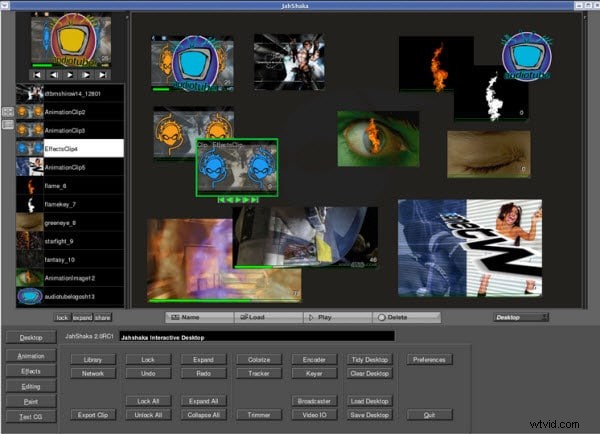
Jahshaka is an open-source video and audio editing and effects system. It works on different platforms: Windows, Linux and Mac. There are also modules for color correction, keying, and tracking, and an array of media support.
Pros:
- Various video formats supported;
- Provides professional video editing options.
Cons:
- Can be hard for beginners to learn.
2. MPEG Streamclip
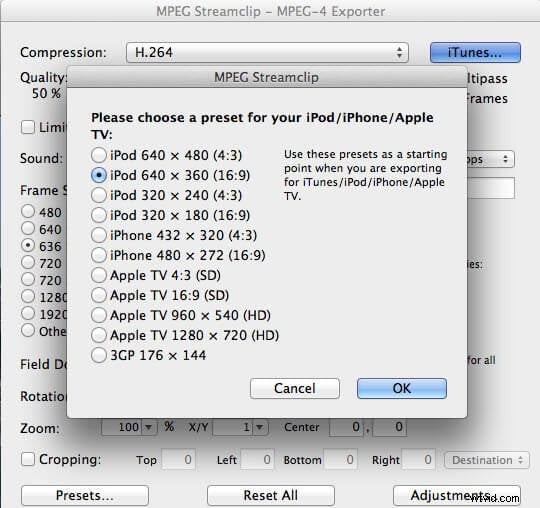
MPEG Streamclip is a free video editor for Mac and Windows. It supports various video formats like MPEG, VOB, PS, M2P, MOD, VRO, DAT, MOV and more (not just MPEG as the name might suggest). You can cut, trim and join your video files using this software. Or set IN/OUT points and convert between muxed and de-muxed files. Besides that, it lets you convert videos from one format to another and download YouTube videos when you enter the page URLs into it.
Pros:
- Support different video formats;
- Different video editing functions.
Cons:
- Has a glitched button and Window.
3.VSDC Free Video Editor
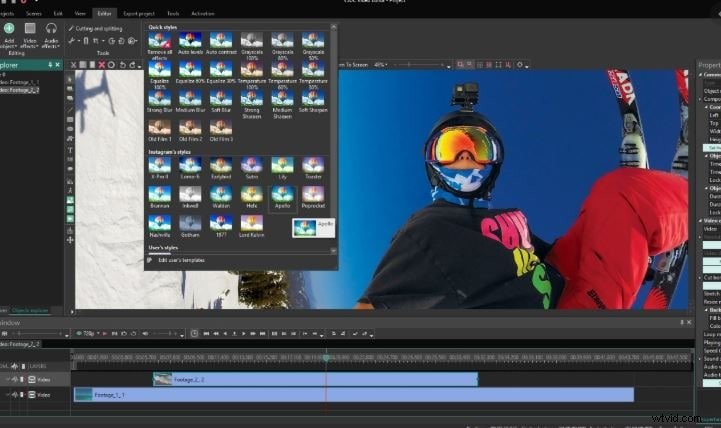
This particular software program handles a great number of different video formats. You can import from all types of sources, create a video and burn DVD copies. It has different video editing options which let you combine multiple cuts, add transitions, and render them into a complete project.
Pros:
- Many useful options provided;
- Supports various video formats.
Cons:
- Advanced and not as intuitive to learn.
4. VideoPad Video Editor
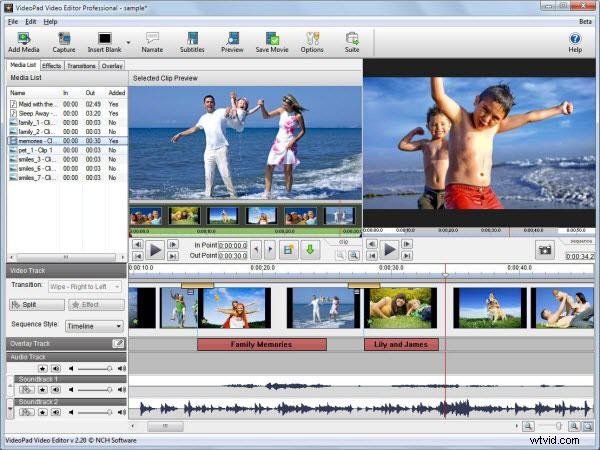
One of the simplest, but sturdiest and most reliable free VOB editing systems on the web, the VideoPad Video Editor is the perfect introduction for video editing for beginners. Featuring a complete interface, double built-in screen to preview selected clips and the final edit, you can also add still images and a blank screen as well.
Pros:
- Easy-to-use;
- Powerful video conversion ability.
Cons:
- Only provides simple video editing functions.
5. Freemake Video Converter
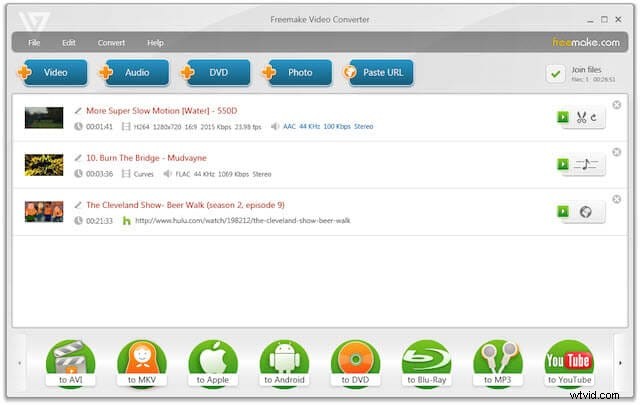
Freemake Video Converter can also be a simple video editing program that is intuitive to use and a nice selection of features. It allows you to easily drag and drop video clips, add effects, new sound and subtitles as well converting your video to different formats.
Pros:
- Easy-to-use;
- Plenty of Output Options.
Cons:
- Certain trial limitations.