
The emergence of multimedia technology and its demanding features have made the user think about the best video cutters based on the MOV video format. Finding the amazing video cutter is quite a challenging task and one can attain such a remarkable challenge by just availing some of the free MOV video cutters. However, there are numbers of video cutters used by thousands of people every day and it is quite difficult to narrow down the list of MOV video cutters into the only top 5 video cutters; but some of them are given below:
If you need a more professional MOV video cutter, Wondershare Filmora is highly recommended. The powerful video cutting function allows you to easily cut video files into various fragments. Besides that, the built-in scene detection function can easily cut video even more precisely.
If you want to have an online solution, Filmora video trimmer is a free online tool that can help you trim video instantly. You can upload your video from computer and video link with drag-and-drop. It is easy to use with the slider or just input specific start and end times for precise trim. It also supports various importing and exporting video format, including .mp4, .mov, .wemb, .mpeg, .flv. More importantly, the exported video is free of watermark. It is definitely worth a try!


Top 5 Best Free MOV Video Cutters
- Avidemux
- Free Video Cutter
- Video Toolbox
- Cute Video Cutter
- VSDC Video Editor
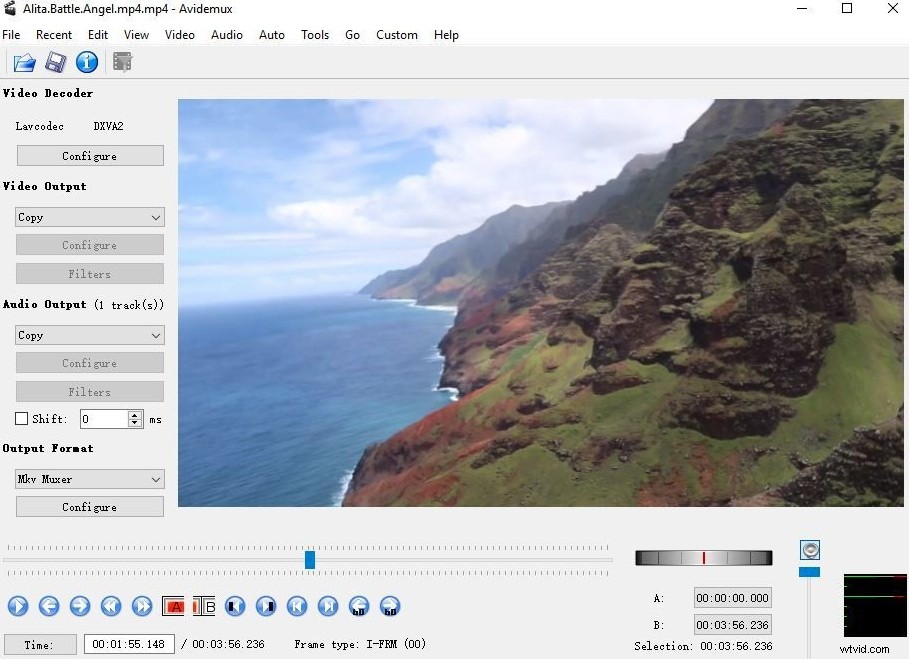
1. Avidemux
Avidemux is not served as a video cutter but it is also used to as a video joiner; it’s lightweight and neat utility features enable the users to easily select a portion from any video, cut it and can save it the existing file or the new file as well.
Pros:
- Easily-to-use interface;
- Useful presets for common output tasks.
Cons:
- The performance is not very satisfactory.
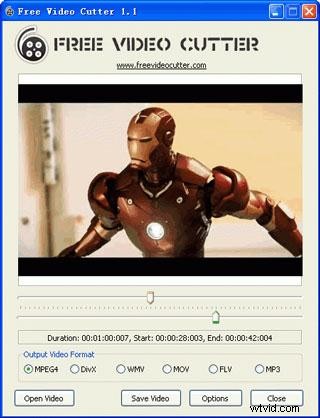
2. Free Video Cutter
Free video cutter is one of the most remarkable video cutter tools that enable the users to extract or trim specific part of any video. The file can be saved in the different or same format. Free video cutter support different video formats including MOV, M4V, AVI, WMV and many more. It contains one displaying window along with the preview options.
Pros:
- Supports multiple video formats;
- User friendly interface;
- Multiple output format options .
Cons:
- Lacks in sound quality;
- Fewer sound settings.
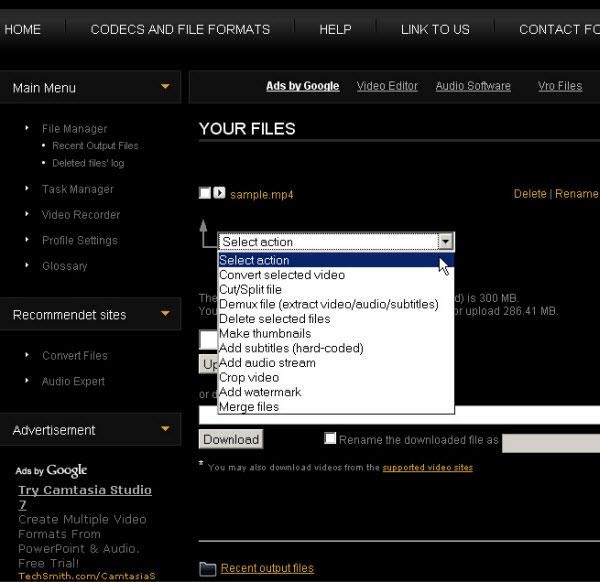
3. Video Toolbox
Splitting large MOV files into smaller video files is made easier by the use of Video Toolbox. This is the efficient and user friendly online video editor that allows the user to cut, preview and play the video; it pertains the quality of original vide file and cute the particular part which the user exactly want to trim or extract out form the large video file.
Pros:
- Different video editing functions.
Cons:
- Restricts your file sizes to 600MB.
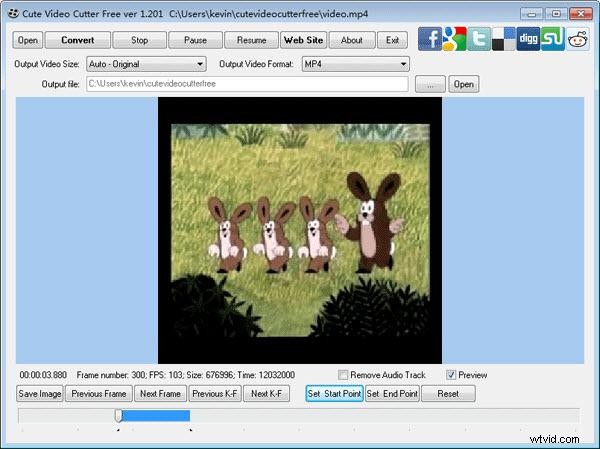
4. Cute Video Cutter
Cute video cutter is a straightforward solution when the user is in need of cutting or removing a particular segment from the video file; it supports various video formats including AVI, MOV, FLV, WMV and more. It has a user friendly interface that is not required any additional knowledge in order to edit and cut the video.
Pros:
- No need to search for an install any other codec;
- Easy user interface.
Cons:
- No audio cues.
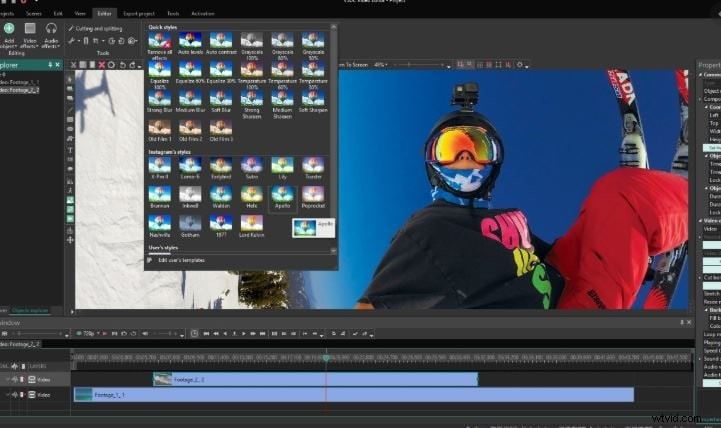
5. VSDC Free Video Editor
VSDC Free Video Editor is a free but quality video editor which comes with variety of features. It supports various types of videos such as MKV, FLV, MPG, MP4, WMV, VOB, DAT, AVI, DIVX,, MOV, etc.. With it, cutting and splitting MOV videos can be easier.
Pros:
- Many useful options provided;
- Can also be used as a video converter.
Cons:
- Computer resources (CPU and RAM) are required at a high level.