
Video edition is necessary to make your FLV files into what you would like them to be. The good news is that there are a number of these editors that you can get for free. Below are some of the top five FLV editors available for use. The one you choose will depend on the kind of editing you have in mind.
If you need a more professional MP4 video joiner, Wondershare Filmora is highly recommended. It supports a wide range of video formats including MP4, FLV, MOV, AVI, WMV and more. With it, you can not only join different videos together, but also add transitions and other effects as you like.

Top 5 Best Free FLV Video Editors
- Movica
- Free Video Dub
- Video Toolbox
- Any Video Converter
- VSDC Video Editor
- Keyboard shortcuts;
- Enables you to save parts of a video split to be edited.
- Some status messages can be hard to understand;
- Doesn't support 64-bit computer.
- Multi-lingual interface which makes it easy to use;
- Several video formats supported.
- May be difficult to add visual effects.
- Supports different video formats;
- Different video editing options.
- Restricts your file sizes to 560MB.
- Supports many video formats;
- Easy to use interface.
- Can't convert audio files.
- Many useful options provided;
- Can also be used as a video converter.
- Computer resources (CPU and RAM) are required at a high level.
1. Movica
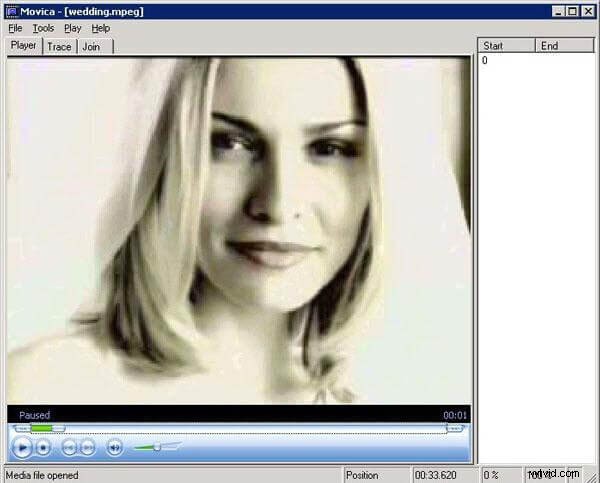
Movica is a graphic or movie editor for Windows Media (.wmv), MPEG files and FLV movies with the ability to select or delete multiple portions from a video file. It enables users to cop, paste, join, split and fine tune the videos. Very fast and easy to use.
Pros:
Cons:
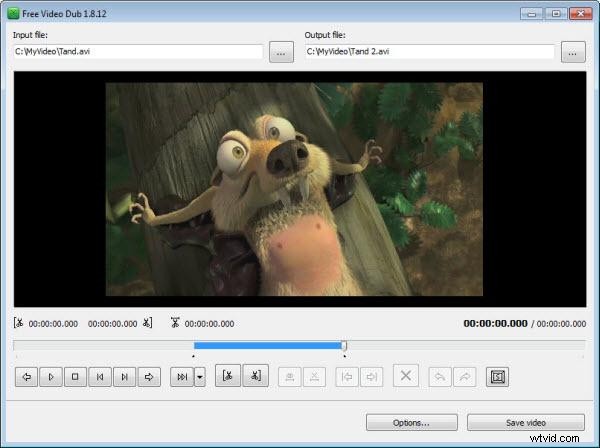
2. Free Video Dub
This freeware is lightweight and user-friendly. It allows you to easily edit your video files by simply deleting off the unwanted sections. As a matter of fact, it supports a number of video formats. The best part about the process is that Free Video Dub doesn't need to re-encode anything, which keeps the original quality of your video.
Pros:
Cons:
3. Video Toolbox
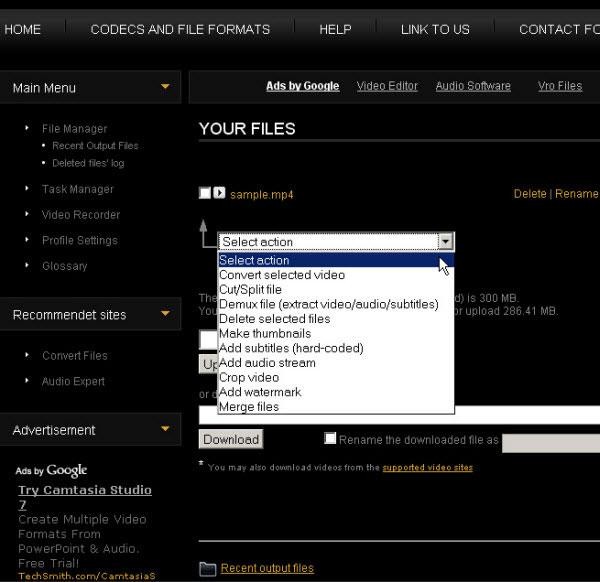
Video Toolbox is an efficient and user-friendly online video editor that allows you to cut, crop, merge, preview and play the video. It supports various video formats like 3GP, AMV, ASF, AVI, FLV, MKV, MOV, M4V, MP4, MPEG, MPG, RM, VOB, WMV and more. It also features an Advanced File Manager which makes it easy for you to upload the videos and download files from other sites on the Web.
Pros:
Cons:
4. Any Video Converter
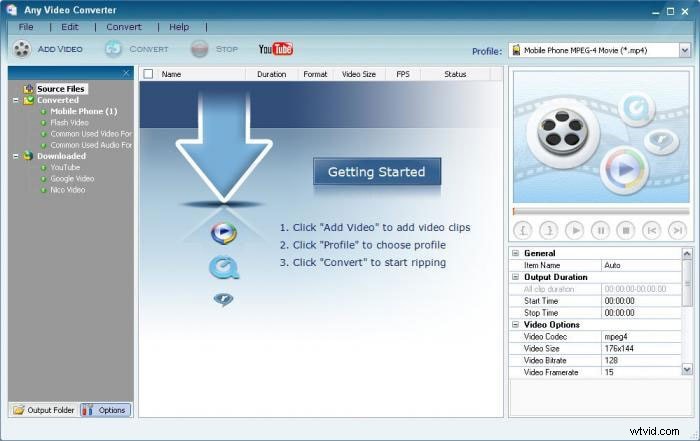
This is not only a converter but a player and editor as well. It offers you a means to convert files into appropriate formats for loading to the web and also for use in mobile devices. The tools necessary for editing are easily available and you do not have to go through another download procedure to get them.
Pros:
Cons:
You may also like: How to Convert FLV to MP4 [Best FLV to MP4 Converters Provided] >>
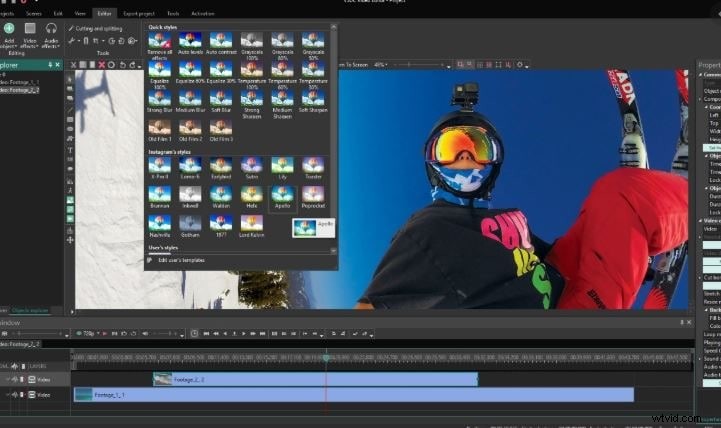
5. VSDC Video Editor
You can perform several video edit functions with this free video editing program. These include watermark, trim, crop, merge as well as special effects. You have the advantage of multiple output formats and this only means that in your edition, you do not have to end with FLV files. Indeed, it has numerous video file edit options to meet your needs.
Pros:
Cons: