
If you are having MKV files that do not meet your desired size, length or quality, then you need to access editing tools. The tools come in handy when it comes to cutting videos to smaller fragments and eliminating unwanted movie or video clips. However, not all tools give good results because of their set up. Similarly, some are just too expensive. Fortunately, high performing free cutters can be found in the internet and people should use them. Here are the Top 10+ Free MKV Cutters which will allow you to quickly cut the files without erasing, distorting or causing harm to the original file. Check the video tutorial below to get a quick overview of the best free solutions to cut/split videos first.
1. SolveigMM AVI Trimmer + MKV
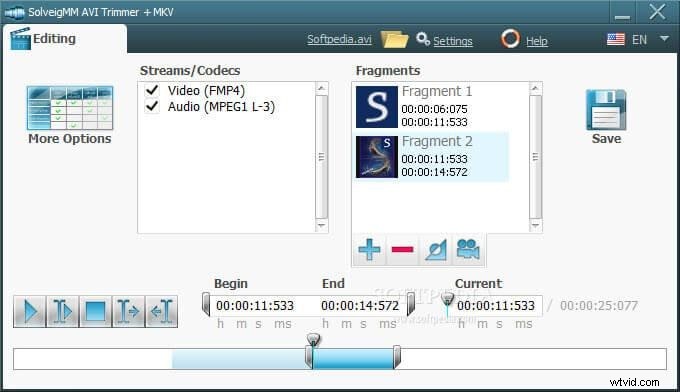
The program is a free software that will enable you to cut or rip apart video formats existing in AVI formats. SolveigMM AVI Trimmer + MKV is reliable because it maintains high quality with minimum distortion. What is more, the user interface is simple making all the tasks manageable. This way, you will manage to cut your video files within a few minutes without encountering any challenges. You can also upload your cut video on you tube directly using this software.
2. Avidemux
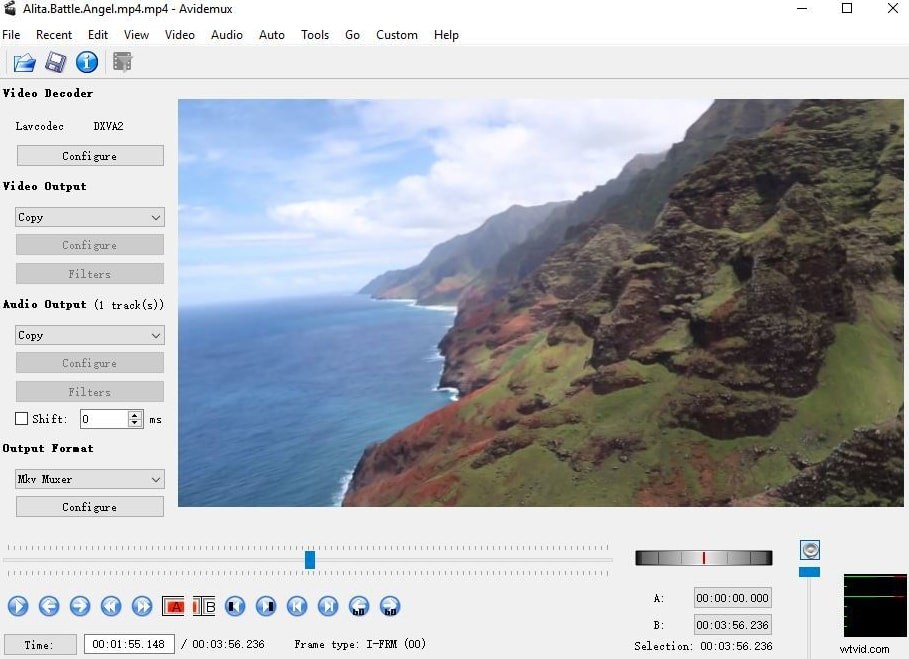
Avidemux is not only a free video ripper but also a joining program. When using it, you should look for supported formats such as MKV, OGM, AVI, FLV, MP4 as well as MPG. It exhibits simplicity in its interface and people prefer this video cutting tool best. Similarly, you can use the software on other audio and video formats from the drag and drop menu located on the left side. The overall advantage of this tool is that it supports common tasks due to its simplicity.
3. Filmora MKV Cutter
The Filmora MKV cutter is an excellent tool for splitting big MKV files in to smaller clips. Its interface is not complicated allowing it to be used by novices and professionals. It is satisfactory because you can cut the file to any size, length and quality depending on your preferences. What is more, the quality of video is amazing and you can also preset different parameters to the ideal settings to create a pleasant file output. It supports not just MKV files but also quite a wide range of other video formats. Royalty-free visual effects and music library will surely save you a lot of time and effort in creating the best of your video. Check out the video below to get an instant overview of the stunning visual effects and music library:
Download a free copy to get started now:
4. Media.io Online MKV Cutter
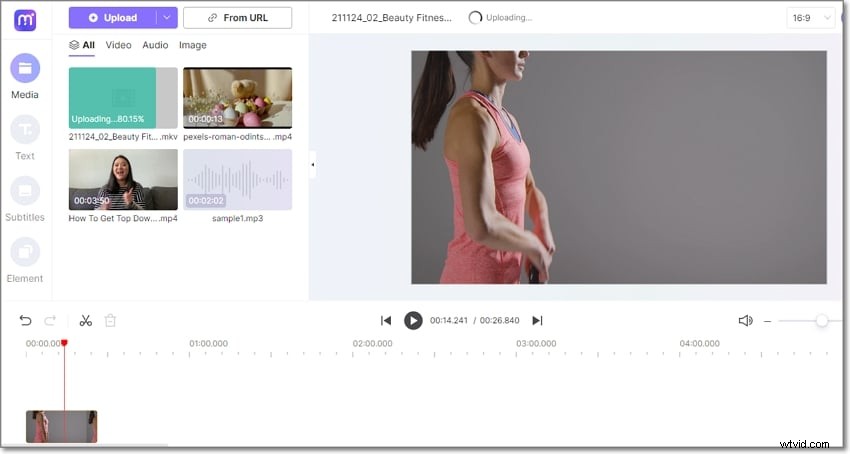
Fourth on this list is Media.io Free Online Video Editor. Apart from MKV, Media.io also supports MP4, AVI, WMV, FLV, 3GP, 3G2, and other video formats. You can even load a YouTube video URL link and cut it professionally. After loading your video, you can trim and split it into smaller clips before deleting the unwanted sections. Then, you can proceed to set the aspect ratio for Facebook, YouTube, Instagram, WhatsApp, and other social media platforms. Above all, Media.io supports high-quality 1080p outputs.

5. Free Video Cutter Joiner
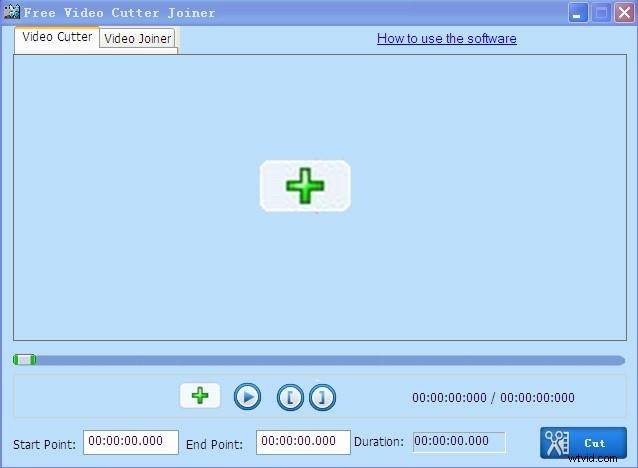
The program enable assists you to cut and then join videos in various formats such as MKV. You can easily separate and merge many files at a go to the intended size. Aside from ripping files, the software also detects the configuration and sets the parameters of the output to match that of the input. With such settings, you will access error free files of high quality. In addition, you will experience high cutting speed and stability due to the easy to use interface. However, the program does not have an in built video reader and the window size cannot be changed.
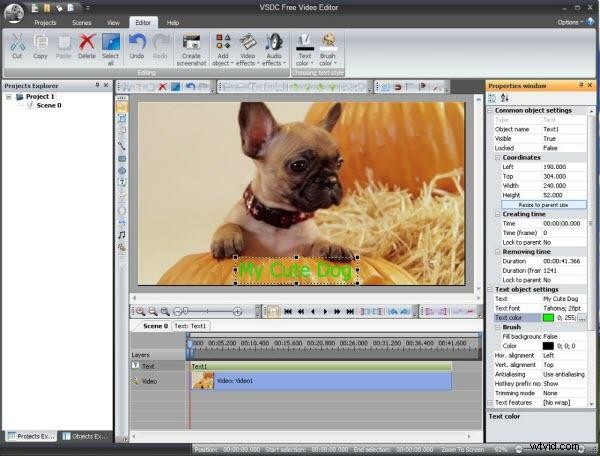
6. VSDC Free Video Editor
If you are looking for a video ripper that supports a variety of files, then VSDC Free Video Editor is the way to go. Aside from supporting MKV, it supports other files such as MPG, DAT, AVI, MOV, FLV, MP4 WMV, and DIVX. In this regard, you can cut different files fast and easy. It also comes with a video converter and is ideal for common tasks as long as you use high level processors.
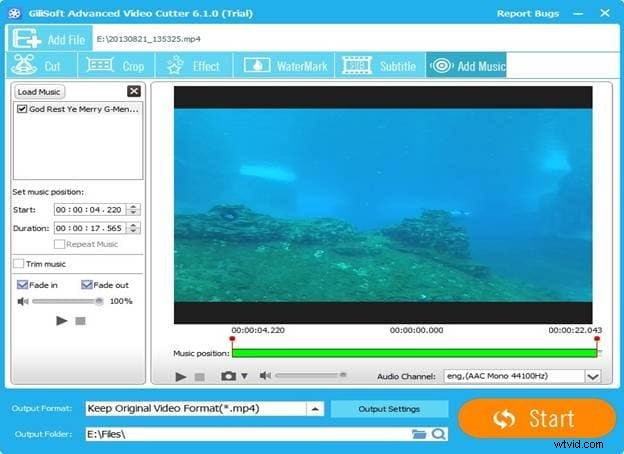
7. GilliSoft Video Editor
Unlike other cutters, GilliSoft Video Editor is more professional. It is relatively sophisticated but professionals handle it with ease. With its features, you can split videos to small clips and detect the functions internally. This way, you can be more accurate. You can also drag the files to the dashboard and add effects on to the file and share them on Facebook, YouTube, and other mobile devices. Most importantly, you have full control over the editor and you can manipulate sound, time and previewing.
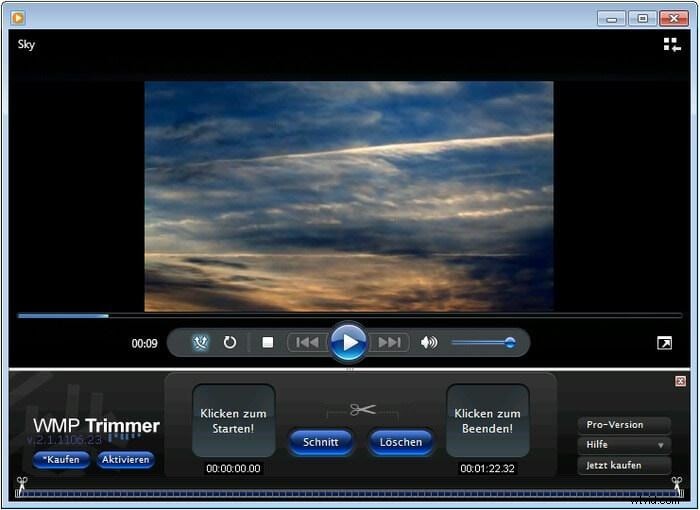
8. SolveigMM Video Splitter
SolveigMM Video cutter can split a range of formatted files in the name of MKV, WebM, FLV, AVI, MPEG and M2TS. These are just but some of the formats supported by the program and there are many more. The software cuts files according to quantity of files, size and time. Similarly, you can combine many files together and create a bigger file on condition that the format is same. It is automatic, splits both audio and video files and is easy to use. Most importantly, it is accurate and there is no loss of quality.
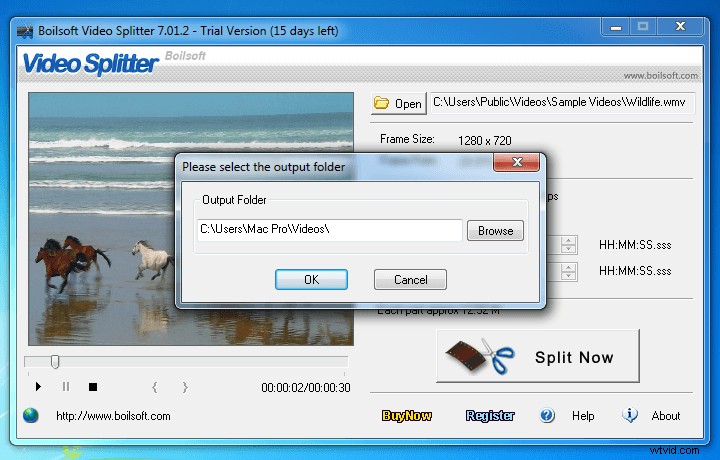
9. Boilsoft Video Splitter
The program allows you to convert MKV formatted files to AVI and hardcore subtitle to the final videos. In addition, MP4 and AVI formats are applicable. MKV to AVI with subtitle has a simple GUI (Graphic User Interface) with a single screen. You must however install a CCCP codec for a faster and accurate performance.
10. Moo0 Video Cutter
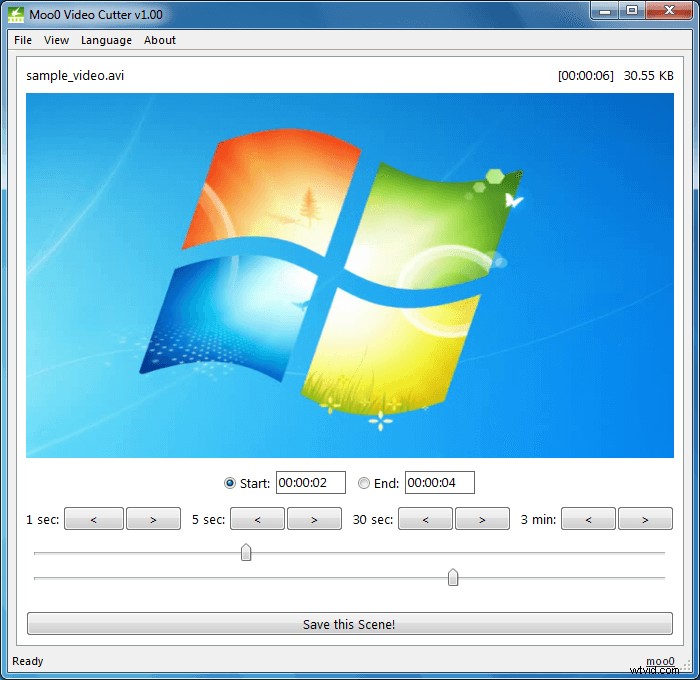
Moo0 Video Cutter permits you to save your best movie clips in different videos and you will not lose quality or speed. You will split the videos within no time and maintain accuracy. Besides supporting MKV files, the program is able to support MP4, OGG, TP, OGV, MOV, WEBM, AVI, FLV and many more. The tool is user friendly and can detect the problems internally maintaining stability. In addition, it is safe as your files will not be at risk of being exposed to viruses, spyware and malware.
10. Cute Video Cutter
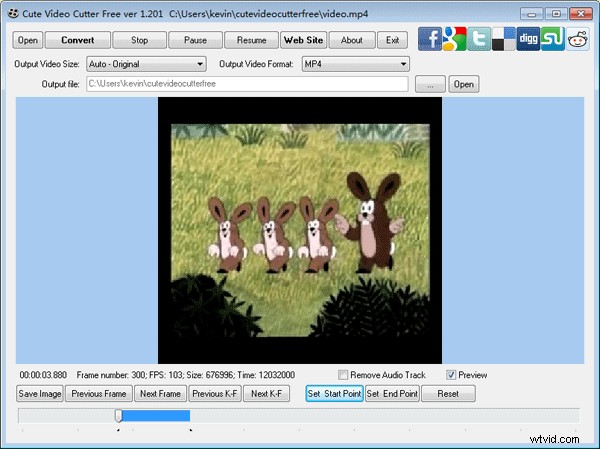
Cute Video Cutter is a program whose capability enables you to split your videos to smaller fragments. You can also get rid of those parts that are not important to you. It can support many video formats including 3GP, RM, RMVB, DAT, VCD/DVD, VOB and others. Keep in mind that using this tool will not tamper with the quality or arrangement of files. The interface is also straightforward and you will not encounter delays carrying out common tasks. Just define the starting and ending points to define what you need.
All of them are free MKV cutters, if you need a powerful but easy-to-use MKV cutters, try Wondershare Filmora. Download the free trial version below.