
MKVtoolnix is a very useful application that enables you to create, alter, split, join, and inspect MKV files. And thank goodness that it’s also available for Mac OS X. But to be frank, its interface comes on rather a difficult side and maybe too complex for novice users to interpret.
Then is there any good program similar to MKVtoolnix but comes more intuitive interface? Absolutely.
Wondershare Filmora for Mac is a professional video editing software with a rich number of features. This program provides nearly everything necessary for working with your MKV video files.
From basic video editings like Rotate, Trim, Crop, Flip, Split, Cut, etc. to advanced touchups like intro/credits, transitional effects, titles, visual filters, and more. Try this one-of-a-kind video editing tool now.
Check the video tutorial about how to edit videos on Mac first.
1.Easy to use interface
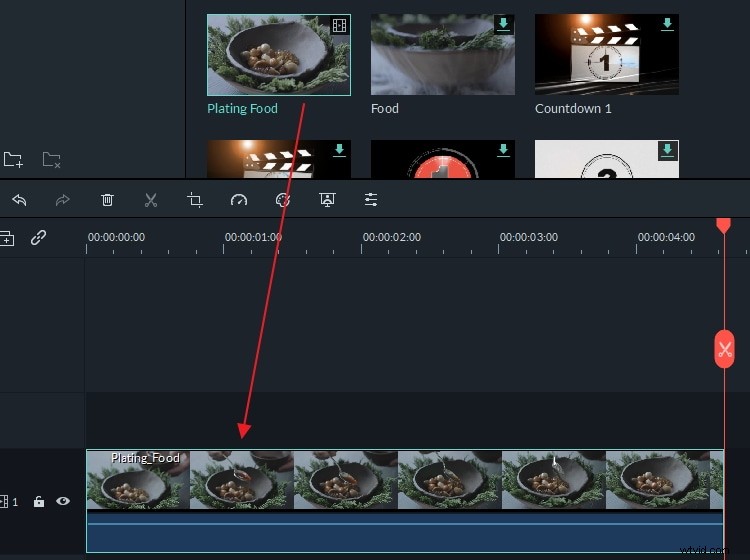
When you install and launch this program, you’ll come to a very beautiful primary window that everyone can use, even for the first time.
Instead of a Read Me file, MKVtoolnix for Mac alternative provides an easy-to-follow video guide. Also, a media browser is offered, so that you can import files from your iTunes library, iMovie, etc. with ease. When you confront any trouble in use, just send your request to the support team directly from this program.
2. Broad format support
Just like MKVtoolnix for Mac, this alternative program also supports a vast array of video & audio formats.
For video files, including MKV, H264, AVC, AVI, DRC, MP4, AVI, VOB, 3GP, MPG, MPEG, MOV, M2V, EVO, MKV, TS, TRP, M2TS, MTS, TP, DAT, WMV, MKV, DV, MOD, TOD, EVO, OGG, and more.
For audio files, it’s fully compatible with AC3, AAC, M4A, MP4, OGG, MP2, MP3, MKA, WAV, WMA, FLAC, etc.
This MKVtoolnix also supports picture formats like BMP, JPG, PNG, GIF, and more.
3. All necessary video editing tools
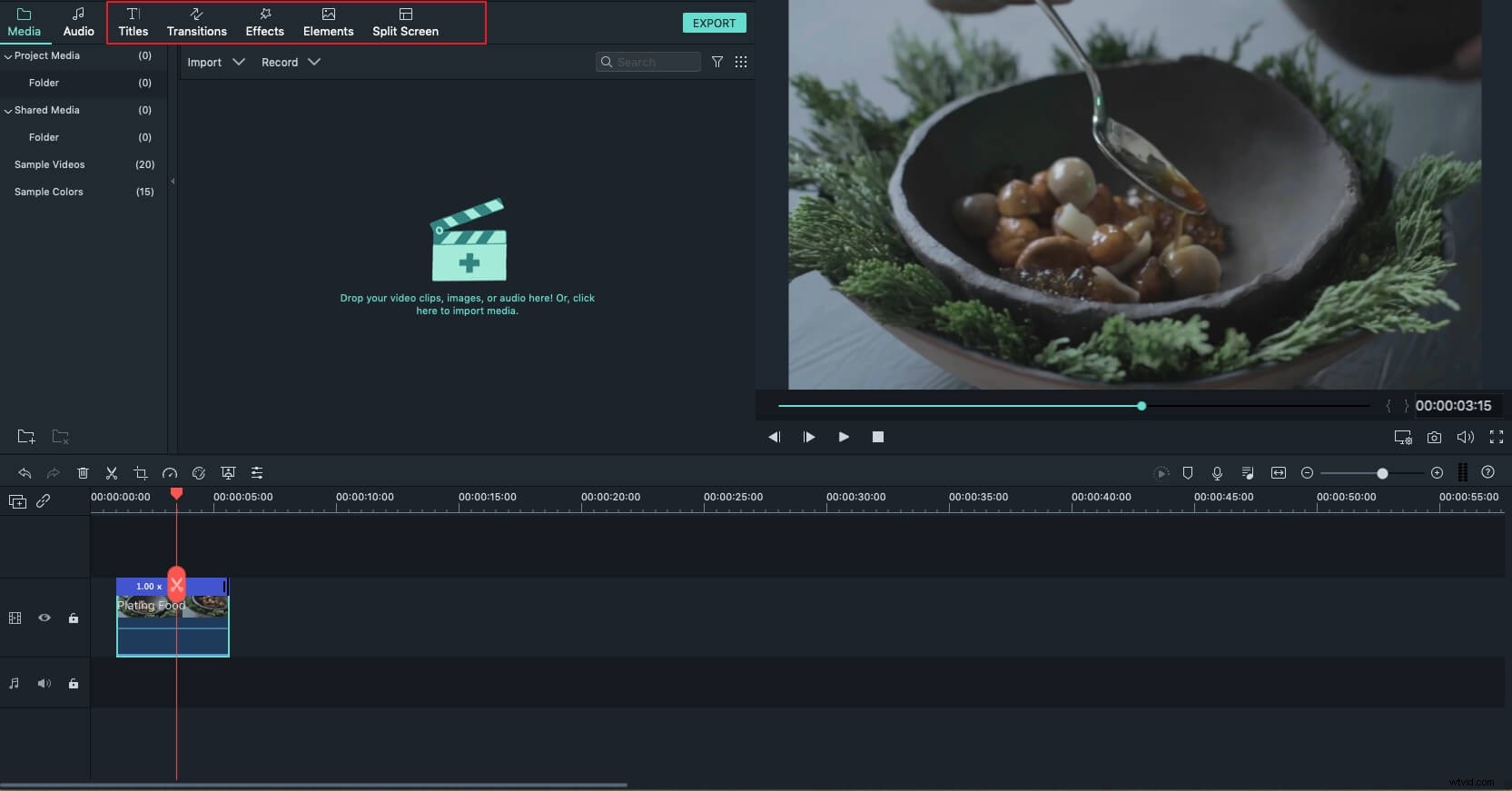
As an equivalent program to MKVtoolnix, this program helps you rip audio from video; split, rotate, trim video files; adjust brightness, contrast, and saturation, change aspect ratio; apply the special visual effect, and more.
The best part is all these video edits are based on Timeline, and you can edit frame by frame to ensure concise video editing. What’s more, the MKVtoolnix alternative for Mac provides a real-time preview window for the changes that you made.
4. Save to a variety of formats or burn to DVD
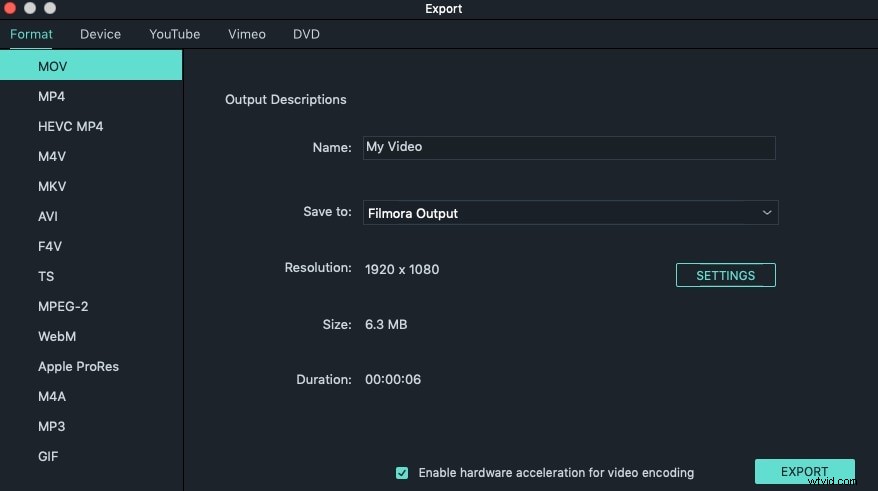
Different from MKVtoolnix that only renders MKV format, MKVtoolnix for Mac alternative enables you to save to all SD and HD formats.
In addition to high definition MKV video, you're able to export HD MOV, HD MP4, HD WMV output, and even DVD video for playback on any standalone DVD player or TV.
More about MKVtoolnix for Mac
Apart from above-mentioned features, Wondershare Filmora (originally Wondershare Video Editor) for Mac also provides other useful tools you may need. Like touch up your videos with rich transitions, intros/credits, titles, sound effects, or produce professional video effects like Mosaic, Jump Cut, Close-up, and more.
Indeed, it’s a simple and fast MKVtoolnix for Mac that makes video editing in Mac never easier. Start now!