
With so many options out there, it can be challenging to figure out what’s the best video editing software for Mac. How do you know which one is right for your skill level and the type of videos you’re creating?
This isn’t just a problem for new editors but for long-time editors too! It can be tricky to keep up with all the latest updates and software.
Our 2022 roundup will cover the best software for every type of video editor. We’ve broken down the top contenders into three categories:
- Best Free Video Editing Software for Mac
- Best Video Editing Software for Mac Under $200
- Best Video Editing Software for Mac Over $200
But there’s nothing to stop the low-cost or free editing options from out-performing the paid ones… Which is why we’ll be reviewing them side by side!
As we move through the categories, we’ll make sure to assess previous contenders. This way you’ll be able to see how the paid, more professional software stacks up against the lower priced or even free software.
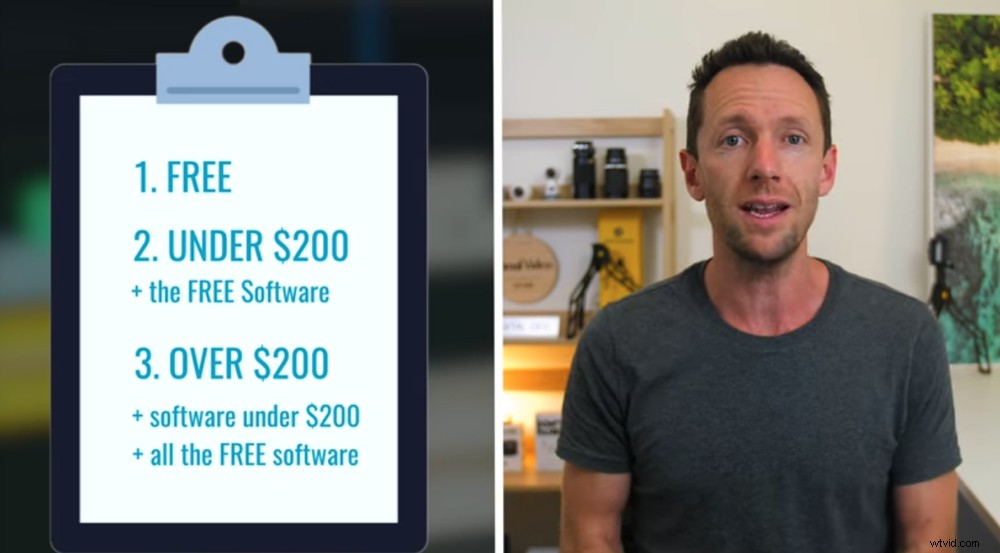
To ensure we uncover the very best video editing software, we’ll review the options side-by-side
Of course, if you’re looking for the best video editing software for YouTube videos, any one of these options will get the job done.
Just remember – there is no perfect video editing software. They’re all just tools to help you create quality videos. So make a shortlist of the ones that sound like they’ll work for you, then download the trial versions and try them out for yourself. This is the best way to know which one works best for YOU!
If you’re ready to find the right video editor for your Mac, let’s get started!
Best Free Video Editing Software for Mac
Usually free video editing software will have restrictions, watermarks or just won’t be very good. But don’t worry – we’ve only included solid video editors that don’t have any watermarks or extra costs.
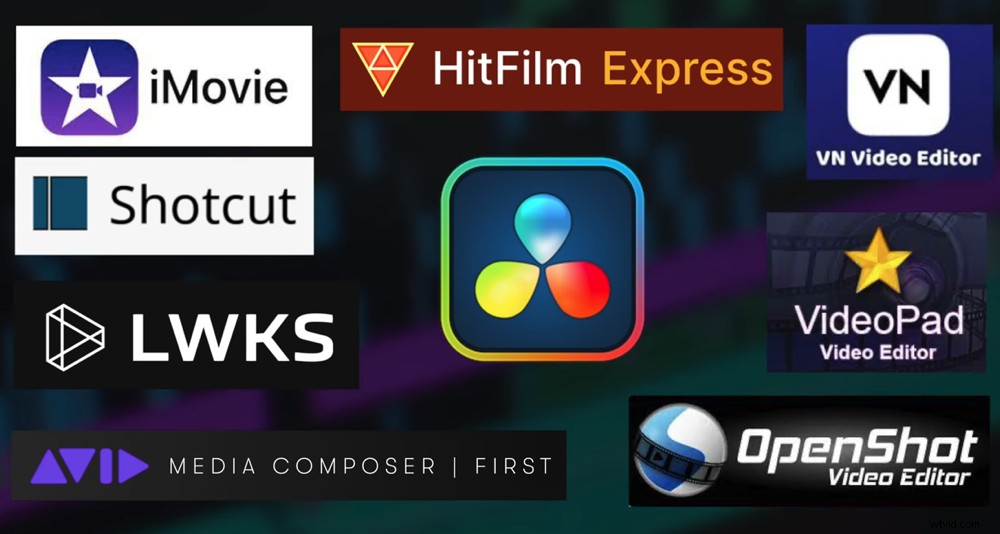
There are lots of great options in the best video editing software free category
So, in this category, you’ve got software like iMovie, Shortcut, HitFilm Express, DaVinci Resolve, Lightworks, Avid Media Composer First, VN Video Editor, OpenShot, and VideoPad.
After all our trials and testing, our top picks for best free video editing software are iMovie, VN Video Editor and DaVinci Resolve.
Let’s take a look at these options.
iMovie
iMovie is one of the most popular options when it comes to Mac video editing software. Why? Because it’s super simple to use. Even if you’ve never edited before, you should have no trouble getting up to speed with this software.
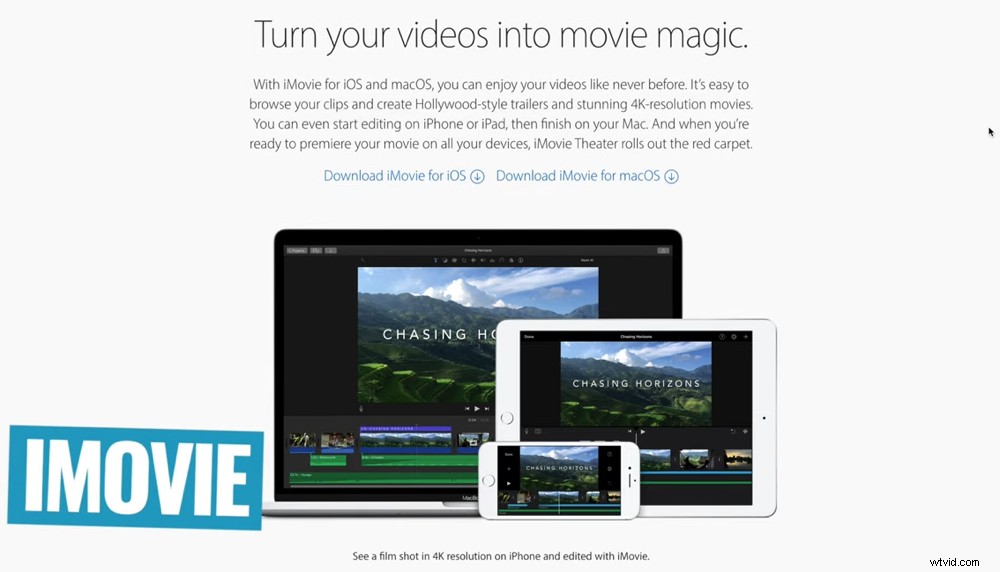
iMovie is a top option when video editing for beginners
Some key iMovie features include:
- Easily accessible – comes already installed on your computer
- Super intuitive interface that makes finding tools & features really easy
- Great option for absolute beginners or anyone wanting to do simple edits quickly & easily
iMovie is basically the cut down version of it’s bigger brother editing software – Final Cut Pro. This means there are a lot of similarities between the two.
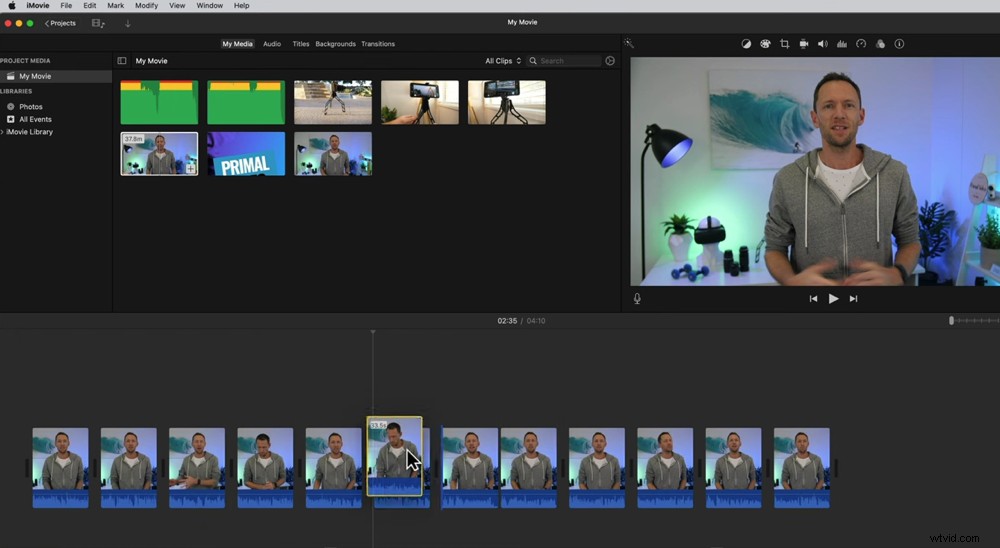
The iMovie interface is similar to Final Cut – making it a great building block to pro level software
Of course, Final Cut is a lot more overwhelming. But once you get the hang of iMovie, you’ll be able to jump into Final Cut without feeling like you’re starting from scratch.
So, if you’re looking for a video editor with a clear upgrade path to something more professional, then iMovie could be a great option.
VN Video Editor
This is one of our personal favorites. These guys are really pushing the editing space with their approach!
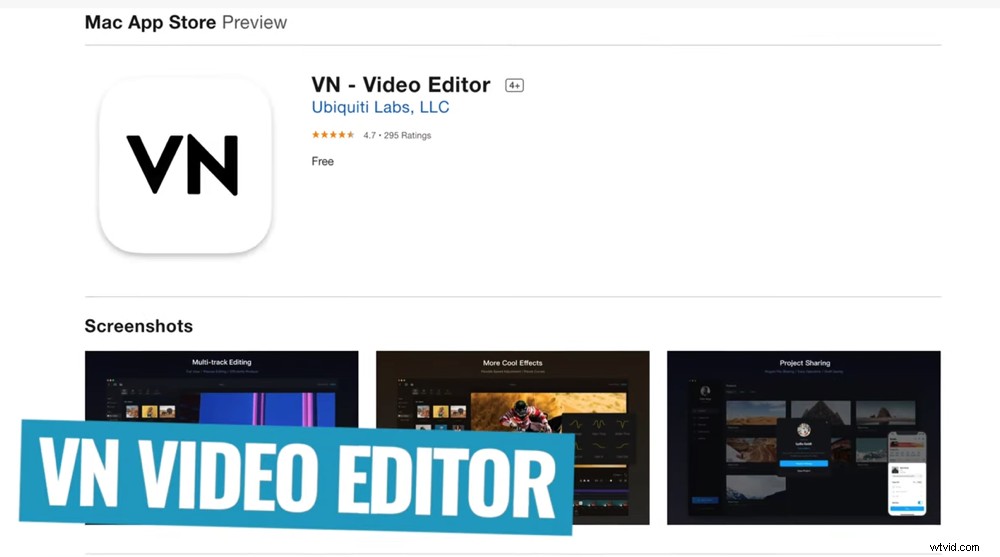
VN Video Editor is one of the best free video editing software for Mac
The top things we love about VN Video Editor are:
- Super simple interface that makes editing much quicker than other software
- Heaps of built-in effects & transitions
- High level of control over things like color adjustments
VN Video Editor originally began as an iOS and Android editing app but it’s now been made into a desktop software as well.
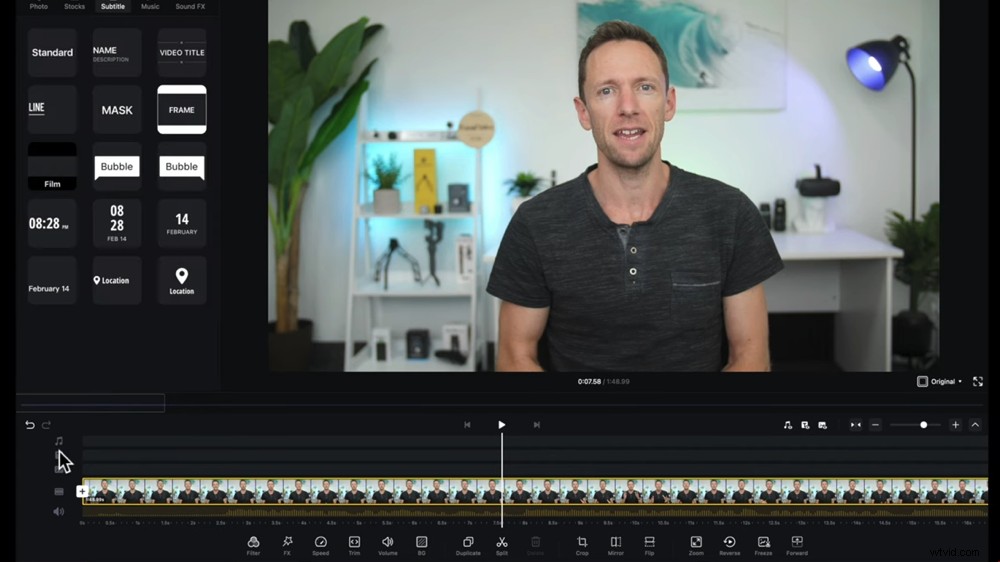
This software makes Mac video editing a really simple & quick process
The best part? They’ve brought that approach from editing on a smaller device over onto the computer. This means you don’t need to dive into menus upon menus to find stuff.
This software is super fast & powerful. We’ve given it crazy professional footage and VN Video Editor has cut it like butter!
VN is an awesome option if you’re looking for an easy & convenient tool that packs some really powerful features.
DaVinci Resolve
This is hands down the most professional free video editing software on Mac out there. It’s literally professional software that people use to create Hollywood movies. We think it’s insane that you can get access to it for free!
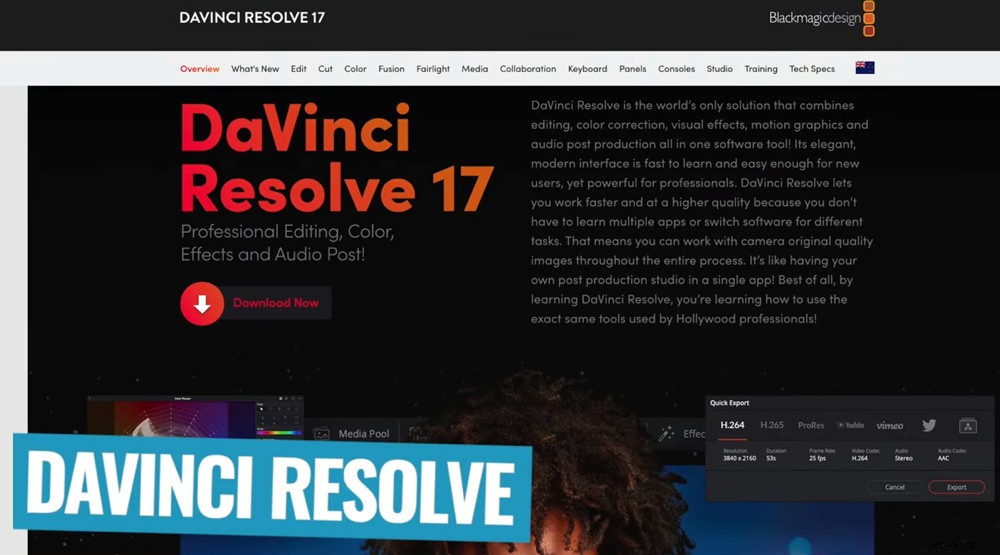
This video editor for Mac is incredibly advanced especially as a free video editing software!
Awesome things inside Davinci Resolve include:
- Professional-grade tools and features
- Super high level of control that allows you to dial in your edit at a frame-by-frame level
- Dedicated areas in the software for audio creation, audio control, motion graphics and animation
Given that this software is so advanced, the interface isn’t as easy to use as the previous options. If you’re an absolute beginner there will be a learning curve.
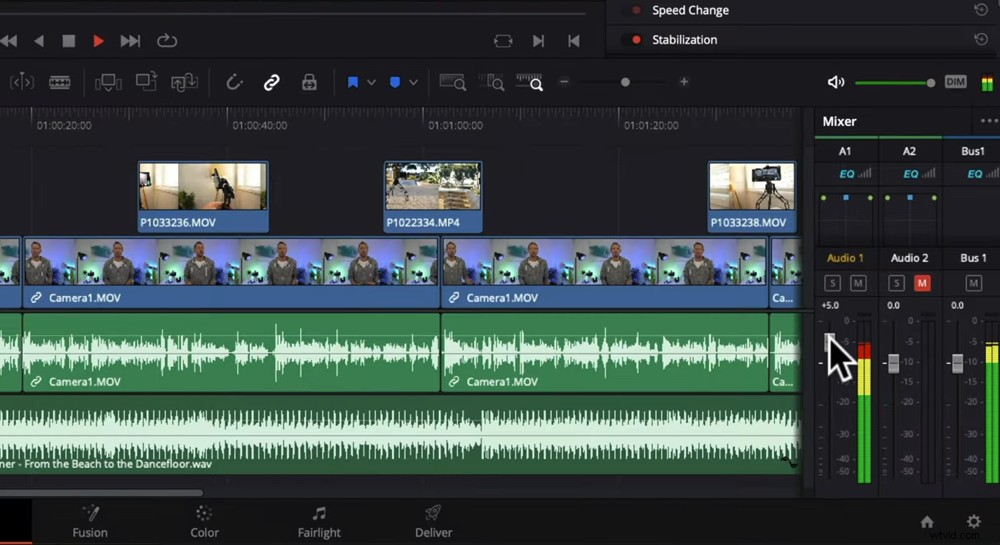
VN Video Editor takes a bit longer to get the hang of, especially if you’re an absolute beginner
But once you get your head around it, this software actually is pretty intuitive (especially compared to some other professional editing applications out there).
Another thing to note is that if you’re using an older computer, Davinci Resolve probably won’t work that well for you. It’s CPU and GPU heavy – meaning you need to have a decent computer for it to run really well.
If you’re after a professional video editing software then Davinci Resolve could be for you.
So, What’s The Best Free Video Editing Software For Mac?
For editors looking for a basic editing software that will work quickly but without the bells and whistles, iMovie is a great option.
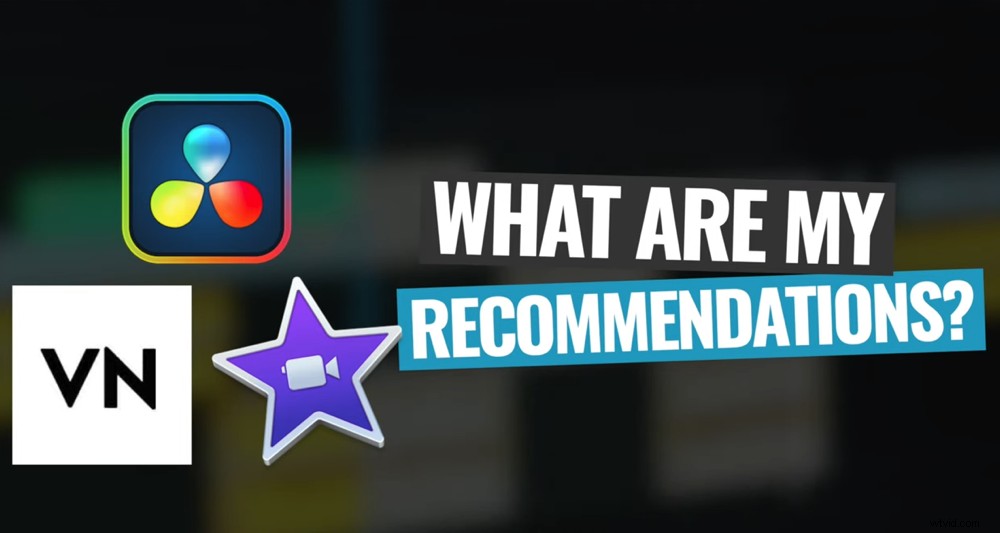
These are our top recommendations for best free video editing software on Mac
If you’re anywhere from a beginner to advanced editing level, VN Video Editor is an awesome all-rounder. It has a great combination of easy to use features and more advanced controls that suits a really wide range of editors.
Lastly, if you’re looking for the most professional toolkit out there, then Davinci Resolve could be for you.
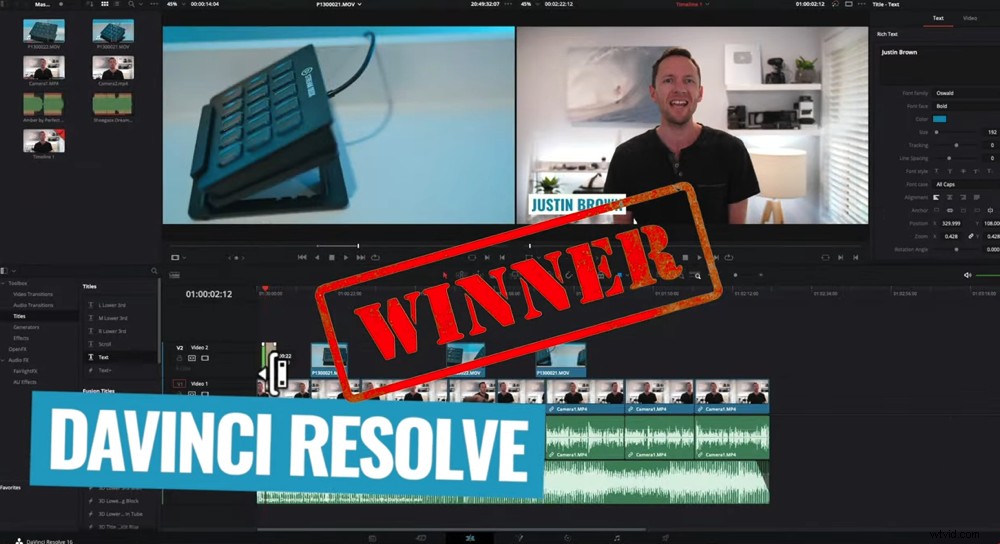
Davinci Resolve takes first place as best free video editor for Mac
Our number 1 pick for this category is Davinci Resolve. It’s just such a powerful tool and it’s insane that you get access to it for free!
Now let’s check out the Under $200 category.
Best Video Editing Software for Mac Under $200
Generally as you move into the paid category, you get less restrictions and more features as well as a better performance and editing experience.
We’ll cover the top video editors under $200 including any stand out free software
But software like VN Video Editor and Davinci Resolve give you all of those things for free! Which is why we’ve included any awesome free editing software in this category as well.
In this category are software like Filmora, FilmoraPro, Adobe Premiere Rush, Movavi, WeVideo, ScreenFlow, Adobe Premiere Elements, Lightworks Pro and PowerDirector.
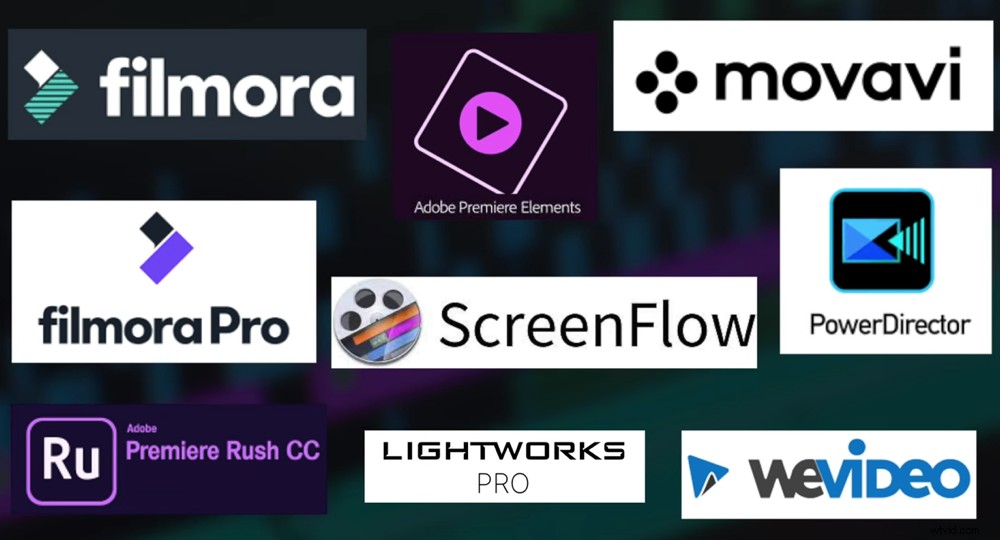
There are a bunch of great Mac video editing software in this category
After a ton of research, our short list for this category comes down to WeVideo, Filmora, VN Video Editor and DaVinci Resolve.
Let’s take a look at the ones we haven’t covered: WeVideo and Filmora.
WeVideo
This is an amazing cloud-based editing solution. It’s really different to any of the other options in this guide. WeVideo runs in your web browser meaning there’s no need to download and install anything!
WeVideo is awesome – it’s the only cloud-based video editor for Mac in this year’s roundup
Our favorite things about WeVideo are:
- Great for collaborative work & working with remote editors (because it’s all online)
- Awesome for working between different devices as you won’t need to transfer footage
- It has great performance even on old or lower spec computers
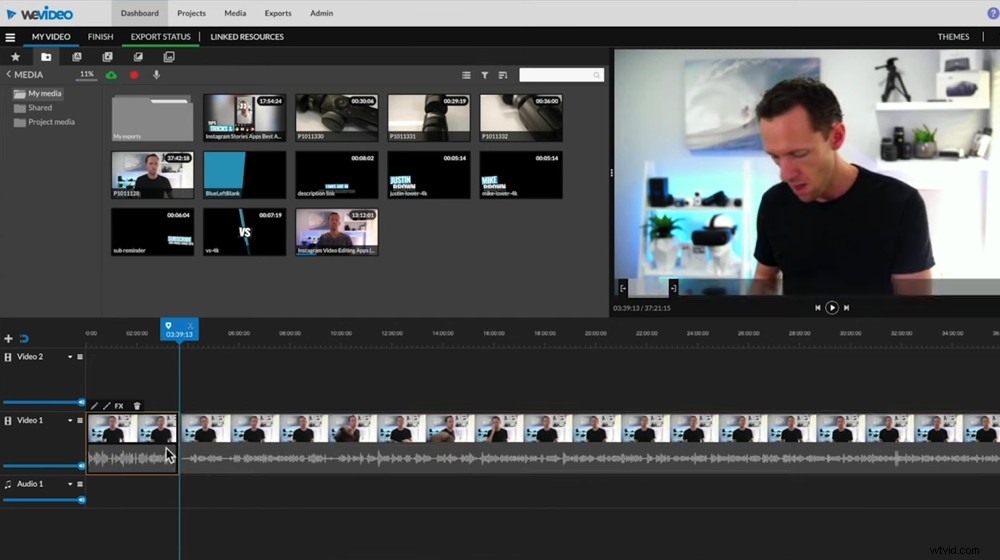
This is a great option if you have a lower spec computer that won’t handle big downloads
Possibly the best part of WeVideo is that even though it runs in your browser, you don’t need an amazing internet connection for everything to run smoothly.
Your footage will simply upload in the background and you’ll be able to begin editing instantly. WeVideo can even take on 4K videos without missing a beat!
WeVideo Pricing
There are a few pricing options available for WeVideo. The most popular ones are:
- Unlimited – $7.99/month for access to 1080p capabilities
- Professional – $19.99/month for access to 4K capabilities
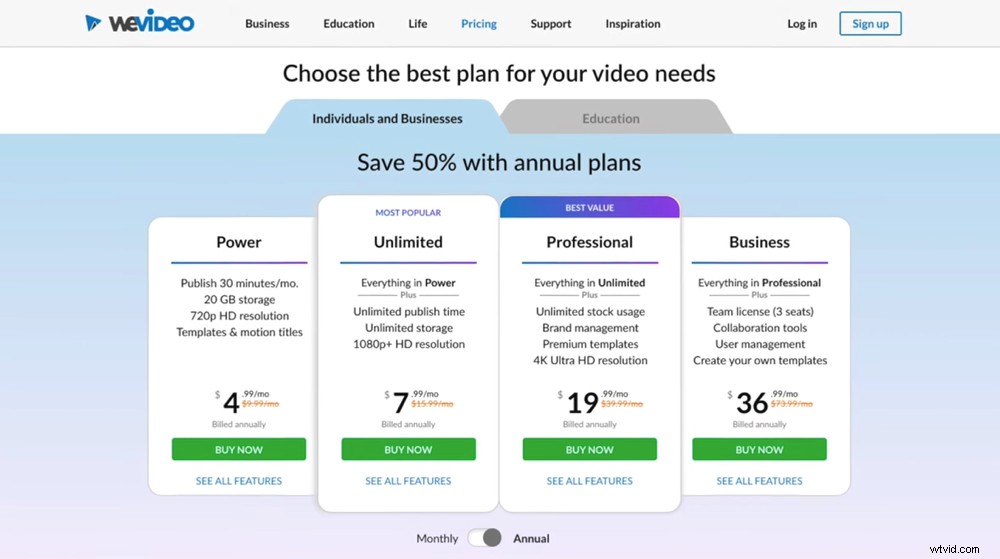
There are different pricing options depending on the resolution you want access to
Filmora
This is another awesome editing option. If you’re at that intermediate level and want a more traditional editing experience, Filmora could be the one for you.
If you’re looking for the best video editor on Mac then Filmora is a great option
Some of the best features of Filmora are:
- It’s really easy to use with an intuitive interface
- Allows for a high level of control over things like color correction and color grading
- Works ridiculously quickly – not just with export times but also with general performance
Filmora has come a long way over the past few years and is now a super powerful, really awesome application. Many of the advanced features you’ll find here are typically only included in more professional software, so it offers a lot of bang for your buck.
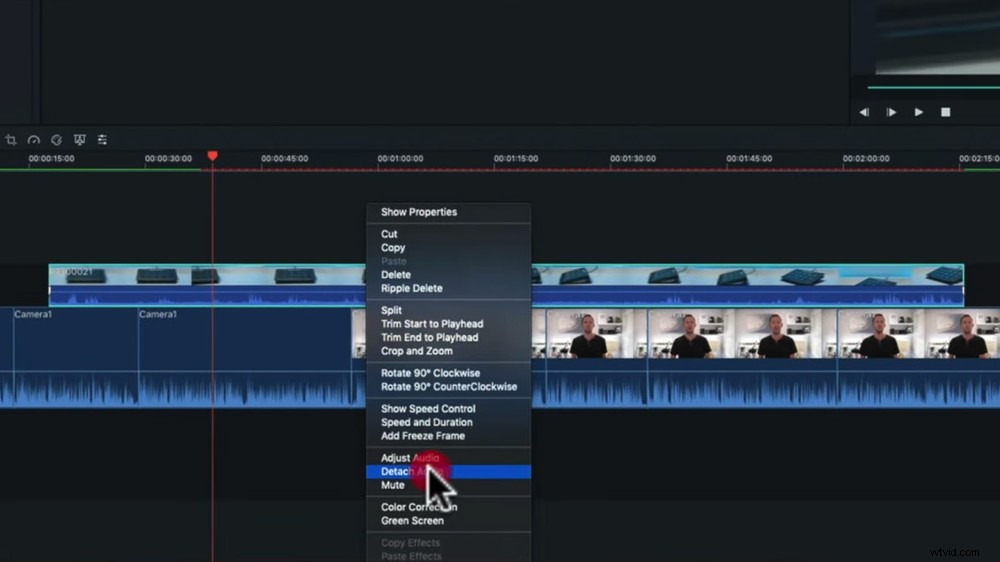
This is a really powerful video editing software that suits editors at an intermediate level
While it has got a lot of awesome features and advanced tools, it’s not on the same pro-level as Davinci. For comparison, it probably sits somewhere between iMovie and Davinci Resolve.
Filmora Pricing
There is a free version of Filmora available but it watermarks your videos so we recommend against using it. The paid options are:
- Annual – $51.99/year
- Perpetual – $79.99 one-time fee to own the software outright
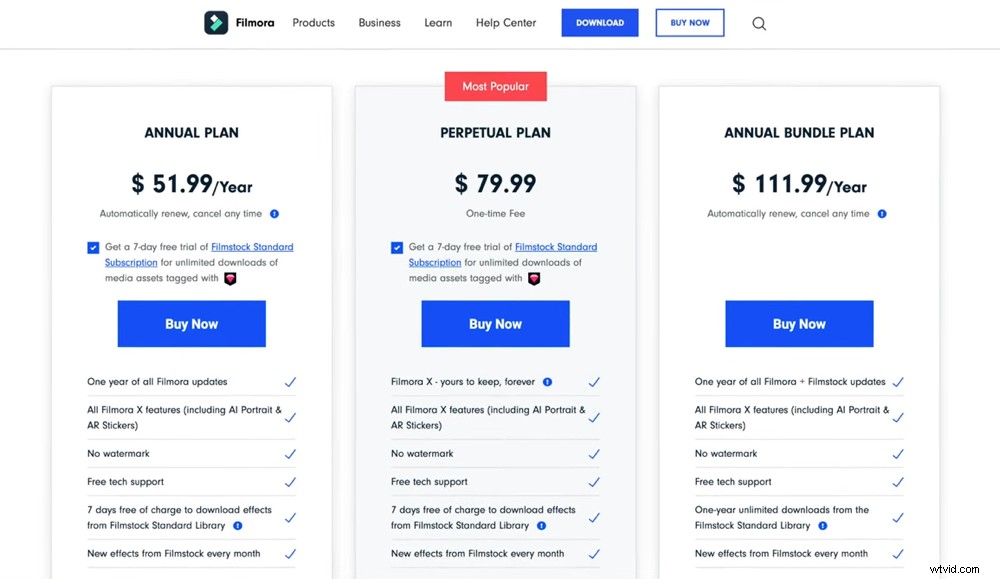
You can decide between an annual subscription or one-time fee
So, What’s The Best Video Editing Software For Mac Under $200?
If you have a lower spec computer or want to edit in the cloud, then WeVideo would be perfect for you.
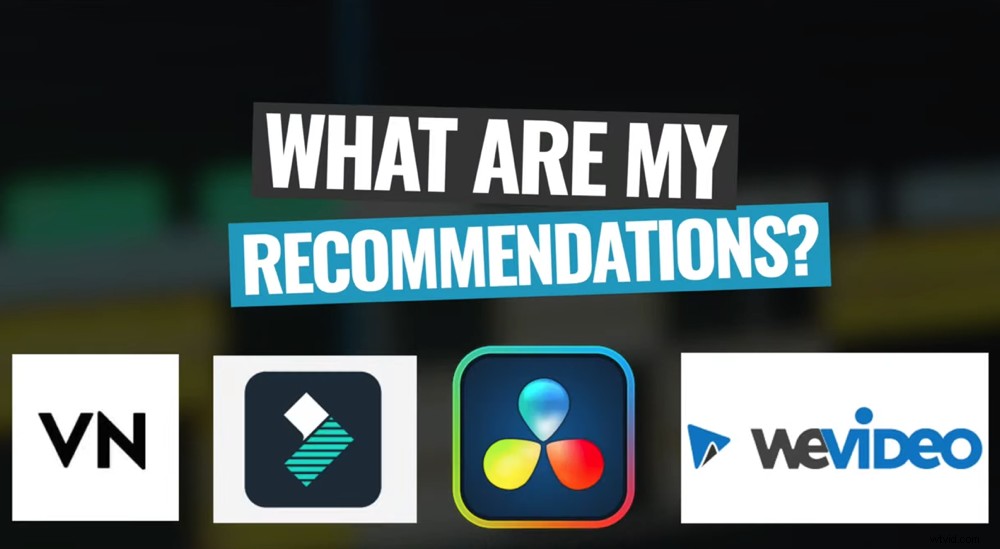
These are our top recommendations for the Under $200 category
If you’re at that beginner to intermediate level then VN Video Editor or Filmora are both awesome options.
Lastly, if you want the most professional video editing software then the free version of DaVinci Resolve will once again be the best option.
Our top pick for this category is still DaVinci Resolve. That’s right – a free video editing software has taken out the Under $200 category!
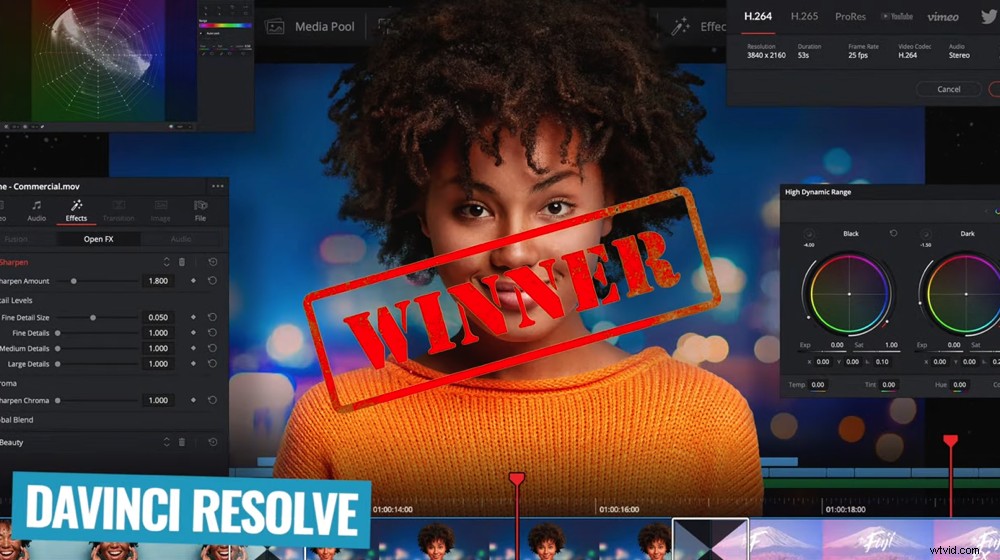
Davinci Resolve wins best video editor for Mac in the Under $200 category as well
As we said earlier, more expensive software isn’t necessarily better than cheap or free software!
Now let’s check out the Over $200 category.
Best Video Editing Software for Mac Over $200
This is where you’ll get the highest amount of performance, control and tools to allow you to get really creative. You’ll be able to dial in your edits and get super specific with what you’re creating.
In this category, we’ll be evaluating all of the Mac video editing software against each other!
Remember in this category we’ll be including software from the Free and Under $200 categories so that we can arrive at the very best video editing software by the end of this guide.
So now we’ve also got absolute pro-level contenders like HitFilm Pro, Camtasia, Final Cut Pro, DaVinci Resolve Studio (the paid version), Adobe Premiere Pro, Avid Media Composer and Lightworks Pro.
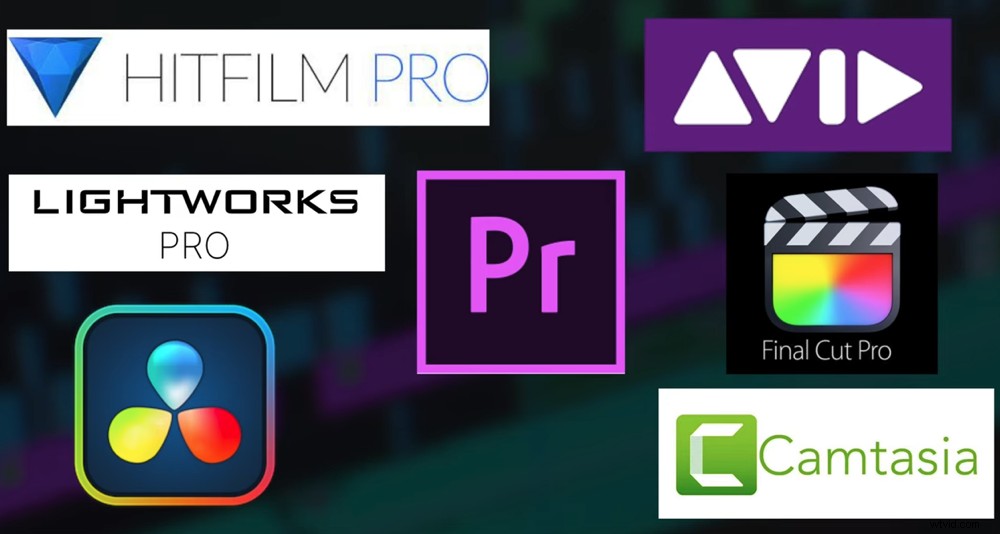
There are some awesome pro-level editing software in this category
Our shortlist in this category of best video editing software on Mac comes down to WeVideo, VN Video Editor, Filmora, Final Cut Pro, Adobe Premiere Pro and DaVinci Resolve.
Let’s take a look into the ones we haven’t mentioned: Final Cut Pro and Adobe Premiere Pro.
Final Cut Pro
This is an amazing option for editing on Mac because Apple makes not only the hardware but the software as well! Put these two together and they make an awesome team.
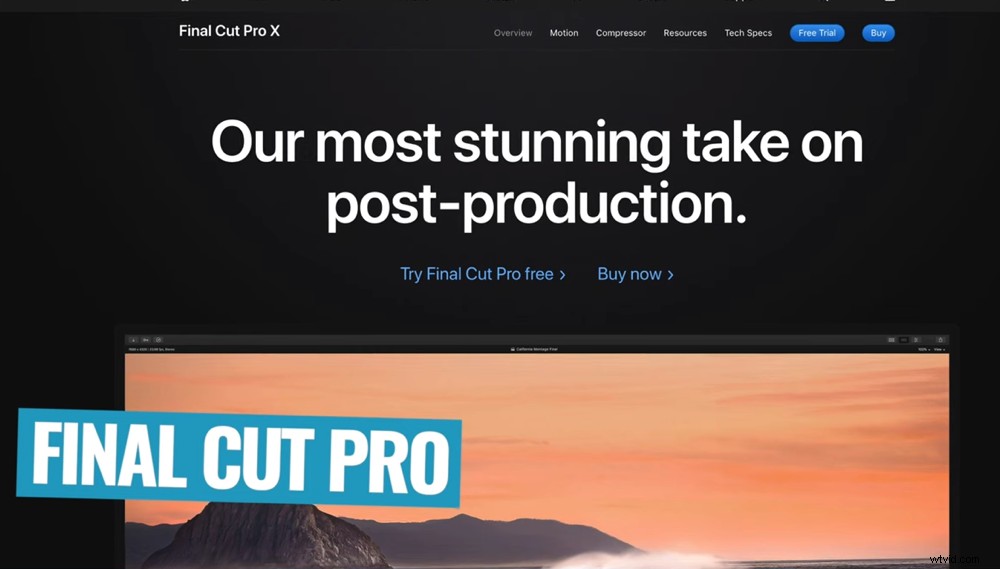
Final Cut Pro is literally made for Mac making it an incredible tool for Mac video editing
Just a few awesome features inside Final Cut Pro include:
- Ridiculously fast with rendering times, exporting times and actual editing performance
- Magnetic timeline features allows you to move clips while keeping them in sync
- It crashes nowhere near as often as a lot of other editing software
As we mentioned earlier, Final Cut is the big brother of iMovie – think iMovie on steroids.
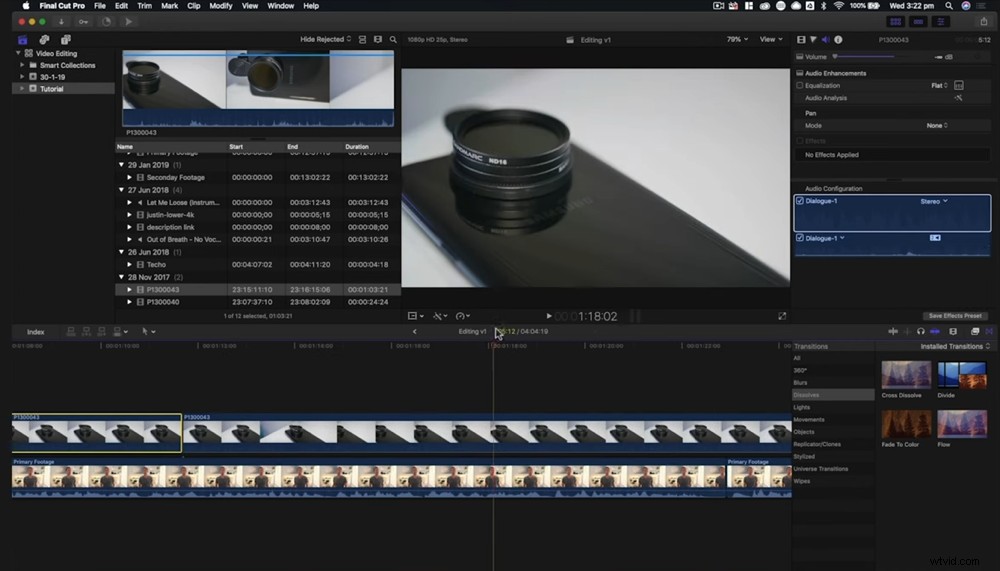
This video editor for Mac gives you an unreal editing experience
Only a few years ago, we totally dismissed it as more of a toy than professional grade software. It took a little while for us to come around, but now we absolutely love it.
Editing is so much more fun when everything runs seamlessly and that’s what Final Cut offers.
Final Cut Pro Pricing
There’s no monthly subscription here, just a one-time fee of $299.99. This is awesome for anyone who’s not a fan of the subscription model. Plus you still get access to all the new updates and features as they’re added.
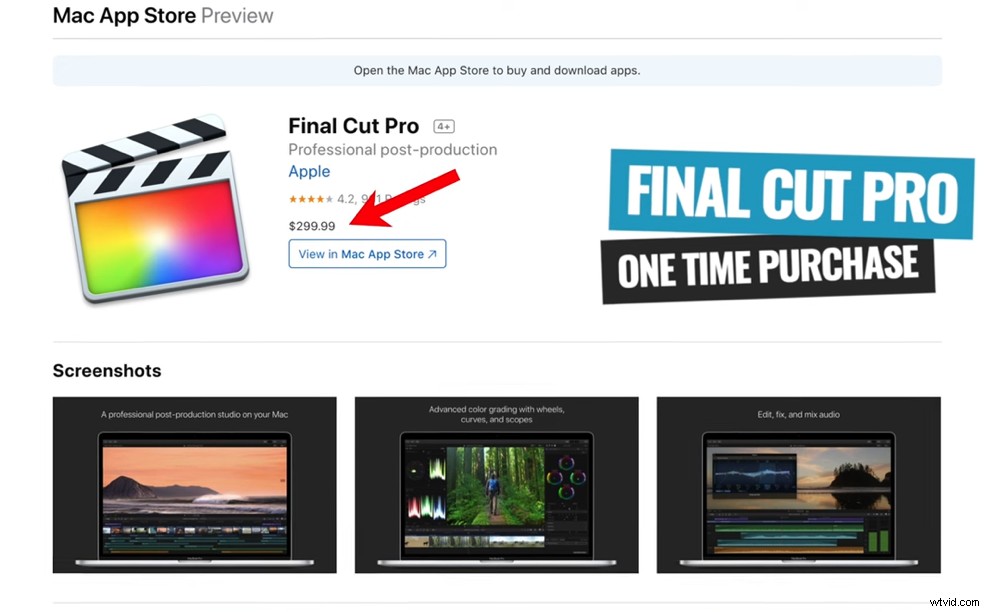
You can only get access to Final Cut Pro after a one-time purchase of $299.99
Adobe Premiere Pro
Premiere Pro is another super popular option that editors use for top level video production projects. It packs in all of the pro-level features and tools that you’d expect in an advanced editing software.
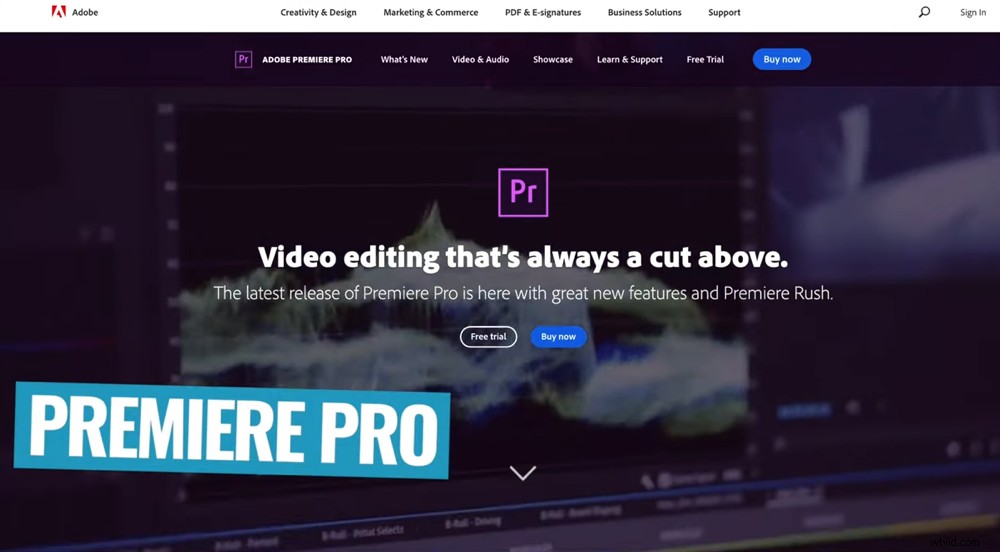
Premiere Pro is a really high level video editor for Mac used by a lot of professionals
Some of our favorite things about Premiere Pro include:
- Awesome workflow especially when working with a team & remote editors
- Super simple interface (once you get the hang of it!)
- Incredible, next-level color grading tools & effects
The biggest stand out for us is how smoothly Premiere Pro runs with the rest of the Adobe suite.
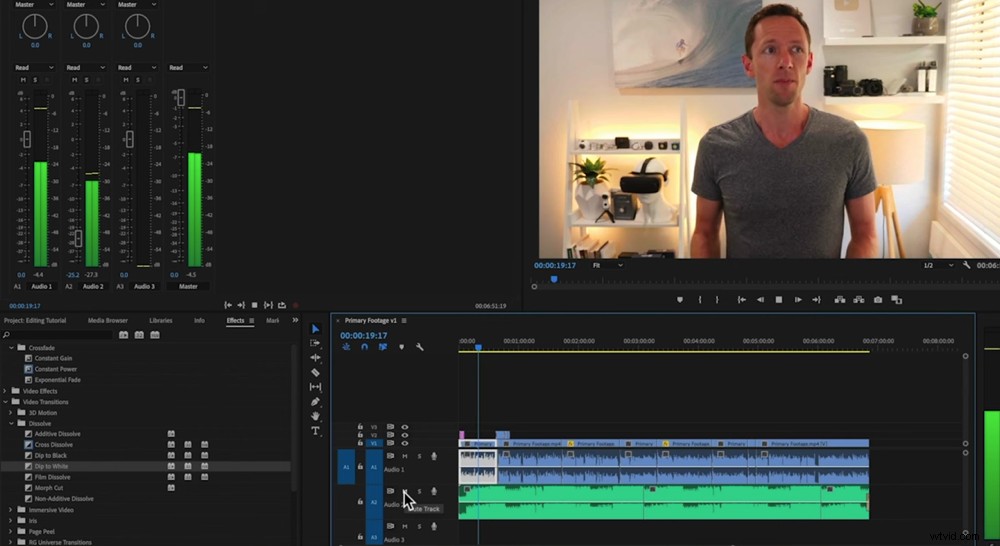
The integration between Premiere Pro and other Adobe programs is super powerful
If you’re using tools like Photoshop and After Effects, the integration is awesome. You can literally drag and drop an After Effects composition into Premiere Pro without needing to save or render it. This is really powerful!
So if you’re already inside the Adobe ecosystem and using other programs, this integration will save you a ton of time.
But, while the performance in Premiere is really, really good – Final Cut is a lot more stable. It doesn’t crash as often and the performance is next level comparatively.
Adobe Premiere Pro Pricing
You’ll need to sign up to a monthly subscription for access to Premiere Pro. You have two options:
- Adobe Premiere Pro – $20.99/month
- Adobe Master Suite (access to all Adobe programs) – $52.99/month
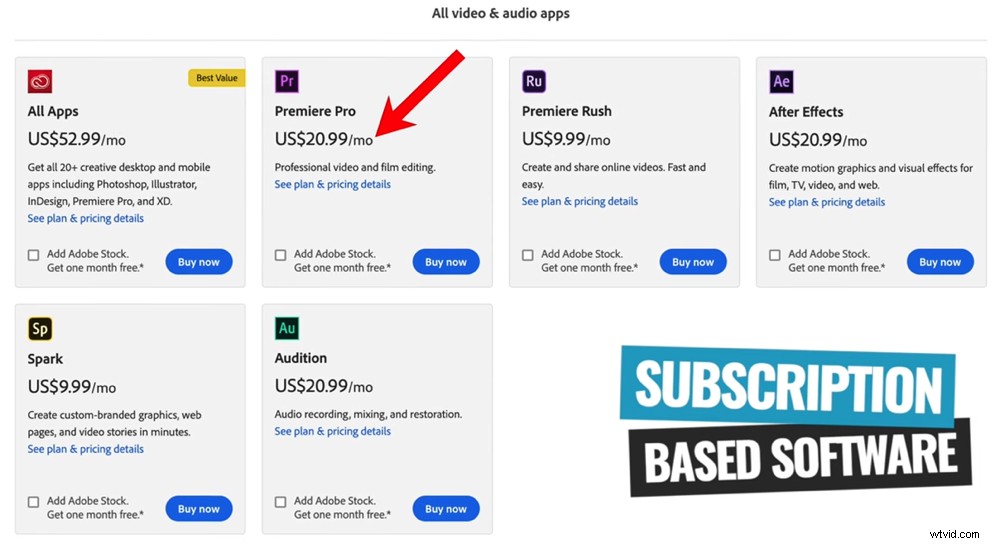
You can choose between accessing just Premiere Pro or the entire Adobe Suite
So, What’s The Best Video Editing Software?
Let’s do a quick run through of the short listed options:
- WeVideo: Great option if you have a lower spec computer or want to edit using just your web browser
- Filmora & VN Video Editor: Amazing tools if you’re a beginner through to intermediate looking for a more traditional editing software
- Final Cut Pro, Adobe Premiere Pro & Davinci Resolve: Professional software for editors at the intermediate to advanced level looking for all the high-level features, controls and customizability
If you’re looking for a pro-level Mac video editor – these are all amazing options
At this point, it comes down to your budget and what type of videos you want to create. Again, we recommend narrowing it down to one or two options that sound good to you and then getting the trial versions.
Playing around on the software for yourself will be the best way to find out which one is right for you.
Having said that, there must be a winner! So, the number one video editing software for Mac in our 2022 roundup is… Final Cut Pro.
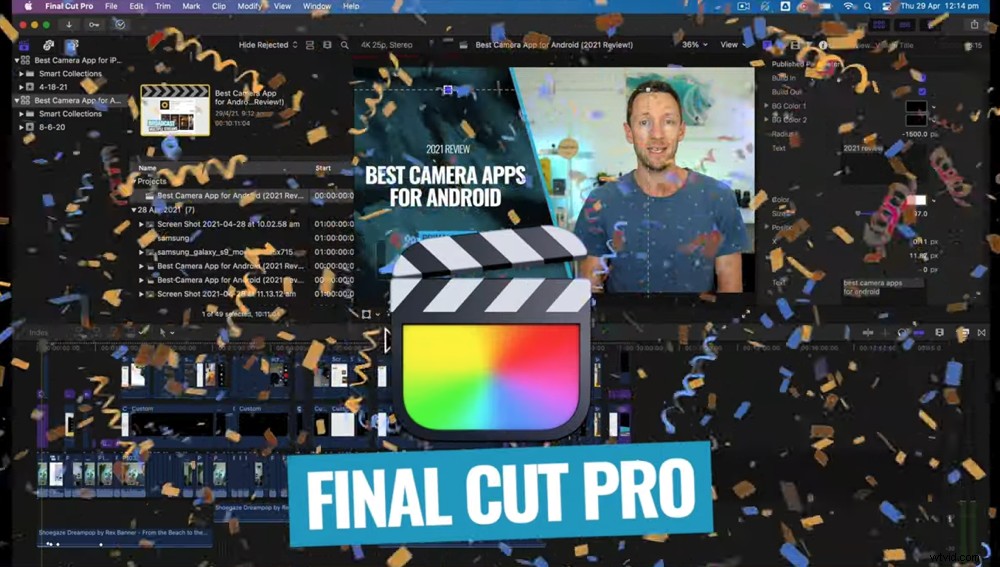
In our 2022 roundup, the best video editor for Mac is Final Cut Pro
It’s so fast, easy to use and it works super well with Apple’s hardware. It makes editing not just easy but fun!
However, when you compare Final Cut to Davinci Resolve you’ll be amazed at how advanced Davinci Resolve is – especially given that it’s free. So we’re keeping a close eye on Davinci for next year’s roundup! Who knows – the free software might overtake the paid options.
Our Top 3 Video Editing Tips
Now, as promised we’ll share our top 3 video editing tips to help you edit faster no matter what editing software you use.
1. Focus on cutting down content first: A lot of people jump straight into making their videos look pretty by adding color grades and effects first up. But this really slows down your device! Every time you play back through it, it needs to render and process. So cut down your content first, then make it look nice afterwards.
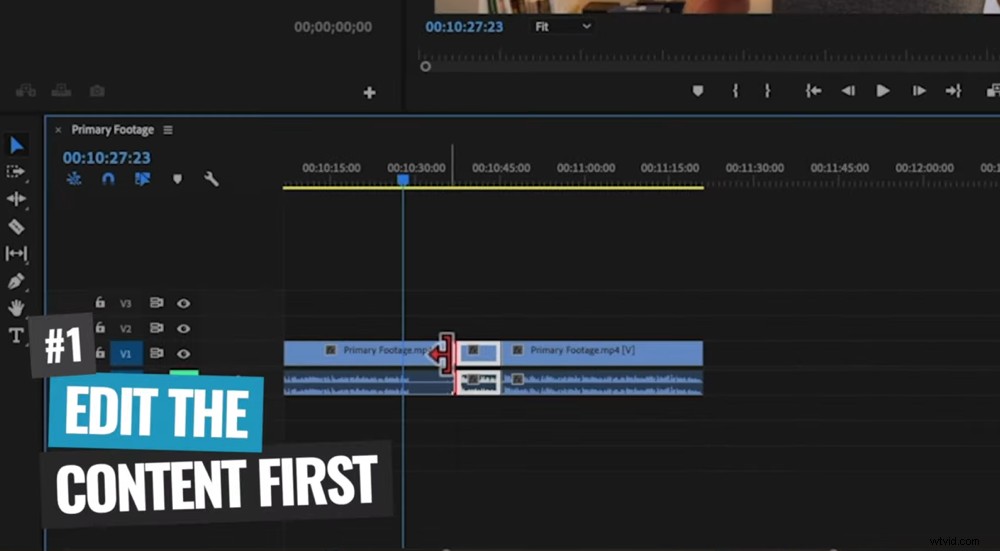
Video editing tip #1 is to edit your content before adding effects and color grade
2. Learn the keyboard shortcuts: This will dramatically speed up your editing process! There are shortcuts that allow you to tap one button on the keyboard rather than up to four mouse clicks. So make sure you learn the keyboard shortcuts for your software. To do this, either go to Help inside the editing software or do a quick Google search.
Some great ones to start off with are the playback controls. In most software the shortcuts are JKNL. Also look for ripple edit left and ripple edit right – you’ll thank us when you see how fast they are!
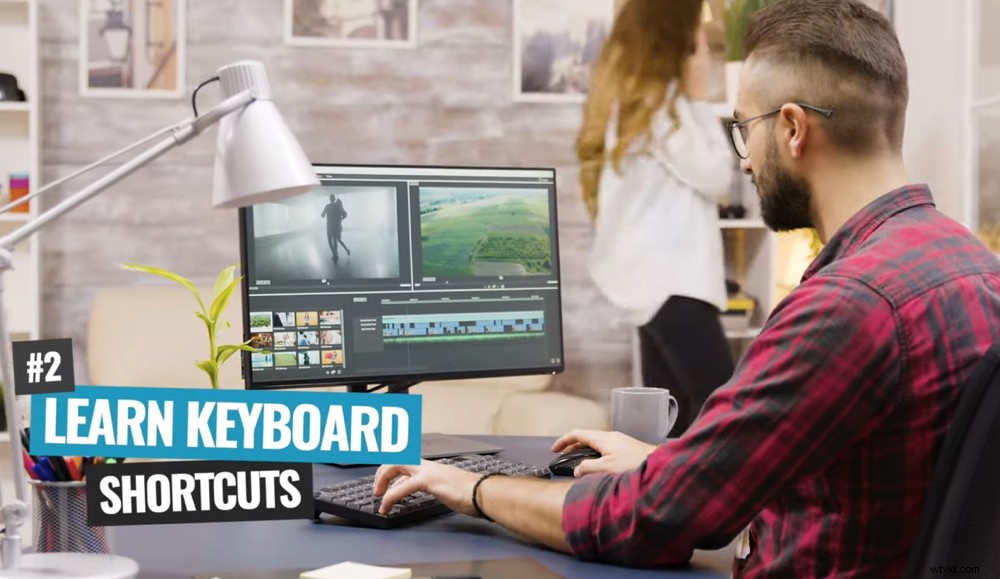
Video editing tip #2 is to learn the keyboard shortcuts for your editing software
3. Use editing templates: Don’t think you need to create everything yourself. You don’t need to learn Adobe After Effects to make your own custom motion graphics and you don’t need to film all your own B-roll footage.
Services like Storyblocks and VideoHive have amazing libraries full of footage, motion graphics and animations that you can use in your videos. You can literally just drag and drop it – this will save you so much time!
Video editing tip #3 is to use editing templates rather than creating everything yourself
If you’d like to learn more editing tips on Mac, check our Complete Beginner’s Guide to Video Editing on Mac.
Now You Know The Best Video Editing Software For Mac
Woohoo! You’re now ready to pick a video editing software and get editing on Mac like a PRO.
We hope you’ve enjoyed our complete list of the best video editing software on Mac for all budgets and skill levels.
Just remember that there’s no perfect software, and the one you choose ultimately comes down to your specific needs for video editing.
If you’d like to see our top recommendations for best video editing software on Windows PC, you can check them out here.
For more video editing tips and tricks, download the Primal Video guide on the ULTIMATE Process for Editing Videos Faster. With the help of this free guide and the right software, you’ll be editing videos like a pro in no time!