
Finding the right Android video editing app can allow you to create high quality videos quickly and easily using just your Android device.
You can go seamlessly from filming to editing to release without leaving your phone or tablet!
But with so many video editing apps for Android out there, how do you know which one is the best?
There’s Adobe Premiere Rush, Alight Motion, CapCut, Cute CUT, FilmoraGo, Funimate, InShot, KineMaster, PowerDirector, WeVideo and Quik – the list goes on and on.
Well, there’s good news. We’ve tried and tested all the top options so that you don’t have to!
With all this testing, we were able to narrow it down to our three top picks for best video editing apps on Android in 2022.
We’ll share our recommendations for all types of video creators. Whether you’re after something that’s free, paid, beginner friendly or more advanced – we’ve got you covered.
So, our shortlisted apps for best Android video editor are:
- VN Video Editor
- VLLO
- KineMaster
We’ll dive into each of these top editing apps so you can get a good idea of which one will suit your needs the best.
Let’s get started.
VN Video Editor
VN Video Editor is an incredible free video editing app.
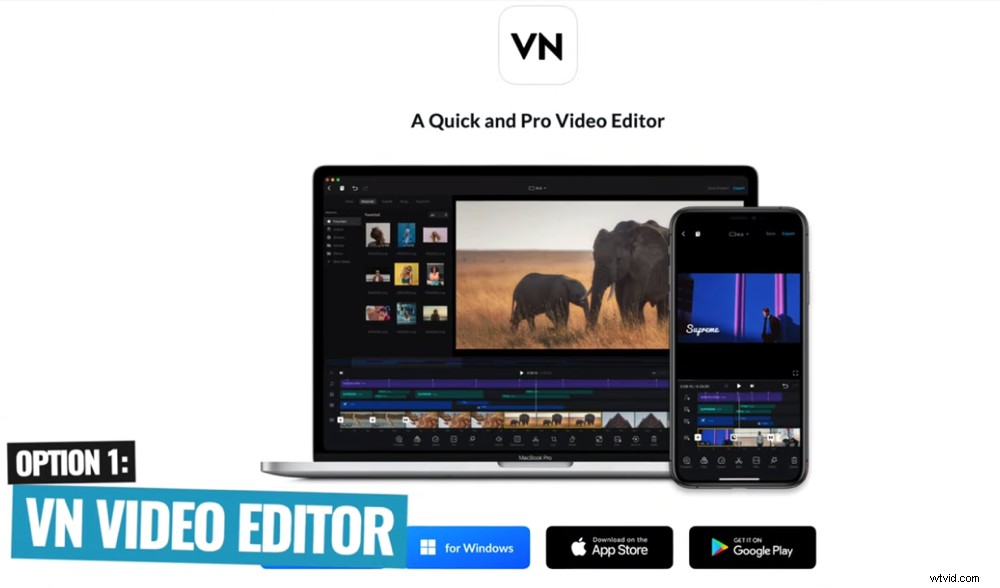
VN Video Editor is one of the best free video editing apps for Android
The interface and useability is really simple and intuitive. Even if you’re an absolute beginner, you could jump into this app and get acquainted with the interface very quickly.
There’s a ton of tools, effects and transitions. You have the ability to really dial in your colors with great color control features. You have a high level of audio control as well.
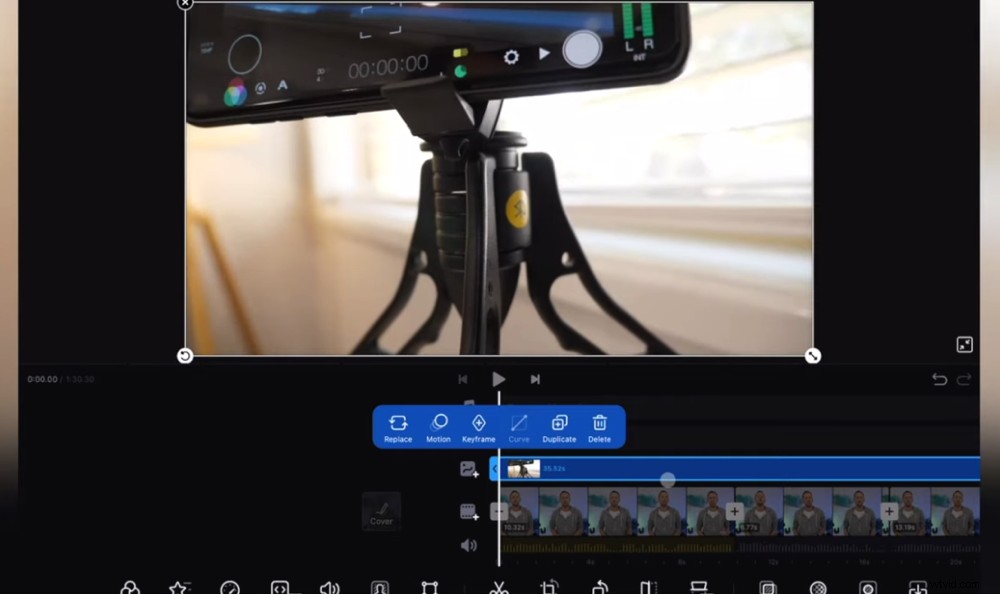
If you want to edit video on Android, VN Video Editor is a great place to start
We also love the simplicity of VN Video Editor. Everything works smoothly and you can edit your videos down really quickly.
One particular feature that’s really powerful is the ability to change video format super easily. If you created a widescreen video for YouTube, you can turn it into a portrait video for Instagram stories with the click of a button.
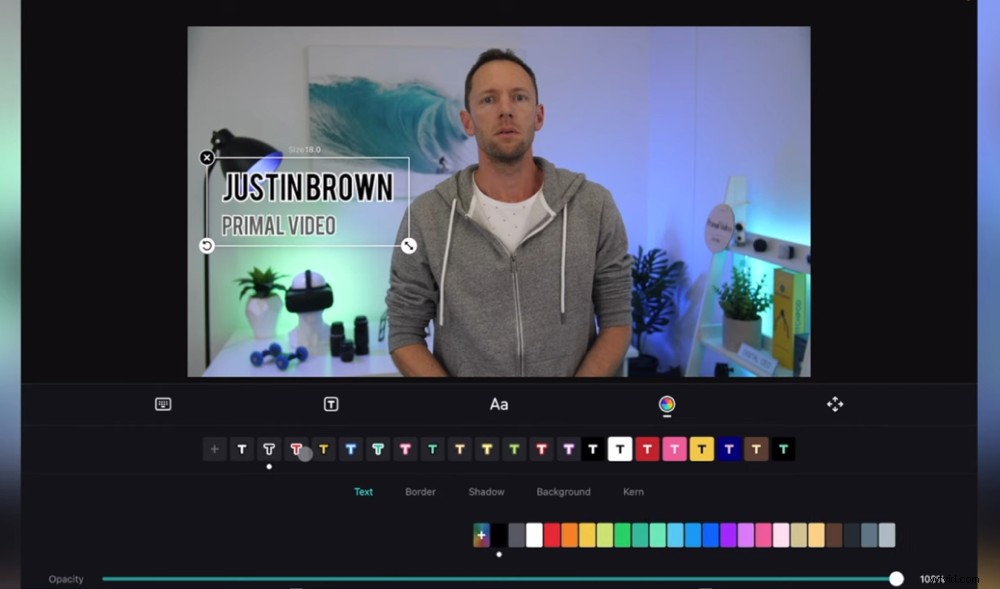
VN Video Editor’s super intuitive interface makes Android video editing quick and easy
There are two main things to note about VN Video Editor.
First of all, when importing your footage there might be somewhat of a processing time. This is because it’s rendering your footage to create an optimized version of it that works better in the app.
This is something that a lot of apps don’t do. It might be a bit frustrating if you just want to jump in and start editing right away.
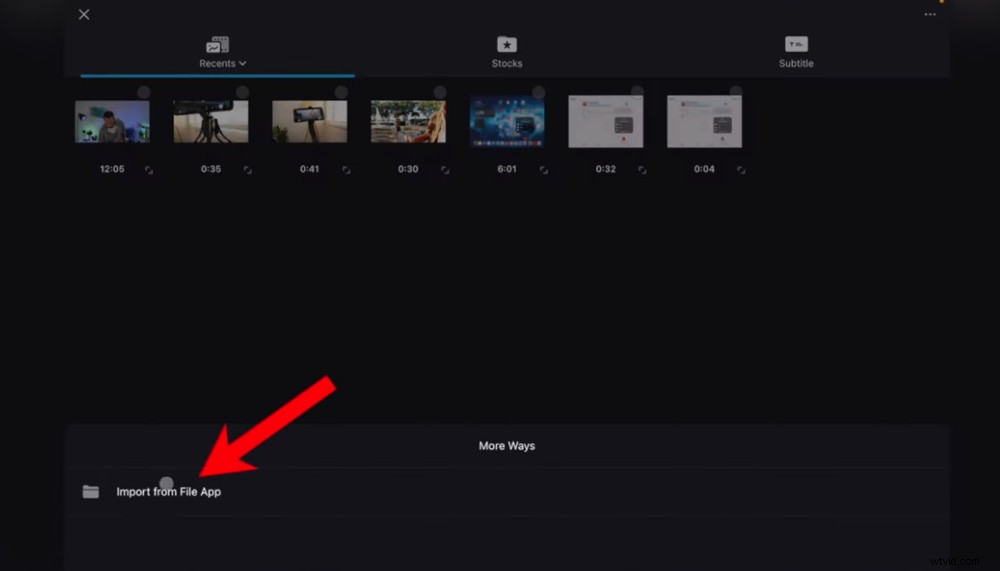
The upload process may be longer than with other apps but this will be worth it in the long run
But it’s actually a good thing. It will speed up the rest of the editing process for you. So you’re less likely to have any issues while editing once this is done.
Secondly, VN Video Editor inserts a promotional card at the end of every project you create. No biggie – it’s super easy to delete the card but just make sure you remember to do it.
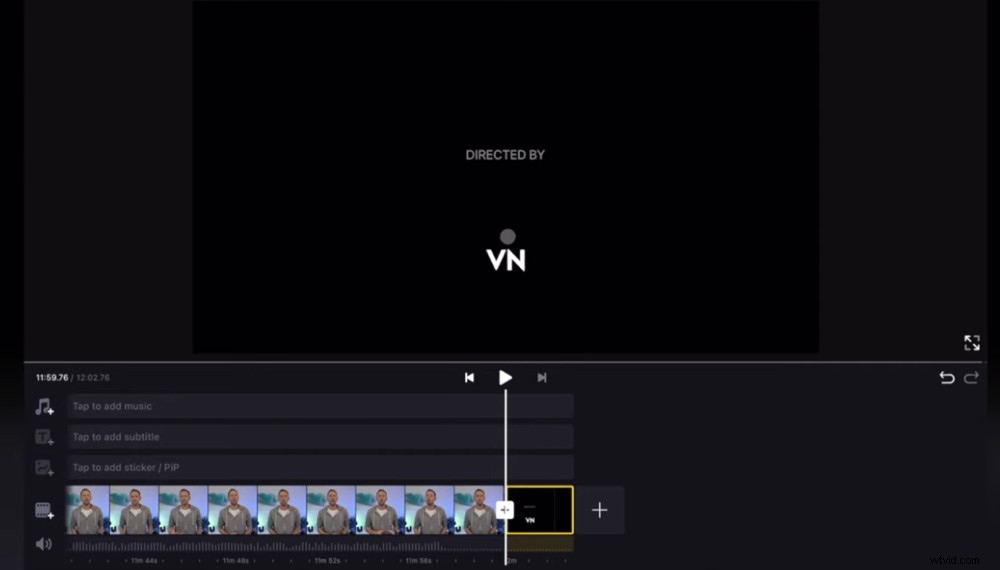
Make sure you delete the end card as part of your video editing workflow
So overall, this video editing app is a great option for anyone at the beginner to intermediate level of video editing. Or if you’re at an advanced level and want an app that allows you to quickly edit without needing all the pro level tools – this could be the app for you.
VN Video Editor Pricing
It’s completely free!
Now let’s check out our second shortlisted video editing app.
VLLO
VLLO is another awesome editing app that’s easy to use and really intuitive.
If you’re looking for the best app for video editing android, VLLO could be for you
It’s very similar to VN Video Editor in terms of the interface but VLLO has some next level features.
So while it’s still a great option for beginners to jump into, there’s also more high-end tools and professional components.
You have more control over things like color grading, color effects and audio. Plus there’s even built-in adjustment layers.
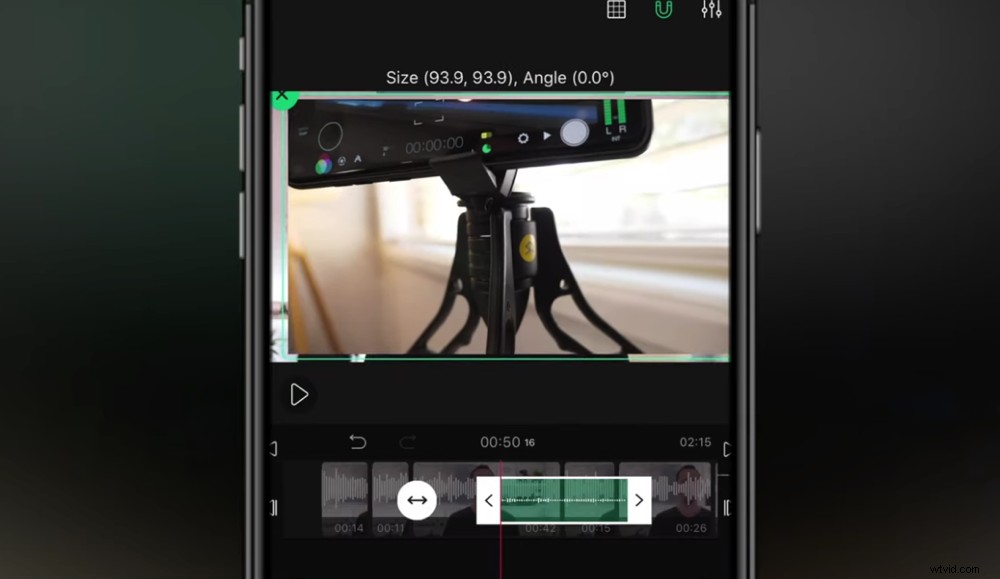
This Android video editor has some really impressive features but it’s still easy to use
The built-in adjustment layers are a really powerful feature that you normally only see in professional video editing software. It’s essentially where you can apply effects or color grades to a layer. Then those effects are applied to any clips underneath the layer.
This allows you to get really creative with your editing. It also speeds up the color grading part of your video editing workflow.
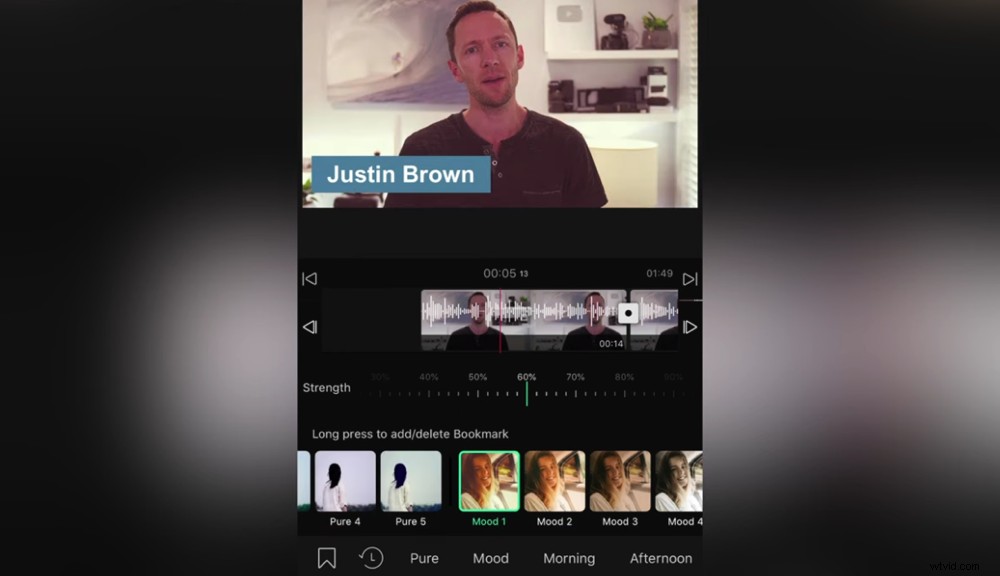
The adjustments layers tool is super advanced for an Android video editing app
Another impressive aspect of VLLO is how you’re able to control all the major features just using key frames. In some video editing programs, key frames can be a scary thing to deal with. But in this app you have lots of control and they’re simple to use!
Overall, VLLO makes it really easy for beginners to jump in and start creating high quality videos. There are advanced tools and features that make it an awesome option for experienced video editors as well.
VLLO Pricing
There is a free version available but this will really limit you in terms of the features you’ll have access to. If you want full access, there are three paid options:
- Monthly – $3/month
- Annual – $6/year
- Lifetime – $23 one time fee
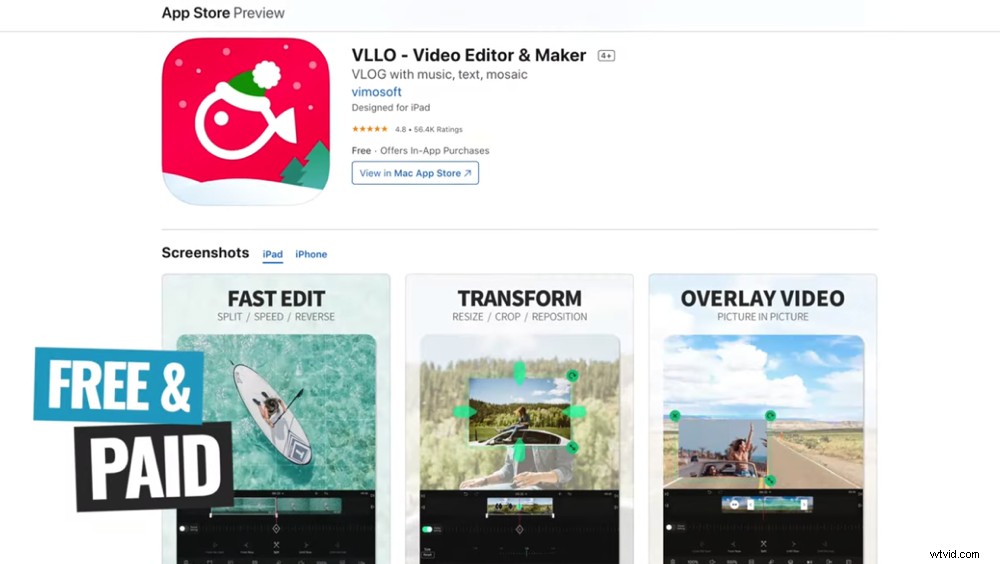
This video editing app is super affordable and there’s even a free option
This is amazing value given all the tools you have access to and how quickly you’ll be able to create content.
Now let’s take a look at our third shortlisted Android video editing app.
KineMaster
KineMaster is a really popular video editing app with a bunch of cool features and controls.
KineMaster is an awesome video editor for Android
Just like the others, it’s not overly difficult to get up to speed with the interface and workflow. It’s not as easy and intuitive as the previous apps – but even absolute beginners will be able to pick it up.
There are lots of great effects and transitions built-in to the app. If you want to get even more creative with your edits, there’s a KineMaster Asset Store where you can purchase and download even more assets.
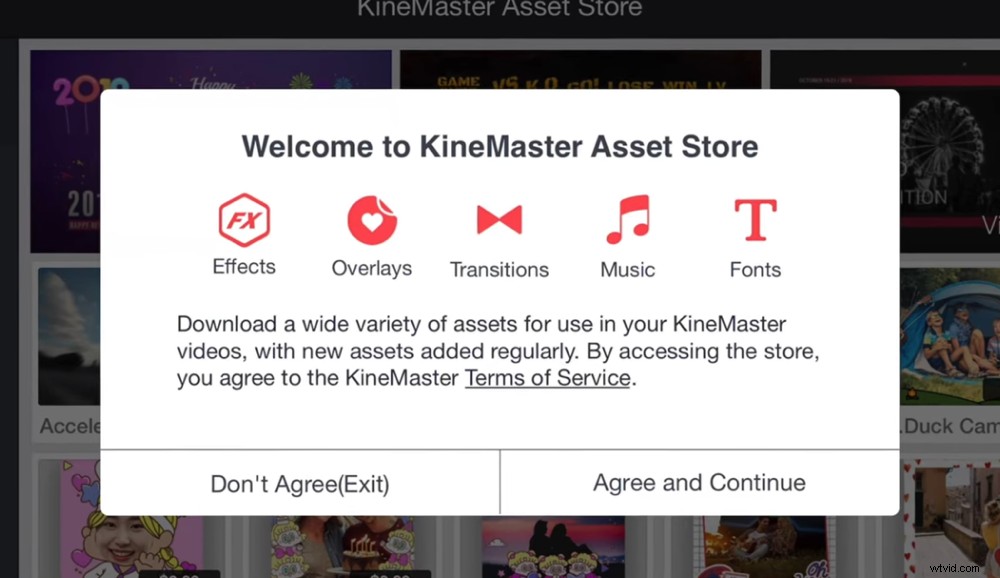
If you want to take your Android video editing to the next level, check out the Asset Store
Some of the stand out KineMaster features are:
- You can have up to nine video layers playing back simultaneously (this is a lot!)
- There are really powerful audio effects and controls like EQ adjustments, pitch control and auto volume levelling tools
- A high level of control over title and text tools allows you to really customize your text to match your branding
- It’s super easy to dive into manual settings such as volume controls using key frames (just like in VLLO)
- You can back up project files and transfer to other devices really simply
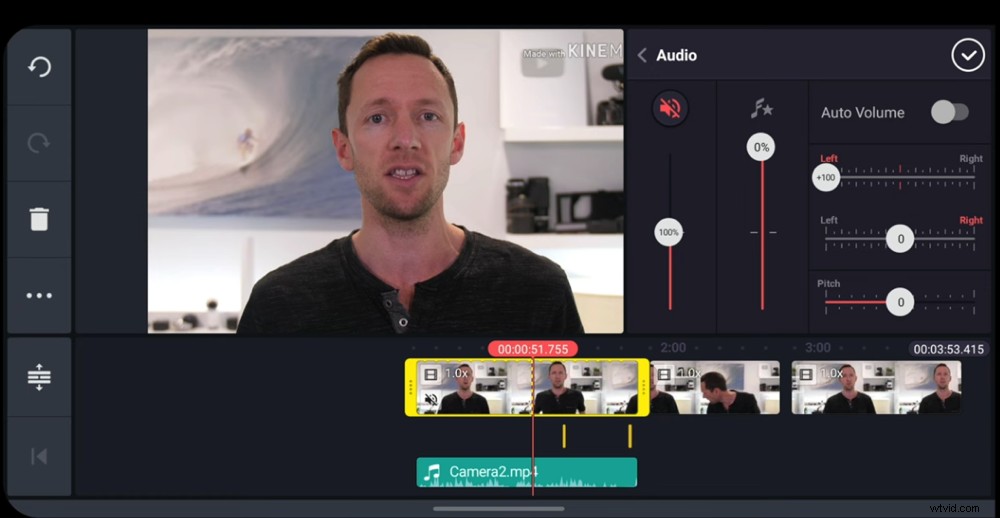
We usually don’t recommend auto volume settings but KineMaster does a really good job of this
One thing that KineMaster doesn’t do as well as the previous apps is reformatting a project.
As we mentioned earlier, this is really useful if you created a widescreen project for YouTube but then want to repurpose your video for Instagram or TikTok.
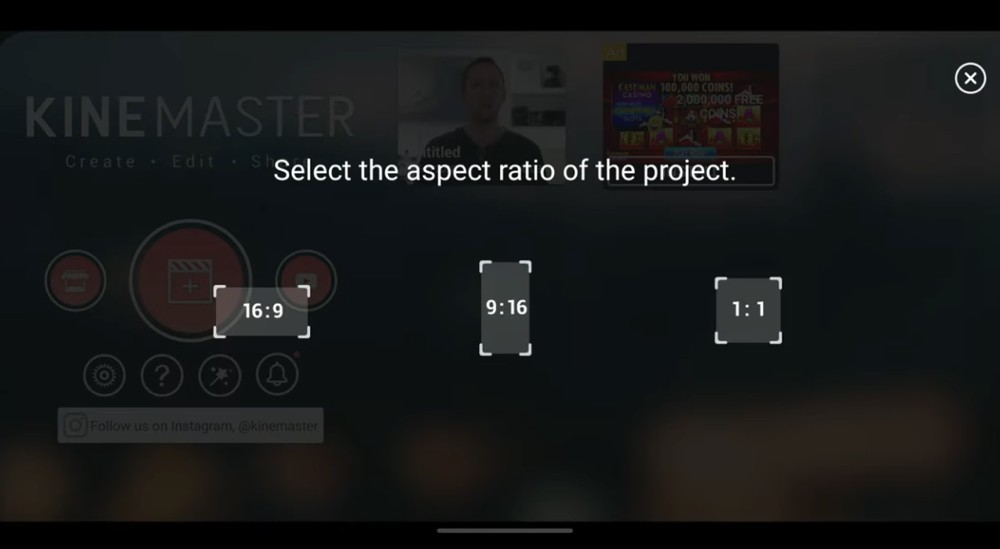
Reformatting your projects is a bit more complicated in KineMaster
This is still possible in KineMaster but there’s a few more steps involved. In VN Video Editor and VLLO, it’s as easy as tapping one button.
So this isn’t a deal breaker but it is something you should be aware of if you plan on creating content in different formats.
Overall, KineMaster is a great option for beginners right through to advanced editors.
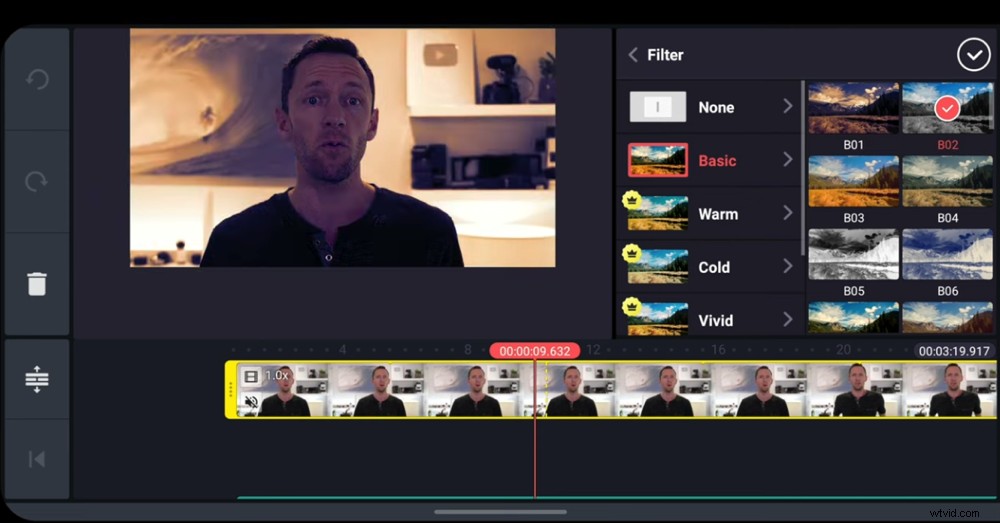
KineMaster is right up there in terms of video editing apps for Android
But while an absolute beginner could jump into this app, there will be a steeper learning curve than with the other options. So just make sure you’re happy to invest a bit more time into figuring out all the settings and tools.
KineMaster Pricing
You can download a free version of KineMaster but we don’t recommend using this. It adds a watermark to your project upon exporting which results in an unprofessional-looking video. You also won’t have access to a lot of the effects and features.
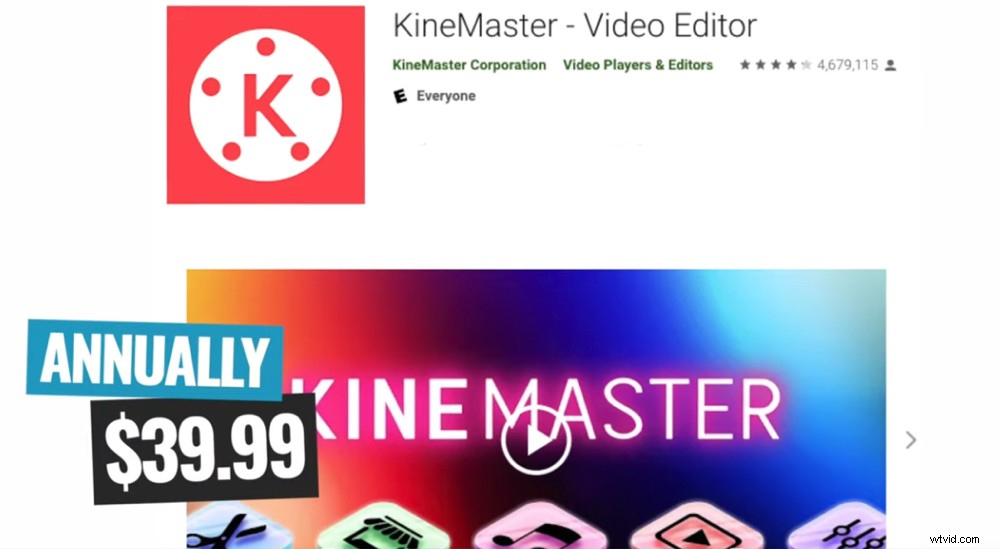
You can choose between monthly or annual subscriptions for KineMaster
There are two pricing options for the paid version:
- Monthly – $4.99/month
- Annual – $39.99/year
It’s definitely not the cheapest app out there but if you want access to advanced features that give you a desktop editing experience on your Android – KineMaster might be for you.
Which One Is The Best Android Video Editing App?
Before we announce the best video editing app for Android, there are some other amazing apps that deserve a shout out.
CapCut, InShot and Power Director are really solid apps that didn’t quite make the cut this year but they’re still worth checking out.
While all these apps are awesome, there does have to be a winner. So, our top pick for best video editing app on Android in 2022 goes to… VLLO!
VLLO wins the best video editor for Android in our 2022 roundup
We really think it’s the best app in terms of usability and features. It’s easy, fast and it’s actually fun to use as well. Plus, those extra features like the adjustment layer make it a stand out app.
But, you can’t go wrong with any of the video editing apps we mentioned. They’re all going to give you amazing edits using just your smartphone. So go with the one that works best for you.
Interested to find out the best video editing app on iPhone as well? You can check it out here.
For more information on Android video editing, check out our complete guide on the ULTIMATE Process for Editing Videos Faster. In this guide, you’ll learn how to cut your video editing time in half, no matter which app or software you’re using.