
If you’re looking for the best video editing software without the price tag – you’re in luck. There are a TON of powerful, free video editing software for PC & Mac!
With so many free video editors, it’s super easy to level up your video creation without needing to splurge on expensive video editing software like Adobe Premiere Pro or Final Cut Pro X.
There’s DaVinci Resolve, HitFilm, iMovie, OpenShot, Kdenlive, VSDC & ShotCut, just to name a few.
We’ve tested all of the free video editors that will give you HIGH quality results. That means full featured video editing programs with no watermarks or critical editing limitations.
So after the usual testing, here’s our shortlist of the top free video editors:
- iMovie
- OpenShot Video Editor
- VN Video Editor
- Kdenlive
- DaVinci Resolve
Whether you’re a complete beginner or a professional editor – there are awesome free editing software options for you.
Make sure you stick around until the end to hear what I think is the best free video editing software for Mac & PC!
Let’s dive in.
iMovie
This is a Mac-only software that comes pre-installed on your Mac. It’s a really popular option because of how easy and intuitive it is to use.
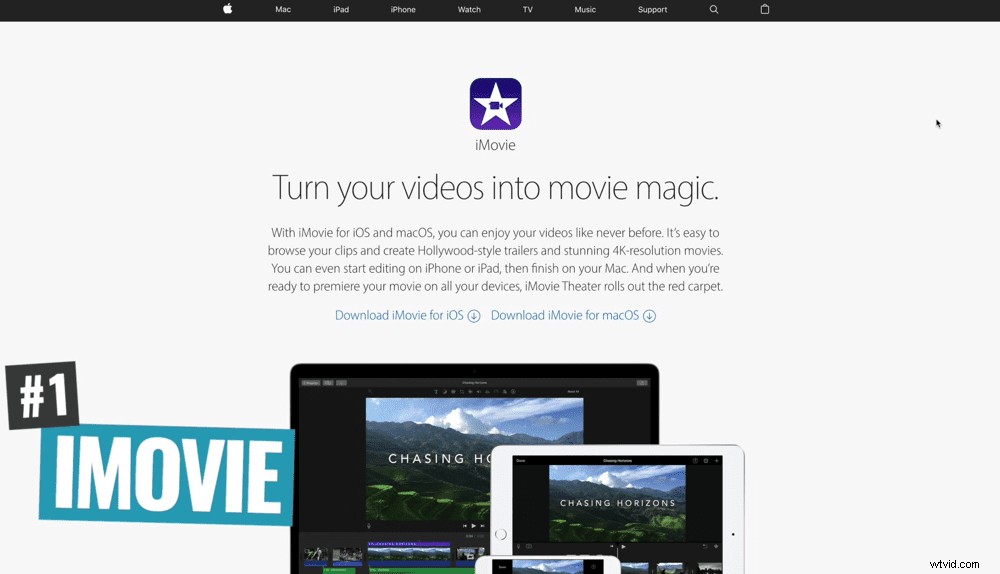
But don’t be put off by the fact that it’s one of the more basic options. There are some really big YouTube channels and content creators that use iMovie for all their video content!
Top iMovie Features
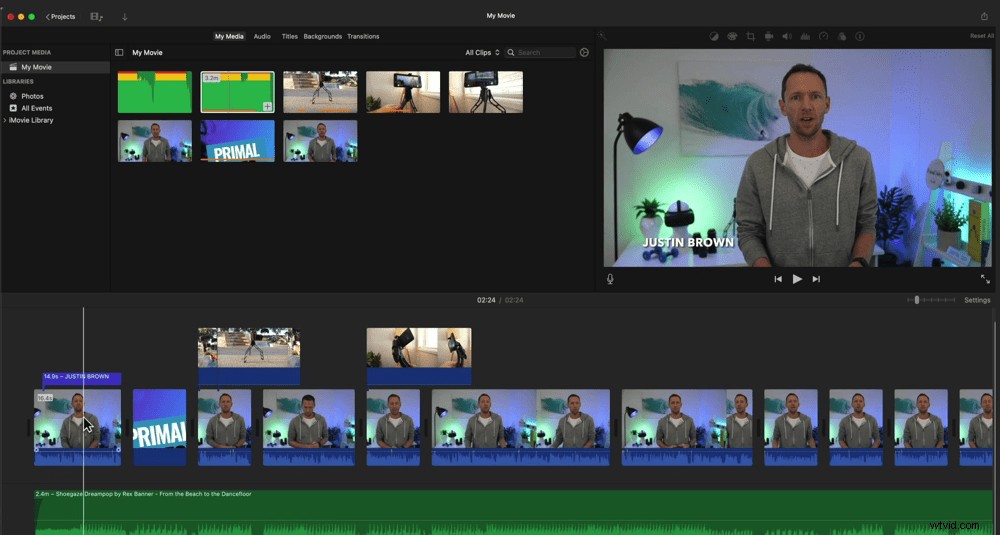
iMovie has one of the simplest interfaces out there. Even absolute beginners who have never edited before could jump in there and quickly figure out how to use it.
There are lots of similarities with Final Cut Pro (it’s big brother/more professional version) which means you have a clear upgrade path to more advanced software if you want it.
Downsides
It’s a lot more limited in terms of the effects, video formats and color correction controls than some of the other options we’ll cover today. But that doesn’t mean that you can’t get great results!
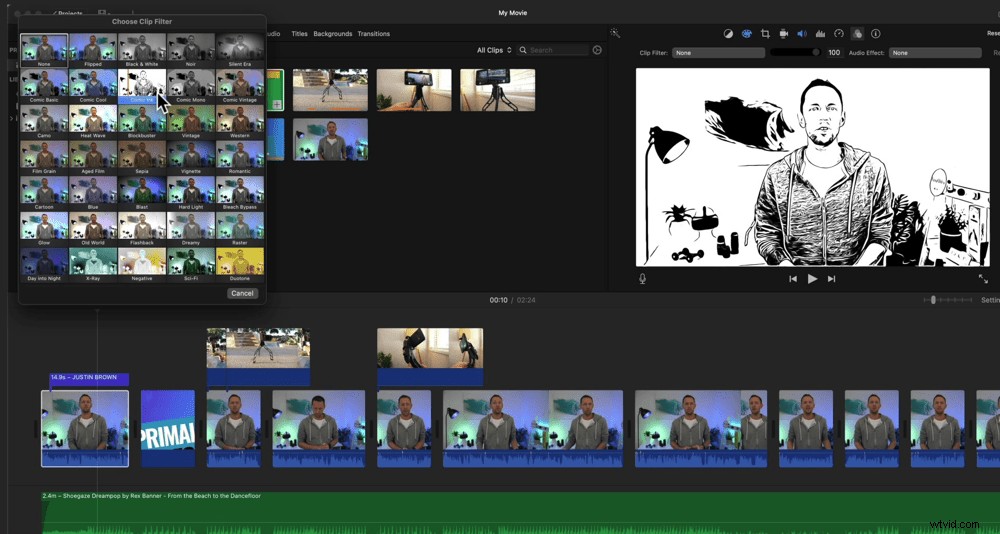
Overall, iMovie is a great option for anyone who’s an absolute beginner and doesn’t need all the extra advanced features.
OpenShot Video Editor
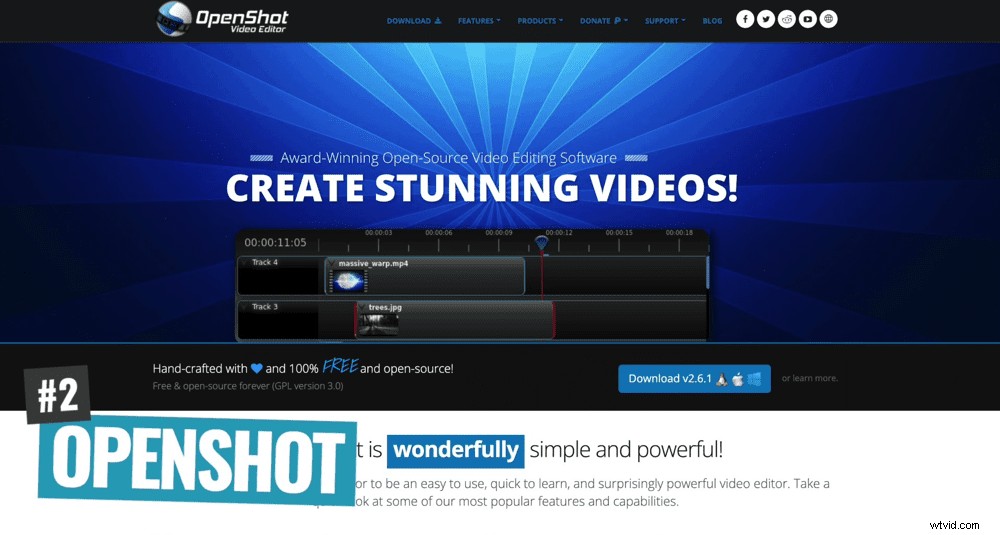
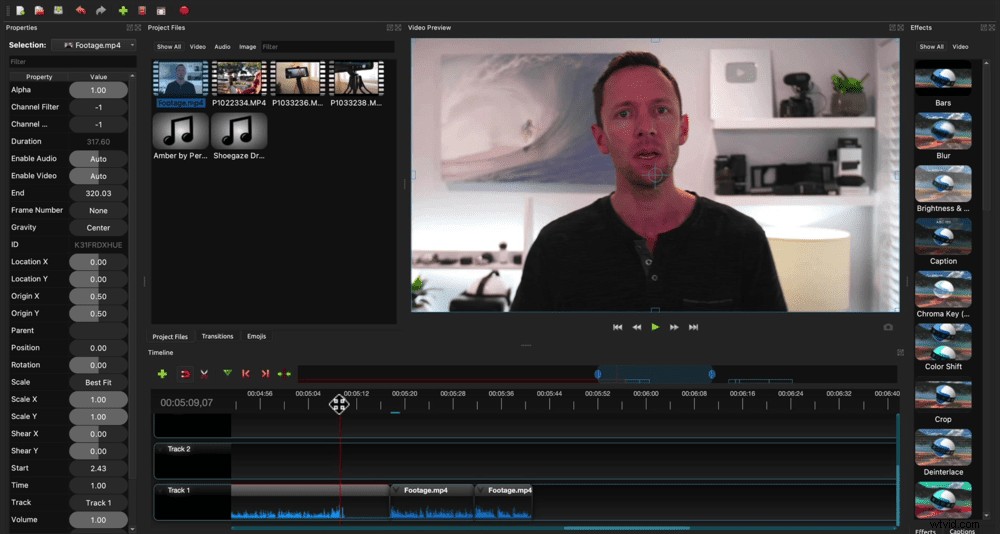
This is an open source software that works on Mac, Windows and Linux. It’s not as simple as iMovie to learn and use but it does have some more advanced features and tools.
Top OpenShot Features
There’s an amazing community and development team behind it who keep it updated and add new features all the time.
It’s great for beginners who don’t need professional features but want something a bit more advanced than iMovie.
Downsides
Depending on which computer you’re using and how powerful it is, OpenShot can be a little clunky. In our experience, it’s worked fine on both Mac and PC. But we have heard of people having issues with it running slowly.
The biggest limitations are the lack of filters, effects and controls. There’s very little in terms of color correction features, for example.
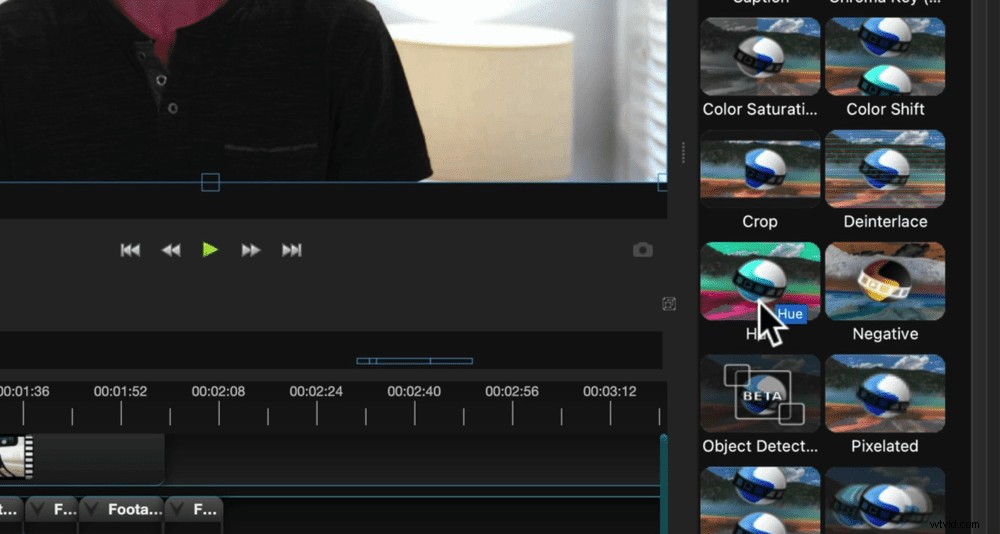
Overall, this is a really easy to use software that’s good for anyone who doesn’t need advanced controls.
VN Video Editor
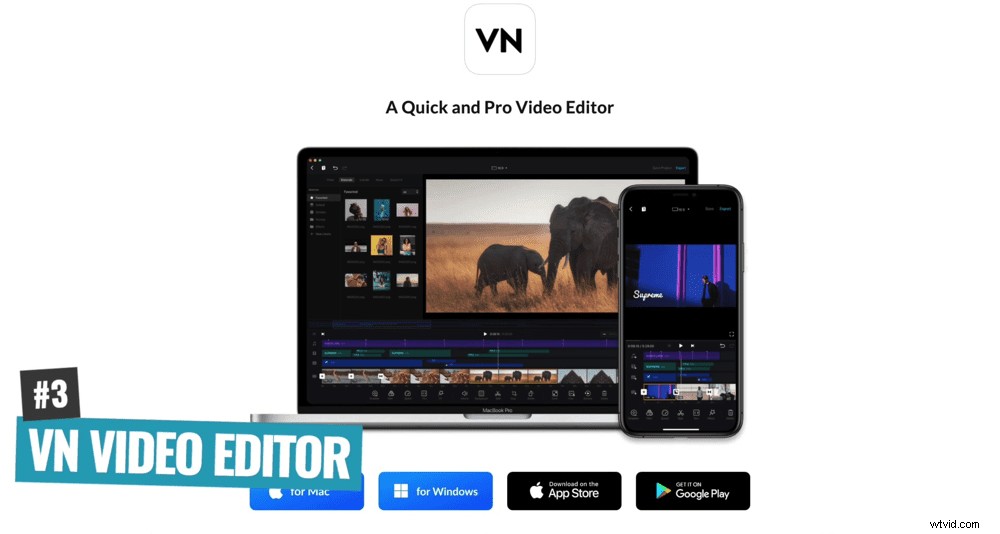
This is a bit of a newcomer compared to the other options in this guide. It works on Mac, iOS and Android. It says on the website that it works for Windows as well but it does require a bit of a workaround.
Top VN Video Editor Features
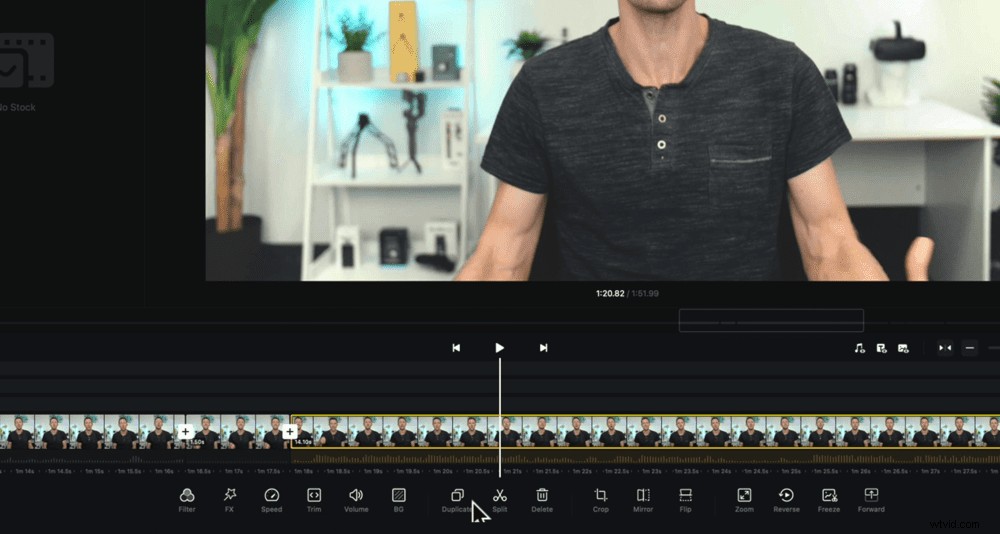
VN Video Editor has ported their app from iOS & Android over to desktop which means their interface has a completely different approach to traditional video editing.
This new style interface is really easy to use, intuitive and it also makes your editing more fun!
Plus because it’s compatible across multiple devices, you could start a project on your phone and finish it on desktop. This is super handy for editing on the go.
There’s also a ton of effects, presets and filters so you get a lot more control over your editing.
Downsides
When you start a new project it automatically adds a credit screen to the end of your project. This isn’t a big deal but you just need to remember to delete it before exporting (which we may have forgotten to do once or twice!).
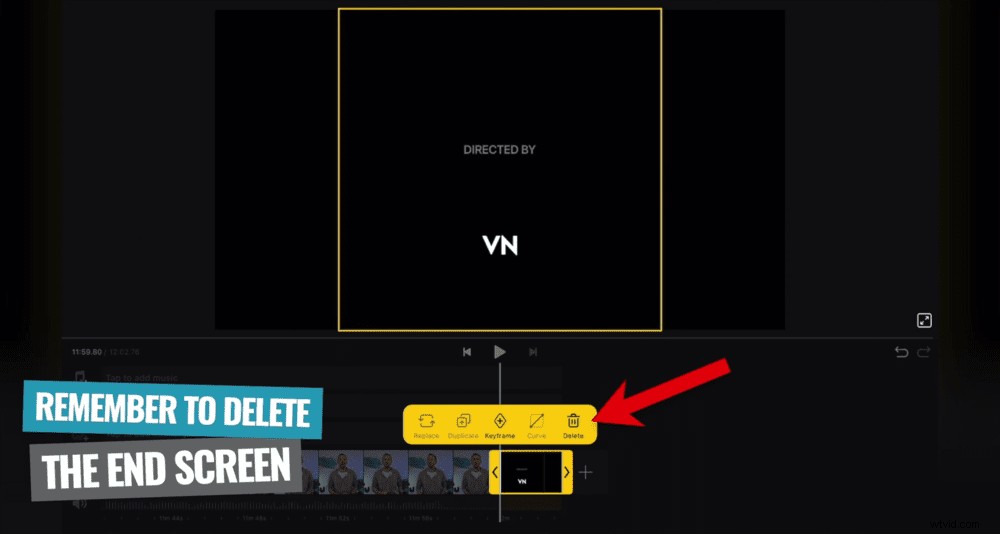
Overall, this is great for anyone from an absolute beginner level right up to an intermediate level. If you want more features and controls but don’t necessarily want to jump into a full professional program – try out VN Video Editor.
Kdenlive
This is another open source solution that works on Mac, Windows and Linux. You could think of Kdenlive like OpenShot but with much more advanced features.
Top Kdenlive Features
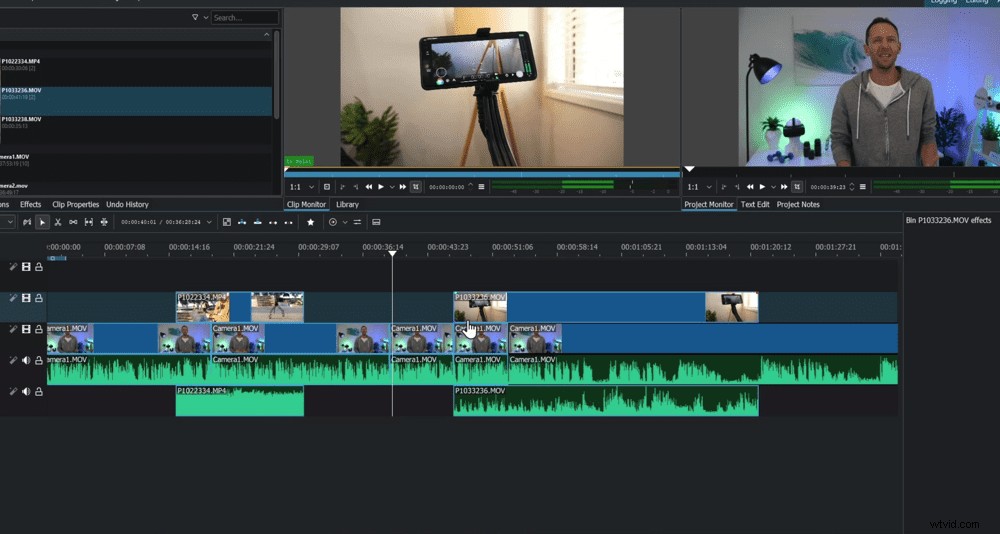
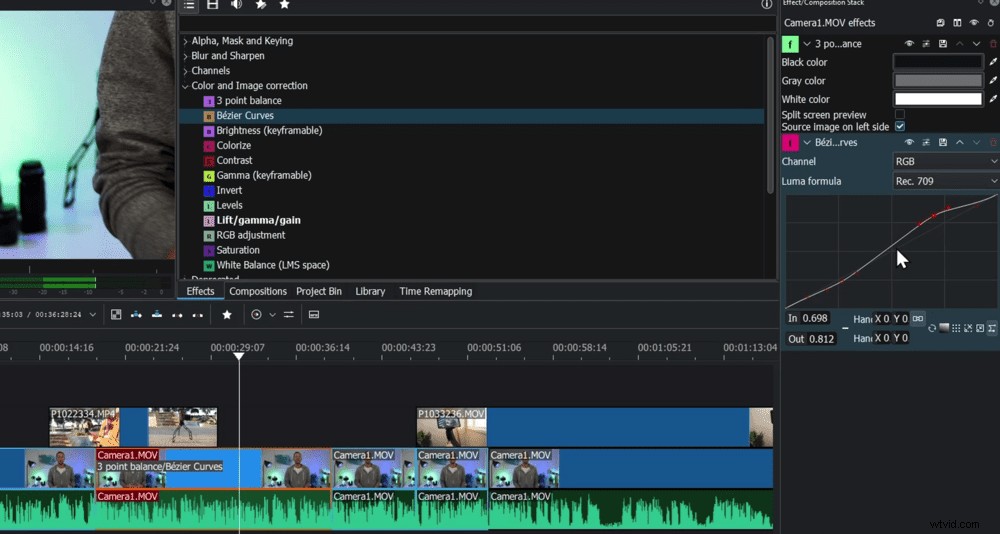
The overall editing experience is really fluid and super fast. It has next level color grading tools and advanced features – much more than what you’d expect in a free open source software!
It has a similar layout and style to traditional professional tools like Adobe Premiere Pro. This means if you want to move on to more professional software after mastering this, you’ve already got that base knowledge.
Downsides
The main downside is that it’s more complicated to learn than software like OpenShot. But that’s just because it has more advanced tools.
Overall, this is an awesome option for anyone at the intermediate to advanced level. If you’re looking for advanced tools and features but don’t need the MOST professional software – Kdenlive is a solid choice.
DaVinci Resolve
This is a video editor that we talk about a lot! It works on Mac, Windows and Linux. DaVinci Resolve is hands down the most professional free video editing software out there. It’s Hollywood movie-grade style software!
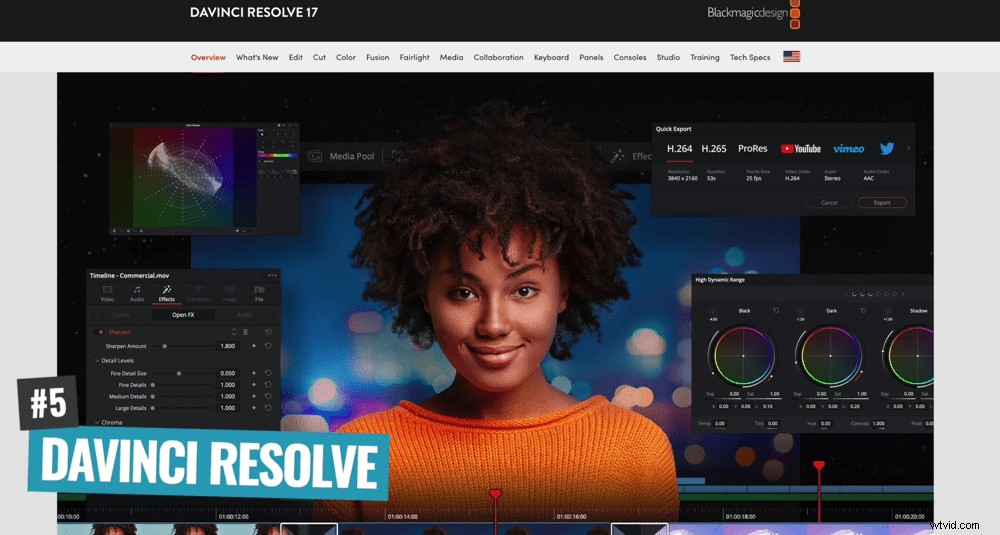
Top DaVinci Resolve Features
Not only is it an amazing editing tool, but it also has professional audio tools and motion graphic tools built in (think Adobe Audition and Adobe After Effects all included).
Even though it packs in a ton more features and controls, it’s still easy enough to learn and get up to speed with.
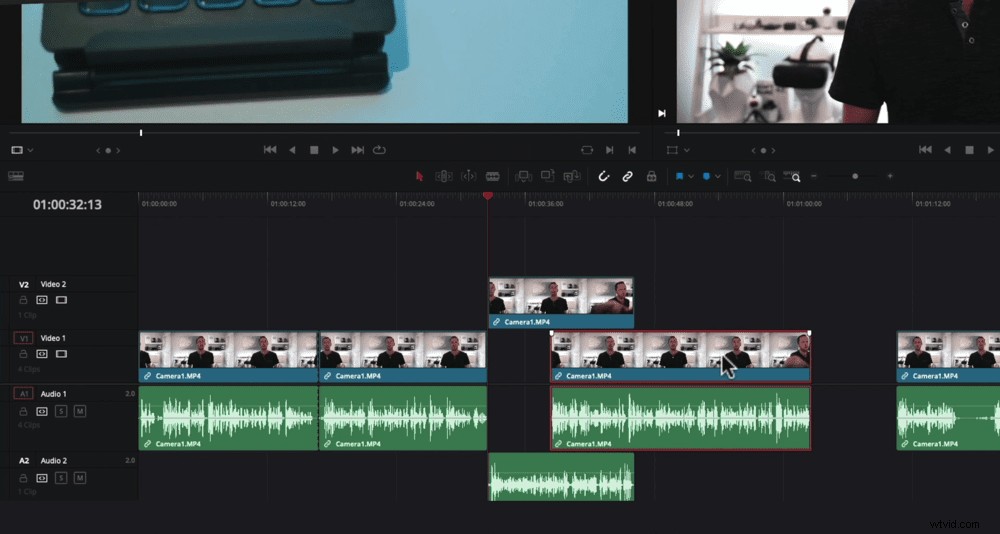
Downsides
DaVinci Resolve is a resource-hungry program so you will need a fairly recent or powerful computer. If you try to run it with an older computer, it either won’t install or you’ll likely run into some troubles while editing!
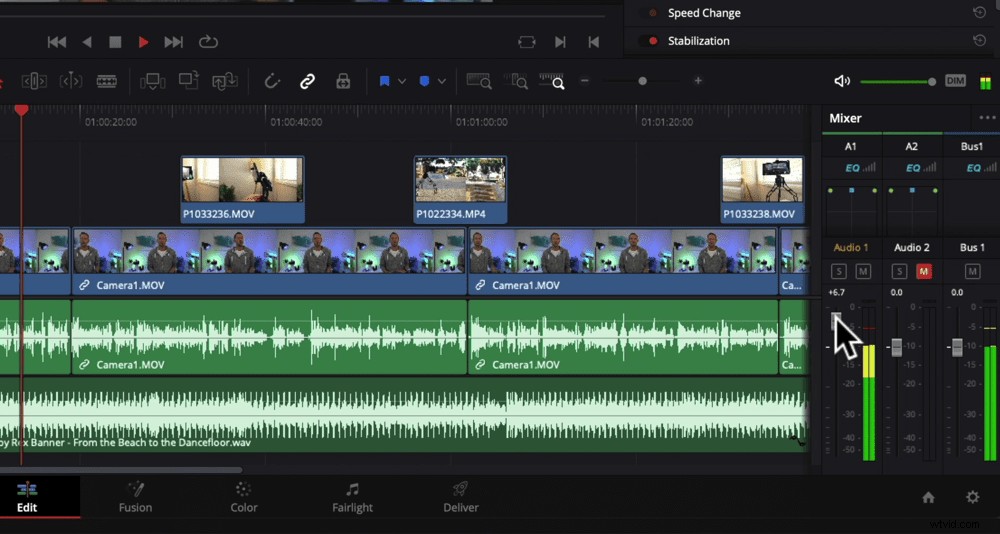
Overall, this is an amazing software for anyone at an intermediate level right through to advanced or even pro level.
PRO TIP: Given that there are a ton of advanced features and tools in there, you might find our complete DaVinci Resolve tutorial helpful!
So, What’s The Best Free Video Editor For Mac & Windows?
First up, let’s do a quick summary of which software might be right for you:
- Absolute beginner? Check out iMovie or OpenShot
- Looking for something a little bit more advanced? Check out VN Video Editor
- At that intermediate to advanced level and want pro-grade features? Check out Kdenlive or DaVinci Resolve
Our no. 1 pick out of all these awesome options is hands down DaVinci Resolve.
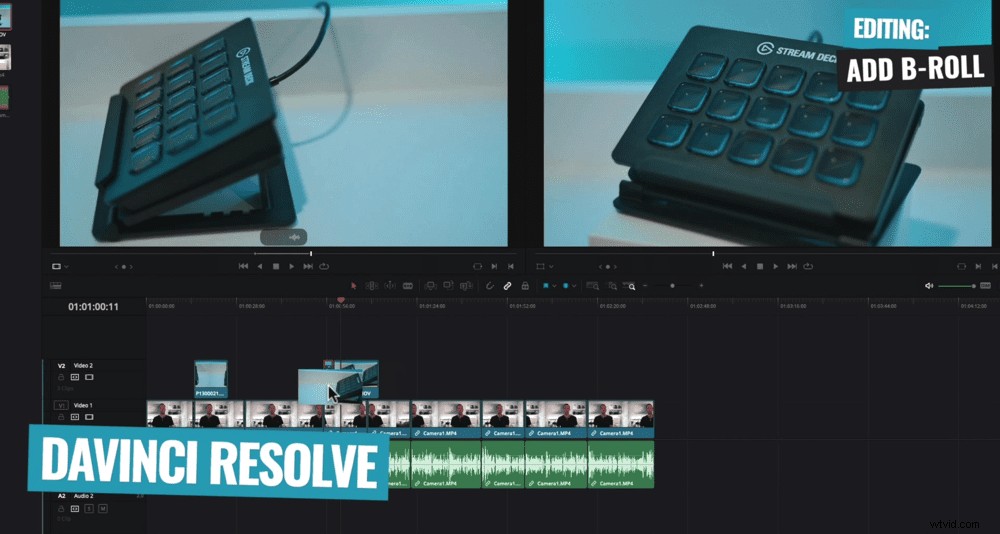
It’s just ridiculous what they give you access to for free! They’re literally professional grade tools.
But a close second is VN Video Editor. We just love the editing style and how they’ve incorporated cross-platform workflows.
Now that you know the best free video editing software, why not see how they stack up against the paid options. Check out our guides on Best Video Editing Software for Mac or Best Video Editing Software for Windows.