
If you want to find out the best video editing apps for iPhone and iPad right now, you’ve come to the right place.
This is our complete roundup of the best iOS video editors in 2022 for smartphones and tablets.
With so many video editing apps out there, it can be a tough process to choose the right one. If you’ve ever checked the App Store to find an iOS video editing app, you’ll know just how many there are!
There’s Adobe Premiere Rush, Alight Motion, Videoleap, FilmoraGo, iMovie, InShot, VN Video Editor, KineMaster, LumaFusion, PowerDirector, CapCut, VLLO and Splice just to name a few.
As usual, we’ve done a ton of testing to determine which video editing apps are the best so you don’t have to! After trialling all the top options, we’ve narrowed our shortlist down to 3 different apps.
Whether you’re looking for a free, beginner-friendly app or a more advanced, professional app – this complete guide has you covered.
So, here are our shortlisted best video editing apps for 2022:
- VN Video Editor
- VLLO
- LumaFusion
Stay tuned to learn more about each of the apps and find out which one is right for you. We’ll announce our number 1 video editing app for iPhone and iPad at the end…
Let’s dive in.
VN Video Editor
VN Video Editor is a video editing app that packs an absolute punch.
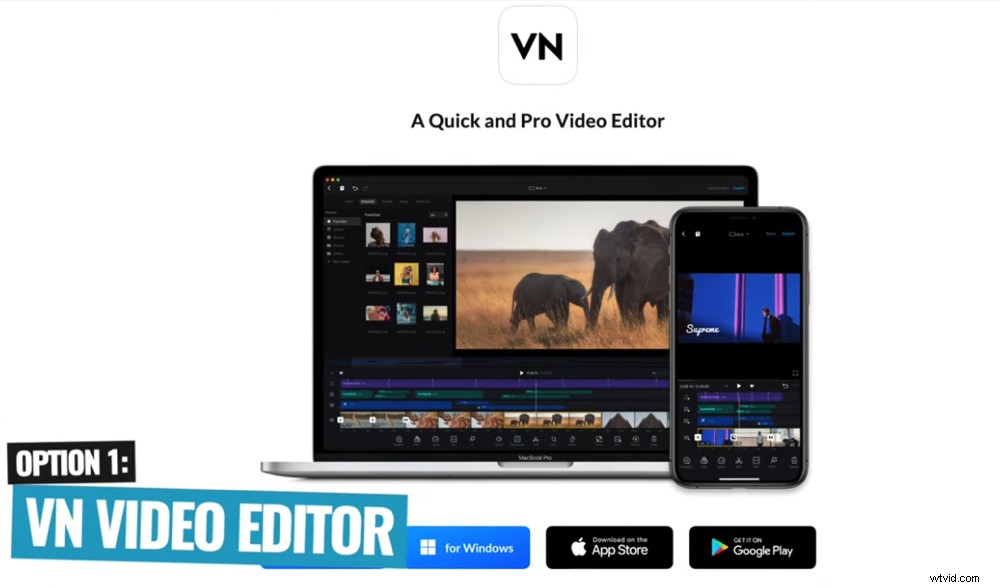
VN Video Editor is one of the best free video editing apps for iPhone
It’s super easy to use and the interface is really intuitive. This means even if you’re an absolute beginner, you can jump in and get up to speed very quickly.
But even if you’re at an intermediate level, there are plenty of tools and features that will suit you as well.
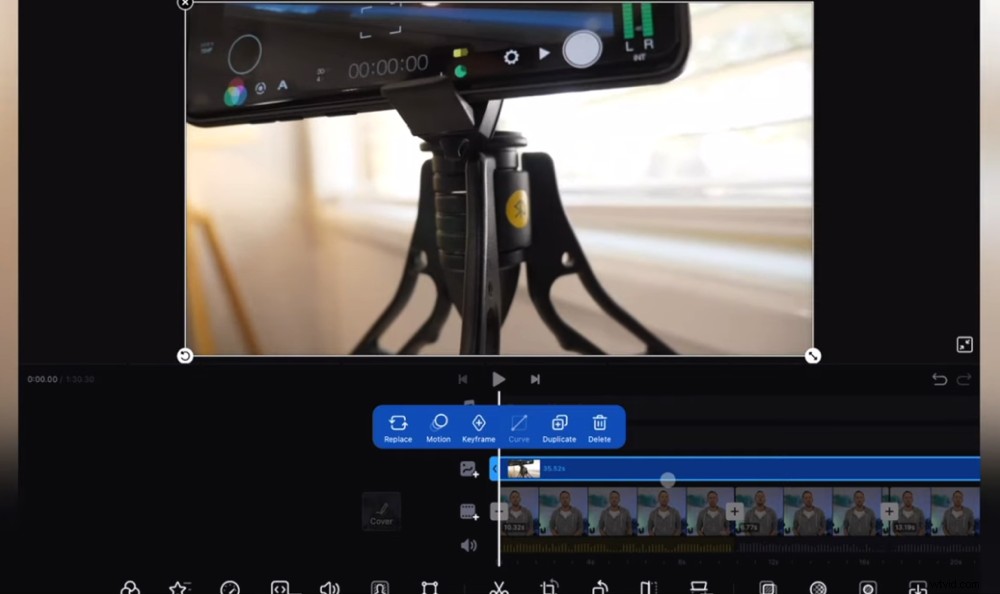
If you want to edit video on iPad or iPhone, VN Video Editor is a great place to start
We’re huge fans of the simple editing workflow inside VN Video Editor and just how quickly you can create high quality videos.
VN Video Editor works not only on iOS but also Android, Mac and Windows. So you can use it on pretty much any device.
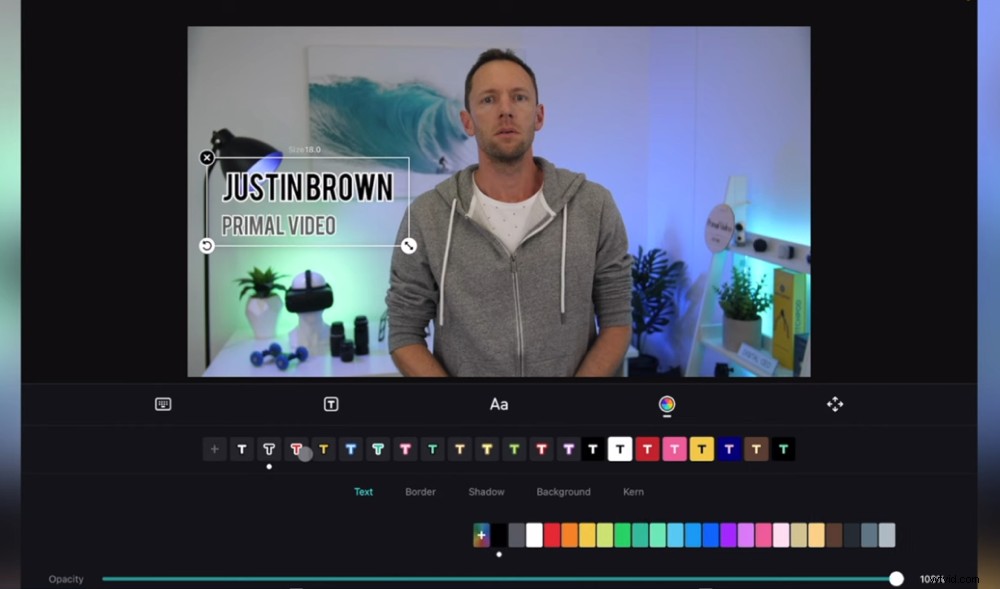
VN Video Editor’s super intuitive interface makes video editing on iPhone quick and easy
There are a couple of things to note about VN Video Editor.
Firstly, depending on the footage that you’re editing and the device that you’re using – there can be a processing time to import the footage before you’re able to edit. This differs from some apps that allow you to jump in and start editing straight away.
But we actually see this as a good thing. Why? Because it means you end up with an optimized version of the video file you’re uploading which means better performance once you begin editing.
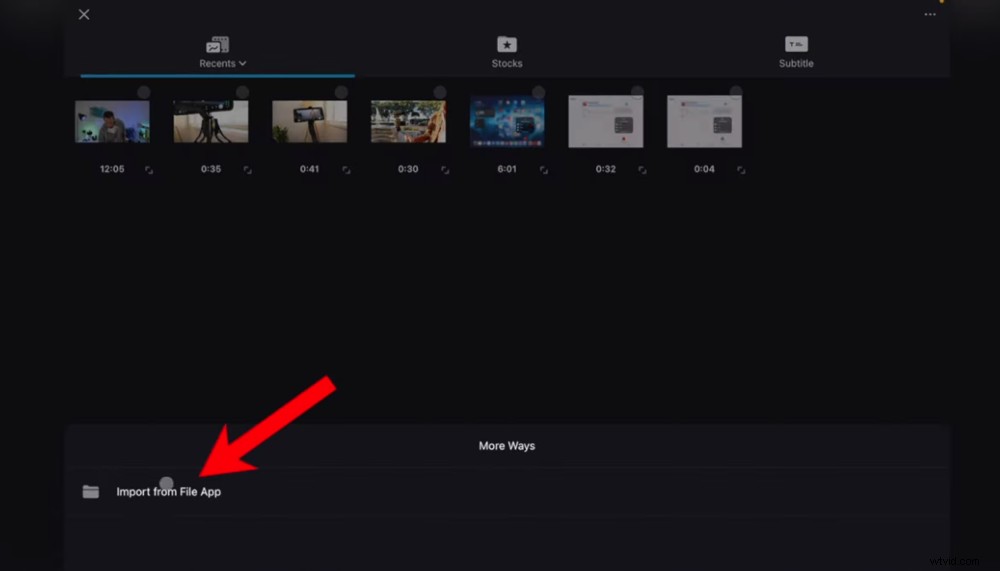
The upload process may take longer but you’ll end up with a better performance because of it
So, this isn’t a deal breaker – just something you need to be aware of.
Secondly, VN Video Editor inserts a credit screen at the end of every project you create. Not a big deal, but you just need to make sure you remove it so it’s not shown at the end of your videos.
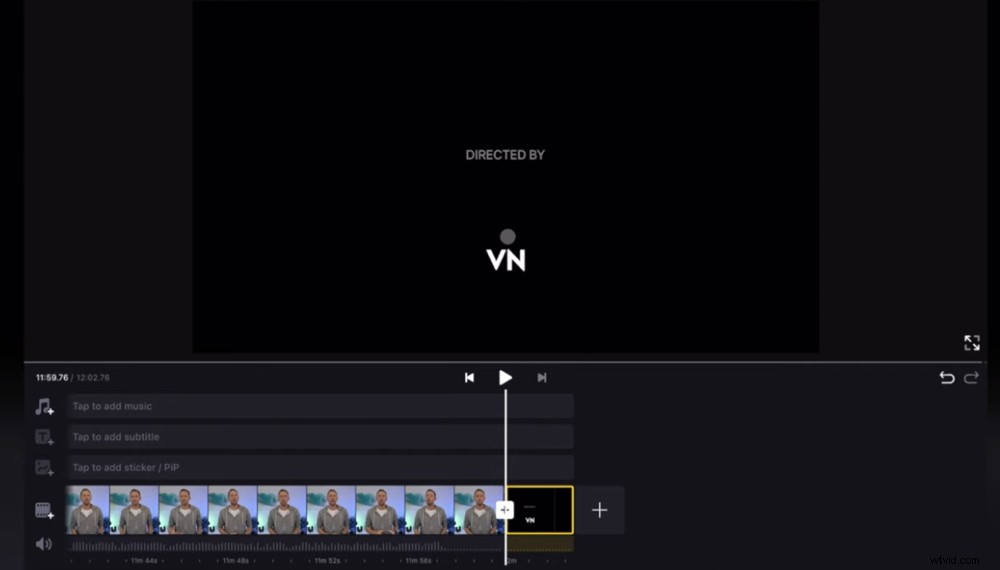
Don’t forget to delete the VN Video Editor end card during your video editing process
Overall, this is an amazing video editing app for anyone from beginners up to intermediate level editing skills.
VN Video Editor Pricing Guide
It’s free! Incredible, we know.
Now let’s check out the next shortlisted video editing app for iPhone.
VLLO
VLLO is an awesome video editing app with some really advanced features and controls.
VLLO is one of the best video editing apps for iPhone in 2022
Both VLLO and VN Video Editor are pretty similar in terms of their interface but VLLO does have a bit more polish. The app is really easy to learn and use.
VLLO’s tools make it an impressive and powerful video editor. With those more advanced features, you have more control which allows you to get more creative and edit your videos faster.
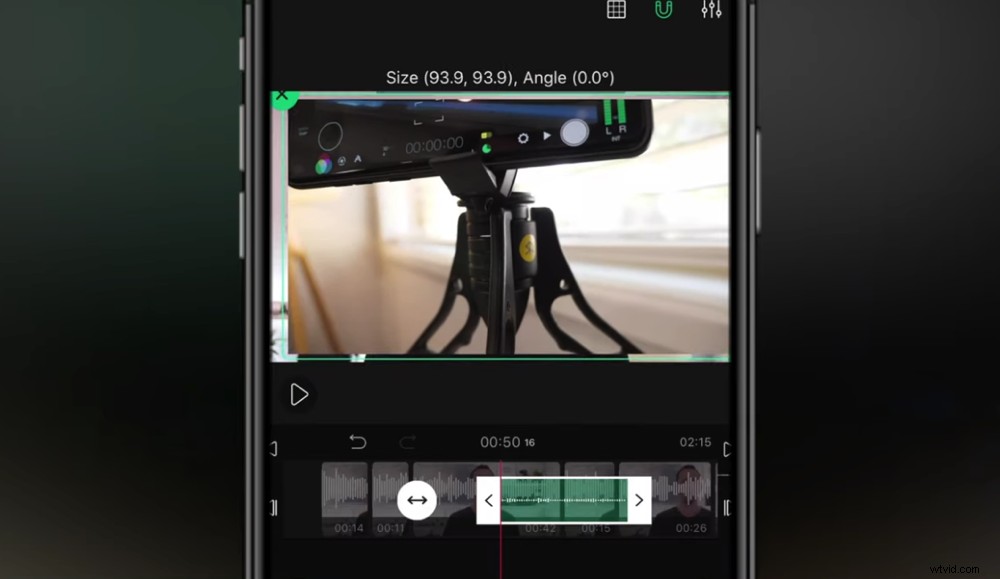
This iPhone video editor has some super advanced features and is really easy to use
One of our favourite features in VLLO is the adjustment layers. This allows you to apply effects and color grades to an adjustment layer above your video clips. Then all video clips beneath that layer are going to have that effect applied to them.
This is a super useful tool that you usually only see in professional desktop video editing software. So it’s awesome that you have this level of capability in an app.
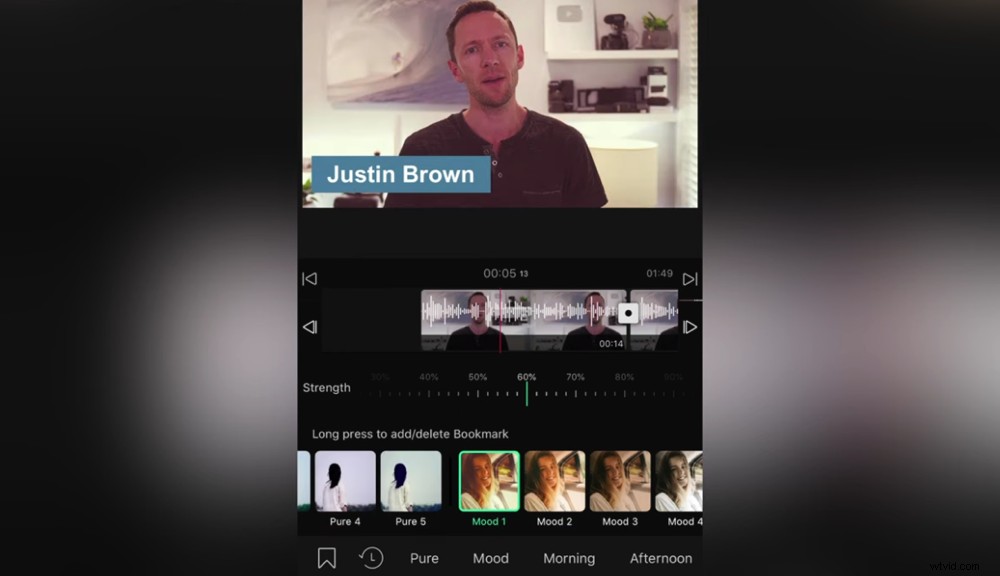
The adjustments layers feature is an incredible tool to see on an iPhone video editing app
Overall, VLLO is a great option for absolute beginners right through to advanced editors thanks to some of those really professional features. It’s really easy to use while still offering some unreal video editing tools.
VLLO Pricing Guide
There are free and paid versions of VLLO available. To unlock the more professional tools (such as the adjustment layer feature), you will need to be on the paid version.
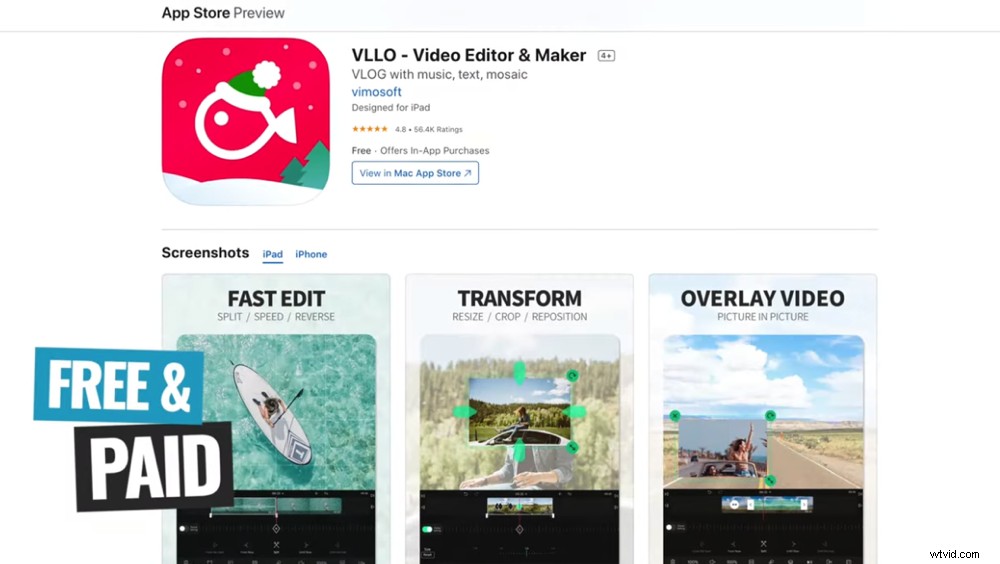
If you’re looking for a free iPhone video editing app, there is a free VLLO option but you won’t have access to all the features
There are two paid options available:
- Monthly: $2.49/month
- Annually: $12.99/year
Now let’s check out our third shortlisted video editing app.
LumaFusion
LumaFusion is the most professional video editing app on iOS out there. This app continues to blow us away.
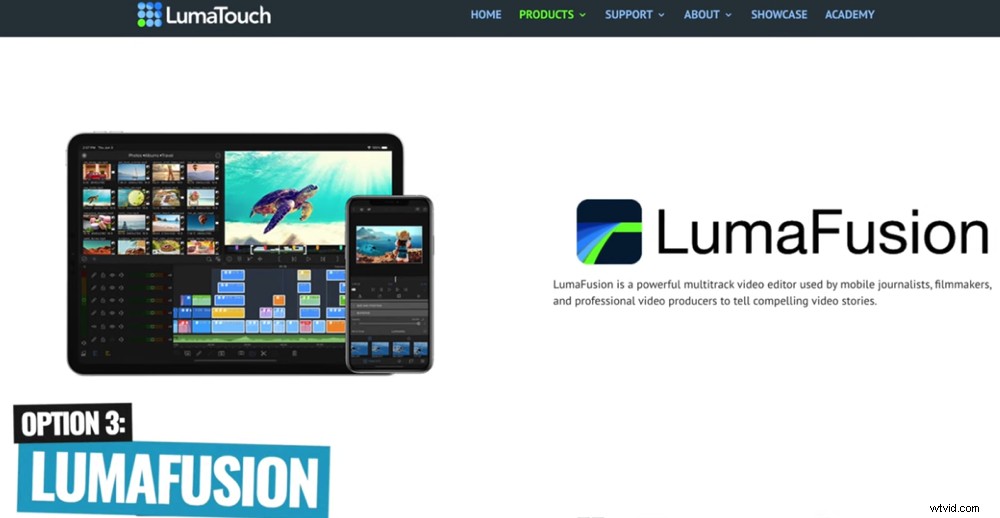
If you’re looking for an awesome video editing app for iPhone – LumaFusion is an incredible tool
It even won an award from Apple in 2021 as one of the top apps on the entire platform. That’s not surprising since it’s the closest you can get to professional desktop video editing software on your iPhone or iPad.
The interface isn’t as intuitive or easy to use as the other options. But given all the advanced stuff you can do, it’s not surprising that it takes a bit of extra time to get the hang of it.
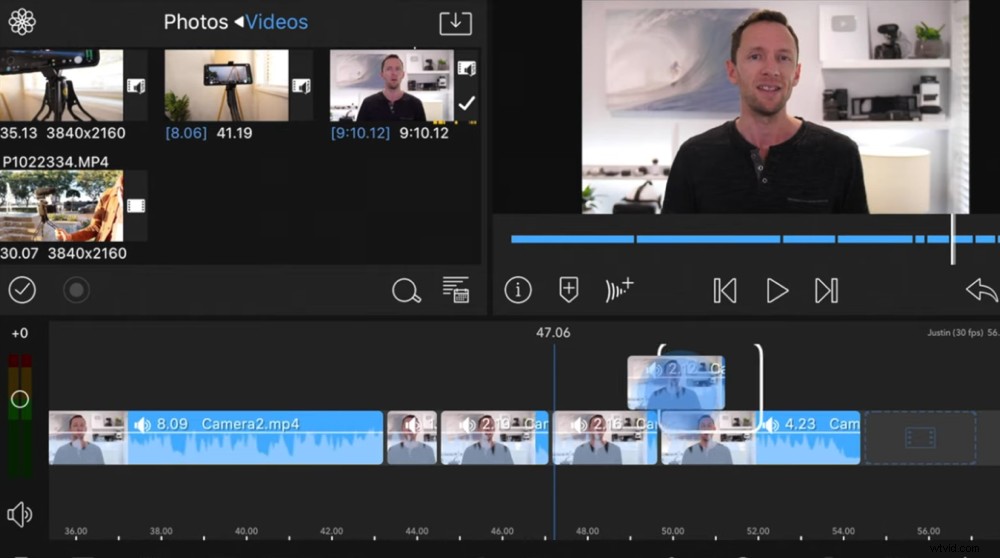
The interface isn’t as easy to learn but that’s not surprising considering how advanced it is
One of the most impressive aspects of LumaFusion is its performance. You can drop professional-grade, high resolution footage into the app and LumaFusion won’t miss a beat.
It also supports LUTs, hard drives, auto sync and pretty soon you’ll be able to easily edit multi-cam footage too.
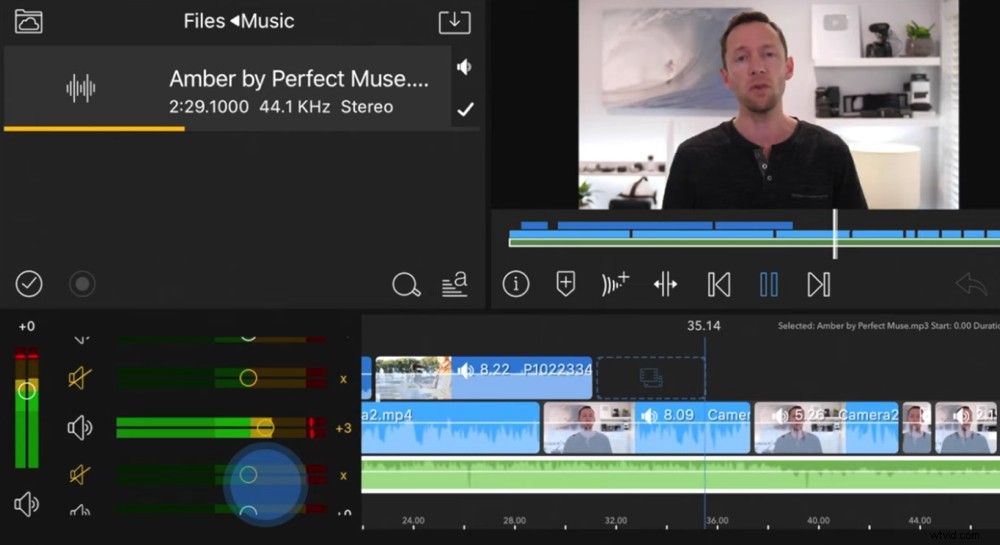
It’s amazing that an iPhone video editing app can offer such great performance
Another incredible feature is the customizable interface. Not only can you switch between portrait and landscape but you can also change the layout depending on what you’re doing.
This allows you to utilize the small space on your iPhone or iPad screen by maximizing different editing elements.
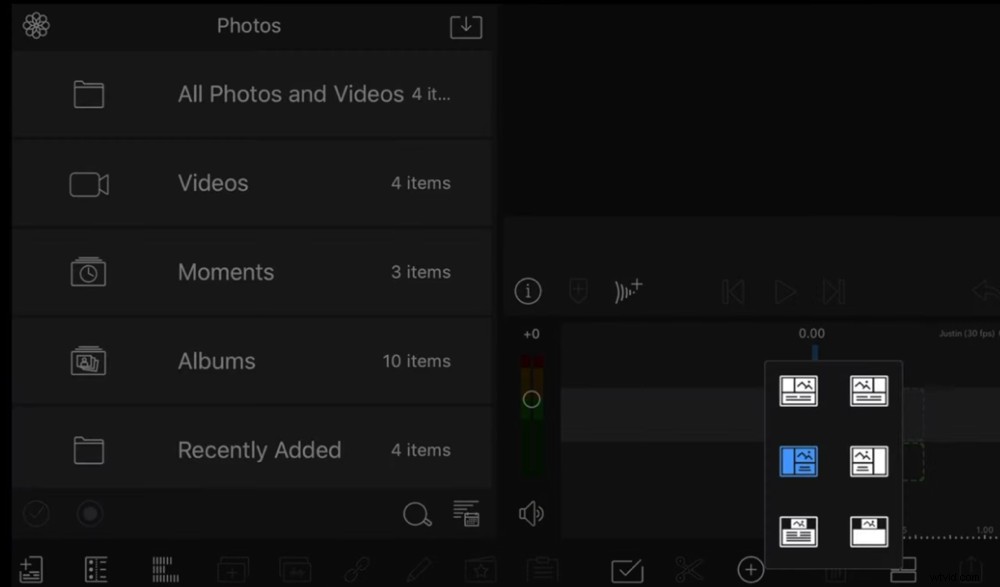
The ability to customize the interface makes LumaFusion a really powerful tool
You can easily transfer your project between devices and you can even export your project to Final Cut Pro if you want to finish up editing there.
To sum up, LumaFusion is an amazing option for anyone who wants a professional editing software with more advanced features on their iOS device.
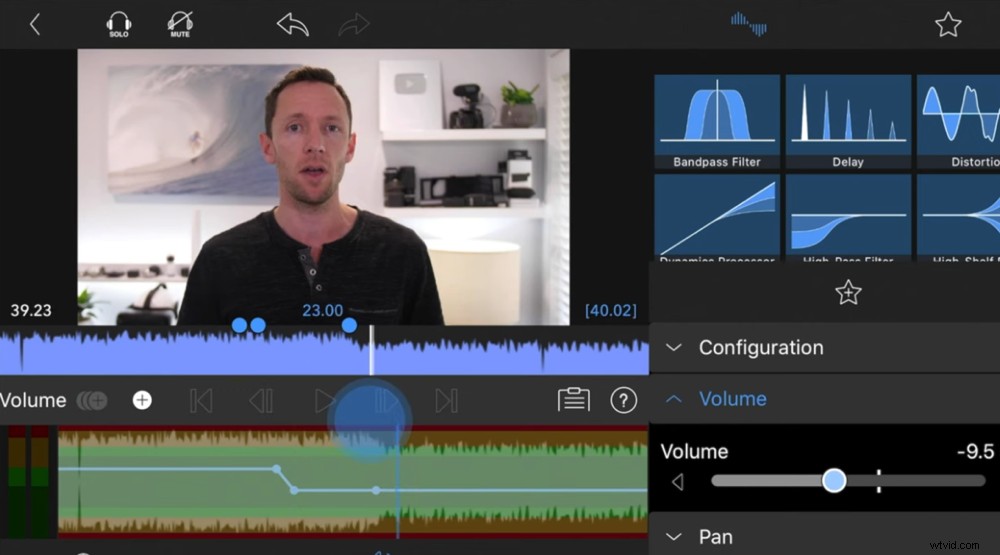
Even if you’re a beginner but want to put in the hard yards, this is still a great option
If you’re an absolute beginner and you don’t want all the extra features, LumaFusion probably isn’t the best option for you. But if you’re a beginner and you want to learn and utilize these features, you will be able to get the hang of it.
LumaFusion Pricing Guide
You can purchase LumaFusion outright for a one-time fee of $29.99. There are some in-app purchases you can make for things like a StoryBlocks subscription and the Final Cut Pro export capability.
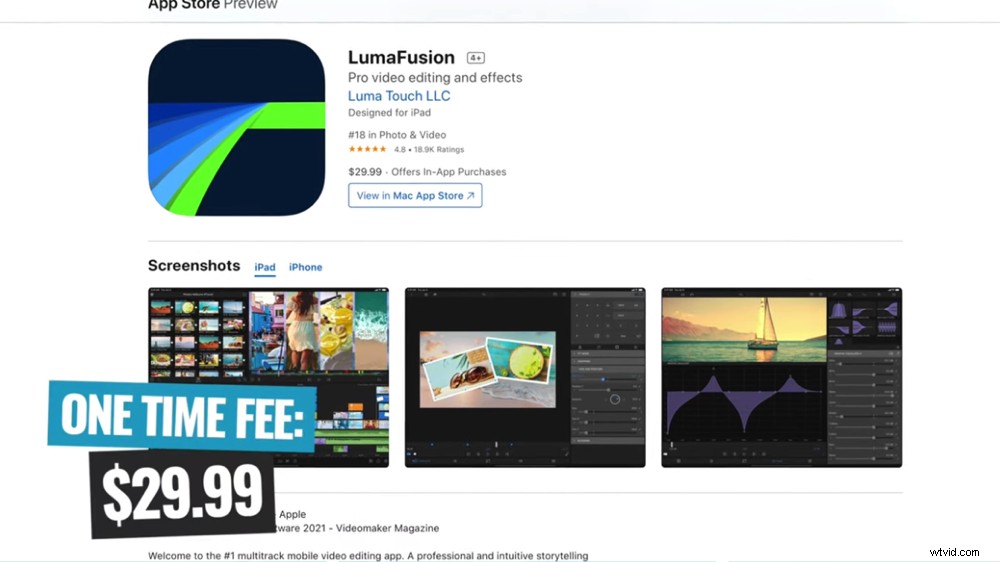
There’s a one time fee that makes LumaFusion a fairly affordable video editing option
So, Which One Is The Best iPhone Video Editing App?
Before we announce our 2022 winner for best video editing app, there are a few apps that deserve a shout out. Narrowing it down to just three is such a hard process when there are so many great apps out there!
Even though they didn’t quite make the shortlist, three apps that we love are CapCut, InShot and KineMaster. These are amazing video editing apps that are also worth checking out.
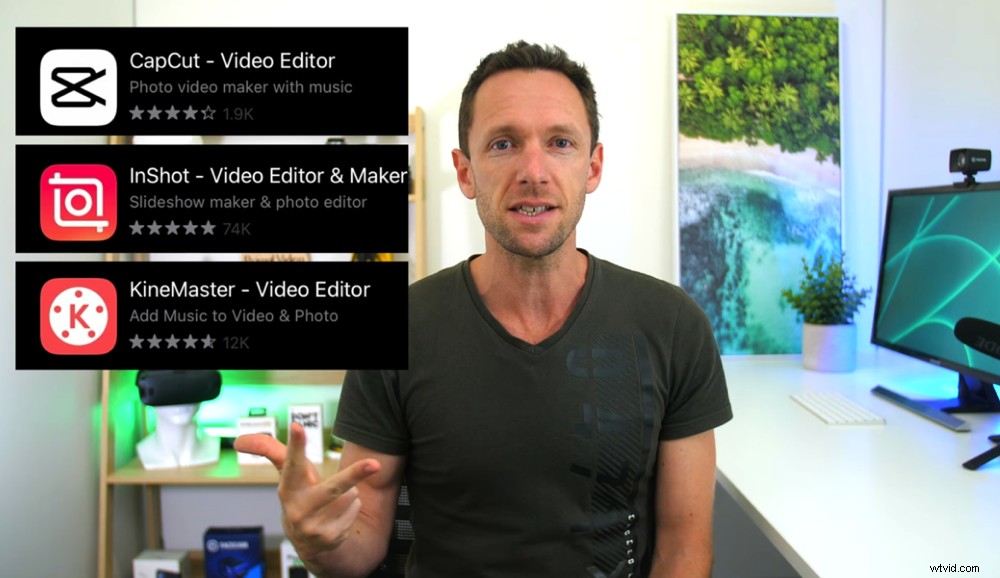
CapCut, InShot and KineMaster are awesome apps that didn’t quite make the cut this year
But there is a clear winner for us and that’s LumaFusion. We can’t get over how much they pack into the app – it’s incredible!
Plus the team at LumaFusion listens and responds to feedback so they’re constantly evolving and adding new features.
The app has changed so much in the past few years and we’re pumped to see where it goes next!
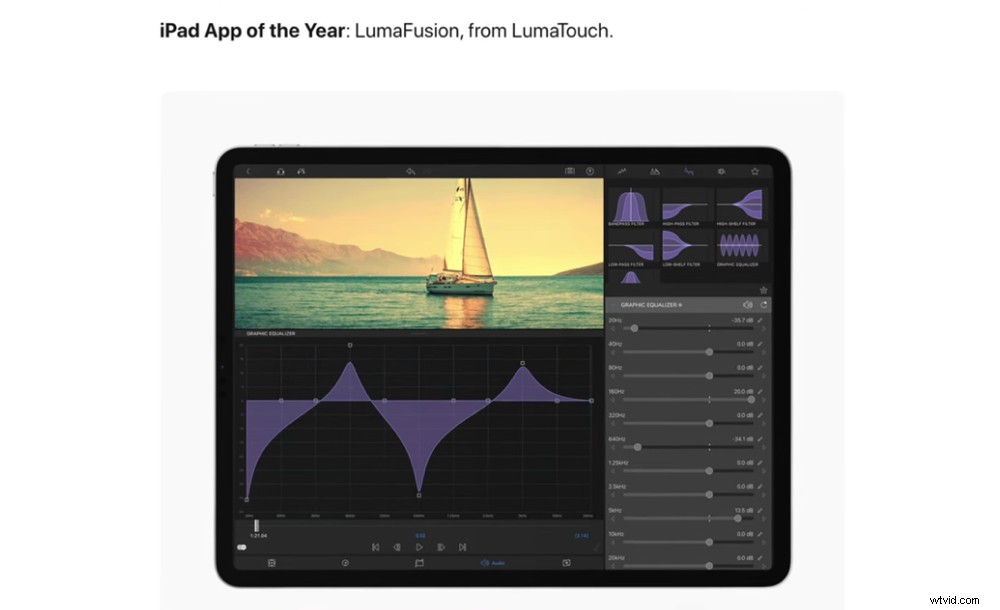
LumaFusion wins the best video editor for iPhone in our 2022 roundup
But, if you’re after an app for really quick edits (i.e. an Instagram story) VN Video Editor would be our go-to option. LumaFusion is usually better suited for those more advanced edits.
So now that you have all the information – make a decision based on your specific needs as to which is the best video editing app for you.
Interested to find out the best video editing app on Android as well? You can check it out here.
For more information on iPhone video editing, check out our complete guide on the ULTIMATE Process for Editing Videos Faster. In this guide, you’ll learn how to cut your video editing time in half, no matter which app or software you’re using.
If you found our complete guide to iPhone video editing apps helpful, please share it on social media or with others who might like to learn more about video editing apps for iPhone.