
Sometimes, we need an app to fix blurry pictures for iPhone because we take photos that turn out to be blurry. Thankfully, the App Store offers a wide variety of apps to fix blurry photos. To save your time, I picked some of the best ones below. (You can try MiniTool MovieMaker to make your videos with pictures.)
Sometimes, you may find your photos on your iPhone are very blurry. You needn’t delete them all at once. You can fix them! Thus, I took some time to download and test some popular iPhone apps to fix blurry photos. Let’s jump in and find the best app to fix blurry pictures for iPhone.
Afterlight
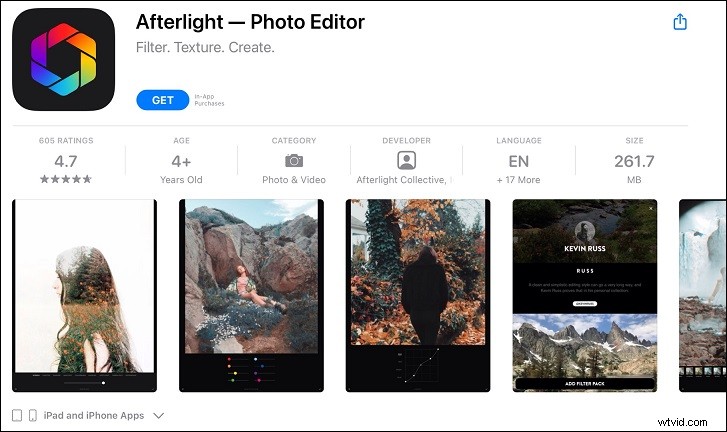
Afterlight is a free app to fix blurry pictures for iPhone users. It is designed for “quick and straightforward” photo editing and comes with a variety of tools that are specifically made for enhancing photo qualities. With this app, you can fix the blurry photos shot on your iPhone easily.
Apart from image editing, Afterlight has many ready-to-apply filters. Moreover, you can also promote your ability to take photos within the app by controlling the aperture, ISO, and white balance.
BeFunky
Befunky is also an optional app to fix your blurry photo. It provides powerful photo editing tools like photo collage, fun fonts, photo frames, overlays, and a bunch of great goodies and stickers.
The best thing about this app is no registration has required, no ads, no watermarks, and no forcing to share.
Snapseed
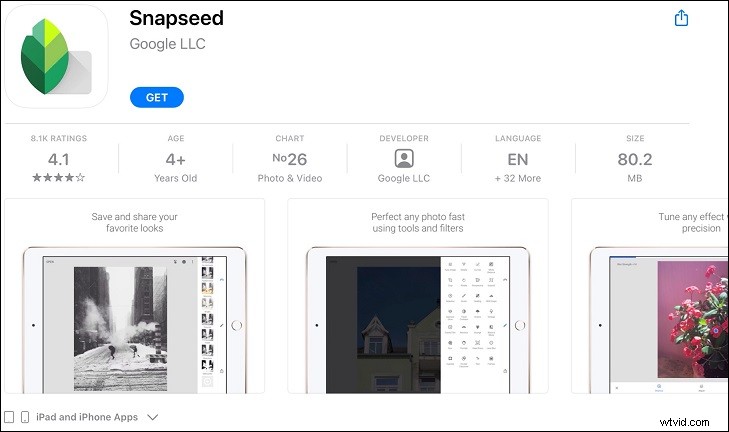
Snapseed is one of my favorite photo editors. It is a completely free app to fix blurry pictures for iPhone. It doesn’t charge for its services. Even better, this app is simple to use and offers dozens of editing options like HDR, filter brush, retro effects, and many more. Plus, it supports RAW files.
To fix your blurry photo, you need to select Details in the tool menu. Then choose Sharpness and tap on the adjustment icon to increase the value. The details section also allows you to adjust structure of your images.
Fotor
Fotor is also a powerful app to fix blurry pictures for iPhone users. It has great photo editing options that you don’t need to create a profile to use. With the sharpen tool, you can fix blurry pictures and adjust photos easily.
It also offers editing tools features like graphic design, photo collage, photo effects, and creative design templates.
Fotor offers a free version and a paid version. The paid version gives you extended access to additional tools and its online community for sharing images. If you just need blur removal, the free version is absolutely enough.
Pixlr
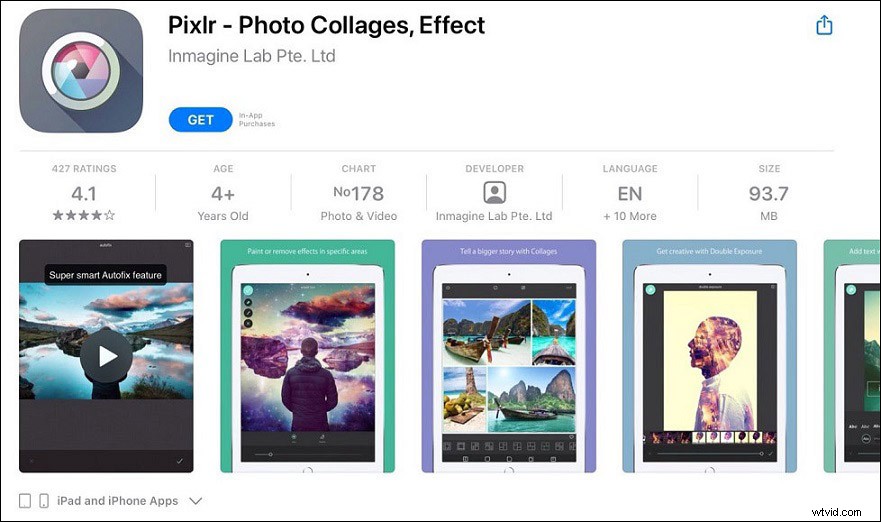
Pixlr is one more popular free image editing app as it’s easy to use. To fix your blurry pictures, you can use the sharpen tool to make them clearer by enhancing the edges of the objects. Another good feature is that you can select the brush tool and paint with your fingers in the areas that you want to sharpen in your image.
It also allows you to create photo collages easily with various preset collages, grid style, customized ratio, and background.
Conclusion
What’s your favorite app to fix blurry pictures for iPhone? Do you have something to supplement? Let us know in the comments below.