
When you want to have specific video parts from a large file or want to cut a certain part of a video, the best thing to do is to split the video. Nowadays, a wide range of video splitter software can help make the task easier. Don't know which one to choose? Just check out our list of the best video software for splitting videos below. In the end, a video tutorial about splitting video is also for you.
If you want to complete more advanced video editing tasks, Wondershare Filmora is what you need. It provides simple functions such as video splitting, merging, cropping and rotating as well as other interesting features include intro/credit, transition, jump cut, face off, tilt shift and more. On top of that, you can easily share your video to everyone on YouTube, smart phone, or burn onto a DVD. This is a promising program that is worth trying. Now try it out yourself and get to know its difference!


Top 5 Free Video Splitters
- Free Video Cutter
- Easy Video Splitter
- Avidemux
- Windows Movie Maker
- iMovie
In terms of price, OS and video format, we made a comparison table for you to have a better understanding of these 5 free video splitters. Before you dig into more details, please have a look.
| Price | Operating System | Video Format Supported | |
|---|---|---|---|
| Free Video Cutter | Free | Windows | MPEG/DivX/Xvid/AVI/WMV/MOV |
| Easy Video Splitter | Free | Windows | AVI/DivX/MPEG/WMV/ASF |
| Avidemux | Free | Windows/Linux/BSD/Mac | AVI/DVD/MP4/ASF |
| Windows Movie Maker | Free | Windows | AVI/WMA/WAV/MP3 |
| iMovie | Free | Mac | MP4/MOV/HDV |
1. Free Video Cutter
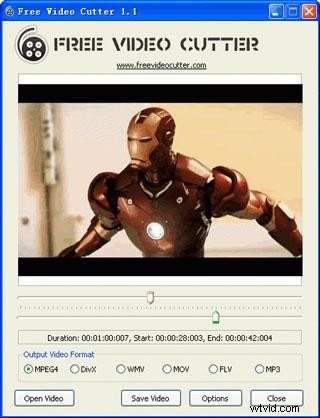
Free Video Cutter has been a popular video splitter for years now. The program supports a vast range of video formats, including AVI, FLV, MOV, VOB, MKV, Xvid, Divx, Mp4, MPEG 1/2 and enables you to cut and split video files into segments as you like while keep good video quality.
Pros:
- Supports multiple video formats;
- User friendly interface;
- Multiple output format options .
Cons:
- Lacks in sound quality;
- Fewer sound settings.
2. Easy Video Splitter
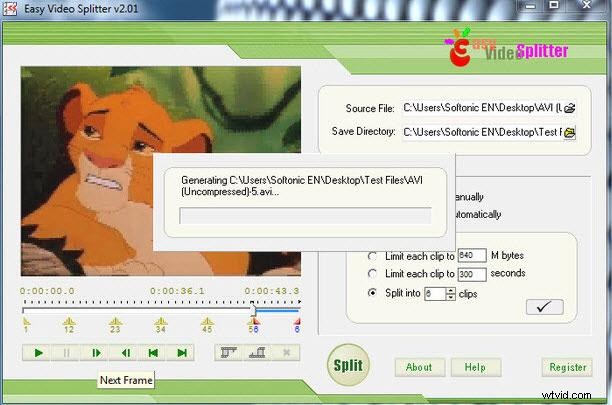
Easy Video Splitter is an easy-to-use video editing tool to help you split your video. It supports multiple formats, including AVI, MPEG, WMV and ASF. You can use the scroll bats to decide exactly where you want the video to be cut or split the video at specific intervals. It’s also equipped the batch-mode processing function, which enables you to split several files at a time.
Pros:
- Supports batch processing.
Cons:
- The only fine tuning is one frame at a time.
3. Avidemux
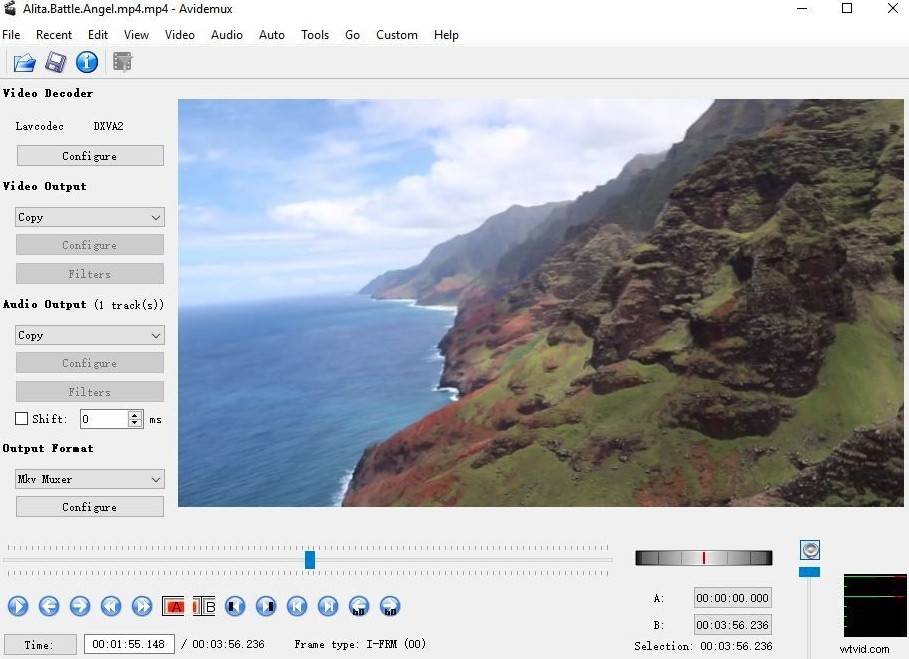
Avidemux is another free video splitter that can be used to finish basic video editing tasks such as video cutting and merging. It is also compatible will most of the video file formats that includes AVI, DVD compatible MPEG files, MP4, ASF, etc. To use this program simply: you just have to move the cursor and mark the beginning of the video that you will split.
Pros:
- Easily-to-use interface;
- Useful presets for common output tasks.
Cons:
- The performance is not very satisfactory.
4. Windows Movie Maker
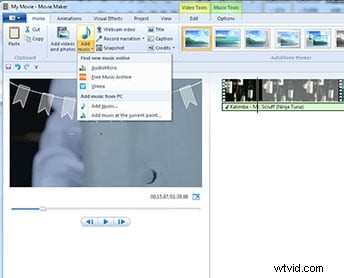
If you're a Windows user, then the best video splitter freeware that you can take advantage is the Windows Live Movie Maker. It can provide basic video editing such as trimming, cutting, add text, music and effects. Here is a guide about how to split video using this software.
Pros:
- Various video editing options;
- Easy-to-use;
- Different output options.
Cons:
- It crashes a lot;
- Many different versions of the same product;
- Not available anymore as a part of Windows OS.
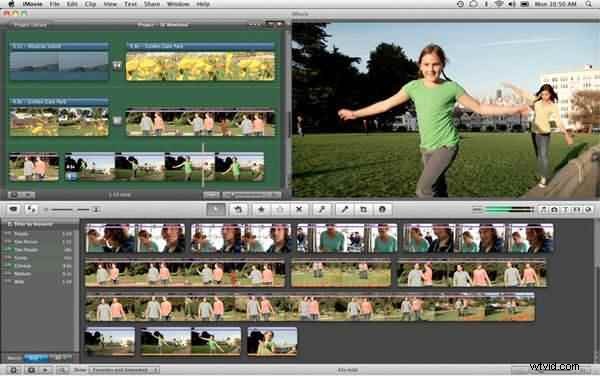
5. iMovie
On the other hand, if you are a Mac user then the best video splitter is the iMovie. It also provides simple video editing functions like trimming, adding caption and text, special effects, and audio.
Pros:
- User-friendly interface;
- Improved audio editing and fun Movie Trailers.
Cons:
- No native avchd editing or direct import;
- Pre-processing and import trans-coding can be time-consuming.
Conclusion
Check this video tutorial to know more about Filmora. Now download it to have a try!