
To edit and enhance videos in Windows-based PC, Windows Movie Maker has always been touted as the default Microsoft Video Editor, although it has been discontinued by Microsoft on Janauary 10, 2017 and replaced by Windows Story Remix (only for Windows 8/10), you can still download it on many platforms. However, you may often fail to import their video clips because it only supports WMV ASF, .MPG (MPEG-1), .AVI (DV-AVI), .WMA, .WAV, and .MP3. Plus, the transitions and effects provided are quite limited, nothing fancy. If this is the case, you'll find a great microsoft video editing software here.
Wondershare Filmora, designed to be easy to use, needs no any educational or professional background in post-production. The self-explanatory options help you easily make movies in minutes to share everywhere! Just pick it up to edit your own videos quickly and see what this Microsoft video editor can do for you.
Free download the trial version of Microsoft video editor:


Why we recommend Filmora as an easier video editor for Microsoft system? Below are some reasons you can check:
1. Intuitive Interface and Broad Format Support
Wondershare Video Editor (Windows 10/8/7/XP/Vista supported), designs impressive user-friendly interface to make moviemaking a breeze. It supports a wide range of media sources. Downloaded, recorded, shared or converted from DVD, including AVI, FLV, MKV, MKA, MP4, M4V, MOV, M2TS, WMV, ASF, MPG, MPEG, VOB, M4A, PSP, DV, DIF, NUT, H261, H264, NSV, 3GP, DAT, EVO, RM, RMVB, TS, TP, TRP, DVR-MS and more.
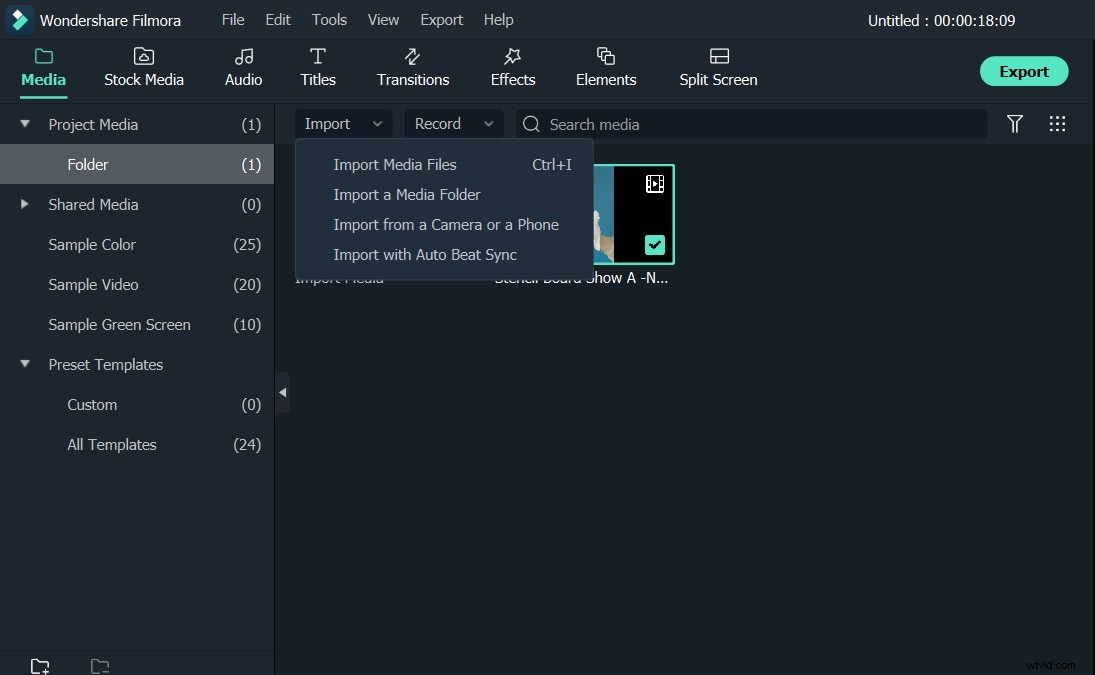
To import videos to this Microsoft video editing software, you can simply choose to capture video from camera, scanner or other device or import existing video files from your computer into the user's albums.
2. Edit Quickly and Precisely
As a Microsoft video editing software, it extends the power of Windows Movie Maker to a new level. With it, you can do almost everything that you will need out of the actual editing part. After capturing the video, any clip can be dragged and dropped anywhere on the timeline.
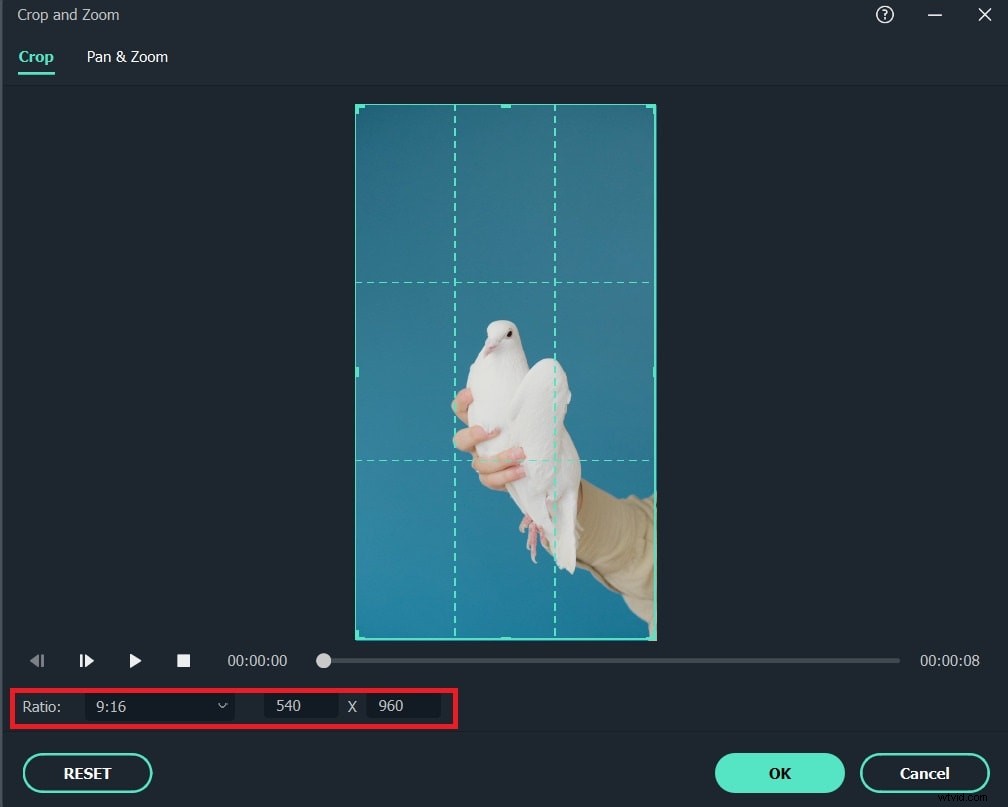
Once in the timeline, clips can be duplicated, trimmed or split, and any of the split sections deleted. Right-clicking any clip brings up a wide range of editing options: Crop, Rotate (Flip), Adjust and Speed (Fast and Slow Motion). Audio editing options include Volume, Fade in/out, and Effect (Voice change). Very powerful tool for fast spinning your videos.
3. Special Effects and Transitions
50+ ready-to-use filter effects are offered. These effects are applied by using a drag and drop interface from the effects or transitions folders. Besides, Titles, Intro/Credits, PIPs can be added as standalone ones or overlaying them on the clip by adding them onto the selected clip. For advanced users, you can also achieve picture-in-picture (image/video overlay) tracks and customize with motion, effects and mask. Very charming features to take your movie to the next level instantly.
4. Share with the Worldwide
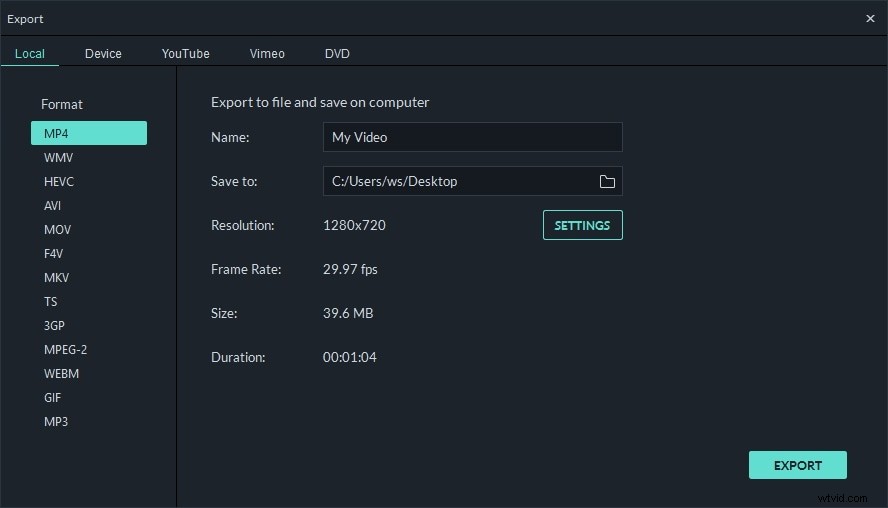
Wondershare Filmora make all things easier to share videos instantly with family and friends. You can directly publish your movie project to YouTube or export to DVD, portable devices, HTML 5 and almost any video format of your choice.
Learn more about what Filmora can do within a few minutes.