
Splice Video Editor is a free video editing application that works on iPhone and the iPad. With it, you can easily add titles or transitions, crop, delete, resize, change the start and endpoints, or even adjust the speed of your video clips. It's so amazingly easy to use, but unluckily that it doesn't come with a desktop version. However, you can always find a good replacement. Here we go.
Best Splice Video Editor for PC/Mac
Wondershare Filmora is an easy-to-use yet highly sophisticated video editing and audio/video effects system. Recommended by many authoritative third parties, it has already won favorable comments from many users. As a GoPro Splice Video Editor alternative for PC, it supports a wider range of videos, audios, and photos (see tech spec). It provides all common editing tools like Trim, Rotate, Split, Crop, Merge, etc. For advanced users, it also enables you to add animated titles with built-in text effects, apply transitions, intro/credit, change the playing speed, adjust audio pitch, and more. Free download the trial version of GoPro Splice for PC:
Why choose Wondershare Filmora
- Instant cut, trim, and merge video footage without quality loss
- Fix fisheye effect and stabilize shaky video without quality loss
- Advanced speed control for making timelapse/slow-mo videos
- Optimize the audio quality with an audio-denoise feature
- Support popular formats like MTS, MOV, and MP4
How to splice video in Wondershare Filmora
1. Import video into the software
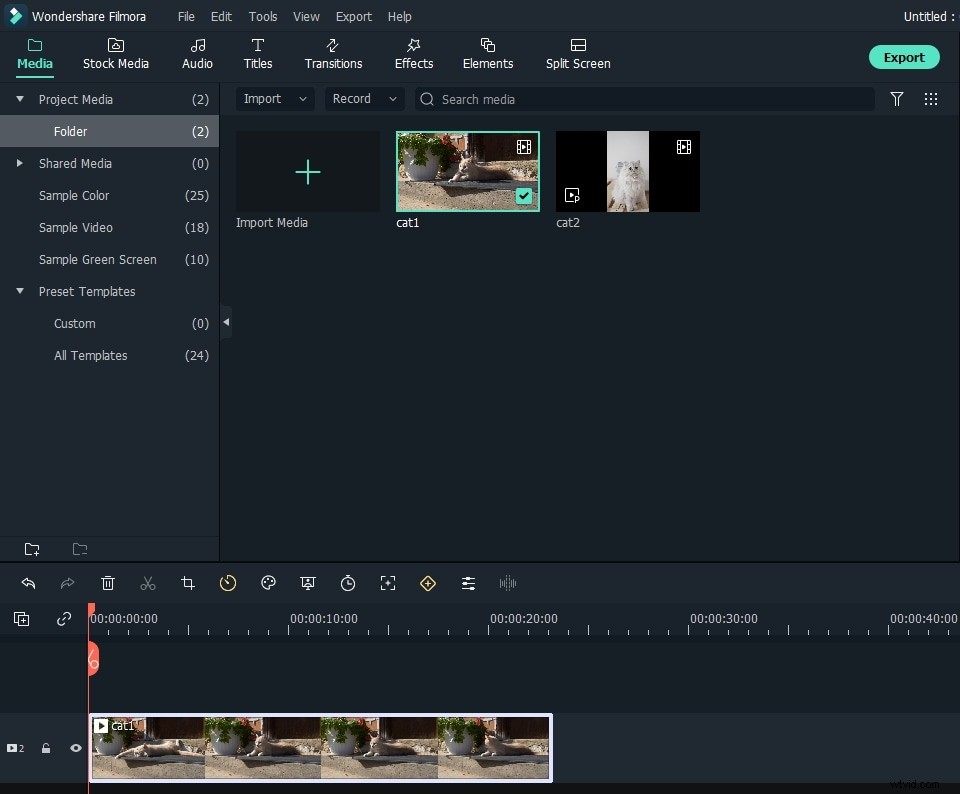
Open the program and choose "New Project" to enter the main editing interface. Click "Import," and it provides you with seven ways to import media. Then drag video clips into the media panel.
2. Splice the videos as you want
Drag the video clip into the timeline, then replay your video by tapping the blank key, but the other video clip you want to splice together at any position you want.
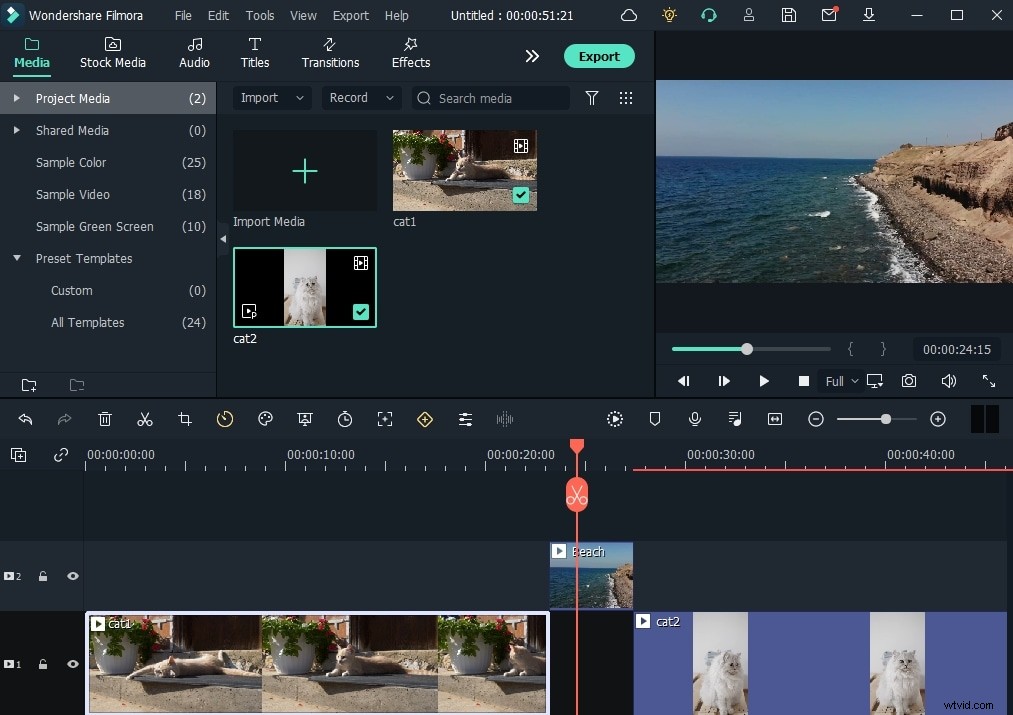
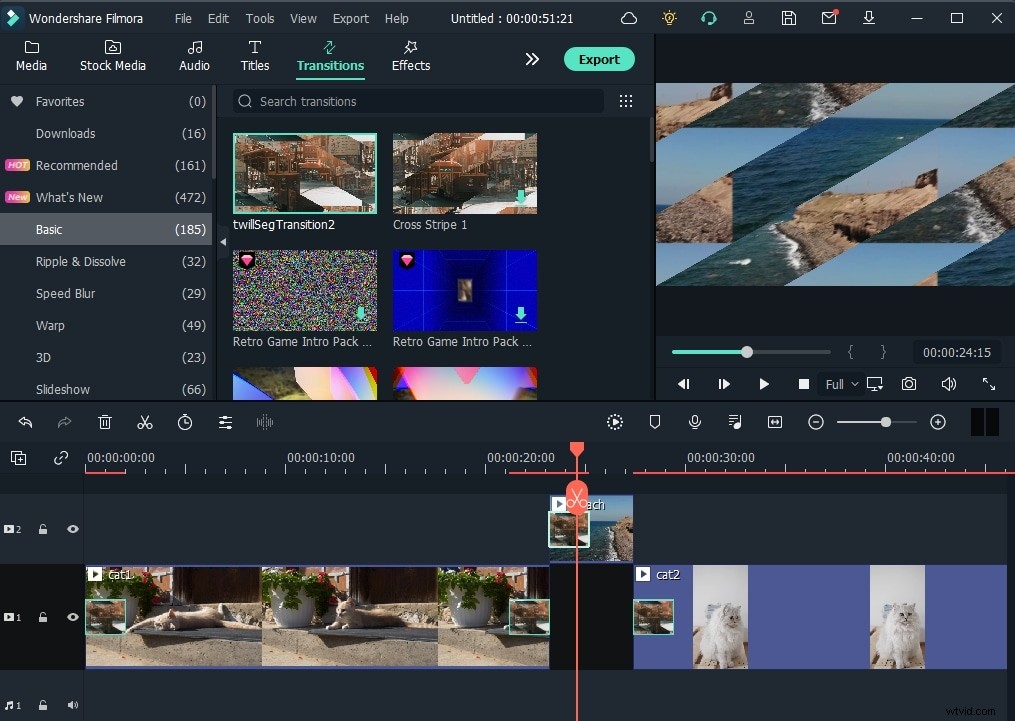
You can add transitions between the two clips. To add transitions, drag and drop a change to the video/photo, or right-click it to "Apply to All."
3. Improve Video Quality with Action Cam Editing Tools
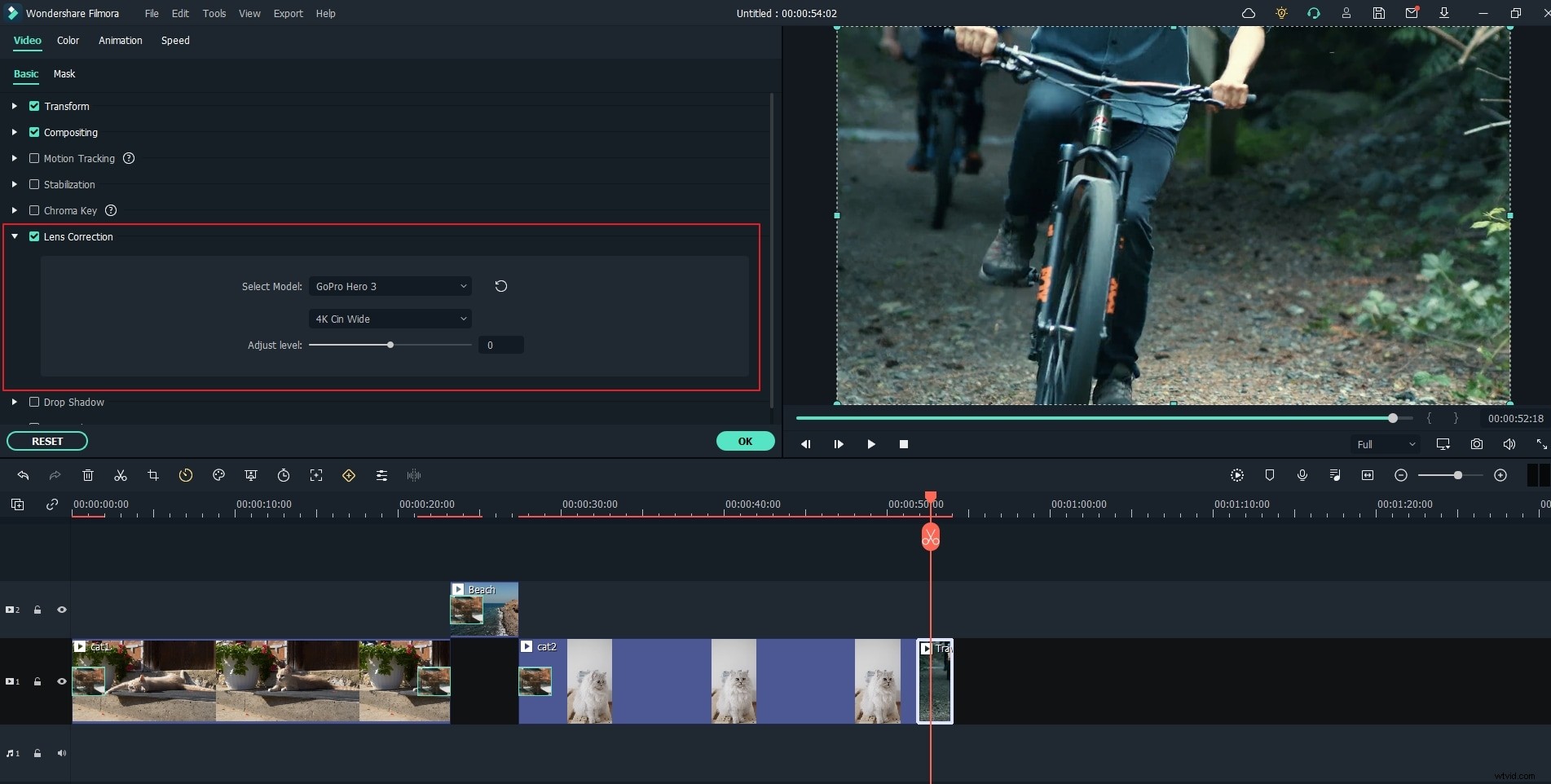
Besides the Instant Cutter Tool, Filmora also allows you to correct the Fisheye effect in the Lens Correction tool, stabilize the shaky footage, and change the speed to make a slow-motion or fast-forward effect.
4. Unlimited Video Sharing
Wondershare Filmora paves the way to share videos instantly with family and friends, whatever it's on YouTube, computer, mobile devices, or TV, you'll choose your way. You can directly upload videos to YouTube, as well as to Vimeo.
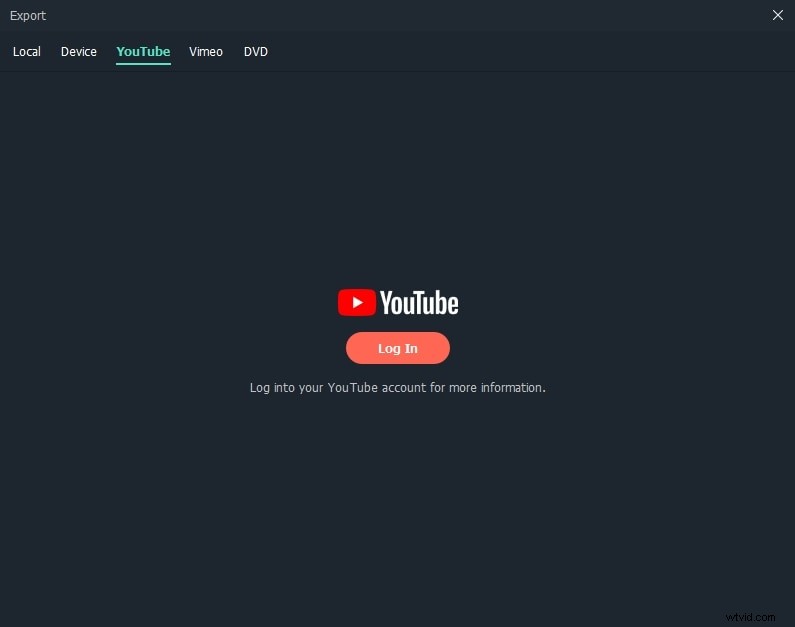
Preset profiles are included to output videos for playing on mobile devices like iPhone, iPad, iPod, PSP, Xbox, Zune, etc. A built-in DVD burning tool allows you to create high-quality DVD for watching on TV or your home DVD player anywhere.
Check what else you can do with Wondershare Filmora.