
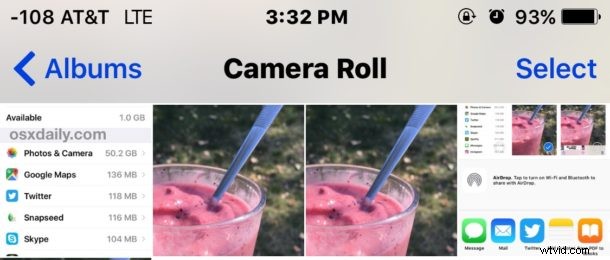
Do you have a great picture on your iPhone or iPad that you want to make a copy of, maybe so that you can apply some edits or color adjustments to the duplicate version without messing with the original copy? With iPhone and iPad, you can easily duplicate any picture, photo, image, Live Photo, or video using a simple iOS copy trick.
Let’s review how to quickly duplicate copies of a picture or video in the iOS Photos app.
Note this is quite literal, duplicate makes an exact copy of an image so that there will be two identical copies of a picture stored in the Photos app on an iPhone, iPad, or iPod touch. You can then modify or edit the duplicate photos or videos as necessary.
How to Duplicate a Picture or Video in Photos for iOS
Here’s what you’ll want to do to make duplicate copies of videos and photos on iPhone and iPad:
- Open the Photos app in iOS and select the picture you want to make a duplicate of
- Tap on the picture so that the Sharing / Action button is visible and then tap on the sharing button (it looks like a little box with an arrow flying out of the top)
- Scroll through the available action items and choose “Duplicate”
- Return to the Photos Album or Camera Roll to find your duplicated picture, there will now be two identical copies of the same photo available
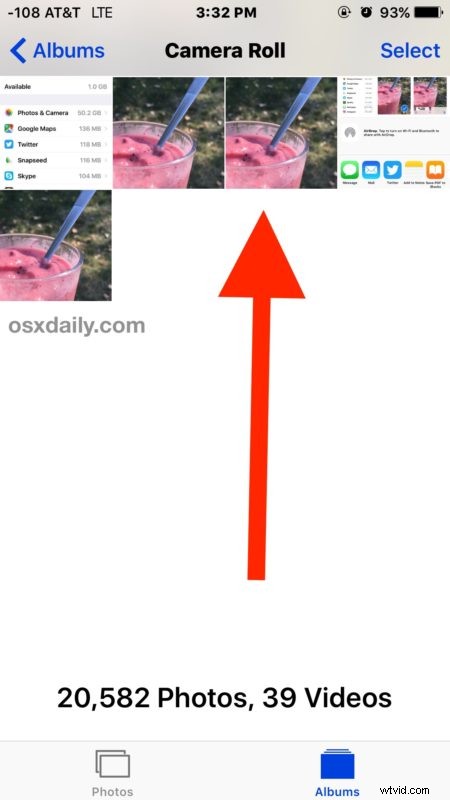
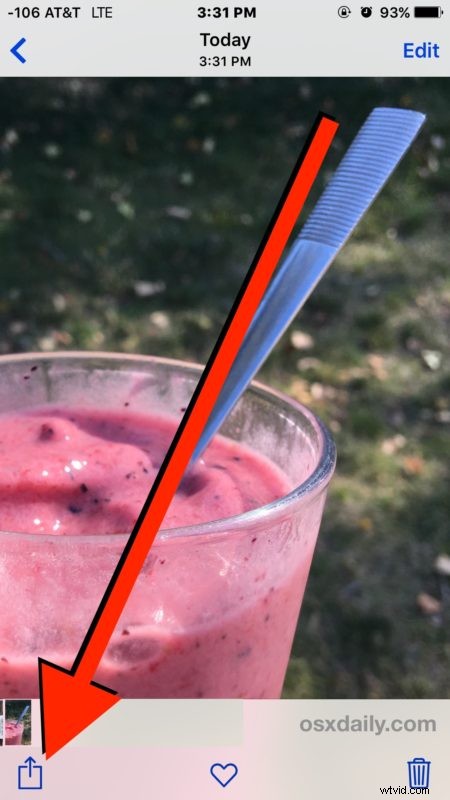
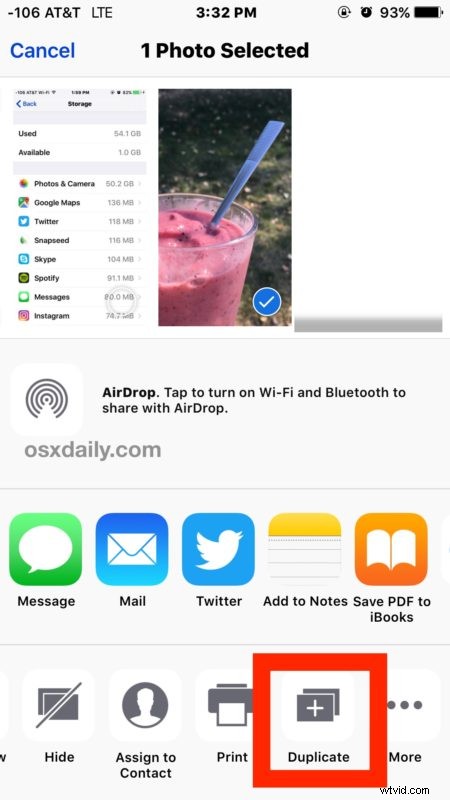
In the screenshots shown here we demonstrate the duplicate photo feature on an iPhone by making an exact copy of a picture of a fruit smoothie (and yes it was delicious; banana, strawberry, blueberry, watermelon!).
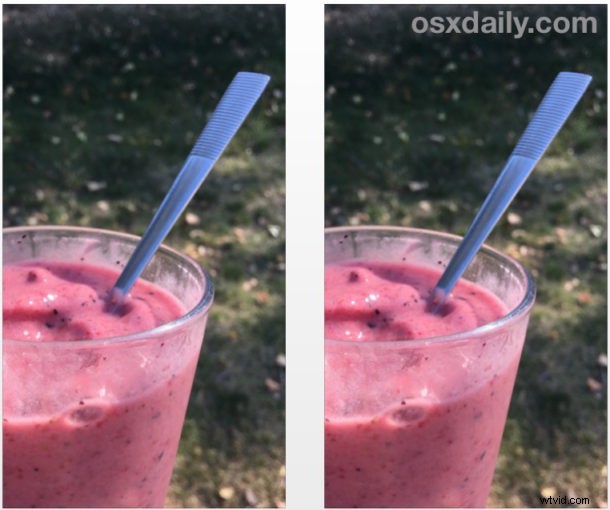
This is really useful for making edits or modifications to pictures, even though some of them with the bundled Photos editing tools are reversible, it still helps to preserve a picture or video in its original format.
Duplicate Photos works on any picture, photo taken with the camera, Live Photos, photo stored in Photos, video, or image kept on the iOS device. You can use it within any album in iOS Photos too, whether it’s selfies or videos or the general camera roll, it works the same anywhere.
This Duplicate photo feature is only available in modern versions of iOS, so if your iPhone or iPad is running some ancient system software or iOS version you will not find the Duplicate feature available without updating to a newer version. Remember you have to scroll through the action items, many users are not aware that you can scroll horizontally through the actionable Sharing items (you can also rearrange them to better suit your needs) and thus don’t realize the variety of features that are available in the menus of iOS.
You can repeat the duplicate process as many times as you want, the picture(s) will continue to copy and make duplicates of each other. These duplicates persist on the device until they are removed, so if you copy the pictures from iPhone into Photos app on the Mac you’ll find there will be duplicates showing up in your general Photos Library there as well.