How to make a video from photos
One of the main advantages of our tool – it’s compatible with the majority of formats, including PNG, GIF, TIFF. Moreover, you can upload several files with different extensions without bringing them to a “common denominator”, in other words, without prior conversion.
Clideo works online on any device and doesn’t have ads. It works for free and adds a tiny watermark at the very bottom of the frame but if you don’t like it you can subscribe to Clideo Pro.
Our tool is one of the best photo and video makers, try it and judge for yourself.
Upload initial files
Open Clideo’s Video Creator in any browser. To import files directly from your computer or smartphone, hit the big blue pane “Choose files”. Multiple choice is possible!

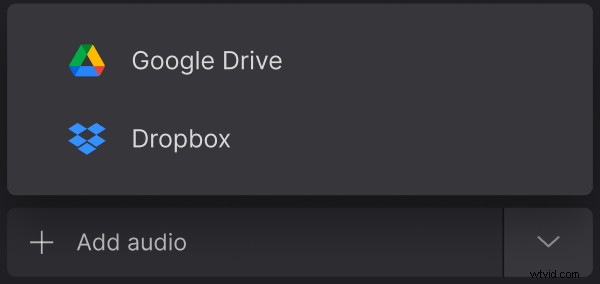
Call a drop-down menu and upload the necessary content from your Google Drive or Dropbox cloud storage accounts.
Make a video out of photos
If you want to add more files, use the menu on the top right, or drag and drop them on the timeline.
When you are done, rearrange the pieces of your future clip as you wish.
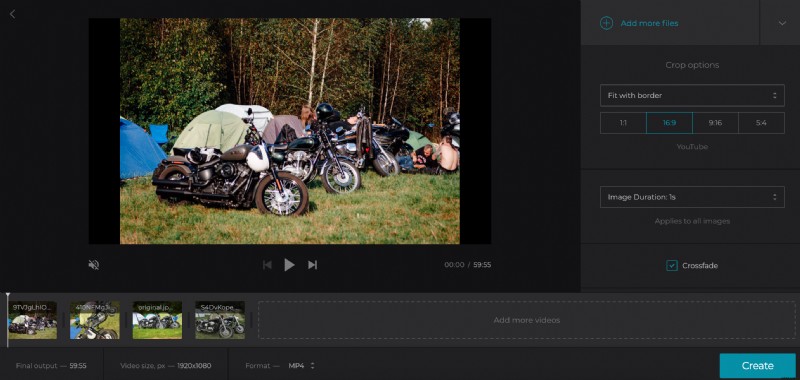
Decide on crop options: fit the frame with borders or zoom it and crop. Then select one of four aspect ratio presets: Facebook, YouTube, Instagram, Stories.
Set the duration of images. Note that this setting will be applied to all of them equally.
Tick the “Crossfade” box to make your creation smoother.
Hit the pane “Add audio” and use one of the ways from above.
Click on the scissors sign and trim music by moving the sliders or setting its timing manually. Then adjust its volume. If the initial video has its own soundtrack, mute it or adjust the volume also.
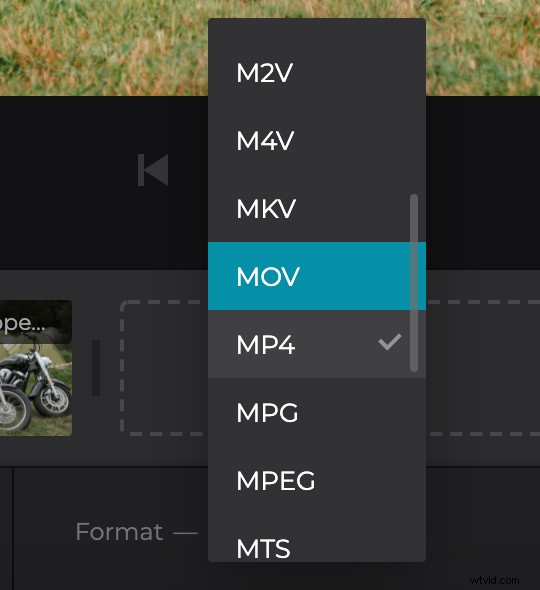
Select an output format. We’d recommend sticking with MP4 and MOV as they are compatible with the majority of social media. Finally, click on “Create” and let the tool do its job.
Download and post the video
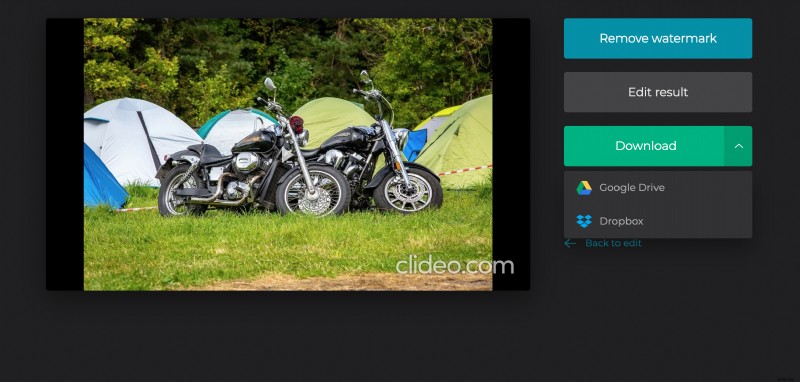
Have a final run and get sure that your creation doesn’t need any corrections. If so, save it to the cloud or your personal device. If you think it might be better, hit “Back to edit”.