
How to do stop motion on iPhone
Stop motion animation is one of the most unique forms of filmmaking. Captured one shot at a time as physical objects in the scene are moved gradually between frames, it creates a somewhat trippy illusion of movement when the sequence of images is played back rapidly.
The result can be quite a creative yet thought-provoking video that’s bound to stick in people’s minds. However, producing it isn’t easy.
But the good news is you can easily add authentic stop motion effect to previously-recorded clips, chopping down production time. This can be done for free, online, without the need to download any pricey stop motion iPhone apps or software.
Here’s how - in three easy steps.
Upload your clip
To get started, upload the video you want to turn into a stop motion masterpiece from your iPhone by visiting Clideo’s Stop Motion Maker and tapping on the big ‘Choose file’ button in the centre of the welcome page.
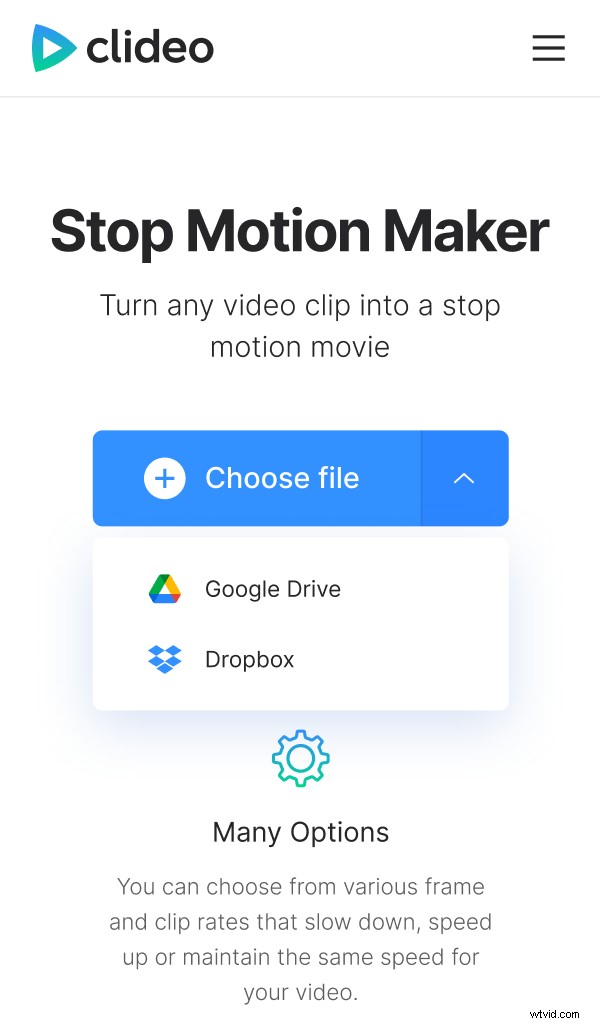
This can be accessed via a web browser and from any device with Internet access, such as Windows and Mac computers, iPads, iPhone and Android phones.
Alternatively, you can select the down-arrow on the right-hand side of the button which will load a drop-down menu giving you the option to select a file directly from a cloud storage account.
Most video formats are supported, including AVI, MPG, VOB, WMV, MOV files and many more.
Edit the file
Once uploading is complete, you’ll be able to adjust the stop motion settings in the tool, on the right-hand side.
At the top, you can adjust the speed of every frame from slow, to medium and fast.
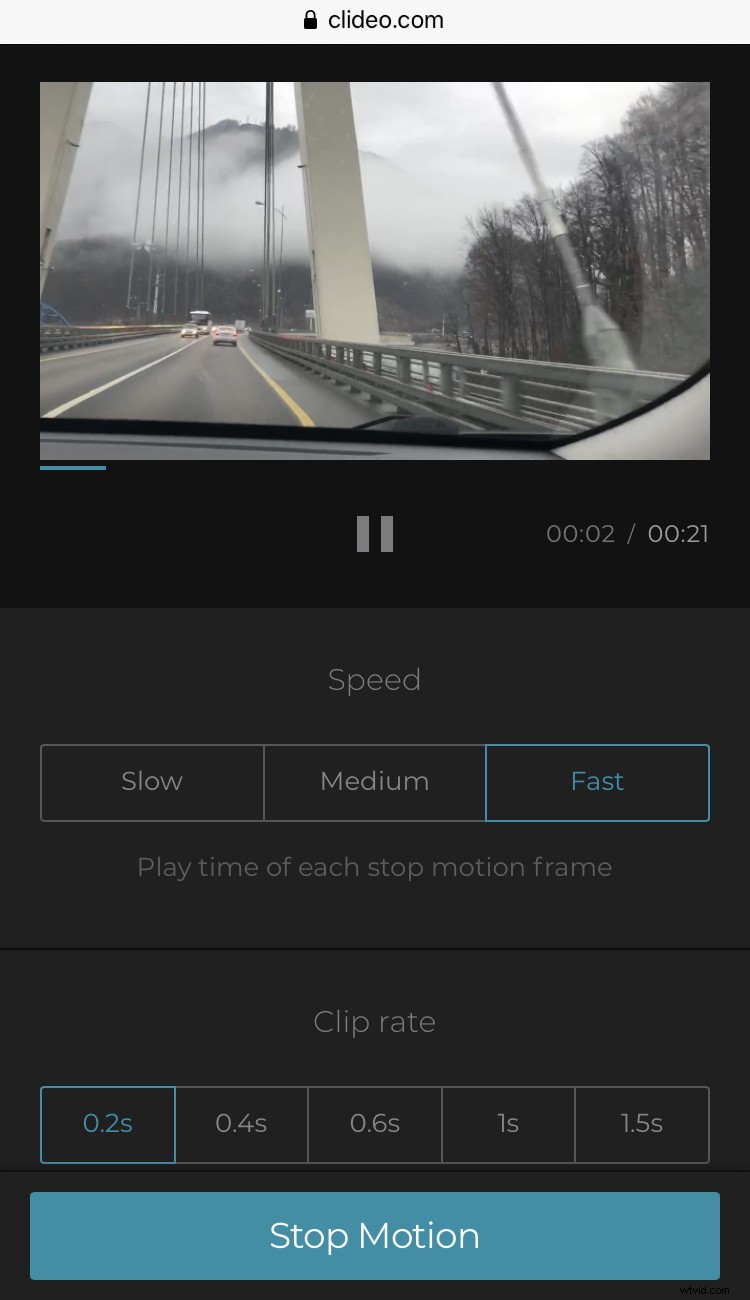
Under this feature is a ‘clip rate’ option. This is used to choose the desired interval time in which to take a frame from the original video and create the stop motion effect. This can be either 0.2, 0.4, 0.6, 0.8, 1 or 1.5 seconds. Note that higher increments will produce a stronger stop motion effect.
At the bottom, you’ll find a checkbox to add a reversed effect if required.
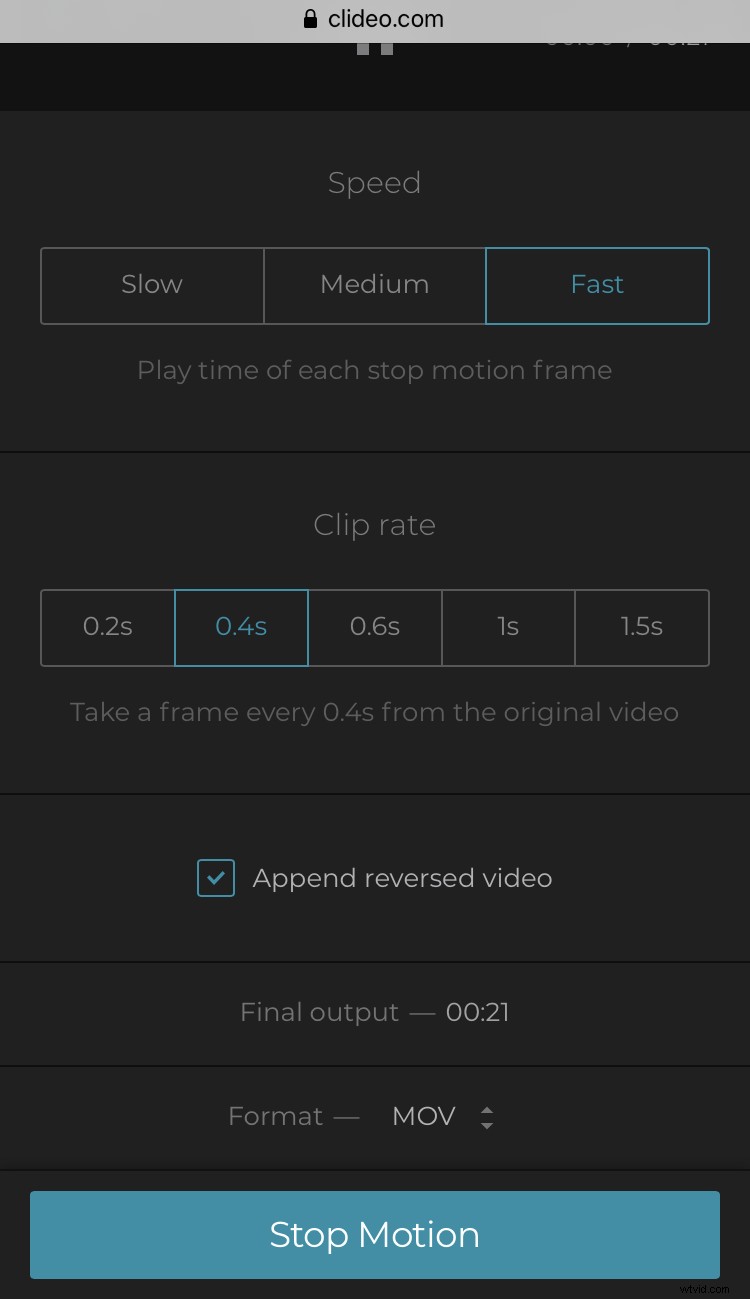
You can also change the video output format on the bottom left. MOV is recommended for iPhone.
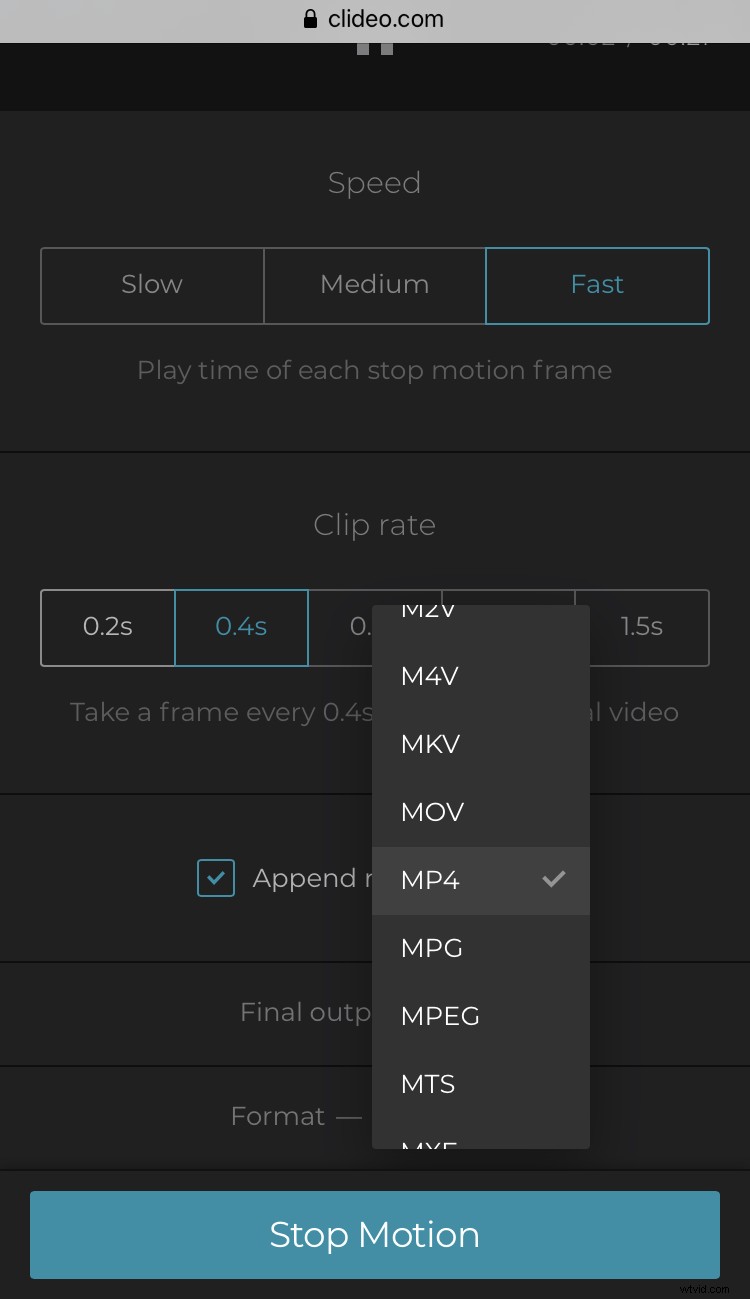
To get your video ready for the big time, hit the ‘Stop Motion’ button at the bottom right and it will begin processing, ready for download.
Save the video
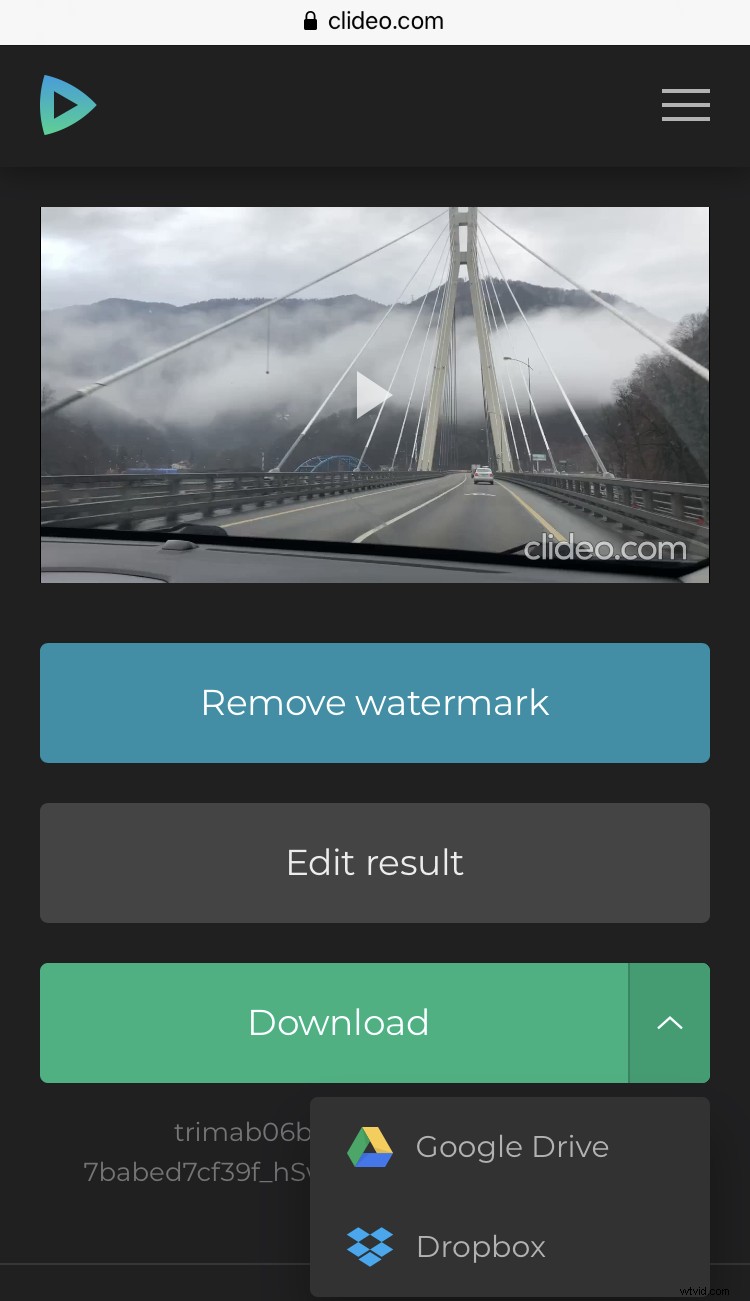
Now the final stop motion creation can be previewed.
Tap the play button in the video preview panel and if you’re satisfied with the result, click the ‘Download’ button and save back to your device. Again, you can save to a cloud storage account instead, if you like.
So that’s how to make a stop motion video on the iPhone, quickly and easily. Check out Clideo’s other online editing tools to expand your creative movie-making horizon.