

Facebook has decided that Facebook users would enjoy having auto-play videos automatically play sound as they scroll through their feed. Of course not everyone likes to be auto-blasted with audio and sound from auto-play videos, so some Facebook users may wish to stop auto-playing sound with videos shown in their feed.
Fortunately, in the mystery maze of Facebook options and account settings, you can disable the auto-play video sound option and have the videos muted unless you choose to play the audio yourself. Here is where to find this option and turn off this feature:
How to Disable Auto-Play Sound on Facebook Videos
This will change the setting to default to muting the auto-playing videos on Facebook in iOS:
- Open the Facebook app in iOS if you have not done so already
- Tap the three line menu button in the lower corner of the iOS app
- Choose “Settings” and then go to “Account Settings”
- Go to “Videos & Sounds” and toggle the switch for “Videos in News Feed Start with Sound” to the OFF position
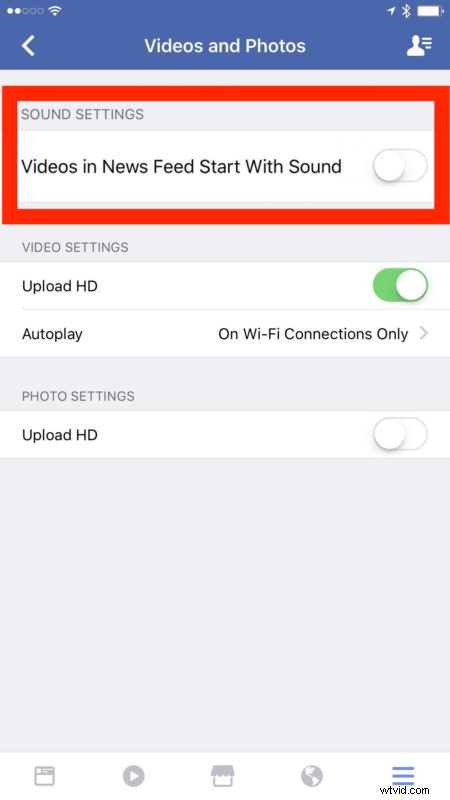
If you want to turn off auto-play video completely you can do that to a limited capacity in the same Videos & Sounds settings by choosing “Autoplay” and picking the least annoying option available to you on new Facebook versions, older versions can use the approach described here instead.
While you’re digging around in Facebook settings, you might also want to turn off Facebook sound effects and Facebook sounds in iOS too.