How to do a video in stop motion
Such videos have a long history in the filmmaking industry and were often used to show objects moving as if by magic. It was first used by Albert E. Smith and J. Stuart Blackton in 1897 while filming a movie called The Humpty Dumpty Circus, It's about a toy circus of acrobats and animals who came to life with the stop motion effect.
It’s an animated style of video editing technique that helps you to create a series of frames played one by one in motion out of individually photographed frames.
Now you can create a stop motion effect out of a video. With Clideo, you can create the video effect online and for free. It can be accessed from any device and any browser. Follow the three steps:
Add your video file
Open the Stop Motion tool by Clideo and upload a video you wish to edit directly from either your Mac, PC or any mobile device. You can even add it from Google Drive or Dropbox.
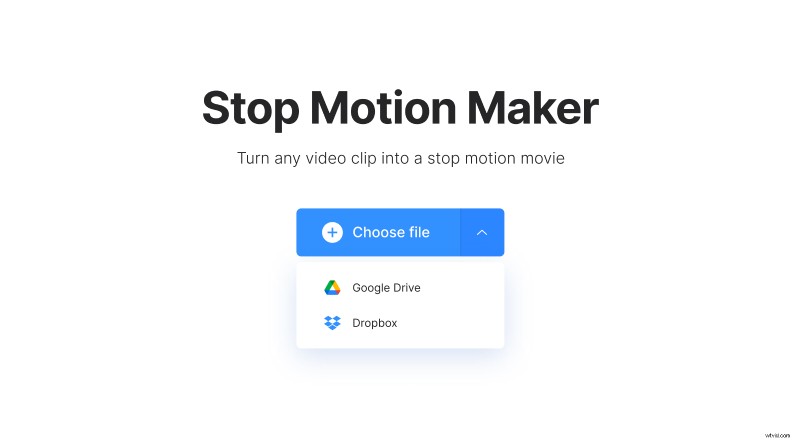
Clideo accepts a huge variety of file formats such as WMV, AVI, MP4, etc.
Create stop. motion video
Once your video is added, select the speed and frequency from which the video will be taken. You can also reverse the video frame by frame for extra effect.
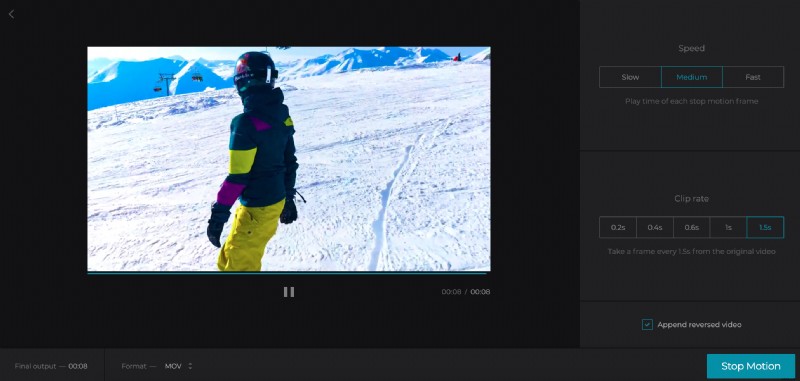
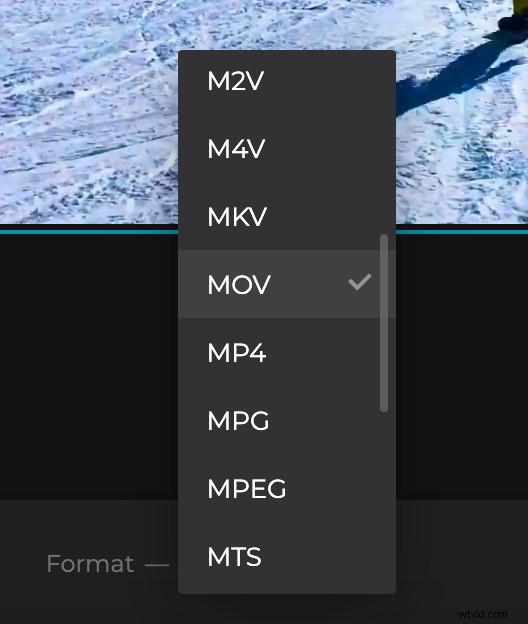
Change format of the output video if needed. For sharing on social media, we recommend visiting the guide on formats to select the appropriate one for your need. Then click "Stop Motion".
Preview and save your project
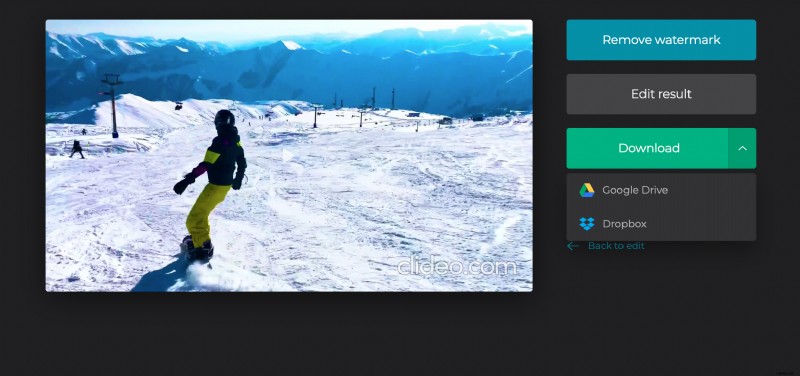
Watch the video in your browser before downloading to check your work. If you’re unhappy with the result, simply go back and re-edit. Then save the video back to your device, computer, straight to Google Drive or Dropbox.