How to make a video in slow motion
An Austrian priest named August Musger first invented the original concept of slowing down a video, also known as slow motion, in the early 20th Century. This video editing type has been widely used in modern filmmaking.
Content creators apply this style to recapture key sports moments of all kinds of athletic activities, or to film natural phenomena such as lightning and rain falling.
However, nowadays slowing down a video is far easier than stressing over complex filming styles. It's possible to do that without the use of complicated programs that take up more time learning how to use it than creating the content.
With Clideo, you can easily slow down or increase the speed of a video, and even mute the sound for extra effect. The tool is safe and secure, as all videos are removed from the servers after editing. It doesn't require any downloads and is easy to use for any video content creator skill level, whether you're a beginner or advanced user.
Follow the steps to do slow motion online:
Add a video to the tool
Open the Clideo's Video Speed Changer. Click on the big blue button to choose a video from a computer or mobile device. It can be your Mac, Windows laptop or computer, iPhone or Android device.
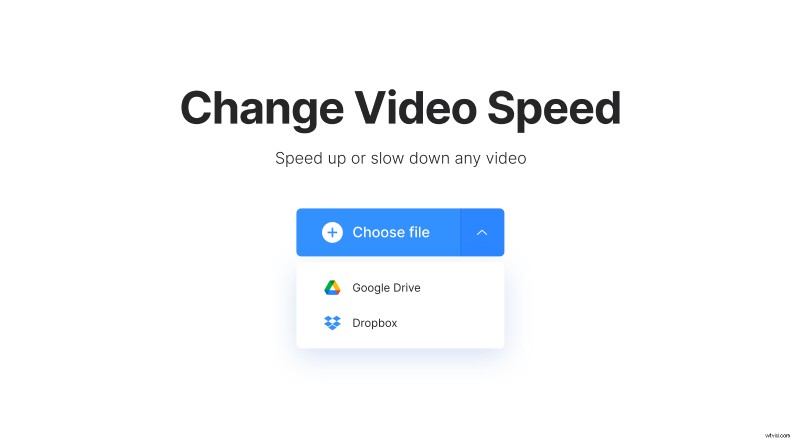
You can also choose a video file from either Dropbox or Google Drive. The tool accepts all the popular file formats such as WMV, AVI, MP4, etc.
Change video speed
Once your video has been uploaded, select the desired speed. Here you can slow it down or make it faster. In addition, there’s an option to mute the sound of the video.
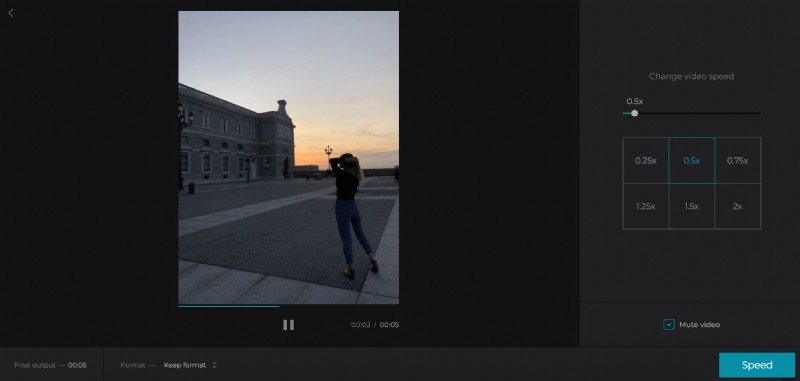
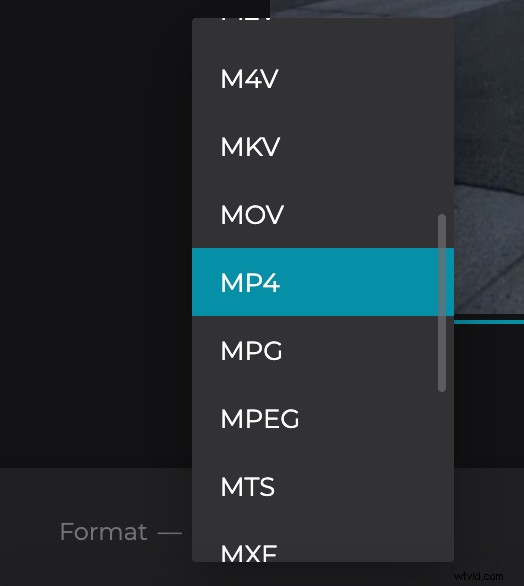
You can also select an output format for the video. If you're planning on sharing it on social media, take a look at our guide on the formats to select the appropriate one.
Watch and download your video
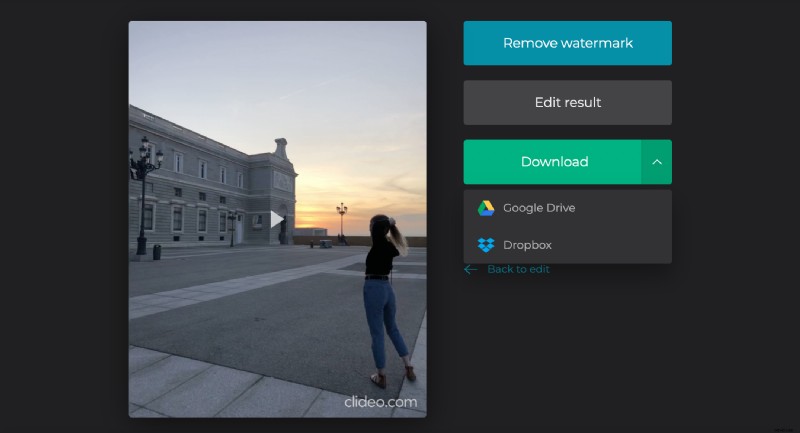
You can watch the result in your browser and go back to continue editing if necessary. Then simply download your video back to the device, Google Drive or Dropbox.