
There are a number of reasons why shooting 4K for 1080p is a good idea, but does online compression mean you’re wasting your time?
Shooting in 4K to deliver in 1080p offers a number of benefits, such as the ability to crop your composition without loss of (HD) resolution, digitally zooming and panning with techniques like a digital dolly zoom, and (of course) increased sharpness and image color.
We’ve previously covered why the sharpness and color is better in 4K vs. 1080p using the GH5. Here’s the tl;dr version:
Recently, filmmaker Alejandro Hernandez brought up an issue in the Color Grading Central Facebook group — a community of professional and amateurs colorists, managed by Resolve tutorial wizard and color-grading expert Denver Riddle. Hernandez posits that unless you render a 4K file for 4K online delivery, the perceived increase in 1080p sharpness you get with a 4K downscale gets nullified.
YouTube, of course, uses a heavy compression — that’s no secret. We’ve recently discussed that using coarse film grain will deplete the sharpness of your image after YouTube compression. If we compare a 400 percent zoom into an offline 4K file against 4K YouTube image, we can see a slight decrease in the clarity, and surprisingly, a red cast to the actor’s face. However, this is a 400 percent digital zoom. YouTube’s 4K platform is otherwise fantastic for what it is.
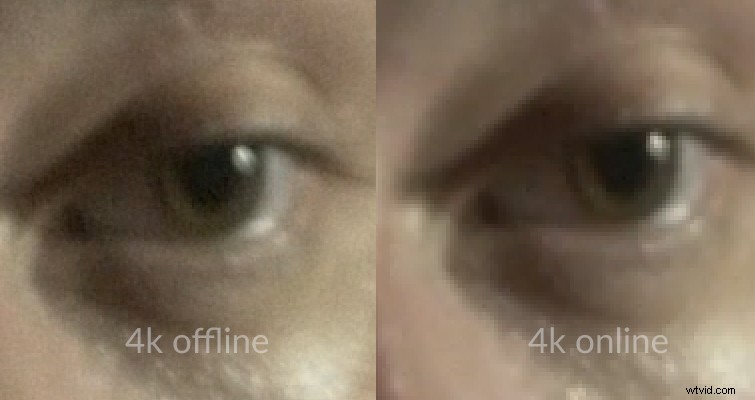
However, this raises an important question: does YouTube really make a 4K to 1080p render obsolete?
The Test
While filming in 4K solely to deliver a sharper HD picture hasn’t been my primary use of the resolution, I have indeed had projects that required 1080p delivery, so I shot in 4K to get a sharper HD image. This, of course, comes at the cost of larger and faster media — along with the need for more offline storage. And if you’re selective, we can talk about the increase in offload time and processing power for slower machines.
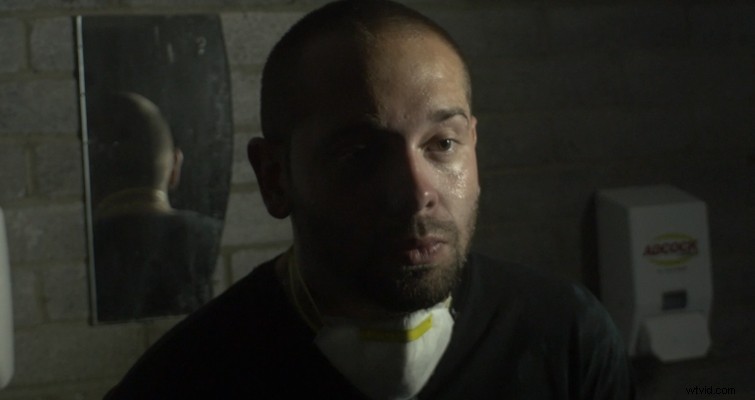
Here we have a still from a 4K shot:
. . . and a still from a 1080p shot:
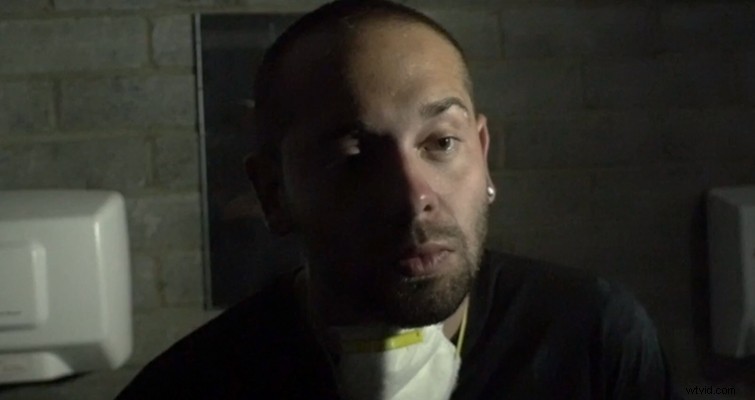
There’s a slight discrepancy between the actor’s position and the sweat on his face, but if we only focus on his eye, it’s 99 percent close enough that we can use it as an example. Of course, for offline delivery, the principle stands. Delivering 4K to 1080p will look better than a standard 1080p file, and we can see this when we compare the two exported files.
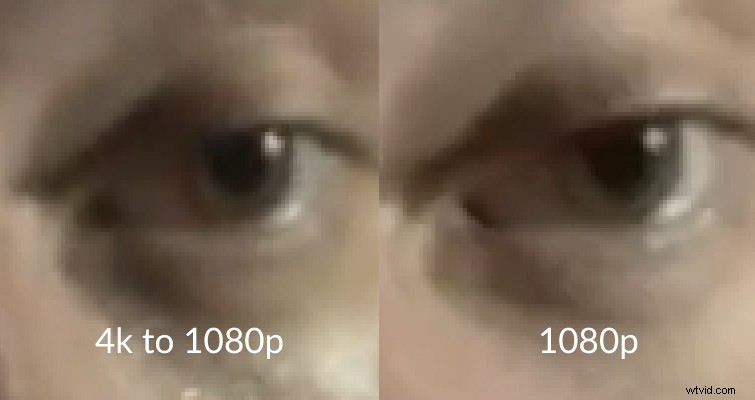
There’s a lot more clarity to the image on the left, and we can see the finer details directly underneath his eyelid.
For the test itself, I rendered both video files using Premiere Pro’s 1080p YouTube preset, but I increased the bitrate to 50mbps.
The results above came from YouTube, and, well, they’re certainly not great. Again, YouTube is compressing the video, so we know it’s going to lose some of the finer details, but as Hernandez suggests, YouTube nullifies the benefits of the 4K downscale to the point that there’s minimal difference between the 4K to 1080p image and the native 1080p.
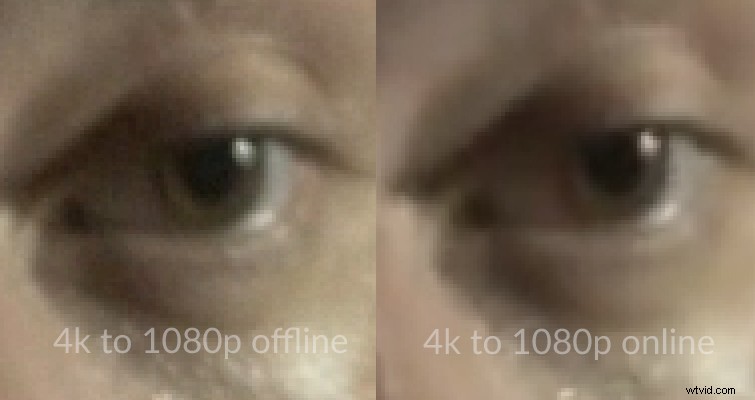
Again, the hue has undergone some minimal changes, but more importantly, we can really see how much detail we lose by comparing the offline image to the compressed YouTube image. Ultimately, for many, this will not be an issue. More than half of YouTube views come from smart devices, and most do not support 4K. However, if you have been shooting in 4K solely for a crisper online image, now you know it’s unnecessary. Although, given how YouTube is continually developing, perhaps in a year or two this article will become redundant.