

Apple has released iOS 14.3 for iPhone and iPod touch, and iPadOS 14.3 for iPad.
The new software update includes support for AirPods Max, Apple Fitness+, privacy reports for App Store apps, amongst various other small features, bug fixes, and security enhancements. Users who are actively running a prior iOS 14 or iPadOS 14 please should install the latest update onto their eligible device.
Concurrently, Apple issued iOS 12.5 for older model iPhones and iPad devices that do not support the latest iOS and iPadOS release.
Separately, Apple also released MacOS Big Sur 11.1, Security Update 2020-007 for MacOS Catalina and Mojave, tvOS 14.3 for Apple TV, and watchOS 7.2 or Apple Watch.
How to Download & Update iOS 14.3 & iPadOS 14.3
The simplest way to download the latest update is through the Settings app.
- Open the “Settings” app on iPhone or iPad
- Go to “General”, then go to “Software Update”
- Choose “Download and Install” for “iOS 14.3” or “iPadOS 14.3”
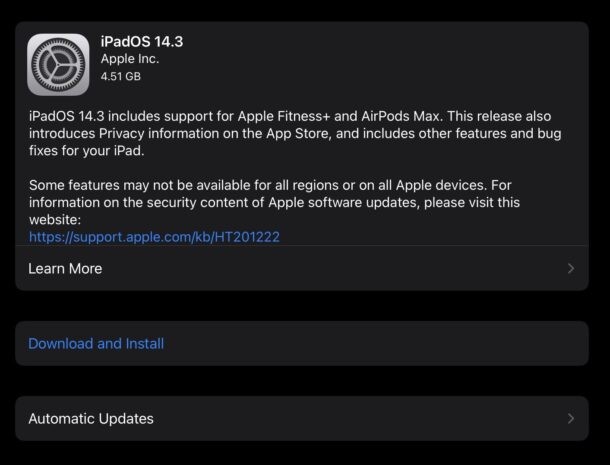
The device will reboot to complete installation.
Users can also choose to install the software update through iTunes on Windows or older Macs, or through Finder on Catalina or Big Sur.
Advanced users can also use IPSW files to manually update the firmware on their device.
iOS 14.3 & iPadOS 14.3 ISPW Direct Download Links
- Updating…
iOS 14.3 Release Notes
Release notes with iOS 14.3 are as follows: