
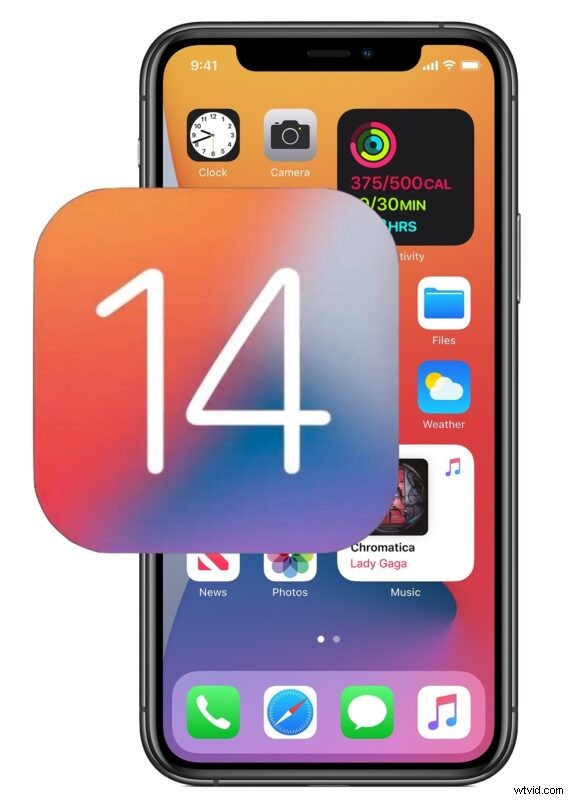
Apple has released the first iOS 14 beta for iPhone and iPod touch, the first beta release is for developers only and is available to any user who is enrolled in the Apple developer program.
iOS 14 includes a variety of new features for iPhone, including the ability to have widgets on the Home Screen, a new App Library feature, instant language translation capabilities, and much more. Because beta versions of software are under active development, features and functionalities may change before the final version is released later in the year.
iOS 14 developer beta 1 is intended for developers only, but technically anyone can get the iOS 14 developer beta by joining the Apple Developer program and paying for a membership fee to gain access to the beta profiles. Doing so also enables users to download macOS Big Sur beta along with betas of iPadOS 14, tvOS 14, and watchOS 7. Nonetheless, most casual users who are interested in running beta software are better served by waiting until the public beta is released in the coming weeks, which is free and does not require a membership fee.
Download iOS 14 Developer Beta 1
For those who are enrolled in the developer program, you can get the iOS 14 beta on an eligible iPhone or iPod touch by doing the following:
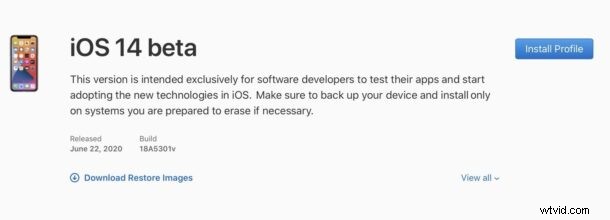
- Get the iOS 14 beta profile by visiting http://developer.apple.com/download/
- Click to download and install the beta profile on your iPhone
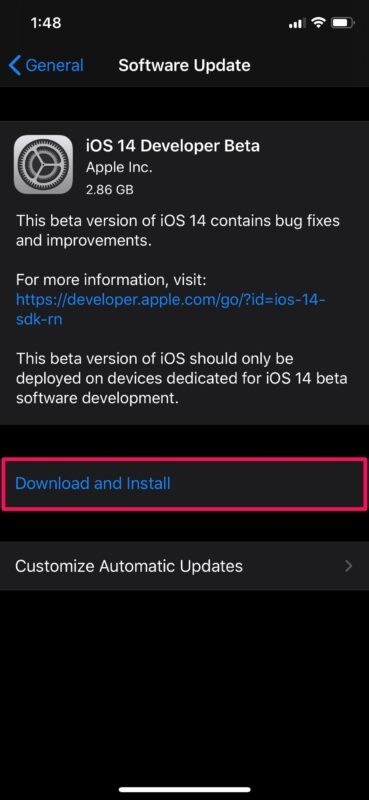
- Go to the “Settings” app and to “Software Update” to find the iOS 14 beta available as a download
Always back up an iPhone before installing beta software.
Beta system software is much buggier and less stable than final builds of system software, therefore running iOS 14 beta is only appropriate for advanced iPhone users.
Technically, even non-developers can install the iOS 14 beta profile on their iPhone or iPod touch even they come across another source of the beta profile, but doing so is not supported nor is it recommended. A better approach is to simply wait for the public beta of iOS 14 to commence in the coming weeks.
Are you going to install the iOS 14 beta on iPhone or iPod touch? Will you wait for the public beta, or the general release in the fall? Let us know your thoughts and experiences in the comments.