
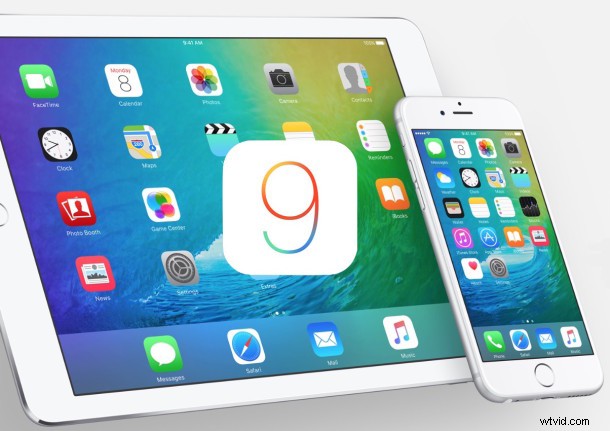
Apple has made the first public beta of iOS 9 available to users who are interested in testing the the new operating system before widespread public release later in the year. iOS 9 runs on all devices able to run iOS 8, but beta software is notoriously buggy, unreliable, and finicky, making the usage of public beta system software best reserved for secondary iPhone and iPad devices or for more advanced users.
Anyone can register to participate in the iOS 9 Public Beta program, all that is required is an Apple ID and a device compatible with iOS 9. If you are planning on running an iOS 9 beta, be sure to back up your iPhone, iPad, or iPod touch beforehand, preferably to both iTunes and iCloud.
- Go here to sign up for the Apple Beta Program and enroll the device you wish to install iOS 9 on
- Connect the iPhone, iPad, or iPod touch to a computer, and back up the device to iTunes, then archive that backup within iTunes as instructed
- Download the iOS Beta Configuration Profile for the device
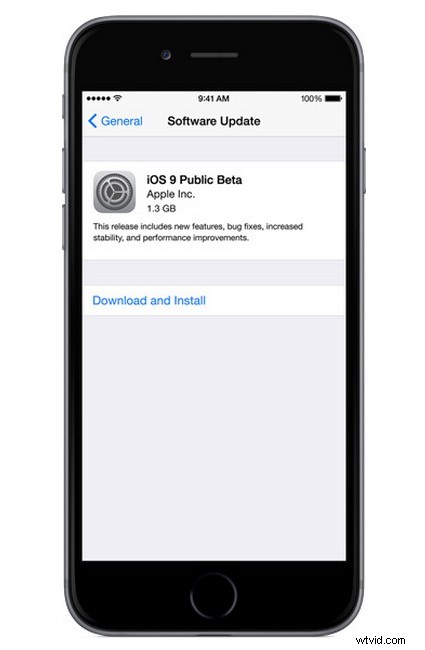
- Open the Settings app on the device itself, then go to General and to Software Update to locate the iOS 9 beta build to download and install

As already mentioned, iOS beta software is typically buggy and underperforms compared to the experience most users are accustomed to with stable builds of iOS, thus, it is best for more advanced users to run beta software. Running an iOS beta build on a secondary piece of hardware is also fine, as long as expectations are adjusted for the beta software.
Finally, remember that beta users can downgrade from iOS 9 to iOS 8 if desired, though typically backups from new versions of iOS will not restore to prior versions, meaning you’d want to manually back up things like the address book, photos, and important data. Yet another reason why running beta software is best on secondary devices.