
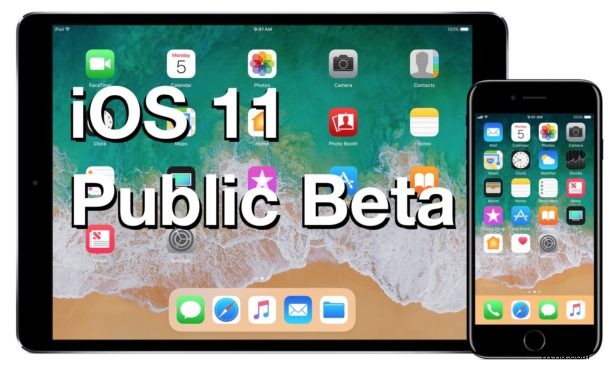
Apple has opened the public beta testing program for iOS 11, launching iOS 11 Public Beta to all users who are interested in running the latest beta system software on their iPhone, iPad, or iPod touch.
iOS 11 public beta is available to anyone who wants to give the new features a try, though even a public beta program should still be limited to more advanced users simply due to the nature of beta system software.
How to Download & Install iOS 11 Public Beta
You will need an iOS 11 compatible device (ideally a separate device from your main iPhone or iPad), then you simply back it up to iTunes, enroll in the iOS 11 public beta testing program, install, and enjoy. Here are the complete steps to download and install iOS 11 public beta onto an eligible device:
- Back up your iPhone, iPad, or iPod touch to iTunes and iCloud – do not skip backing up your device
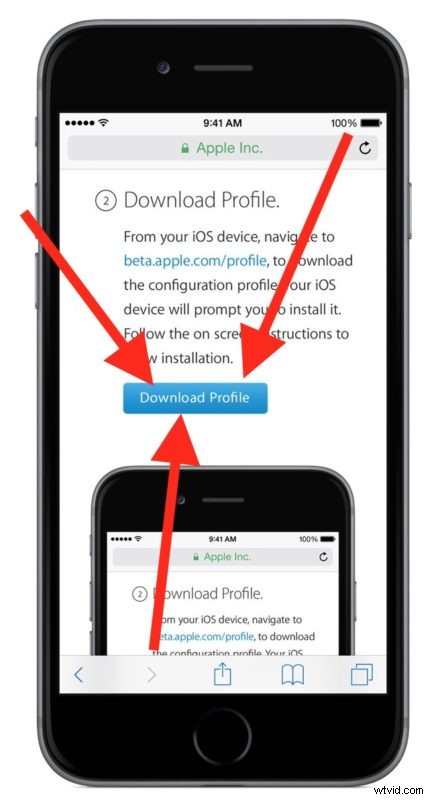
- Enroll at beta.apple.com and login with you Apple ID to participate in the iOS 11 public beta program
- Click the “Download Profile” button on the beta.apple.com enroll page
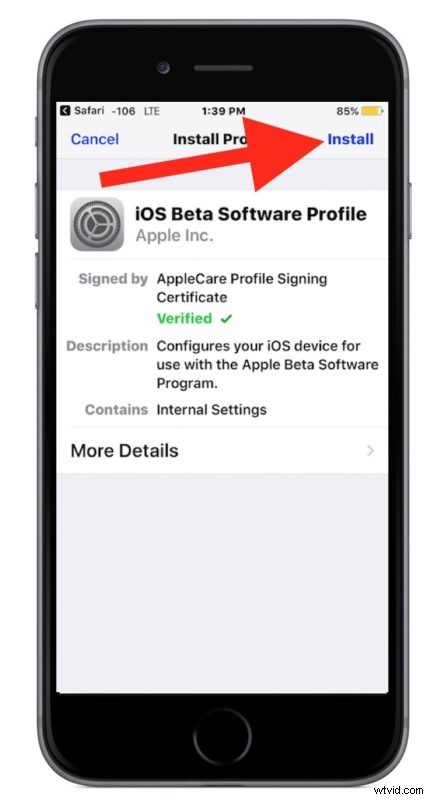
- Choose “Install” when you see “iOS Beta Software Profile” on the screen from Apple Inc
- Go to Settings > General > Software Update and choose “Download & Install” to download and install iOS 11 public beta 1 onto your device *
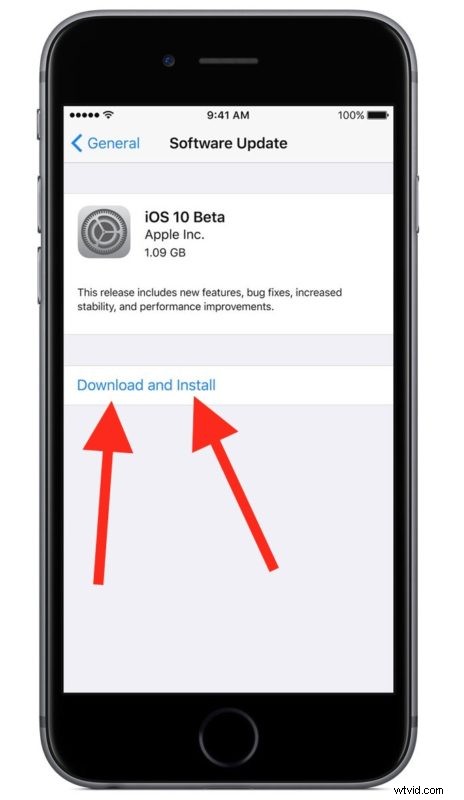
Like any other software update in iOS, iOS 11 public beta will download and install onto the device, which will then automatically reboot into the iOS 11 beta.
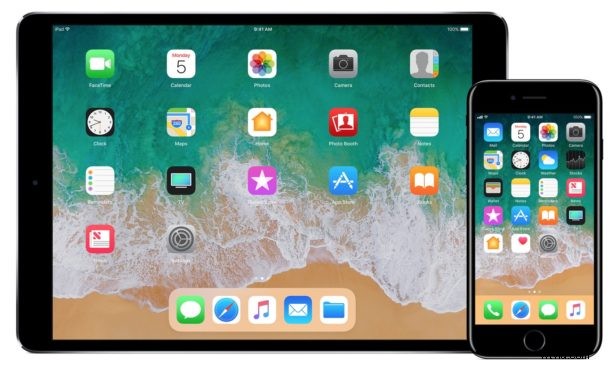
Future iOS 11 public beta releases will arrive to the enrolled device as they are released by Apple, as will the final version when it’s released this fall.
* Note if you installed the iOS 11 public beta profile and do not see the iOS 11 public beta download available, you may need to restart your iPhone or iPad first.
Keep in mind an iOS beta is less stable and more buggy than what a final software release would be. It is not really intended for widespread usage by novice users, but more-so aimed at early adopters, testers, developers, designers, enthusiasts, and other more pro oriented users who are interested in getting an earlier look at what will be launched to the broader public this fall when iOS 11 final is released.
Don’t be too alarmed if you update to iOS 11 and discover it’s to unstable for your regular use, as long as you made a backup of your current device beforehand you can downgrade from iOS 11 beta back to iOS 10 again fairly easily.
Separately, Apple will also be releasing the macOS High Sierra 10.13 public beta for Mac users interested in running beta system software, as well as tvOS 11 public beta for Apple TV.