
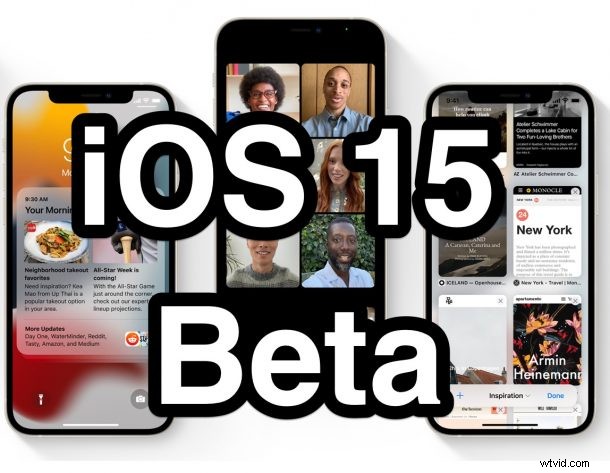
The first beta version of iOS 15 has been released for iPhone and iPod touch users enrolled in the developer beta program.
Early developer betas are typically buggy and unstable, intended for software developers and advanced users, and are not recommended for other users to run on their devices. A public beta of iOS 15 will debut in July.
iOS 15 includes new features to improve FaceTime experiences, including the ability to share screens, show a grid view of Group FaceTime participants, and the ability to watch movies or listen to music with FaceTime callers, redesigned Weather app, a new Focus feature for Do Not Disturb, redesigned Notifications, new Maps features, redesigned Safari tabs experiences and a new Safari tabs grouping feature, Safari Extensions, Live Text which allows you to select text in photos and images, improvements to Health, Spotlight, Photos, and Music, and more. Because beta versions of system software are under active development, it’s possible these features may change as the final release nears in the fall.
iOS 15 Compatible iPhone Models
iOS 15 is compatible with iPhone models and iPod touch models capable of running iOS 14.
The full list of iOS 15 compatible devices includes iPhone 12, iPhone 12 mini, iPhone 12 Pro, iPhone 12 Pro Max, iPhone 11, iPhone 11 Pro, iPhone 11 Pro Max, iPhone XS, iPhone XS Max, iPhone XR, iPhone X, iPhone 8, iPhone 8 Plus, iPhone 7, iPhone 7 Plus, iPhone 6s, iPhone 6s Plus, iPhone SE (1st generation), iPhone SE (2nd generation), and iPod touch (7th generation).
Download iOS 15 Developer Beta 1
Be sure to backup iPhone before installing any beta software. Eligible users can download iOS 15 beta now by doing the following:
- Open Safari on iPhone
- Go to http://developer.apple.com/download/ and download the iOS 15 beta profile
- Choose to download and install the beta profile onto the iPhone
- Next to the “Settings” app and to ‘General’ then to “Software Update” to find the iOS 15 developer beta to download
Beta system software is much less reliable than final versions, and is therefore only recommended for advanced users.
Technically speaking, any non-developer can download and install iOS 15 beta onto their iPhone by using a beta profile, but this is not recommended. If you’re curious about running beta system software, a better approach would be to wait for iOS 15 public beta in July.
Other developer betas are also available now, including macOS Monterey beta 1 for Mac, iPadOS 15 beta 1 for iPad, and watchOS 8 beta 1 for Apple Watch.
The final version of iOS 15 is set to debut in the fall, alongside iPadOS 15, macOS Monterey, watchOS 8, and tvOS 15.