
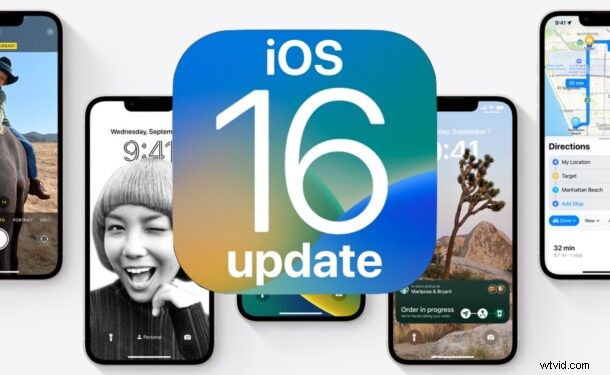
iOS 16 has been officially released and is now available for all iPhone users to download and install now.
The iOS 16 release has some exciting new features, like the totally revamped lock screen that allows for customization with widgets and different fonts, new Focus modes tied to lock screens, undo sending of messages, editing of messages, scheduling of emails capabilities, refinements to Wallet app, the ability to instantly copy a person or dog out of a photo (yes really), and so much more.
Ready to grab iOS 16 for your iPhone now? Let’s get to it!
How to Download & Install iOS 16 Update
Be sure to backup iPhone to iCloud, or a Mac with Finder, or iTunes before starting the system software update.
- Open the “Settings” app on iPhone
- Go to “General”, then go to “Software Update”
- Choose to “Download and Install” for iOS 16
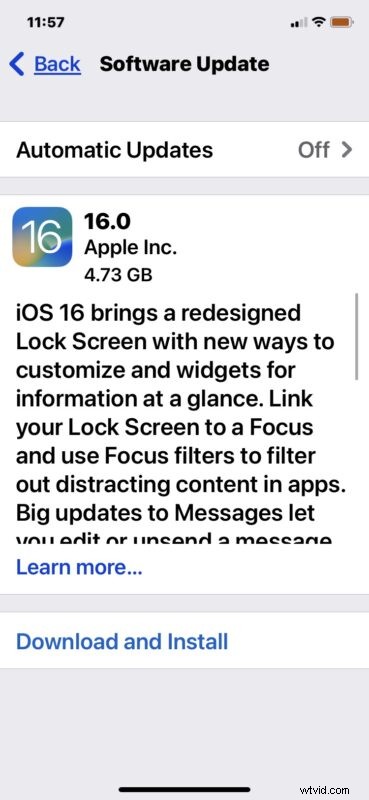
The iOS 16 software update is around 5GB in size, and as usual it will require the iPhone to restart to complete installation of.
iPhone users can also choose to install the iOS 16 software update with a Mac by using the Finder app, or by using a Windows PC with iTunes.
Which iPhone models are compatible with iOS 16?
The following iPhone models support iOS 16, the list is slightly more restrictive than those which supported the prior iOS version:
- All iPhone 14 models
- iPhone 13
- iPhone 13 mini
- iPhone 13 Pro
- iPhone 13 Pro Max
- iPhone 12
- iPhone 12 mini
- iPhone 12 Pro
- iPhone 12 Pro Max
- iPhone 11
- iPhone 11 Pro
- iPhone 11 Pro Max
- iPhone XS
- iPhone XS Max
- iPhone XR
- iPhone X
- iPhone 8
- iPhone 8 Plus
- iPhone SE 2nd generation or later
iOS 16 IPSW Download Links
Advanced iPhone users can optionally choose to update their iPhone to iOS 16 by using IPSW firmware files, which requires a computer (Mac or PC) and a USB connection. This is considered advanced and not recommended for most users, and is rarely necessary.
The links below point to iOS 16 IPSW files hosted by Apple on their servers:
- iPhone 14 Pro Max
- iPhone 14 Pro
- iPhone 14
- iPhone 14 Plus
- iPhone 13 Pro Max
- iPhone 13 Pro
- iPhone 13 mini
- iPhone 13
- iPhone 12
- iPhone 12 Pro
- iPhone 12 mini
- iPhone 12 Pro Max
- iPhone 11 Pro Max
- iPhone 11 Pro
- iPhone XS Max
- iPhone XS
- iPhone 11
- iPhone XR
- iPhone X
- iPhone 8
- iPhone 8 Plus
- iPhone SE 2
- iPhone SE 3
iOS 16 Release Notes
Release notes included with iOS 16 update are as follows:
Additionally, watchOS 9 for Apple Watch and tvOS 16 for Apple TV are also available. iPadOS 16 and MacOS Ventura will be released later, in October.