
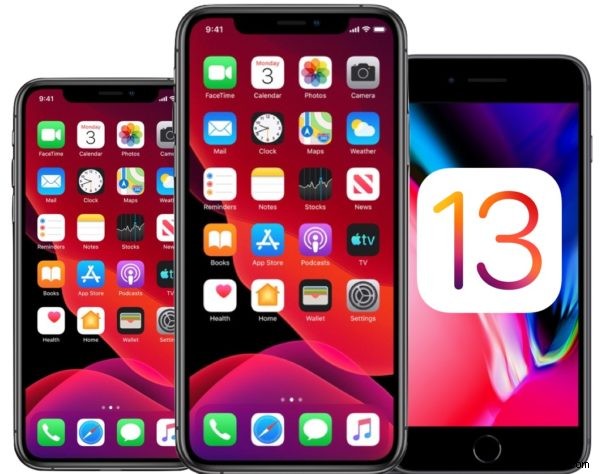
The final version of iOS 13 has been released for the general public to download onto a compatible iPhone or iPod touch.
iOS 13 includes many new features, including a new dark mode interface theme option, notable improvements and updates to the Photos app, updates to Notes and Reminders applications, a new “Find My” app that helps you locate your misplaced Apple devices, new Emoji, new Animoji and Memoji capabilities, improvements to Files app that allow for external storage access and SMB file sharing, improvements to Maps app, support for Apple Arcade gaming service, and much more. The complete release notes of iOS 13 are posted further below, along with IPSW firmware files.
iOS 13 Supported iPhone Models
iOS 13 can be installed onto any iOS 13 compatible iPhone models including: iPhone 11, iPhone 11 Pro, iPhone 11 Pro Max, iPhone XS, iPhone XS Max, iPhone XR, iPhone X, iPhone 8 Plus, iPhone 8, iPhone 7 Plus, iPhone 7, iPhone 6s, iPhone 6s Plus, iPhone SE, as well as the iPod touch 7th generation.
iOS 13 for iPad, also known as iPadOS 13, is a separate release and is not yet available to download.
How to Download & Install iOS 13 Update on iPhone
Installing iOS 13 requires around 3GB of free storage space to install. Always be certain you backup the iPhone to iCloud or iTunes, or both, before beginning the installation of any iOS system software update. Failure to backup may result in permanent data loss.
- Open the “Settings” app on iPhone, then go to “General” and go to “Software Update”
- When “iOS 13” shows as available, choose “Download & Install”
- Tap on ‘Agree’ when the terms & services screen shows up
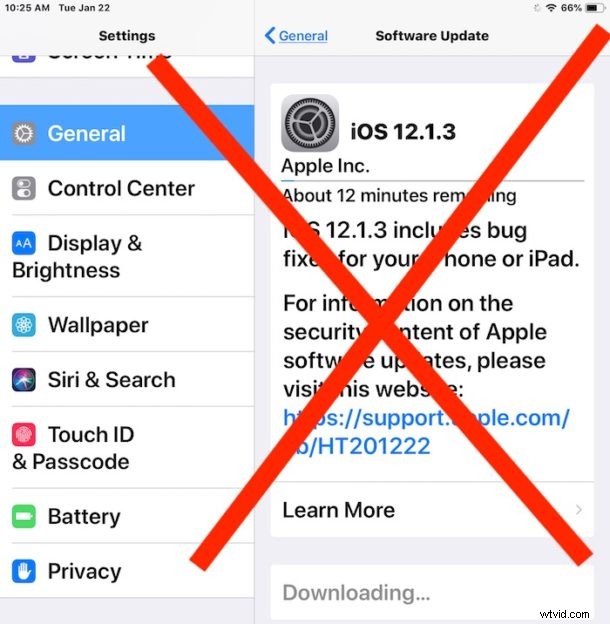
The update will automatically download and then reboot the iPhone to start the installation of, rebooting again to complete the software update to iOS 13. It may take a while to complete the installation.
Optionally, users can also update to iOS 13 using iTunes and a Mac or Windows PC. This is done by connecting the iPhone or iPod touch to a computer and launching iTunes to install the iOS 13 update through there.
Additionally, advanced users can download iOS 13 firmware files from the links below and use the IPSW file to update iOS manually.
iOS 13 IPSW Download Links
- iPhone 11
- iPhone 11 Pro
- iPhone 11 Pro Max
- iPhone XS Max
- iPhone XS
- iPhone XR
- iPhone X
- iPhone 8
- iPhone 8 Plus
- iPhone 7
- iPhone 7 Plus
- iPhone SE
- iPhone 6s
- iPhone 6s Plus
- iPod touch 7th generation model
Where is iOS 13 for iPad / iPadOS 13?
As mentioned before, iOS 13 is for iPhone and iPod touch. iOS 13 for iPad, also known as iPadOS 13, is now considered a separate release and is not yet available to download. The release date for iPadOS 13.1 for iPad is September 24.
iOS 13 Release Notes
The full release notes accompanying the iOS 13 download are as follows:
Separately, Apple has also released updated versions of Safari 13 for Mac, along with watchOS 6 for Apple Watch.