
Have you used black bars or a so called "envelope" when editing your videos to make them look "more cinematic?" Just stop doing that. This tutorial shows you how to achieve the same effect but in a proper manner.
There's a widespread, unspoken opinion that 16:9 is overrated these days. We want to get widescreen aspect ratios because this is mostly related to big screen movies. To do that we usually add black bars which are an integrated functionality in most of our video editing applications. The problem with this approach is that the black areas at the top and bottom of the screen are not changing the aspect ratio of the video, but conceal parts of it. What's wrong with that? When maximized, the width of your rendered footage may not fit the width of a display which has a wider aspect ratio than your video. Here's an example:
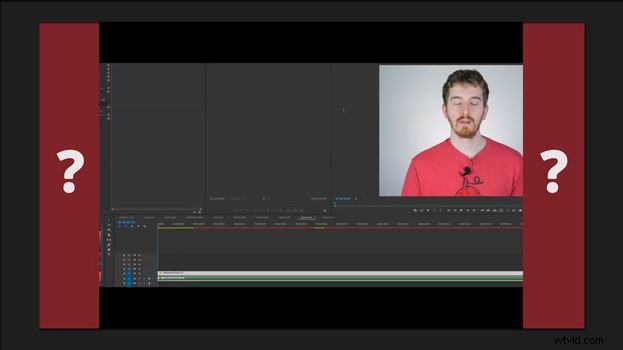 The video height will match the height of your display and the width of your video won't have the opportunity to shine in its full aspect ratio glory on a real widescreen display. Working on a project that has that aspect ratio from the very beginning is the way to go.
For more great tips on all things video, head over to EposVox's YouTube channel.