
Apple has released iOS 15.4.1 and iPadOS 15.4.1 for iPhone and iPad, the update addresses an issue that was causing battery drain for some users, so if you’ve felt like your battery life has not been as great recently, you may want to install the update sooner than later. Some other small bug fixes and security improvements are also included in 15.4.1, making the update recommended for all iPhone and iPad users.
Additionally, Apple released macOS Monterey 12.3.1 for Mac to address an issue where Bluetooth devices and game controllers were disconnecting from the Mac.
How to Download & Update to iOS 15.4.1 or iPadOS 15.4.1 on iPhone & iPad
Always backup iPhone or iPad to iCloud, Finder, or iTunes before beginning any software update.
- Open the “Settings” app on the device
- Go to “General”
- Choose to “Software Update”
- Select to “Download and Install” for iOS 15.4.1 or iPadOS 15.4.1 on your device
The updates will require the iPhone or iPad to reboot to complete installation.
Optionally, users can choose to update using Finder on a Mac or iTunes on a PC, or by using IPSW firmware files downloaded from Apple.
iOS 15.4.1 IPSW Download Links
- Updating…
iPadOS 15.4.1 IPSW Download Links
- Updating…
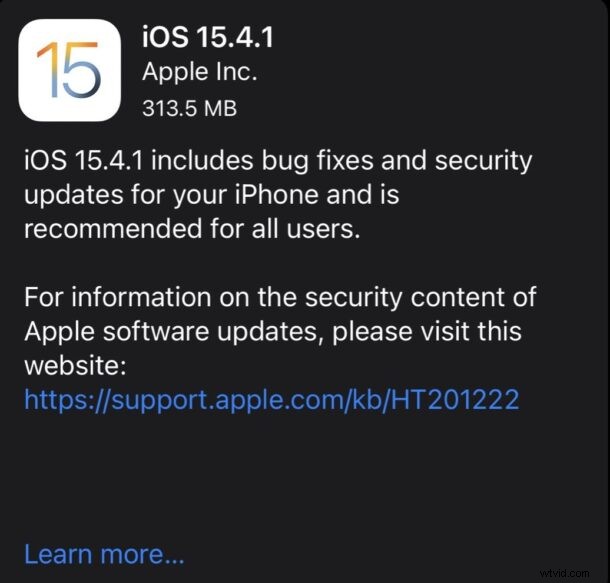
iOS 15.4.1 / iPadOS 15.4.1 Release Notes
Release notes accompanying iOS 15.4.1 update are:
Mac users will also find an update to macOS Monterey 12.3.1, watchOS 8.5.1 for Apple Watch, and Apple TV users will find a tvOS 15.4.1 update available as well.
Did installing iOS 15.4.1 or iPadOS 15.4.1 update help your devices battery? How’d the update go for you?