
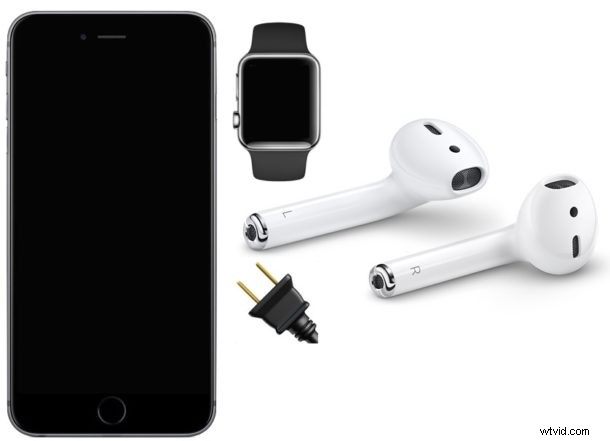
“Help, my AirPods are disconnecting randomly!” AirPods generally work great once they have been setup with an iPhone, iPad, or Apple Watch, but rarely some AirPods users may experience frequent random disconnections. When this is occurring, the AirPods disconnect from the iPhone, iPad, or Apple Watch, and sometimes get stuck disconnecting and reconnecting with frequency, making them largely unusable. Fortunately some simple troubleshooting of this issue is usually sufficient to resolve the problem and get AirPods to connect reliably and stop disconnecting.
We’re focusing on AirPods disconnecting from an iPhone here, but the tips apply to troubleshooting the same issue with AirPods and iPad, and an associated Apple Watch too.
Before beginning, check the following with AirPods and the iPhone or iPad:
- Make sure the AirPods case battery is charged
- Make sure both the AirPods battery are also charged
- Ensure that Bluetooth is enabled on the iPhone, iPad, or Apple Watch
- You will need the AirPods and iOS device to be near one another
You’ll essentially be forgetting and removing the Bluetooth device (in this case the AirPods), and then next going through the process of resetting AirPods and then setting them up again for use with iOS.
How to Fix AirPods Disconnecting from iPhone or iPad
- On the iPhone or iPad, open the Settings app and go to “Bluetooth”
- Tap the (i) button next to the AirPods name, then tap on “Forget This Device”
- Restart the iPhone by turning it off and back on again, unlock the iPhone when it turns back on as usual
- Put the AirPods in the charge case and close the lid for 15 seconds
- Open the AirPods lid, then press and hold down the button on the AirPods case until you see the light flash orange several times, and then flash white
- With AirPods near the iPhone, wait for the AirPods setup process to appear on the iPhone or iPad screen
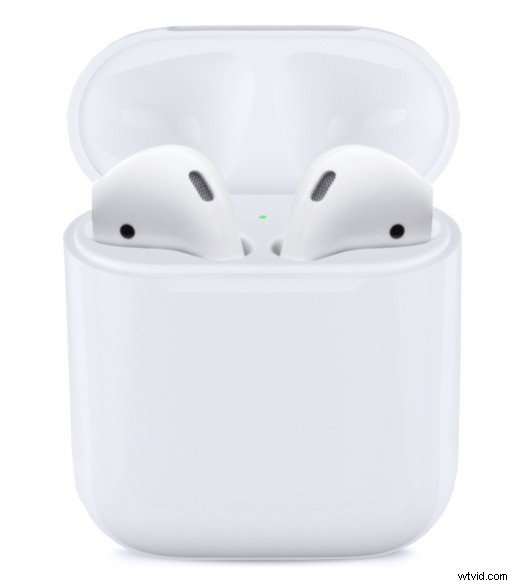
At this point the AirPods should work just fine with the iPhone, iPad, or Apple Watch, and the AirPods should stay connected constantly and no longer disconnect randomly or disconnect and reconnect frequently.
Fixing AirPods Disconnecting from Apple Watch
Restart the Apple Watch, ensure that Bluetooth is enabled on Apple Watch, and then use the same steps above for resolving AirPods disconnections with an iOS device. This should work to resolve AirPods connection difficulties or connecting dropping with Apple Watch.
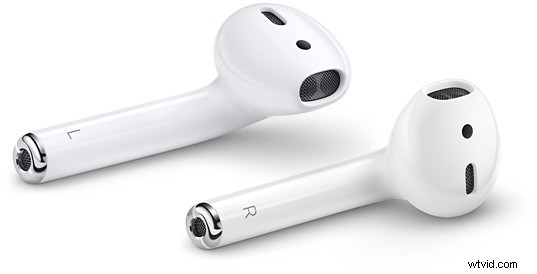
Remember that if the AirPods battery drains down they will disconnect automatically as well, and a common reason that AirPods disconnect is that the battery simply runs out. Thus keeping track of battery levels can be helpful. You can check AirPods battery level in the Notification Center Batteries widget of iOS, by opening the AirPods case near the synced iPhone or iPad, and you can see their battery level on a Mac from the Bluetooth menu too, assuming they are synced with the Mac.
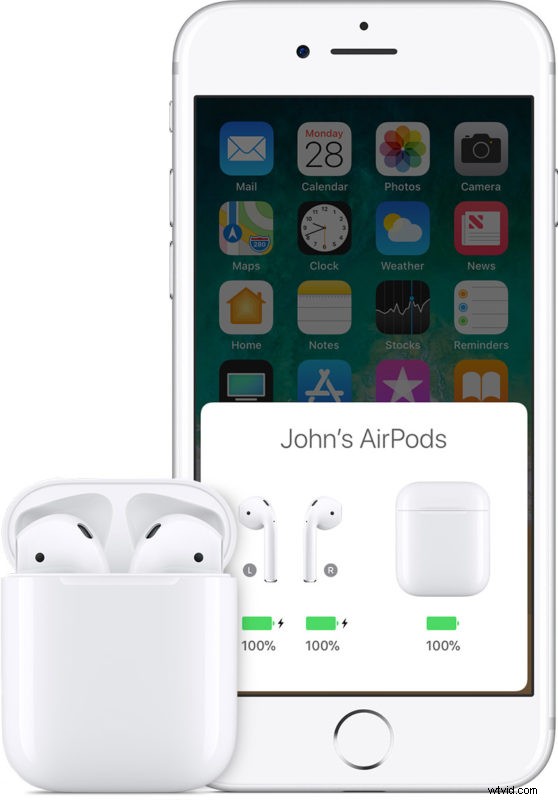
If you are continuing to experience problems with AirPods disconnecting, charge them and their case to 100% and then reset AirPods entirely, reboot the iPhone or iPad, and then go through the AirPods setup process in iOS again. If that doesn’t work, there may be some other problem with the AirPods, and you may wish to visit a certified Apple Repair Center or Apple Store for assistance.