

While the iPhone and iPad has long been able to use location data stored within photos to place and sort the pictures by location, the newest versions of iOS allow Siri to tap into the location meta data too, providing for a quick method of reviewing and finding pictures by locale.
The Siri trick for searching by location through all iPhone, iPod touch, and iPad photos is easy to use:
- Summon Siri as usual by holding down the Home button or with Hey Siri
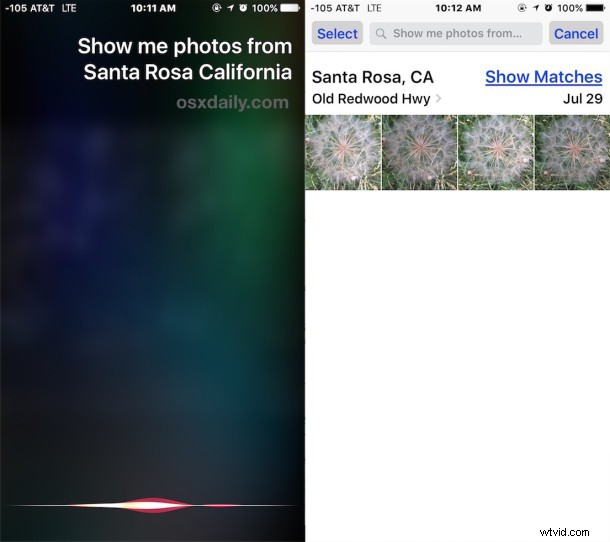
- Say a phrase like “Show photos from (location)”
Siri will automatically launch the Photos app and sort pictures based on the location parameter you provided.
In the example shown in the screenshots, “Show me photos from Santa Rosa California” displays a handful of images taken near that location.
In order to search your image collection with Siri like this, you’ll need iOS 9 or later on any device that supports the hardware, and you’ll need to have geolocation of your images enabled with a library of geotagged pictures. If you disabled GPS geotagging data within the iPhone Camera app then you won’t find this feature to be particularly useful unless you save other images to your device that are geotagged.
Siri isn’t the only way to search an image library by location on the iPhone and iPad however, and you can show pictures by location through the Photos app manually from the Albums view.