Make a picture slideshow with music on Mac
We are happy to help you with that. And we make sure our service is one of the best out there. Judge for yourself:
- It’s online. Offline apps take phones’ memory and need regular updates. Our service doesn’t.
- It’s compatible with all the device types. Working from a browser, Clideo tools don’t have any system requirements.
- It’s free. All the tools’ editing functions are available in a free version, without inbuilt ads, trial periods or even registration. The only limit – you can upload files up to 500 MB each and there will be a small watermark on the projects. But if it bothers you, you can always get rid of the limits.
Follow these steps to create a picture slideshow on Mac in no time!
Upload initial images
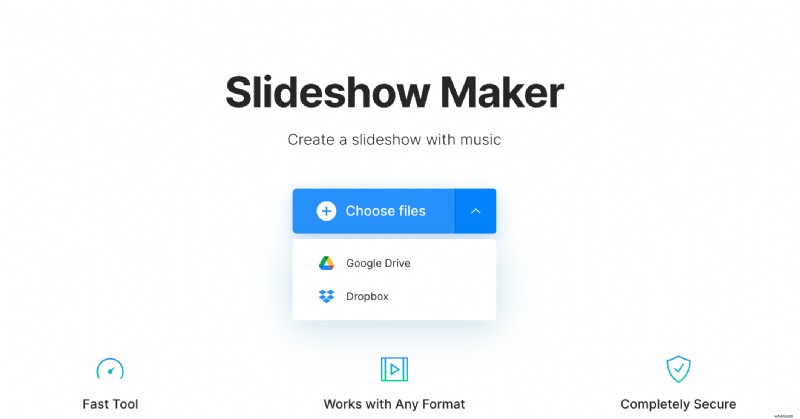
Open Clideo’s Slideshow Maker and hit the “Choose file” pane to upload photos from your personal device. You may also call the drop-down menu on the right and select them from Google Drive or Dropbox.
Add more files and adjust slideshow
Add more visuals, using any of the above mentioned methods or just drag & drop them to the timeline below the player. You may select pictures, videos or GIFs.
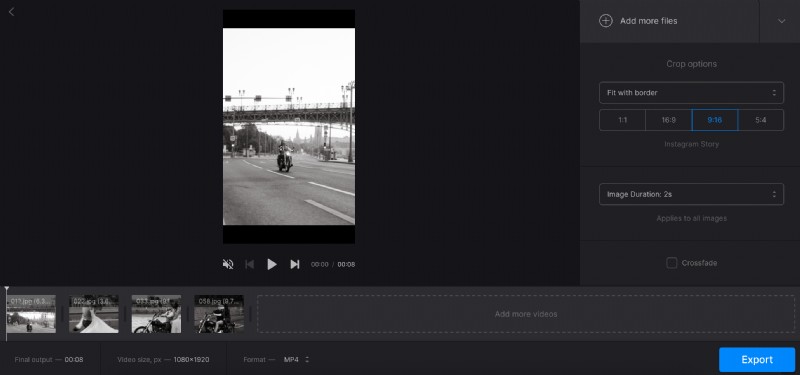
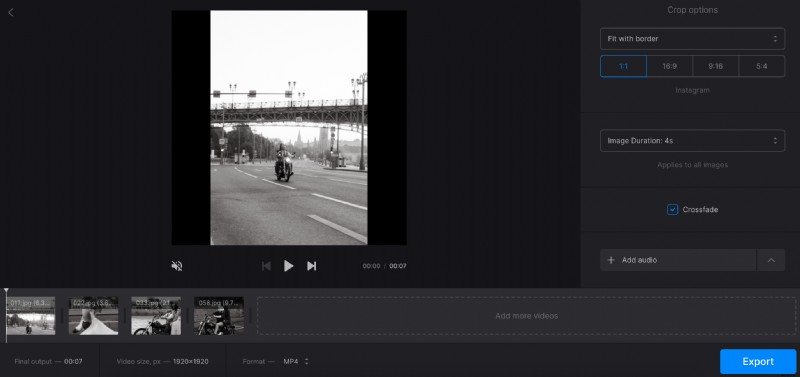
Decide on a crop option and aspect ratio preset. Hints below the pane will help you to select the right one depending on your preferable social medium. Try different combinations to find the one you like most.
Set the image duration. If your slideshow consists of several static pictures, this setting will be applied to all of them equally.
Add music
You may upload any audio track from your personal device or cloud storage account, exactly the same way as video files and images.
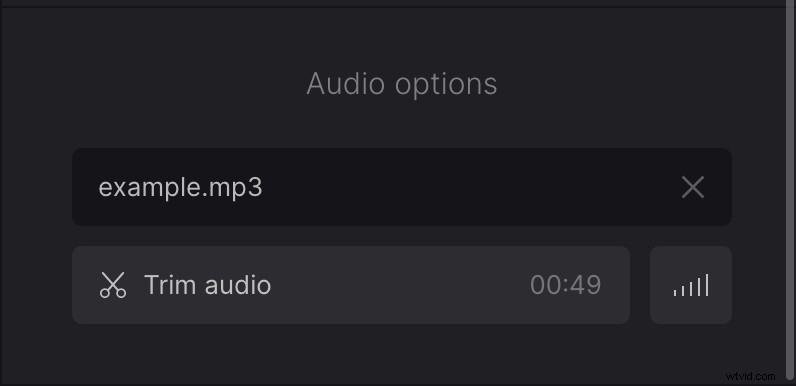
Hit the scissors sign to trim the track as you need by setting the timing manually or by moving the sliders. If the sound is shorter than the footage, click on the infinity sign next to the volume bar to loop it. Then adjust the volume.
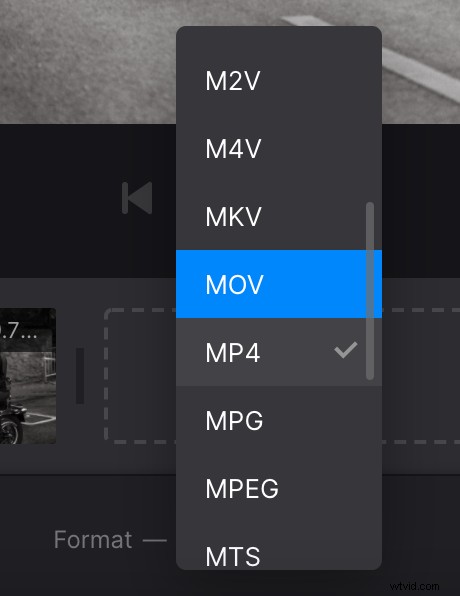
Don’t forget to select the output format before processing. Clideo offers 23 different video extensions, but if you’re going to post your slideshow online, stick to MP4 or MOV.
Then hit the “Export” button and let the tool turn your miscellaneous files into one smooth video.
Save the project
Give your slideshow a final run and save it to your Mac. You may also import it to Google Drive or Dropbox. If you think that it’s still imperfect, hit the “Edit” arrow.