
Make a slow-motion video on Android
This underrated visual effect allows you to put a stress on the best moments, focus on the tiniest details, and attract the viewers’ attention.
Enhanced in such a way video is very likely to collect more likes on Instagram, Facebook, or any other social medium and make you an awesome blogger!
Luckily, to apply this effect you don’t have to rummage in Google Play in a desperate try to find a slow-motion video app for Android, as there is a handy online editor by Clideo! It’s free, user-friendly and enables you to convert a video to slow motion on Android, iPhone, PC, and Mac.
Upload your recording
Open Speed Changer by Clideo in your preferred browser. Upload files from your camera roll by clicking the “Choose file” button.
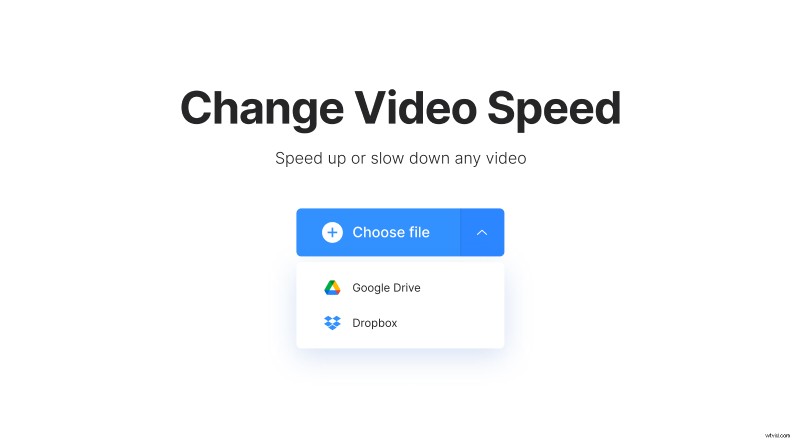
If you want to edit a video from an online resource, call a drop-down menu. Choose one of two options: import a clip from Google Drive or Dropbox cloud storage.
Change the video speed
Choose one of the 6 ready presets on the right side of the player: you can make the shooting up to four times slower than the original. There is also an option to set the speed manually by moving the slider above.
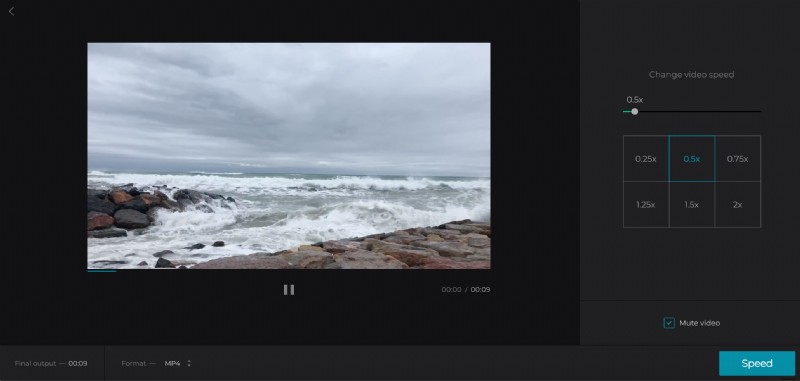
Tick the “Mute Video” box if you need your clip to be silent or want to add a new sound later.
Don’t forget to choose the output format – or just keep the initial one.
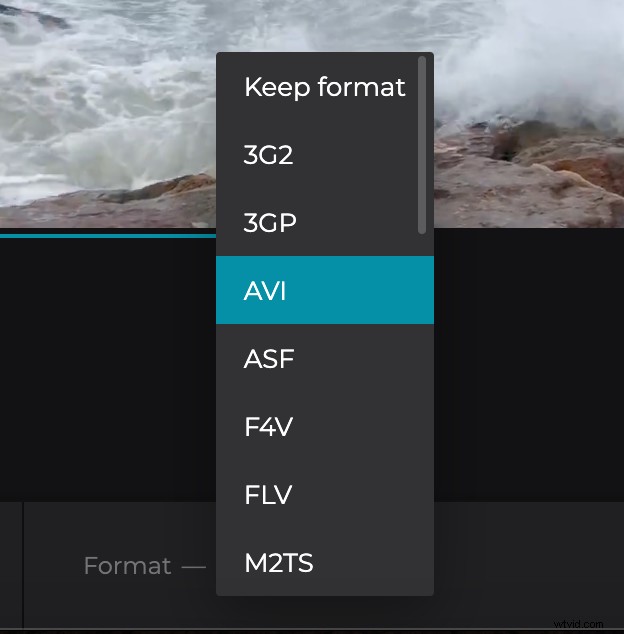
When you’re done, click “Speed” and wait a little.
Download the result
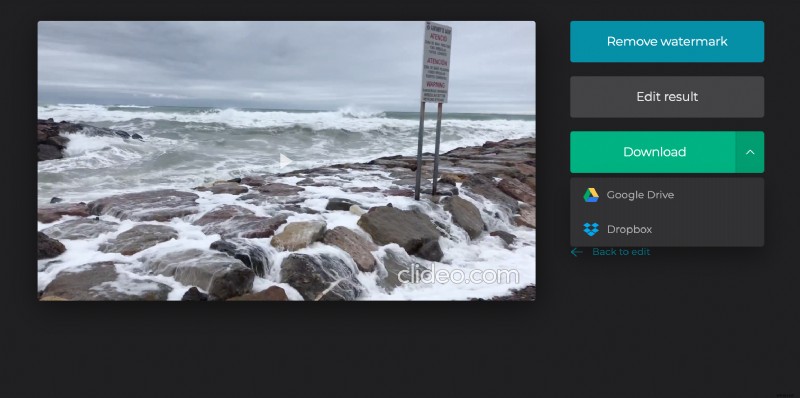
Play the slowed-down video to have a preview. If it looks impeccable, save it to your personal device, Google Drive, or Dropbox. If it doesn’t – just click the “Back to edit” arrow and make it better!