
Even in times like these, the show must go on. Let’s have a look at the video collaboration apps that creatives use while working from home.
Previously, PremiumBeat explored a round-up of video collaboration apps for remote filmmakers. Since then, we’ve reached out to working creatives from Los Angeles and Seattle to Dallas, to understand the value such collaboration tools provided in normal conditions, and how it’s been key to getting the job done now. The ability to provide timely feedback and paste notes, paired with a solid and secure technical platform, are important components in choosing a solution. From speed to convenience, these apps below have proven their worth.
ProMax System
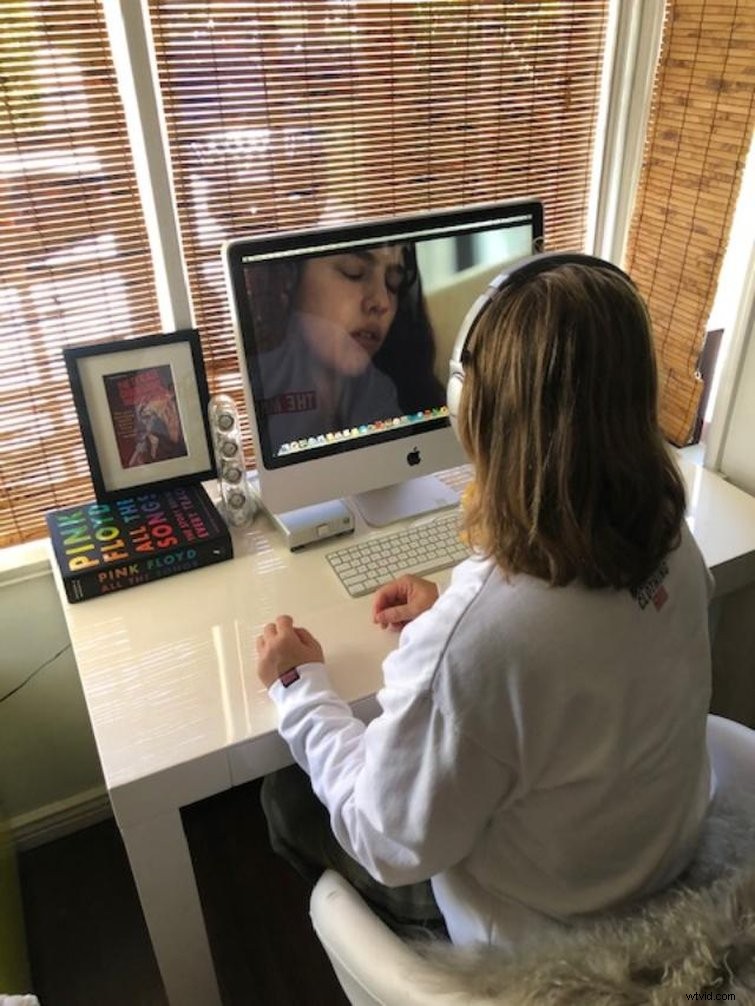
President and Senior Post Producer Christina Price of Bundle Productions and CFO of Bruiser LLC (based in Los Angeles) has had a long career working in post-production. Before the crisis, she had just begun to depend on various video collaboration apps with initial reluctance, but soon became a believer.
She had this to say about a recent experience with ProMax System at an editorial house in Culver City.
Whereas Price experienced using these apps with a team of support in the office, we wanted to get a perspective on the transition from the work office to the home office.
Kollaborate
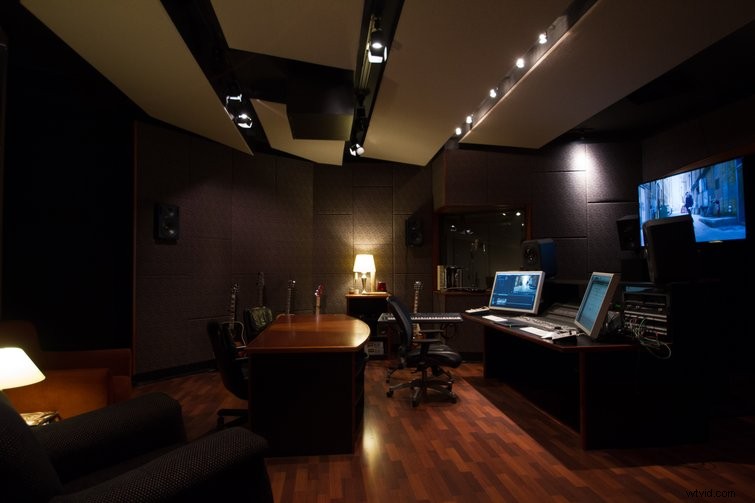
Seattle’s FreshMadeMedia is a production and post company based in Seattle. They make music, create graphics, edit commercials, and mix everything from ads to feature length films to VR ambisonic experiences.
PremiumBeat got the low-down from FreshMadeMedia’s Studio Director, Caleb Couch, on their use of Kollaborate and how it helped their workflow before and after the lockdown.
Screenlight
The team at FreshMadeMedia had been working with a collaboration system for years before they transitioned to working remotely, but many are finding this process a brave new world.
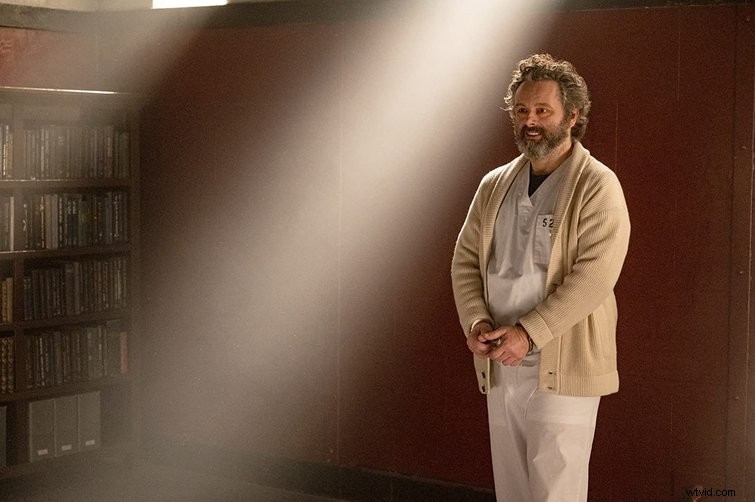
Prolific film and television composer, Nathanial Blume, is currently working on the Fox Network crime series Prodigal Son in Los Angeles. He hadn’t used a video app as part of the workflow until this lockdown and shared his recent experience using Screenlight.
Frame.io
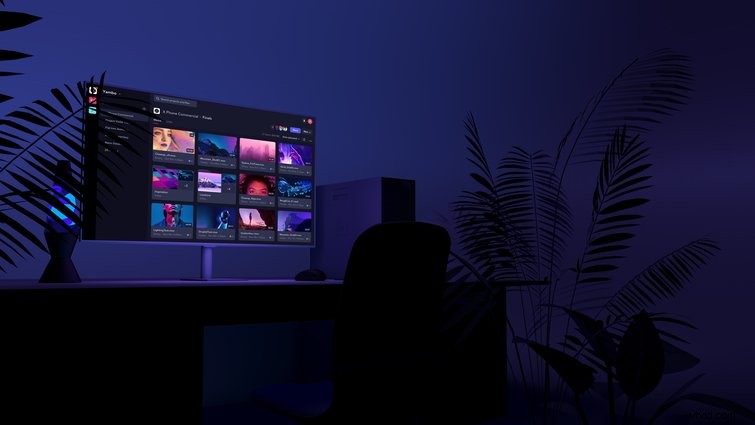
At 900lbs in North Dallas — an interactive design agency — Video Editor Emmar Grant found Frame.io to be an invaluable resource to working remotely even when it was a work choice and not a national necessity.
After gaining feedback from producers, editors, and composers, it’s clear that whatever role you play in the creative process, a clean and dependable way of communication and collaboration is key to a successful production.
Continue reading about collaboration during the lockdown:
- The 5 Best Collaboration Apps for Remote Filmmaking Teams
- The 7 Best Short Films to Come out of Quarantine (So Far)
- 5 Tips for Project Managing a Video Edit Remotely