
Best Tools To Create Blend Image Collage
An easy yet powerful editor
Numerous effects to choose from
Detailed tutorials provided by the official channel
When crafting a photo collage, perfect blending of images is essential for a polished finish. Although placing images side‑by‑side seems simple, it demands careful arrangement and subtle edits to produce a visually striking frame. A reliable collage maker can streamline this process.
Many tools boast impressive claims, but few deliver on them. To simplify your selection, we’ve highlighted the most dependable options below.
In this article
Part 1: Top Blend‑Collage Maker Tools
Below is a roundup of the five best tools for creating blended photo collages.
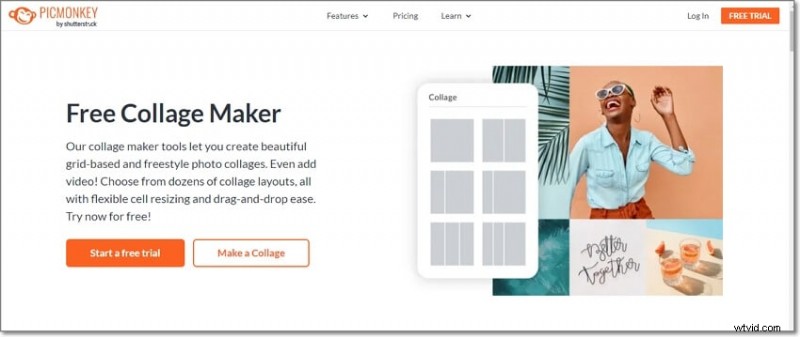
01 PicMonkey
PicMonkey, a free service from Shutterstock, lets you blend images—both photos and videos—into freestyle or grid‑based collages.
Key features
- Freestyle grid blending with images and videos
- Wide range of customizable layouts
- Flexible cell resizing for seamless blending
- Drag‑and‑drop interface
- Optional graphics, text, and effects
- Free stock photos and videos included
02 Photo Collage Maker
This integrated mask tool supports image blending to produce impressive collages quickly.
Key features
- Intuitive, user‑friendly interface
- Blend collages in a few simple steps
- Over 100 themed templates
- Enhance with masks, clip‑arts, captions, and effects
- Export in JPEG, PNG, GIF, and TIFF

03 Blend Collage Free (Android)
Developed by KDN Soft, this free Android app blends images in HD and offers a quick, easy interface.
Key features
- High‑definition image blending
- Share directly to Instagram, Facebook, and more
- Simple, fast workflow
- Import photos from device, camera, or built‑in stock collection
- Decent editing options included

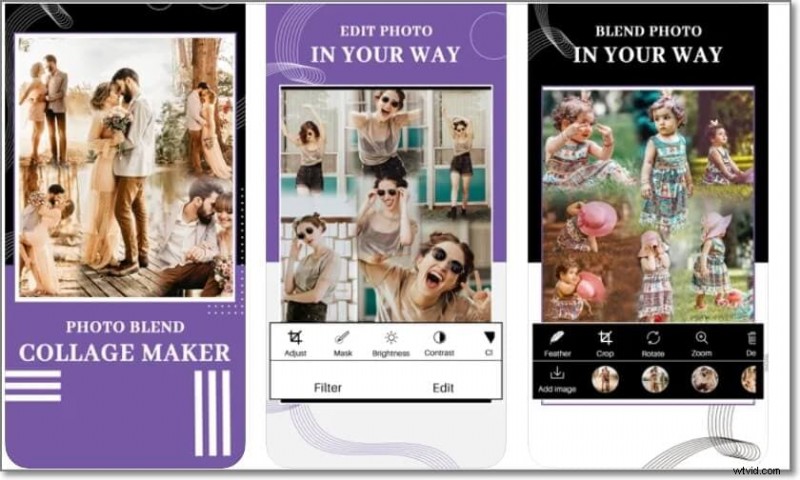
04 Photo Blend (iOS)
With a 3.6‑star rating, Photo Blend offers iOS users a solid blend‑collage experience.
Key features
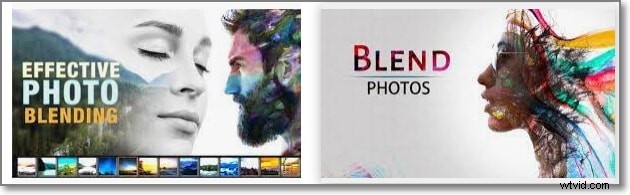
- Blend multiple images into a single collage
- Create double‑exposure effects
- Extensive filter library
- Share with friends and family
05 Blend Collage Photo Editor
For those seeking a free tool with robust shape options, this editor delivers.
Key features
- Completely free for blending collages
- 50+ custom shapes for cropping
- Multiple filters available
- Free‑hand cropping supported
- Export or share via Twitter, Facebook, and other platforms
Part 2: Best Tool for Stock Media & Video Editing – Wondershare Filmora
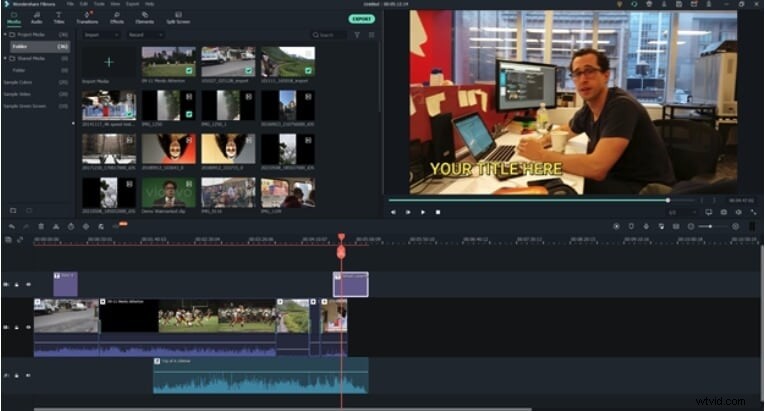
Many blend‑collage makers allow video insertion, making a reliable video editor essential. Wondershare Filmora, available for Windows and macOS, offers both basic and advanced editing features. It handles nearly every file format quickly and includes a vast library of stock media.
Filmora’s additional capabilities—split‑screen creation, advanced edits, audio mixing—make it ideal for polishing videos before adding them to a collage. Learn more on Filmora’s official site.
Key Takeaways
- Blend collages let you merge images for smooth, engaging visuals.
- Online, desktop, and mobile tools are available to create photo blend collages.
- For professional video editing and media libraries, Wondershare Filmora stands out.