
8 Free Video Collage Tools for Photo & Music Mixes
Build captivating photo collages with background music using these intuitive, feature‑rich editors—no advanced skills required.
Choose from templates, built‑in stock libraries, and guided tutorials to produce polished videos in minutes.
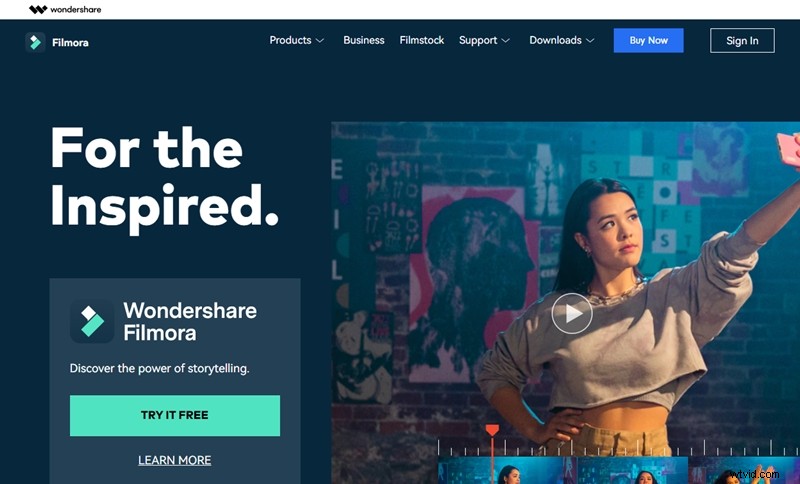
01 Wondershare Filmora Video Editor
Filmora is a professional‑grade video editor that packs everything you need to assemble a music‑enhanced photo collage. With Filmora V11’s Stock Media library, you can instantly access thousands of royalty‑free photos, video clips, and audio tracks, streamlining the creation process.
Start by selecting a pre‑built collage template or create a custom timeline, then layer your images, apply transitions, and sync music to bring the story to life.
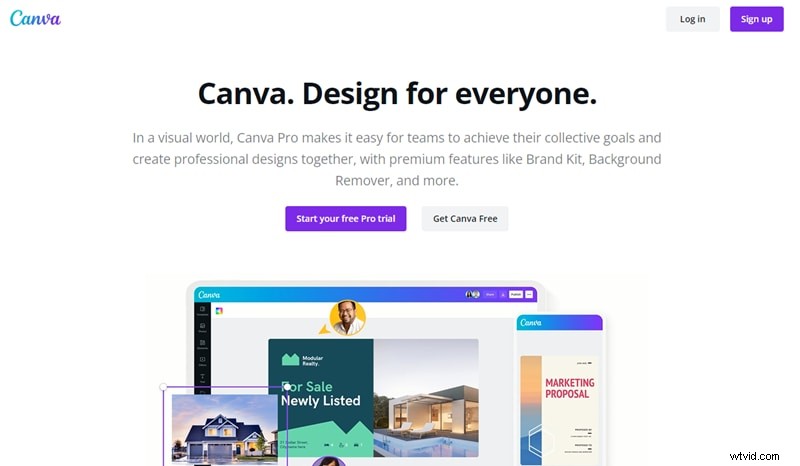
02 Canva
Canva’s visual editor is best known for graphic design, but its timeline feature turns it into a versatile collage maker. While Canva’s core product is free, the Pro subscription unlocks advanced collaboration tools and an expanded media library—ideal for professional projects.
Drag and drop your photos into a multi‑slide layout, add music from Canva’s audio library, and publish the result as a video file.
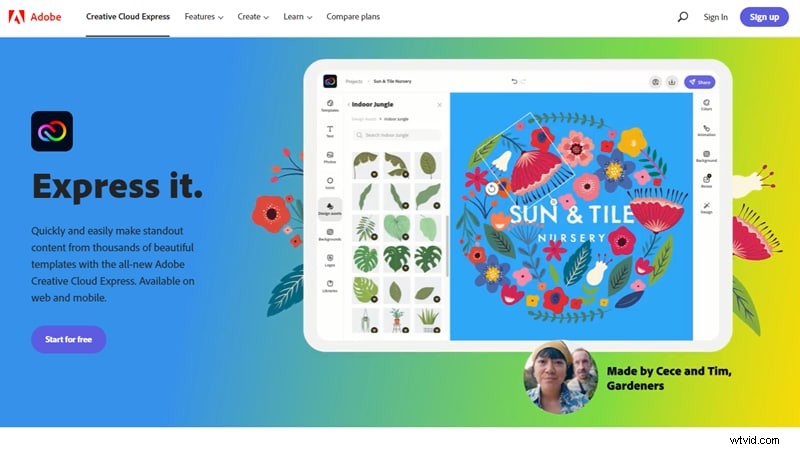
03 ExpressIt
ExpressIt is Adobe’s lightweight companion to Canva, available both online and as a mobile app. It features a built‑in stock media library and a free‑style mode that lets you craft a collage exactly the way you envision.
Most features are free, but unlocking premium assets requires a subscription. The platform’s drag‑and‑drop interface makes it easy to layer photos, music, and text.
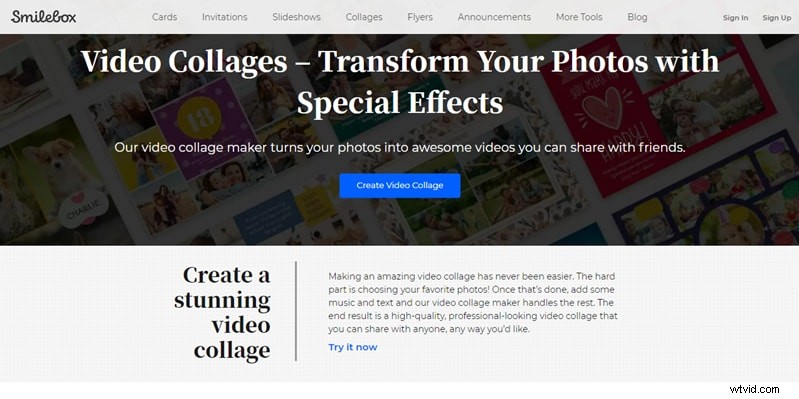
04 Smilebox
Smilebox specializes in automated video collages. After signing up, simply upload your images and let the tool generate a polished video with optional background music.
Its web‑based workflow means you can start and finish a project from any device with an internet connection.
05 Fotojet
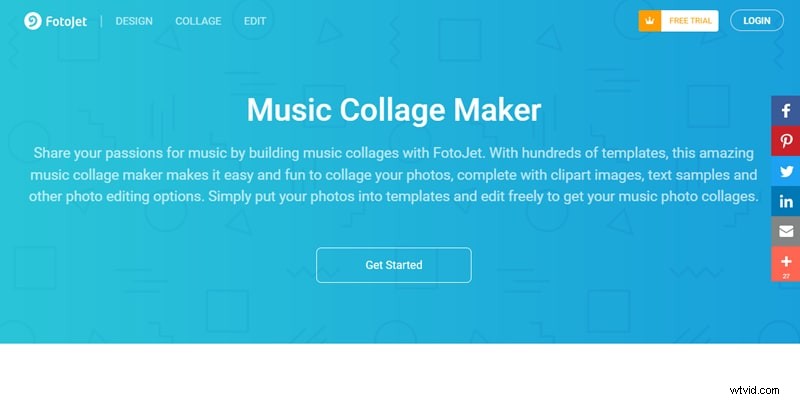
Fotojet offers a straightforward online collage maker that supports photo‑only and photo‑plus‑audio projects. Select a layout, insert images, add music, and decorate with text or stickers before exporting as a video.
While it isn’t entirely free, a trial version lets you test the platform for small projects.
06 Vimeo
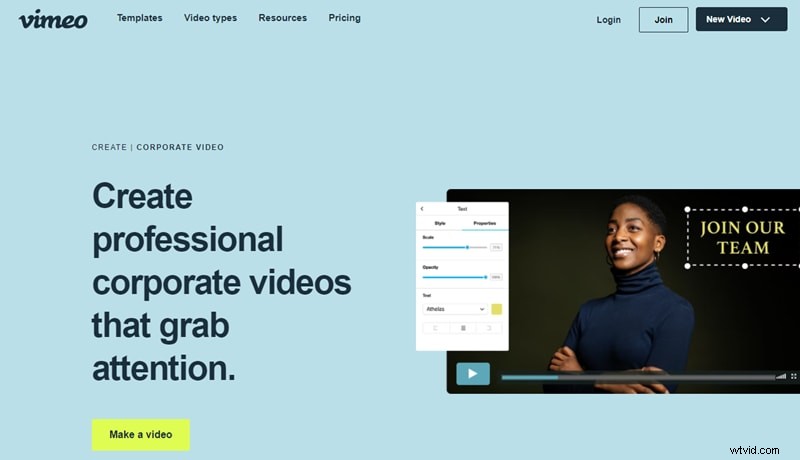
Vimeo’s online editor is a favorite among entrepreneurs for its robust template library and resource hub. Creating a music‑enhanced photo collage is similar to other tools: upload photos, choose a template, add music, and adjust the timeline.
It offers a free trial with certain premium features locked behind a subscription.
07 Kapwing
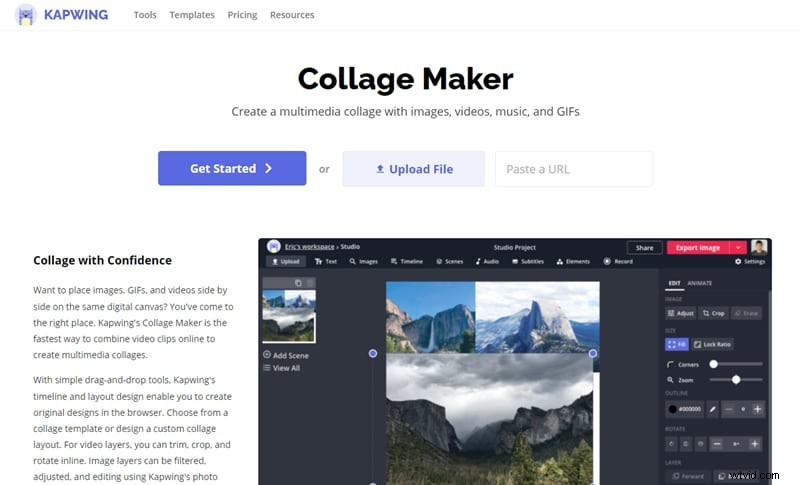
Kapwing’s cloud‑based editor features ready‑made collage layouts and a rich media library. Its flexibility allows you to mix photos, videos, GIFs, and music into a single, cohesive video.
Customization options let you fine‑tune transitions, timing, and audio levels.
08 VEED.IO
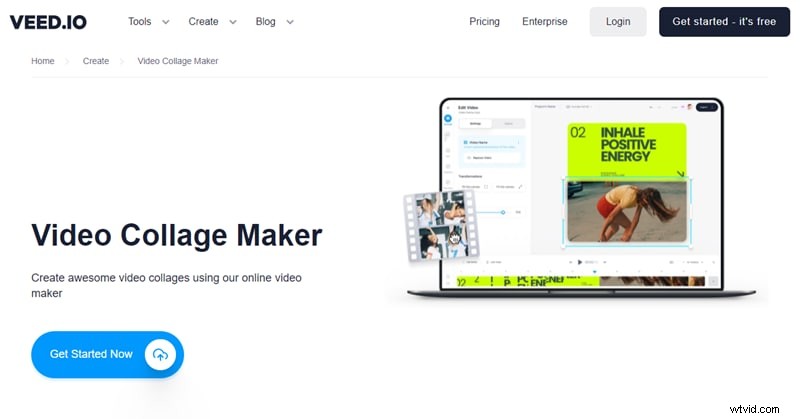
VEED.IO offers a comparable collage workflow with customizable templates and an intuitive timeline. Like Kapwing, it supports photo, video, GIF, and audio layers, making it simple to craft a music‑driven collage.
It is free to try, though premium features require a subscription.
Key Takeaways
- Photo collages are an engaging way to preserve memories—now enhanced with motion and music.
- Modern tools let you combine still images, video clips, GIFs, and audio into a single shareable video.
- Digital picture frames with built‑in speakers can display your music‑powered collages in the living room.