
2024 Guide to the 8 Best Photo Collage Apps for PC
Discover a curated selection of photo collage tools that blend ease of use with powerful features.
Choose from a variety of effects, layouts, and tutorials to elevate your projects.
Our guide includes both downloadable software and web‑based solutions.
While many collage makers are free, the right choice depends on your workflow and desired features. We’ll walk you through each option so you can find the perfect fit.
Additionally, we’ll explain why photo collages are a valuable creative asset for both personal and professional use.
In this article
Part 1: Why Use Collage Software?
Collage software simplifies the process of combining images, videos, and graphics into a cohesive visual story. Unlike traditional collages that require glue and physical cutting, digital tools let you drag, drop, and edit everything within seconds.
Key benefits include:
- Rapid layout selection and automatic alignment.
- Rich libraries of text, stickers, and frames.
- Easy integration of videos and GIFs.
- High‑resolution exports suitable for print and web.
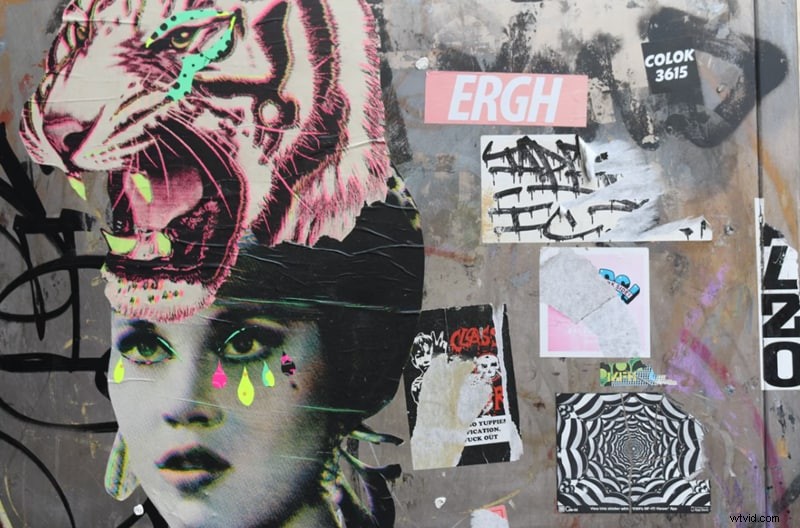
Part 2: The Best 8 Free Collage Makers at a Glance
Below is a concise overview of eight free photo collage tools for PC, each with unique strengths. Read the specifications and key reasons to choose one.
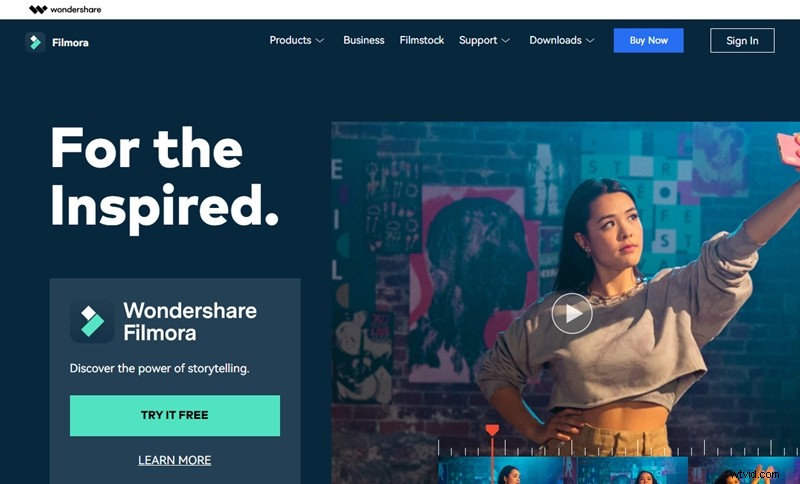
01. Wondershare Filmora Video Editor
Specifications: Windows 7/8.1/10/11 (64‑bit only)
While Filmora is primarily a video editor, it offers robust collage features via its Stock Media library, ready‑made layouts, and creative overlays.
Why it stands out:
- Direct access to a vast Stock Media library.
- Pre‑built layouts for instant projects.
- Extensive font, sticker, and filter options.
- Advanced video editing tools for dynamic collages.
02. Express It
Specifications: Online (Adobe‑backed)
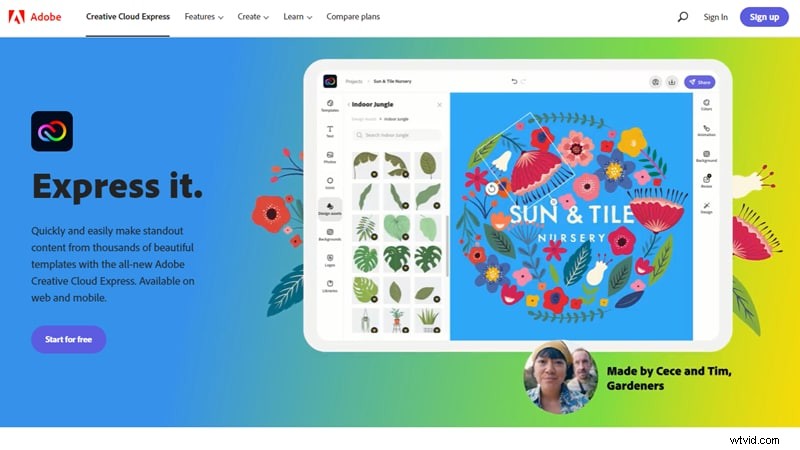
Express It is a web‑based collage maker that delivers a powerful resource library and a “Free‑Style” mode for fully customized designs.
Why it stands out:
- Extensive library of stickers, clipart, and images.
- Template gallery for quick starts.
- Free‑style mode for complete creative freedom.
03. Fotojet
Specifications: Online
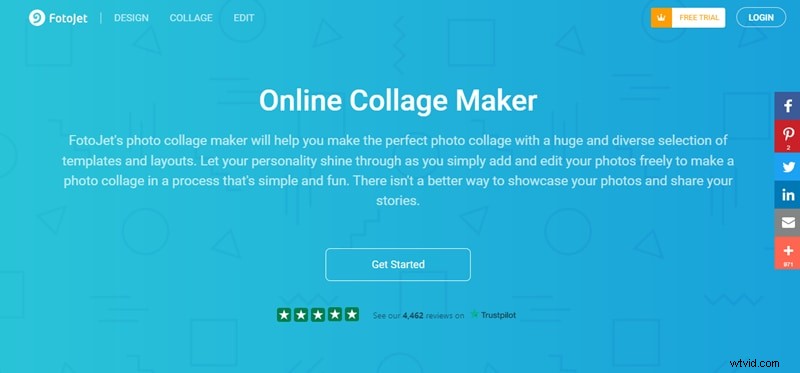
FotoJet blends photo editing with collage tools, making it ideal for social media visuals and project presentations.
Why it stands out:
- No download required; instant access.
- Hundreds of layout templates.
- Full editing suite: text, clipart, and more.
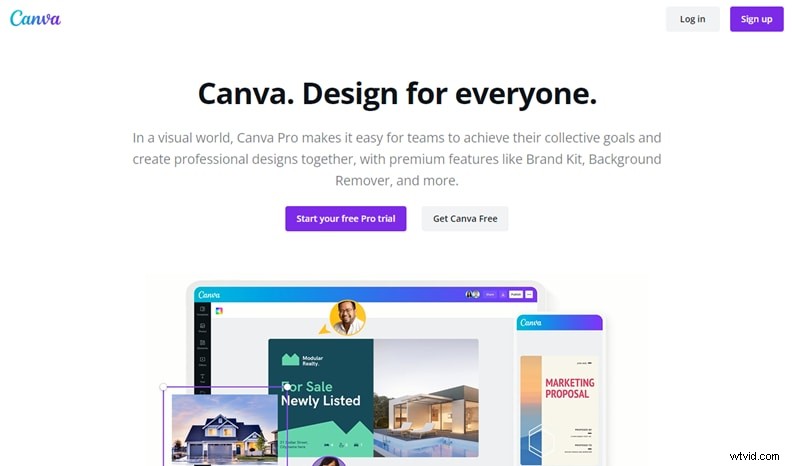
04. Canva
Specifications: Online (Canva Pro optional)
Canva offers a vast resource library and templates beyond collages, including posters, infographics, and ads.
Why it stands out:
- Premium Pro resources for richer designs.
- Expanded photo‑editing tools in Pro version.
- Template variety for every project type.
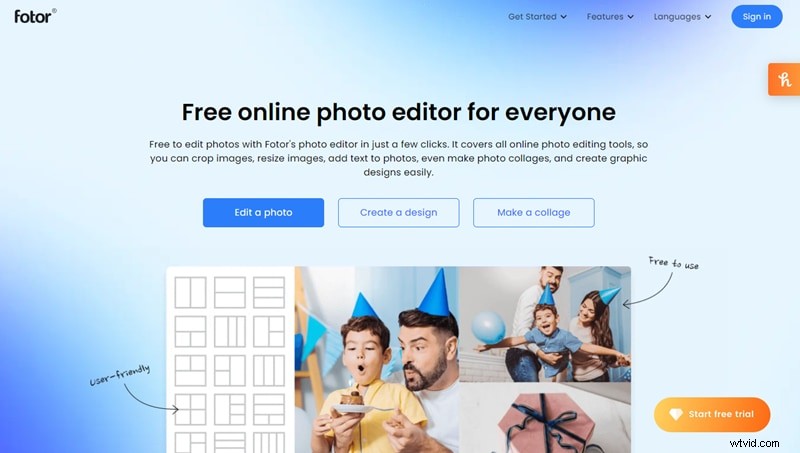
05. Fotor
Specifications: Online
Fotor provides grid layouts and advanced photo‑editing functions, ideal for event memories or professional projects.
Why it stands out:
- Pro version unlocks additional layouts and editing features.
- Intuitive grid system for rapid creation.
- No installation required; quick sign‑up.
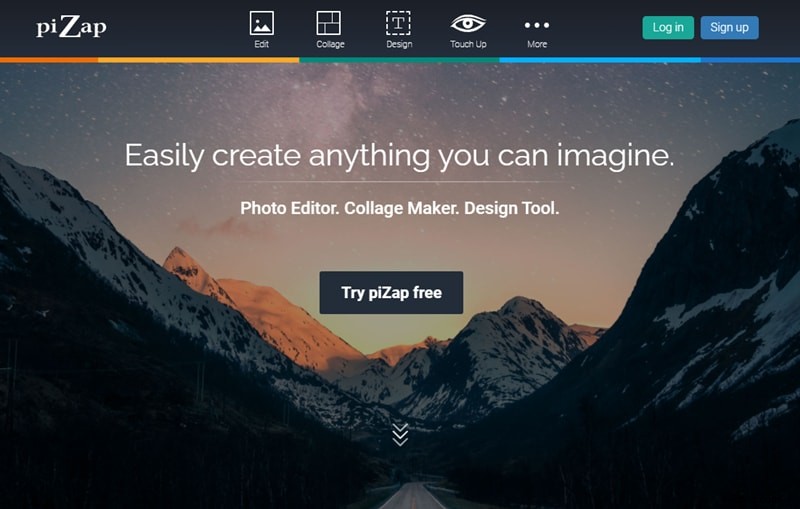
06. PiZap
Specifications: Online
PiZap offers a straightforward interface and essential collage grids, making it suitable for beginners.
Why it stands out:
- Variety of collage grids.
- Easy‑to‑use editing tools.
- Intuitive UI designed for novices.
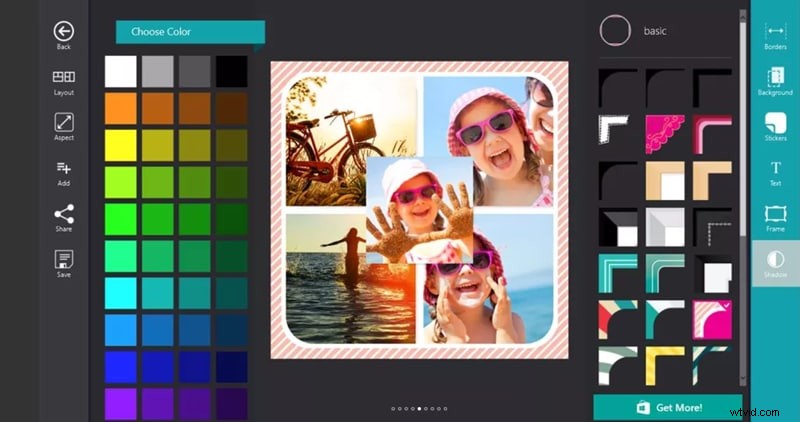
07. Phototastic Collage
Specifications: Windows 10
Phototastic Collage is a dedicated Windows app that delivers simple yet effective collage creation.
Why it stands out:
- Native Microsoft app with a clean UI.
- Multiple grid layouts.
- Customizable borders and frames.
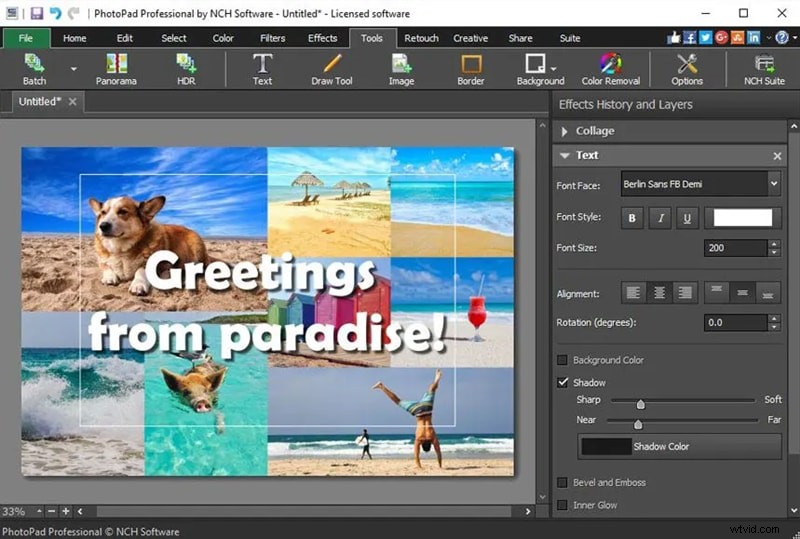
08. PhotoPad
Specifications: Windows XP/Vista/7/8/8.1/10/11
PhotoPad is a versatile photo editor that supports older Windows versions, making it a solid choice for legacy systems.
Why it stands out:
- Compatibility with legacy OS.
- Comprehensive photo‑editing tools.
- Dedicated collage feature for quick layouts.
Final Thoughts
Key takeaways:
- Collage software turns a simple idea into a polished visual narrative.
- Our curated list offers a spectrum of options—from web tools to desktop apps.
- For users seeking a rich resource library, Filmora, Canva Pro, or Express It are top recommendations.