
The Best Tools for Converting Slides to Digital – 2026 Review
In an era where physical slides are becoming rare, preserving precious memories digitally has never been more essential. This guide explores why converting old slides matters, offers a step‑by‑step workflow, and presents the eight best scanners for 2026, selected from user reviews and expert testing.
Why Convert Old Slides?
- Preservation – Protect photos from fading, mold, and physical damage.
- Enhanced Clarity – Modern scanners recover detail lost to age.
- Organization – Digital files are easier to catalog and search.
- Space Saving – Reduce physical clutter while keeping memories intact.
- Sharing – Send photos instantly via email, social media, or cloud services.
- Creative Use – Convert slides into videos, slideshows, or high‑resolution prints.
Step‑by‑Step Digital Conversion
- Set Resolution – Measure slide size and choose a DPI (dots per inch) that matches your output needs. For example, a 35 mm slide scanned at 10 MP yields a 13×9" image.
- Clean Slides – Gently wipe with a lint‑free cloth and anti‑static cleaner to remove dust, mold, or scratches.
- Correct Color – Use built‑in scanner software or third‑party tools like Wondershare Filmora to adjust hue, saturation, and white balance.
- Select a Scanner – Choose a model that supports 35 mm, 110, 126, 127, and Super 8 formats, offering high resolution and fast throughput.
Best 8 Slide‑to‑Digital Converters (2026)
01. Wolverine Titan 8‑in‑1
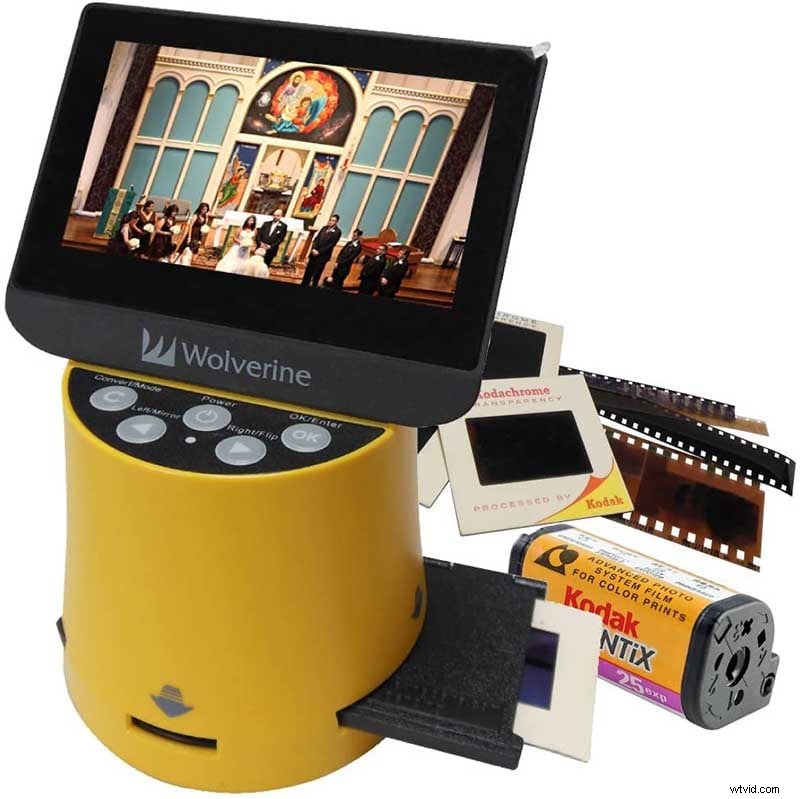
- High‑resolution output
- 4.3‑inch color display
- HDMI‑out jack for instant preview
- Compact, lightweight design
- Fast slide‑adapter loading
- 3 color options, affordable price
02. Digitnow Film Scanner
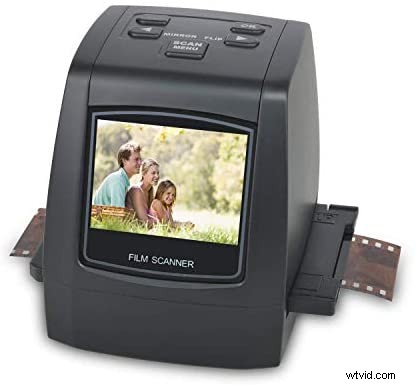
- Standalone unit with small display
- Compatible with TV, PC, or Mac
- Adapter trays for prints and slides
- 1000‑photo capacity via GB memory card
- Included image retouching software
- Soft brush for dust removal
03. Plustek ePhoto Z300
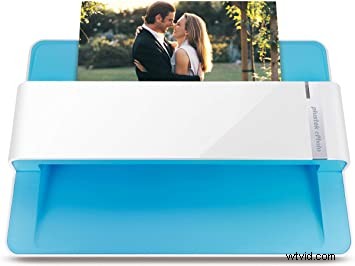
- Fast 6×4" scanning in 2–3 seconds
- Built‑in editor with crop, resize, and filters
- USB connectivity to PC or Mac
- Ideal for bulk digitization
04. Sharper Image Slide and Negative Converter
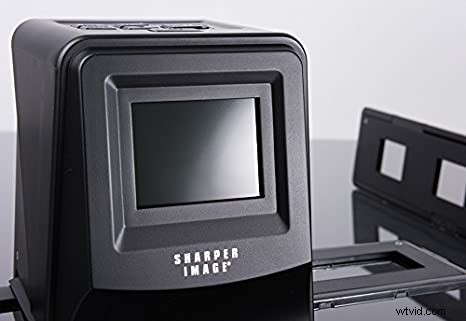
- Lightweight (0.6 lb) device
- 7‑language interface
- Simple, clearly labeled controls
- Cleaning brush and plastic trays included
- Optional SD card purchase required
05. Kodak Scanza Digital Film and Slide Scanner
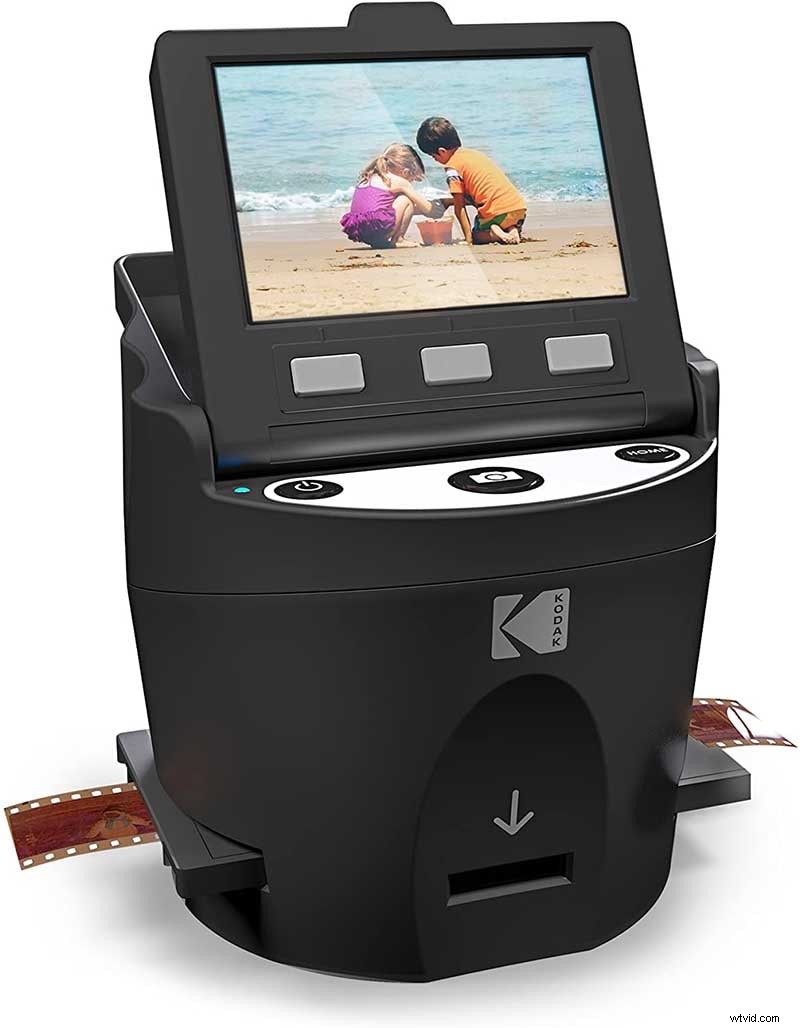
- High‑capacity storage for large collections
- Adjustable brightness and powerful editing tools
- Removable SD slot, USB & HDMI cables, AC adapter
- 6 adapter trays and film cleaning brush included
- 3.5‑inch TFT LCD screen for preview
06. Zonoz FS‑3 22MP All‑in‑1
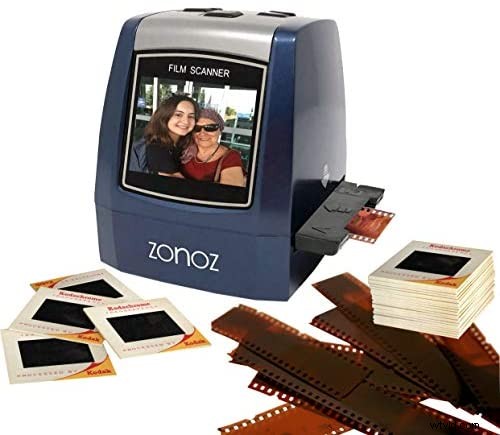
- Supports 35, 110, 126, 127, and Super 8 formats
- 22‑MP output with sharp detail
- Built‑in color display, brightness adjustment, mirroring
- Adapter trays and cleaning brush included
- USB & TV cables, user manual supplied
07. Kodak Mini Digital Film and Slide Scanner
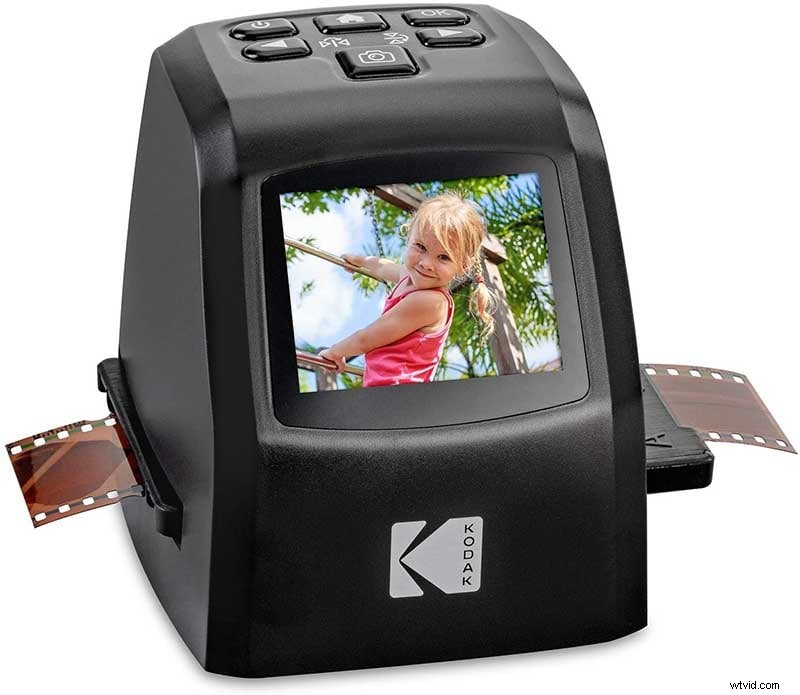
- Portable (1.4 lb), 3.6×3.4×3.9" dimensions
- 4.2/5 user rating, top choice for home digitization
- All‑in‑one with minimal external accessories
08. Magnasonic Fast Scan
- 22‑MP quality, 2.4‑inch LCD display
- Stores up to 100 images per session
- Fast scanning speed, includes film trays
- Compact design for home use
FAQ – Converting Slides to Digital
What can I do with digital slides?
Digital copies allow you to edit, color‑correct, and create videos. Wondershare Filmora Video Editor offers user‑friendly tools for color grading, effects, and soundtrack integration, turning static memories into dynamic stories.
Can alcohol clean film negatives?
Yes – 98% isopropyl alcohol is safe for cleaning negatives. Use a cotton swab, dab lightly, and allow to dry before scanning.
Conclusion
- With the right scanner, you can preserve, enhance, and share your slides at home without professional help.
- Choose the model that matches your format needs, budget, and workflow.
- Pair your digitized images with Filmora to create lasting video memories.