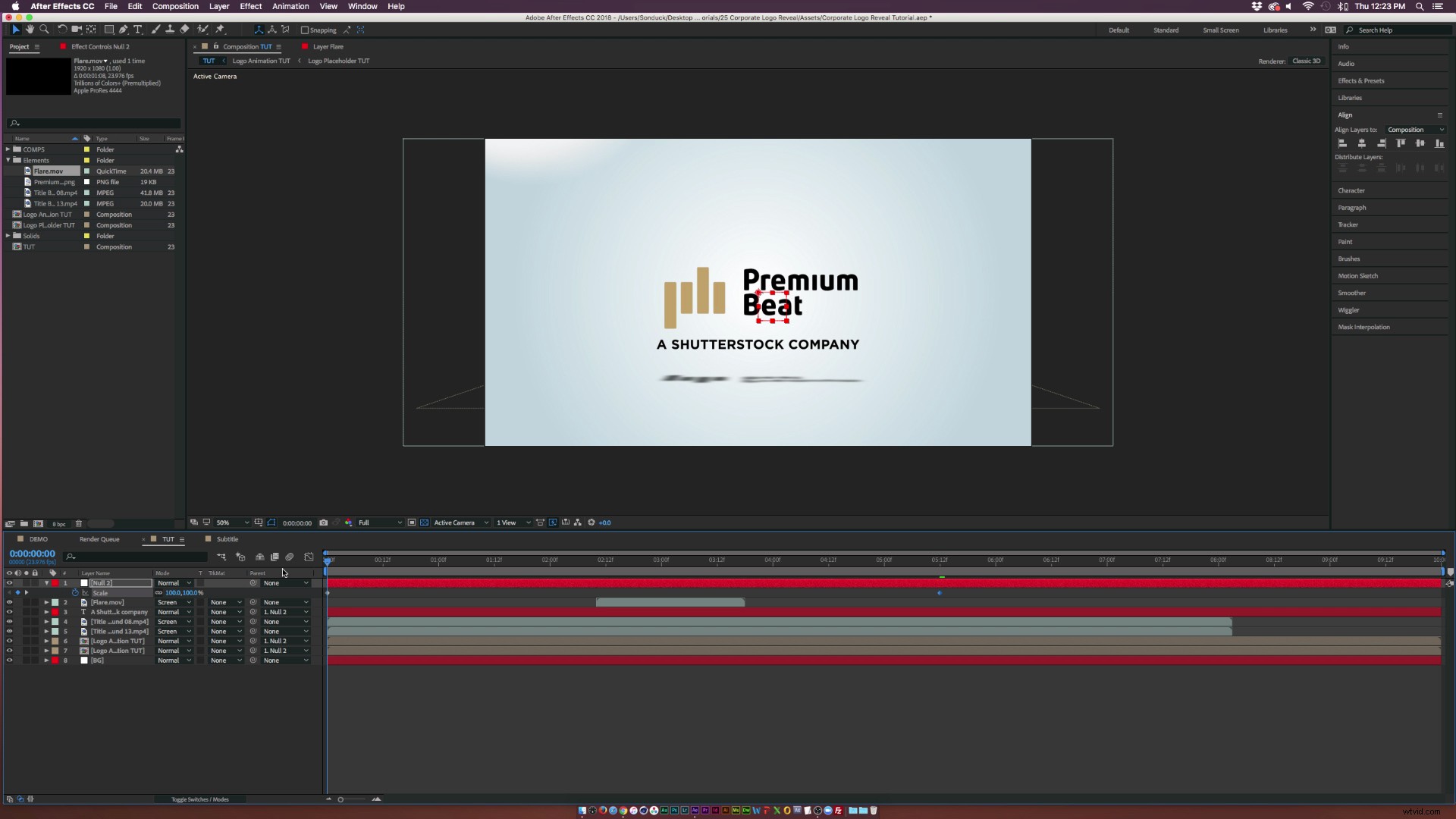
Check out how to instantly spice up corporate logo graphics with these 4 easy techniques.
Corporate videos generally have the same vibe from project to project. The content usually consists of interviews or narration to promote the company in a positive way. Even the opening corporate logo animation is mostly light and simple. If you want to create your own corporate logo animation, here are four techniques to impress your client.
What to Take Away From This After Effects Tutorial
This exciting After Effects tutorial shows you the specifics of putting together a great corporate logo animation by doing the following:
- Creating a unique logo animation by breaking the image into separate layers.
- Setting up your scene for 3D depth.
- Adding easy scale and position animation for your logo and subtitles.
- And finally, using stock and effects to impress your client.
Follow along with a free After Effects project file, which you can download by clicking the button below.
Download Now!
Enjoy the tutorial and good luck!
1. Simple Motion
Try to stay away from complex animation that consists of crazy rotations and big position moves. (Save that for a music video.) Keep the logo animation simple so the viewer can see the logo and subtitle.

2. Create Depth with Shadows
Of course, you may not want a logo on a white background. You can easily create depth by rotating the logo in 3D space and turning it into a light shadow. This will give the animation more character, while maintaining focus on the client’s logo.
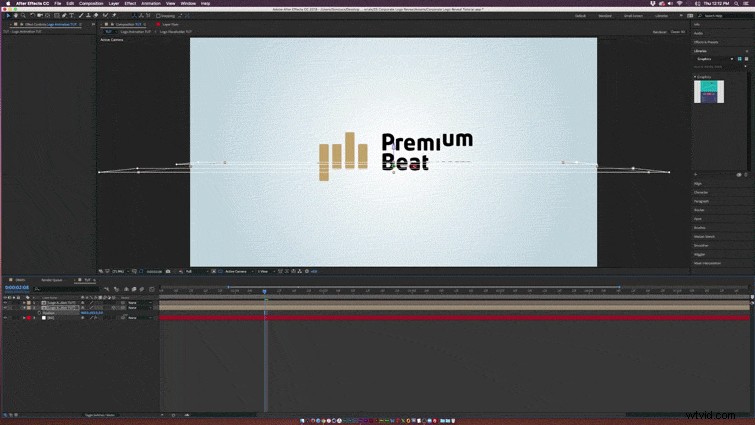
3. Make The Logo Pop with A Light Sweep
You have probably seen the light sweep effect hundreds of times in TV commercials. Adding a light sweep that animates across your text or logo attracts attention from the viewers.

4. Light It Up with Flares
To put the icing on the cake, finish your animation with lens flares. This will bring attention to the entire logo animation and will aesthetically piece together your final product. Need Lens Flares? Check out Radium from Rocketstock.com